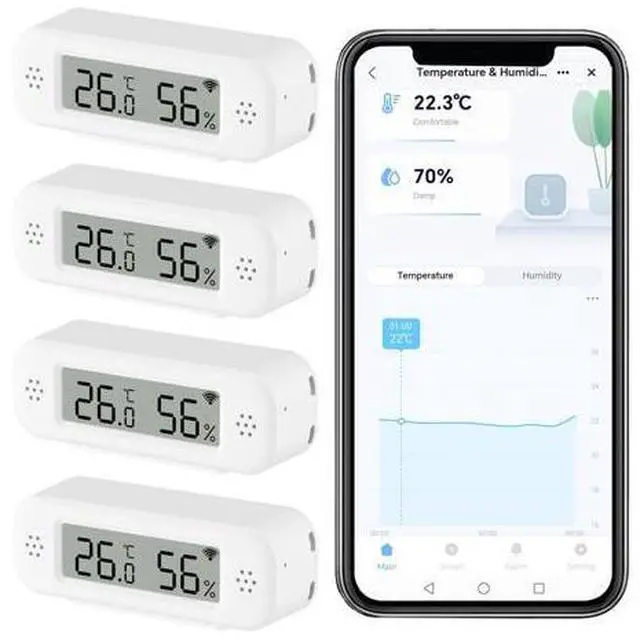
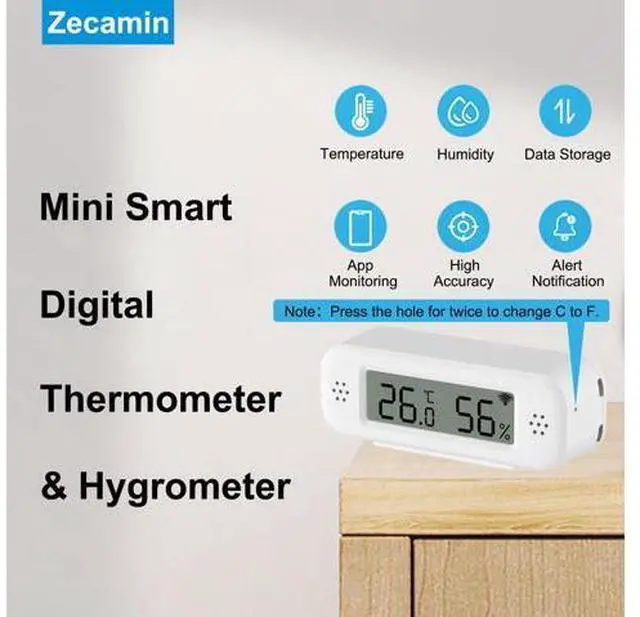
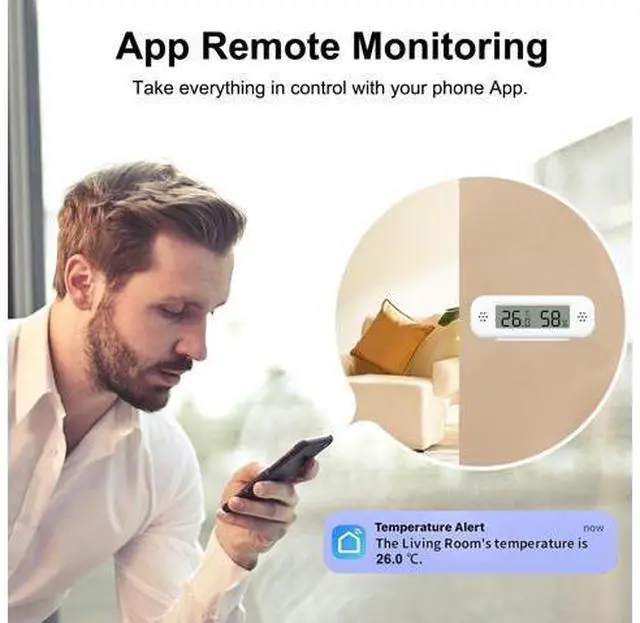
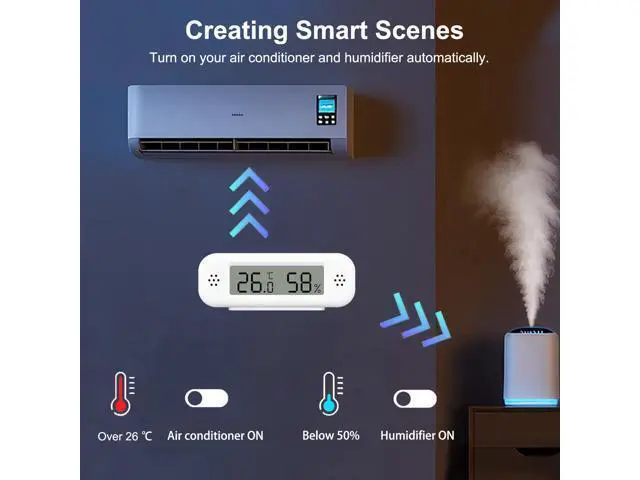
How to Change to Farenheit? 1. Please transfer the to on the Smart Life App. 2. Please use the needle in the box to press the hole at the bottom of the temperature sensor for Twice. Then, it will display Farenheit. How to Create Routines? Please create it through Smart Life App. It means it only support to connect with Tuya Smart devices. The routines can't be created through Alexa App. Smart Digital Thermometer Hygrometer, WiFi Indoor Temperature Humidity Sensor with App Alerts, Mini Room Temperature Meter with Data Storage and Export, Compatible with Alexa.
4PCS Product information Brand Zecamin Special Feature App Companion, Fast Refresh, High Accuracy, Programmable, Wi-Fi Support Age Range (Description) Adult Included Components Battery Outer Material Plastic Display Type LCD Connectivity Technology Wi Fi Power Source Battery Powered Model Name TH02 Pro Number of Batteries 2 AAA batteries required. (included) Item Length 3 Inches Upper Temperature Rating 50 Degrees Celsius Reusability Reusable Style 4PCS Indoor/Outdoor Usage Indoor Smart Home Compatibility Smart Home Compatible Manufacturer Zecamin Item Weight 8.4 ounces Item model number TH02 Pro Batteries 2 AAA batteries required. (included) Date First Available June 4, 2025