• $25.48
  • Free 30-day Returns
  • Ships from China.
    Price alert
    Shop it at NeweggBusiness.

    Meet Your Seller

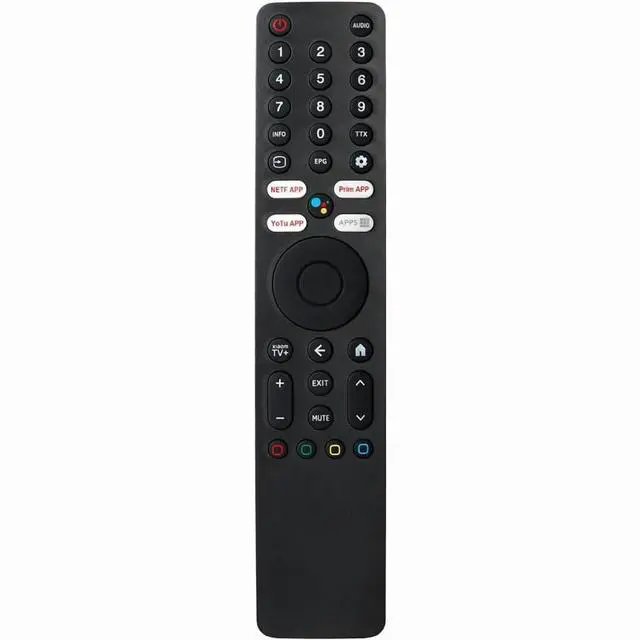
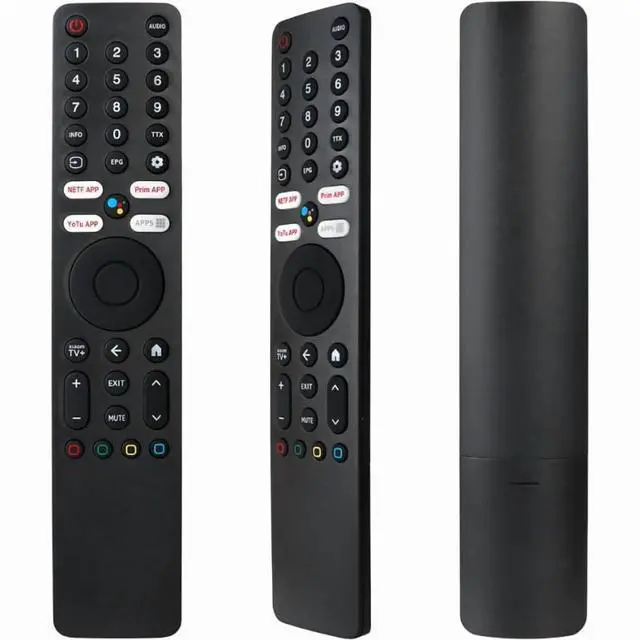
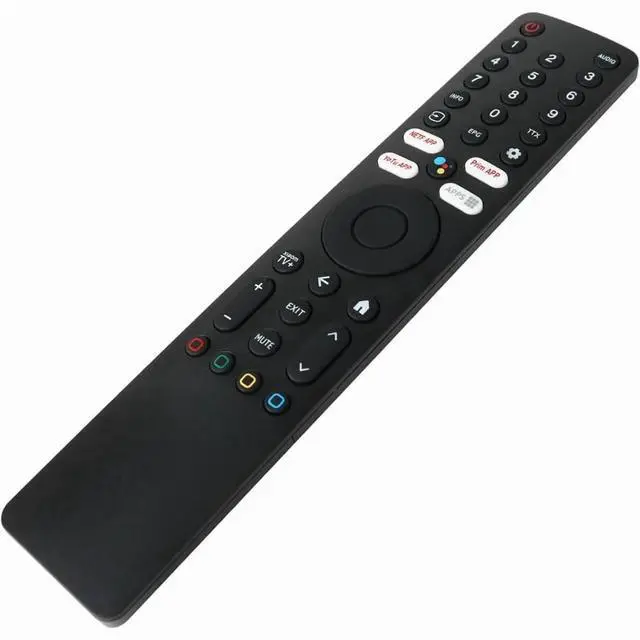
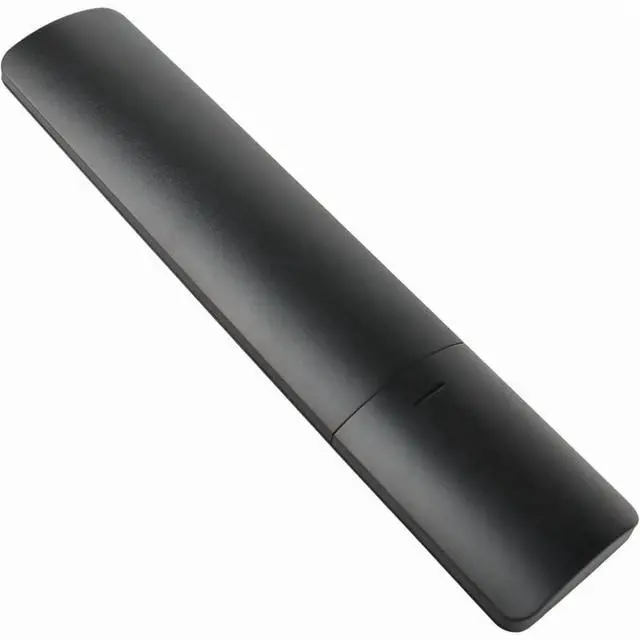
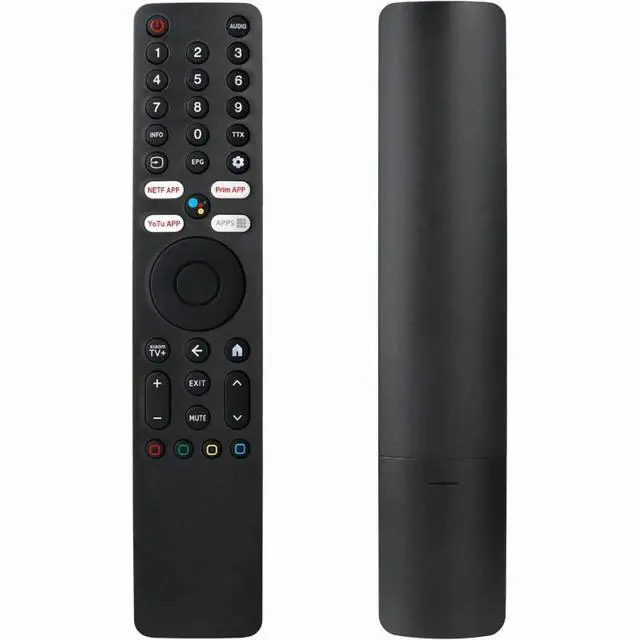
    Voice Remote Control XMRM-ML For Xiaomi Ultra 4K QLED Voice Android TV Remote Control L55M7-Q2ME Q2 2022 L50M7-Q2ME L55M7-Q2ME L65M7-Q2ME, Compatible with Xiaomi MI Smart TV Q2 50/55/65 Inch

    • This XMRM-ML voice remote control is a perfect replacement for your Xiaomi Smart Ultra HD 4K QLED TV remote control. Made with a high-quality ABS shell and sensitive buttons, it's an ideal replacement for your
    • This XMRM-ML voice remote control is a perfect replacement for your Xiaomi Smart Ultra HD 4K QLED TV remote control. Made with a high-quality ABS shell and sensitive buttons, it's an ideal replacement for your
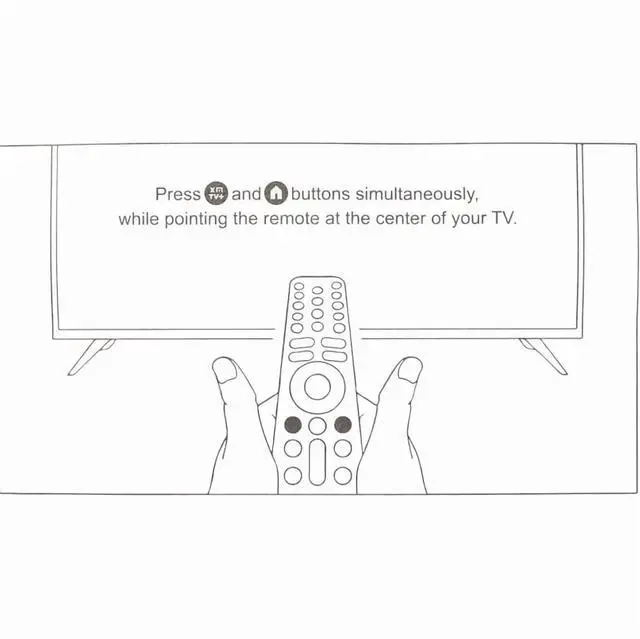
    • Before using the voice function, please pair the remote control with your TV. 1) Press the "On/Off" button to turn on the TV. 2) Then simultaneously press and hold the "Xiaomi TV+" and "Home" buttons for
    • If the voice function is unavailable after pairing, you can try the following pairing method: Pair the remote control in "TV Settings > Remote Controls and Accessories > Remote Controls > Add New Remote
    • This high-quality replacement remote control is made of premium ABS material to meet your needs. The buttons and functions are almost identical to the original remote control. The buttons are soft and easy to
    • Friendly reminder: This remote control has Bluetooth voice functionality
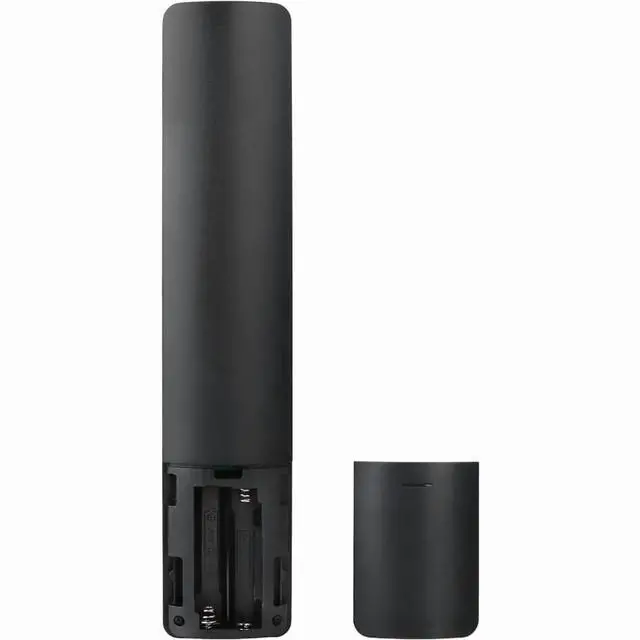
    • please ensure your TV supports Bluetooth. Battery type: AAA batteries (batteries not included).
    +
    +
    Overview
    Specs
    Reviews
    avatar

    Any questions? Our AI beta will help you find out quickly.

    This XMRM-ML voice remote control is a perfect replacement for your Xiaomi Smart Ultra HD 4K QLED TV remote control. Made with a high-quality ABS shell and sensitive buttons, it's an ideal replacement for your old or damaged remote.. This XMRM-ML voice remote control is a perfect replacement for your Xiaomi Smart Ultra HD 4K QLED TV remote control. Made with a high-quality ABS shell and sensitive buttons, it's an ideal replacement for your old or damaged remote.. Before using the voice function, please pair the remote control with your TV.

    1) Press the "On/Off" button to turn on the TV. 2) Then simultaneously press and hold the "Xiaomi TV+" and "Home" buttons for approximately 5-8 seconds to connect. 3) Then check if the voice function is available.
    (Note: Please ensure your Xiaomi TV has not been paired with the old remote control before use. ). If the voice function is unavailable after pairing, you can try the following pairing method: Pair the remote control in "TV Settings > Remote Controls and Accessories > Remote Controls > Add New Remote Control, " and then follow the steps to add the new remote control.. This high-quality replacement remote control is made of premium ABS material to meet your needs. The buttons and functions are almost identical to the original remote control. The buttons are soft and easy to press, and the response is sensitive. It is perfectly compatible with your TV and provides excellent performance..
    Friendly reminder: This remote control has Bluetooth voice functionality. please ensure your TV supports Bluetooth.
    Battery type: AAA batteries (batteries not included).

    Warranty & Returns

    Warranty, Returns, And Additional Information

    Warranty

    • Please contact the Seller directly for warranty information. Warranty information may also be found on the Manufacturer's website.
    • CONTACT

    Return Policies

    Manufacturer Contact Info

    LOADING...