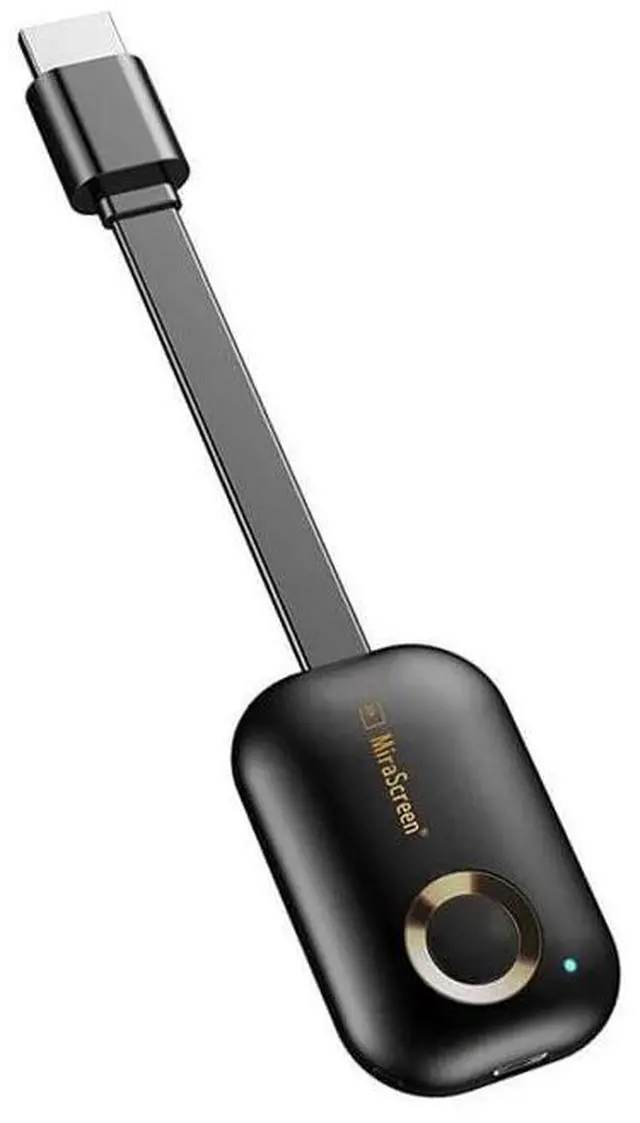
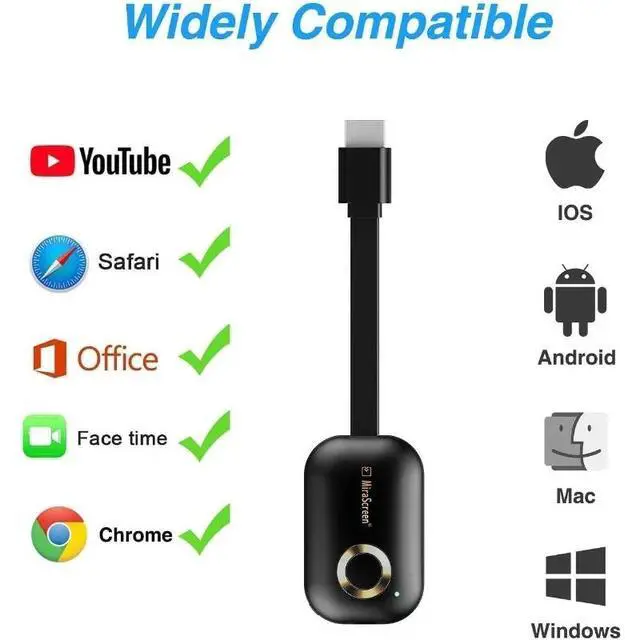
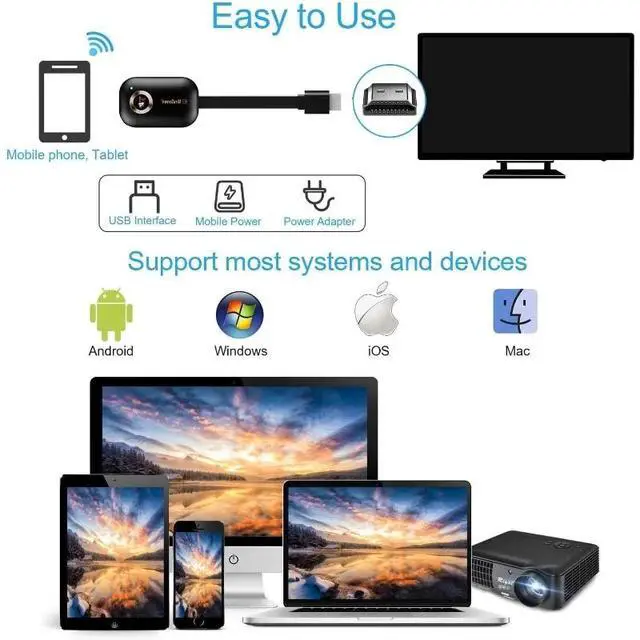
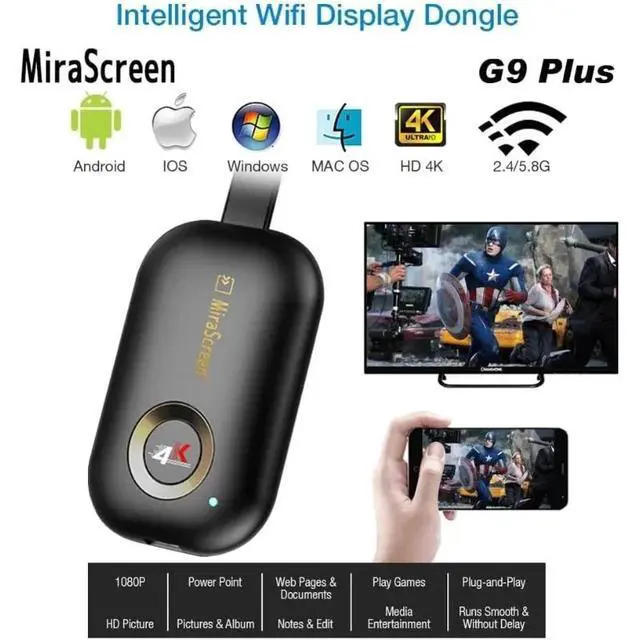
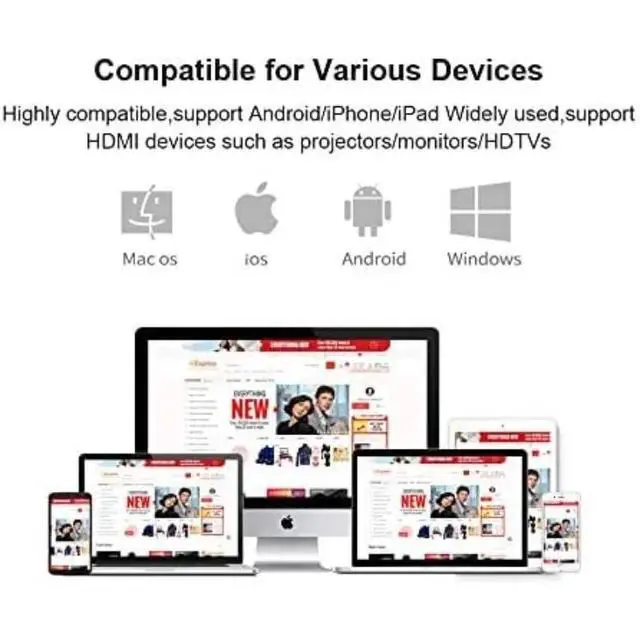
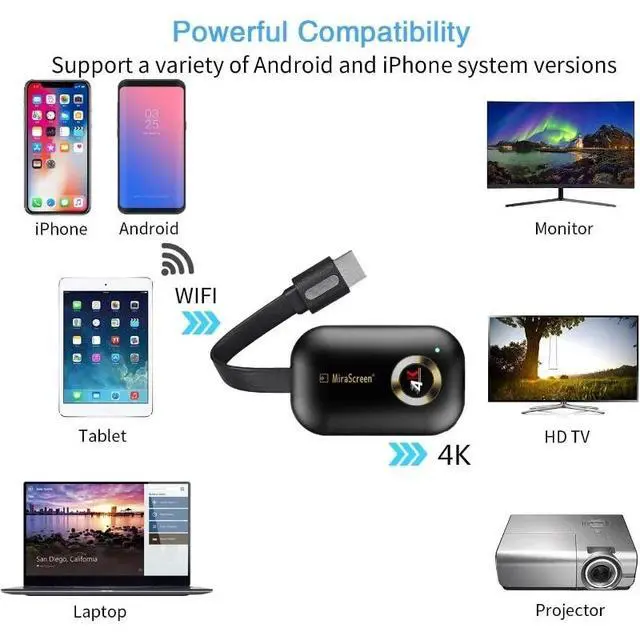
It's equipped with a RAM dual-core chipset. It supports H. 265/HEVC codecs and supports 4K (3840 x 2160) and 1080P resolutions. It supports casting via the Google Home app on Android devices and via the Google Chrome browser on Windows. No need to switch between Miracast and Airplay DLNA modes. Easily mirror your content.. It supports casting via the Google Home app on Android devices and via the Google Chrome browser on Windows. No need to switch between Miracast and Airplay DLNA modes. Easily mirror your content.. [iOS User Settings] b.
Connect Anycast to your iOS device's WiFi list. b. Visit the IP address 192.168. 203.1 in your browser to connect to the WiFi network. c. Verify your phone is connected to the same WiFi network. d. Enable Airplay Mirroring to wirelessly mirror your iOS screen to the TV. You can now view content on your iOS device on the TV.. You can now view content on your iOS device on the TV.. [Android User Settings] Enable Miracast on your Android device and select Anycast to cast your device to the TV.
If you don't know Miracast, you can download the "EZMira" app by scanning the QR code on the screen, then open the "EZMira" app to connect to Anycast and it will guide you. Now your small screen will be mirrored to the big screen.