• $22.48
  • Free 30-day Returns
  • Ships from China.
    Price alert
    Shop it at NeweggBusiness.

    Meet Your Seller

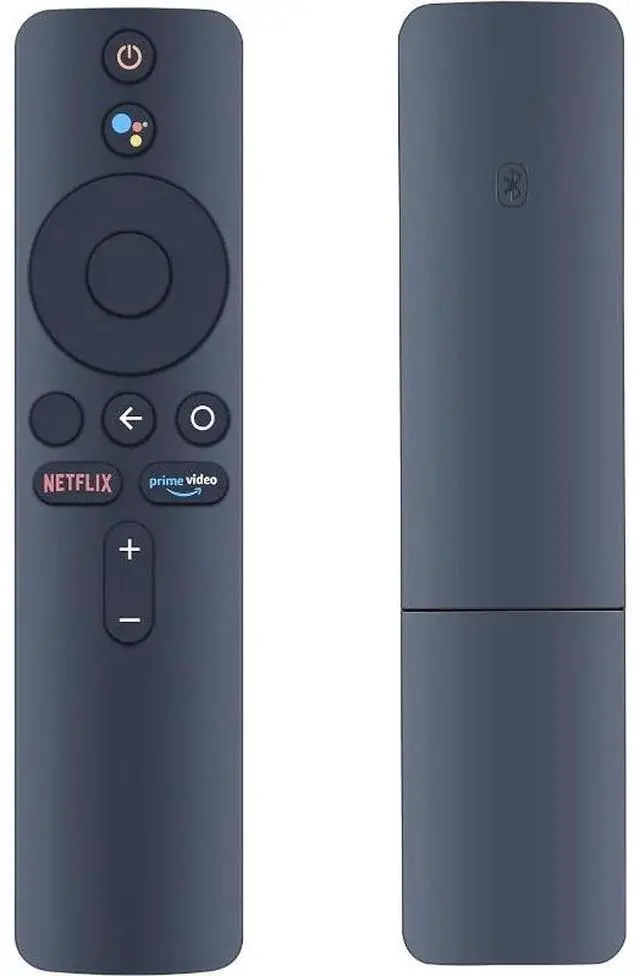
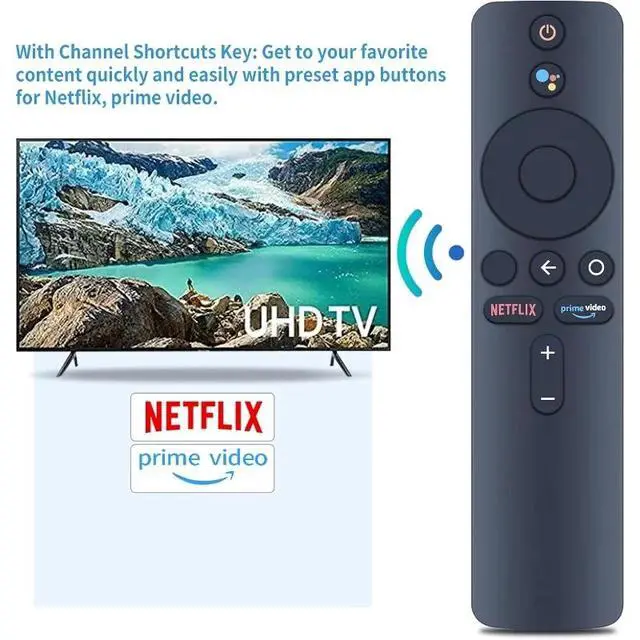
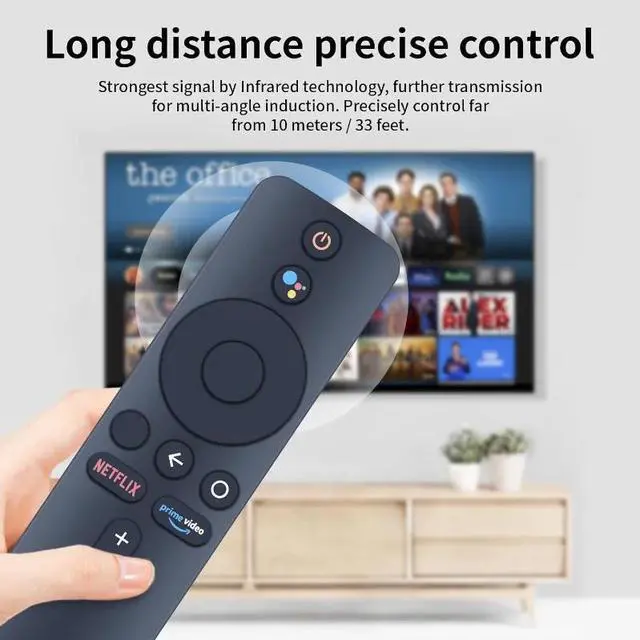
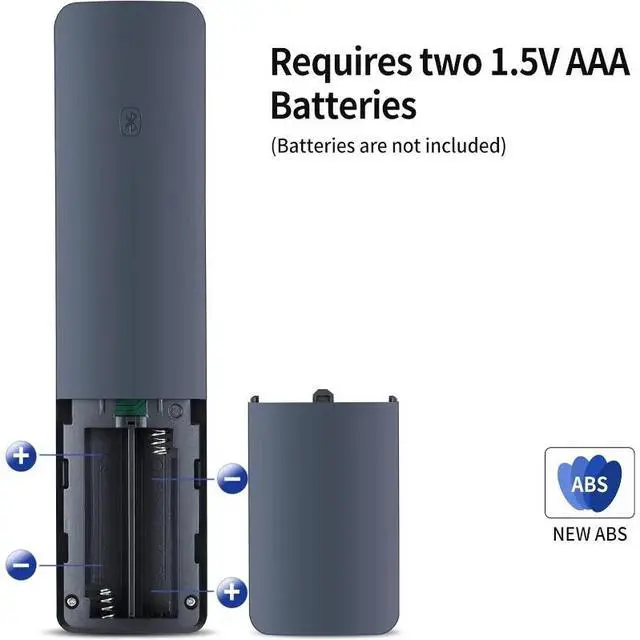
    New XMRM-006 Bluetooth Voice Replacement Remote Control Compatible For Xiaomi Mi Box S Smart TV Controller

    • Introducing the new XMRM-006 Bluetooth voice remote control for Xiaomi Box S Smart TVs.
    • Introducing the new XMRM-006 Bluetooth voice remote control for Xiaomi Box S Smart TVs.
    • This high-quality TV remote is only compatible with Xiaomi Box S (not compatible with Xiaomi TV or Xiaomi Box 3).
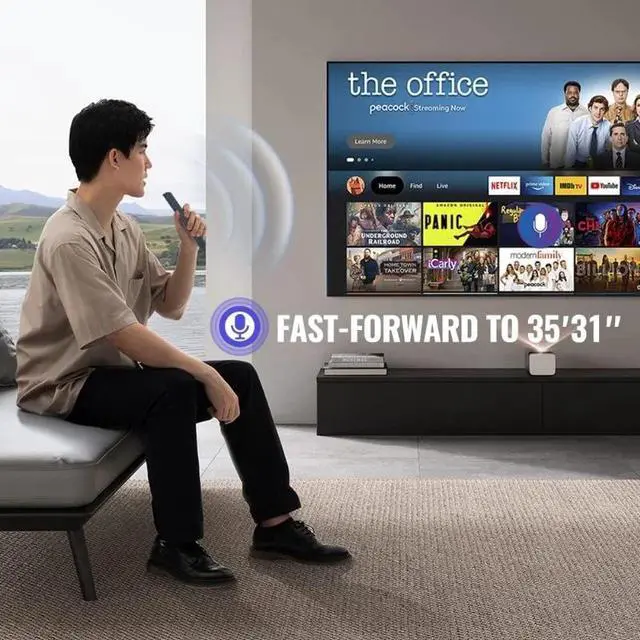
    • Note: This is a voice remote control
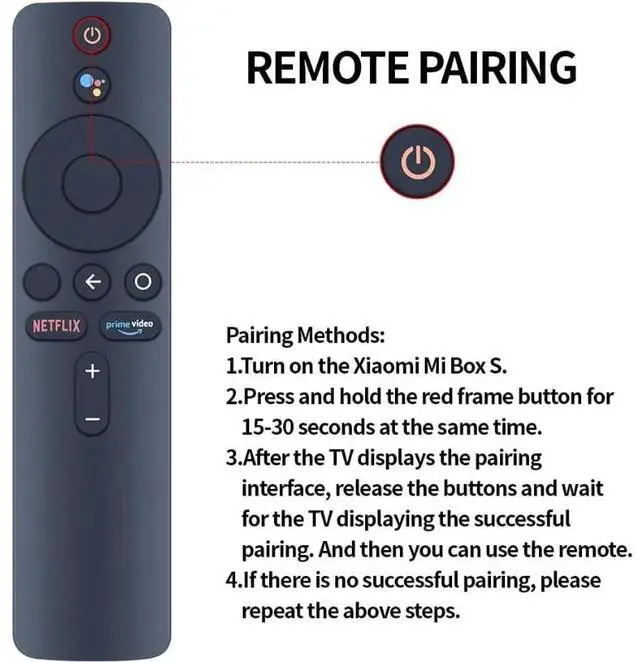
    • please pair it with your TV before use. Pairing method: 1. Turn on Xiaomi Box S. 2. Press and hold the red button on the edge of the remote for 15-30 seconds. 3. After the pairing interface appears on the TV screen, release the button and wait for the TV screen to display "Pairing successful." The remote can be used after successful pairing. 4. If pairing fails, please repeat the above steps.
    • . 3. After the pairing interface appears on the TV screen, release the button and wait for the TV screen to display "Pairing successful." The remote can be used after successful pairing. 4. If pairing fails, please repeat the above steps.
    • If pairing fails, please repeat the above steps.
    +
    +
    Overview
    Specs
    Reviews
    avatar

    Any questions? Our AI beta will help you find out quickly.

    Introducing the new XMRM-006 Bluetooth voice remote control for Xiaomi Box S Smart TVs.. Introducing the new XMRM-006 Bluetooth voice remote control for Xiaomi Box S Smart TVs.. This high-quality TV remote is only compatible with Xiaomi Box S (not compatible with Xiaomi TV or Xiaomi Box 3)..
    Note: This is a voice remote control. please pair it with your TV before use.
    Pairing method: 1. Turn on Xiaomi Box S. 2. Press and hold the red button on the edge of the remote for 15-30 seconds. 3. After the pairing interface appears on the TV screen, release the button and wait for the TV screen to display "Pairing successful. " The remote can be used after successful pairing. 4. If pairing fails, please repeat the above steps... 3. After the pairing interface appears on the TV screen, release the button and wait for the TV screen to display "Pairing successful. " The remote can be used after successful pairing. 4. If pairing fails, please repeat the above steps.. If pairing fails, please repeat the above steps.

    Warranty & Returns

    Warranty, Returns, And Additional Information

    Warranty

    • Please contact the Seller directly for warranty information. Warranty information may also be found on the Manufacturer's website.
    • CONTACT

    Return Policies

    Manufacturer Contact Info

    LOADING...