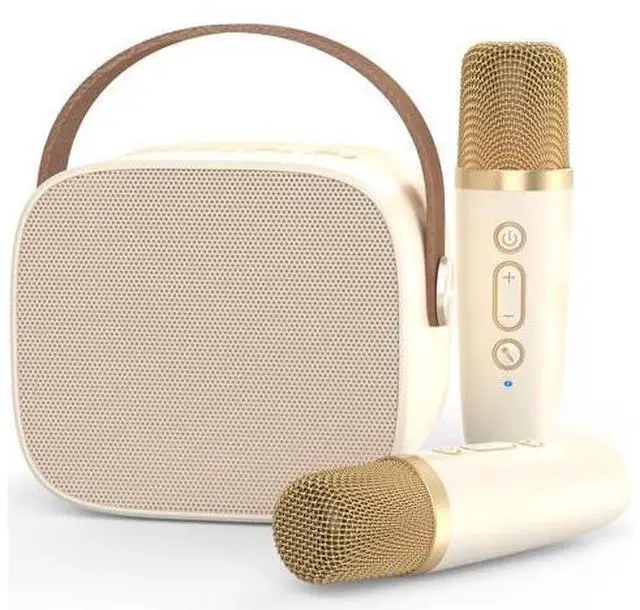
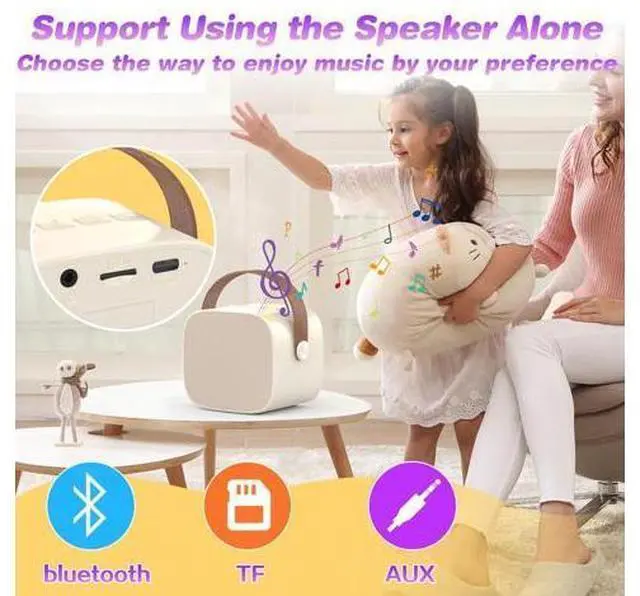
Previous page Next page Q1. How to connect the wireless micropohone to the bluetooth speaker? A1. Both turn on the speaker and the microphone, The microphone connected automatically and didn't give any static. Q2. Can the speaker work without the microphone? A2. Yes, you can use the bluetooth speaker alone, and the speaker support Wireless Bluetooth /TF card/ 3.5 audio wired input, you can enjoy music freely. Q3. How to change the echo effort? A3. First click the power button of microphone button to switch to reverberation mode, then press + /- button to adjust reverberation volume freely.
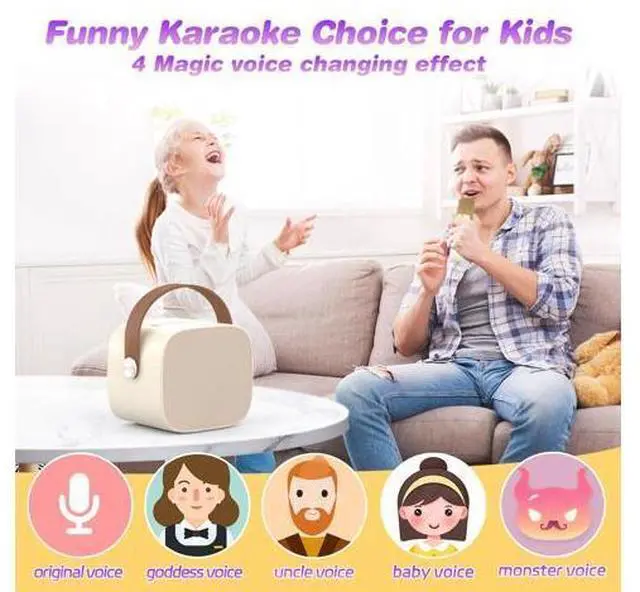
Q4. How to use the magic voice changing function? A4. Just click the microphone button on the microphone, following the voice prompt to use the funny magic voice function.
Warm Note: Microphone heads too close to the speaker will make sharp and strange sounds, so try to avoid microphone heads too close to speakers. Q1. How to connect the wireless micropohone to the bluetooth speaker? A1. Both turn on the speaker and the microphone, The microphone connected automatically and didn't give any static. Q2. Can the speaker work without the microphone? A2. Yes, you can use the bluetooth speaker alone, and the speaker support Wireless Bluetooth /TF card/ 3.5 audio wired input, you can enjoy music freely. Q3. How to change the echo effort? A3. First click the power button of microphone button to switch to reverberation mode, then press + /- button to adjust reverberation volume freely. Q4. How to use the magic voice changing function? A4. Just click the microphone button on the microphone, following the voice prompt to use the funny magic voice function.
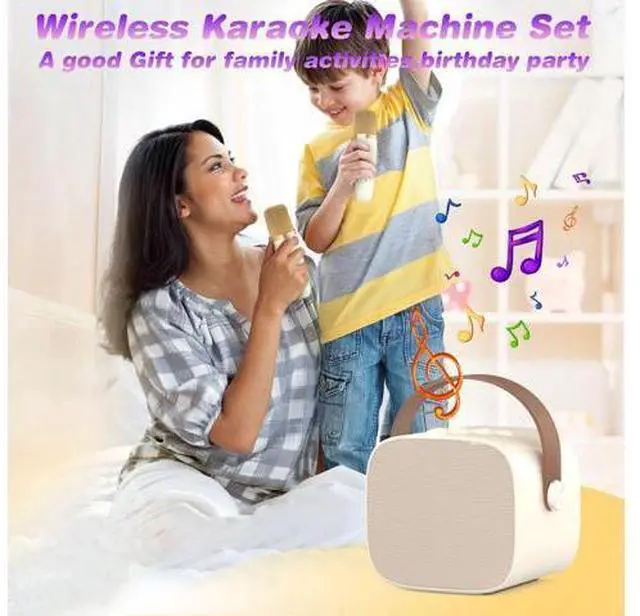
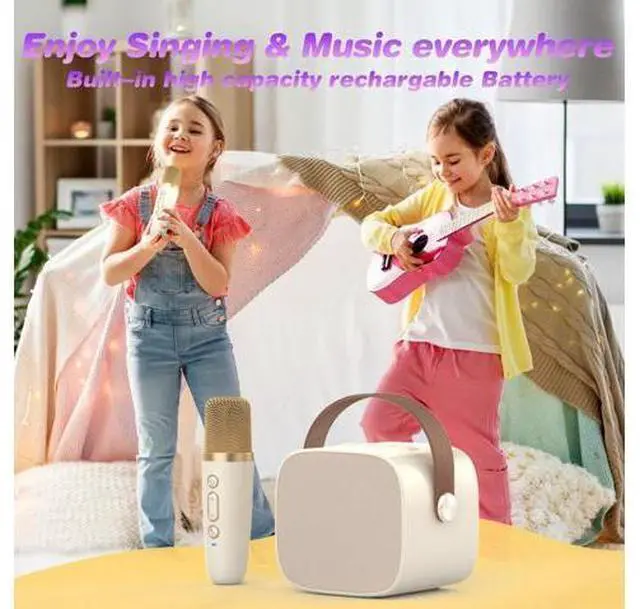
Warm Note: Microphone heads too close to the speaker will make sharp and strange sounds, so try to avoid microphone heads too close to speakers. Mini Karaoke Machine Microphone, Fun Toys Christmas Birthday Gifts for Adult Kids/Toddler Boys Girls 3 4 5 6 7 8 9 10 11 12+, Portable Bluetooth Speaker with 2 Wireless Microphone