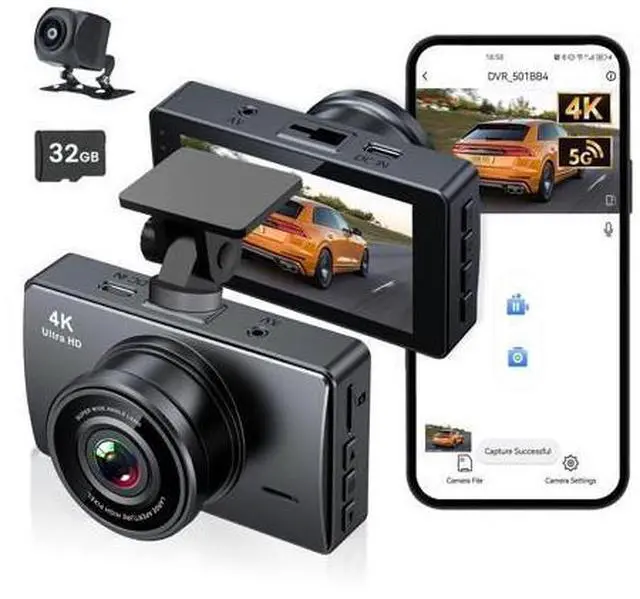
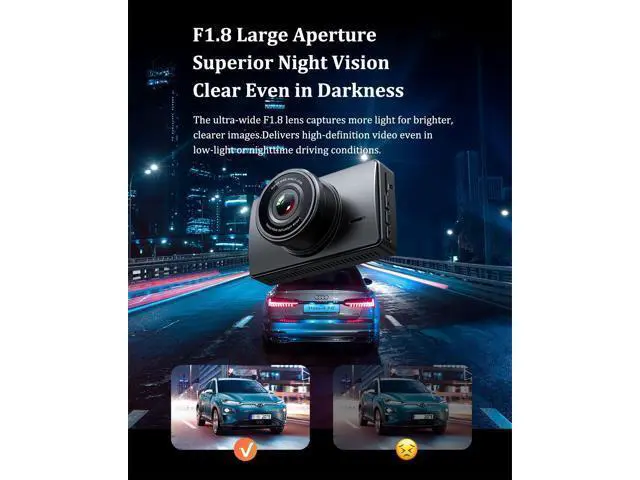
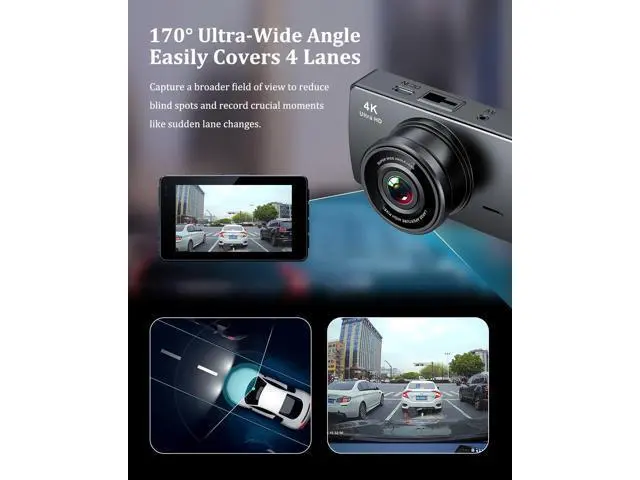
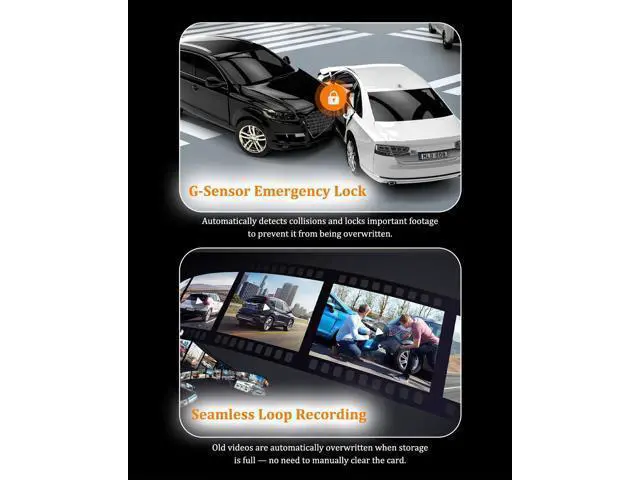
High-Definition 4K Dash Cam Front Rear Engineered for Effortless Road Recording Video Player is loading. Play Video Play Skip Backward Skip Forward Mute Current Time 0:00 /
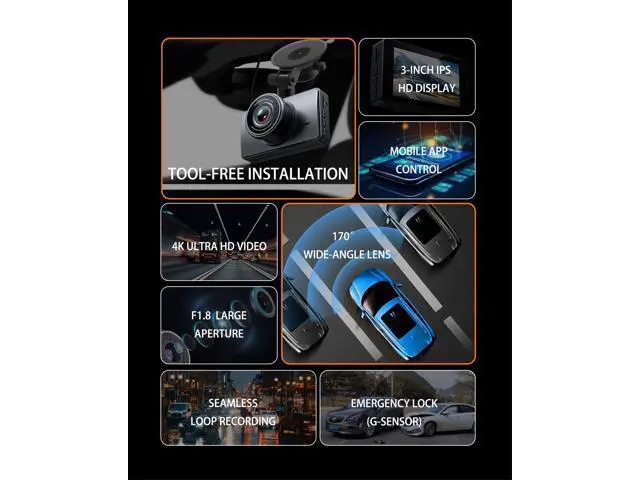
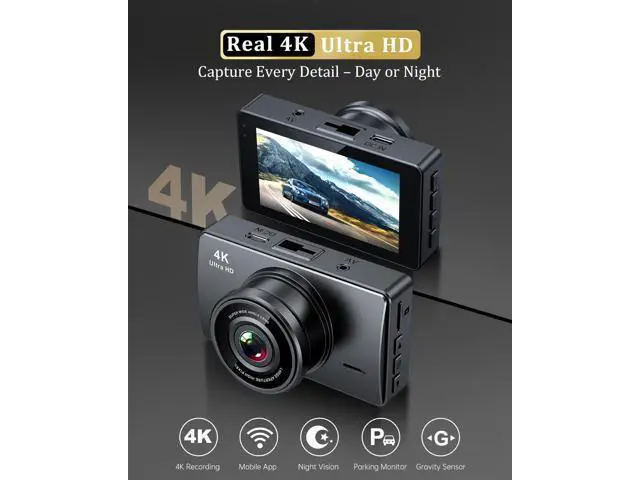
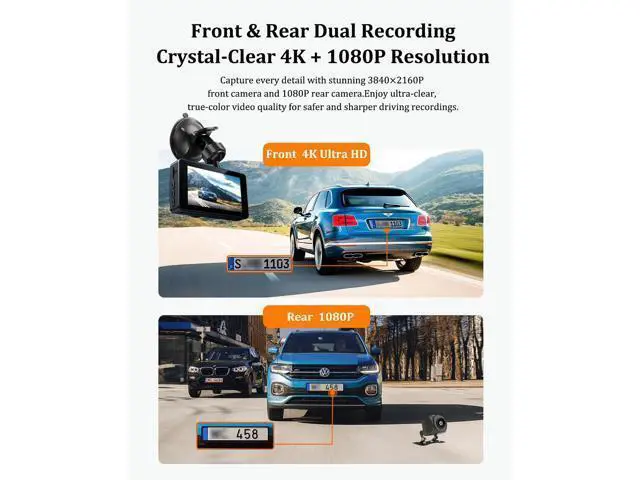
Duration 0:50 Loaded: 23.89 % 0:00 Stream Type LIVE Seek to live, currently behind live LIVE Remaining Time - 0:50 1x Playback Rate Chapters Chapters Descriptions descriptions off, selected Captions captions settings, opens captions settings dialog captions off, selected Audio Track Fullscreen This is a modal window. Beginning of dialog window. Escape will cancel and close the window. Text Color White Black Red Green Blue Yellow Magenta Cyan Opacity Opaque Semi-Transparent Text Background Color Black White Red Green Blue Yellow Magenta Cyan Opacity Opaque Semi-Transparent Transparent Caption Area Background Color Black White Red Green Blue Yellow Magenta Cyan Opacity Transparent Semi-Transparent Opaque Font Size 50% 75% 100% 125% 150% 175% 200% 300% 400% Text Edge Style None Raised Depressed Uniform Drop shadow Font Family Proportional Sans-Serif Monospace Sans-Serif Proportional Serif Monospace Serif Casual Script Small Caps Reset restore all settings to the default values Done Close Modal Dialog End of dialog window. dash cam front and rear with clear 4k ultra hd Merchant Video 4K Front & Rear Dash Cam with G-Sensor Crisp Night Vision & Reliable Evidence Previous page Next page 1 Super Night Vision 2 170° Ultra-Wide Angle 3 5G Wifi-App Connectivity Dashcam with 32GB MicroSD Included--Support upto 256GB Previous page Next page 1 24H Parking Monitor 2 Two-way Video Recording 3 Dash cam
Specifications
Dash Camera for Cars Easy Installation--Plug and Play What app do i use for the dash camera? Simply download the "Viidure" app (available on iOS and Android) to easily access, view, download and share your dash cam footage Does the dash camera always need to be charged? Yes, the car camera should remain plugged into the car's cigarette lighter for continuous operation.
The internal battery has limited capacity and is used only for backup power. Why can't my phone connect to the WIFI in the dash cam? Due to a small number of compatibility issues, if the APP and dash cam are unable to connect, please switch off your phone's cellular data first and then try again. Read the APP user manual for more details or contact the DIWEISHI support team. Is it a wireless camera? Can I connect the rear camera without a cable? No, the DIWEISHI A17 4K dash cam requires a wired connection for power support, and the rear camera must be connected to the dash cam with cords. Do I need a Memory Card to use this dashcam X17? Yes, the dash cam requires a Micro SD card inserted to saved the recording videos. (A free 32GB SD card is included in the package, support Max upto 256GB. ) High-Definition 4K Dash Cam Front Rear Engineered for Effortless Road Recording Video Player is loading. Play Video Play Skip Backward Skip Forward Mute Current Time 0:00 /
Duration 0:50 Loaded: 23.89 % 0:00 Stream Type LIVE Seek to live, currently behind live LIVE Remaining Time - 0:50 1x Playback Rate Chapters Chapters Descriptions descriptions off, selected Captions captions settings, opens captions settings dialog captions off, selected Audio Track Fullscreen This is a modal window. Beginning of dialog window. Escape will cancel and close the window. Text Color White Black Red Green Blue Yellow Magenta Cyan Opacity Opaque Semi-Transparent Text Background Color Black White Red Green Blue Yellow Magenta Cyan Opacity Opaque Semi-Transparent Transparent Caption Area Background Color Black White Red Green Blue Yellow Magenta Cyan Opacity Transparent Semi-Transparent Opaque Font Size 50% 75% 100% 125% 150% 175% 200% 300% 400% Text Edge Style None Raised Depressed Uniform Drop shadow Font Family Proportional Sans-Serif Monospace Sans-Serif Proportional Serif Monospace Serif Casual Script Small Caps Reset restore all settings to the default values Done Close Modal Dialog End of dialog window. dash cam