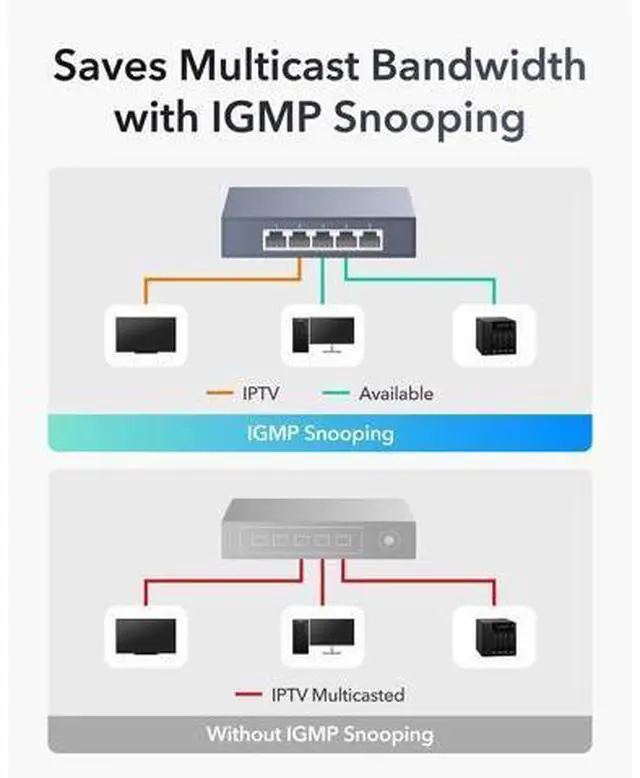
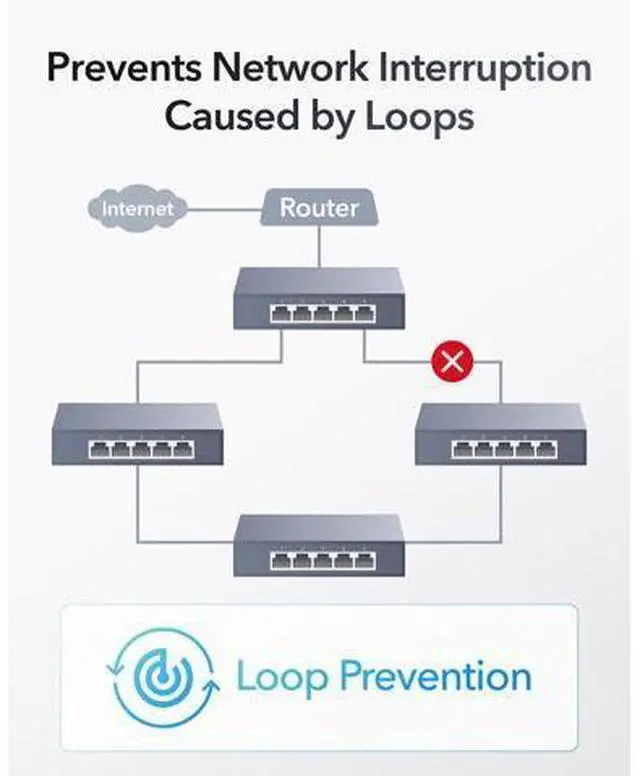
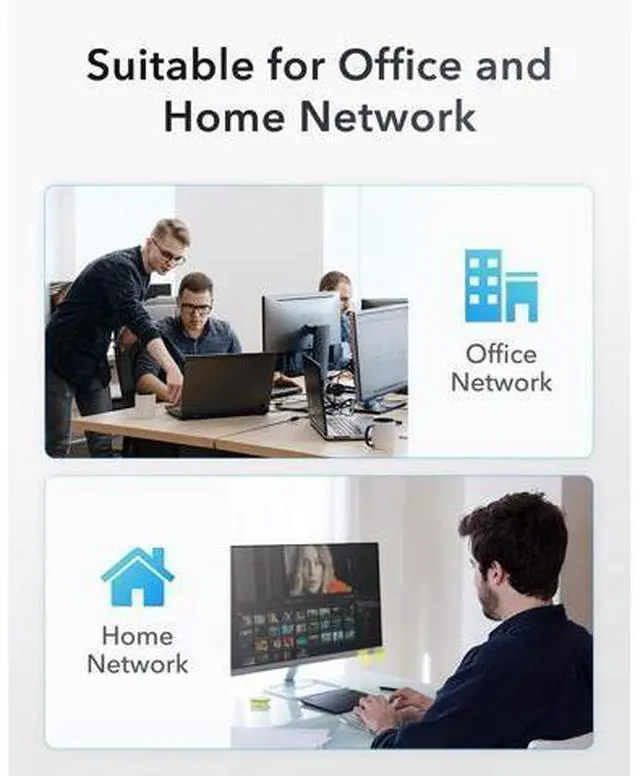
Advanced 2.5 Gbps Switching Know Multicast. No Waste. Identifies the multicast groups connected to the switch and sends data to the exact ports instead of broadcasting them. Always Online. No Oops. Blocks the ports automatically when it detects a loop in the network, preventing downtime caused by misoperation. Saves Power. Saves Bills. Reduce power consumption when Ethernet ports are idle, saving the electricity expenses on networking facilities. Wall Mounting Provides two mounting brackets, catering to wall-mounting placement scenarios. Robust Metal. Compact Size. Metal casing delivers simplicity and protection for the network hub, compact enough to fit in most home network distribution boxes.
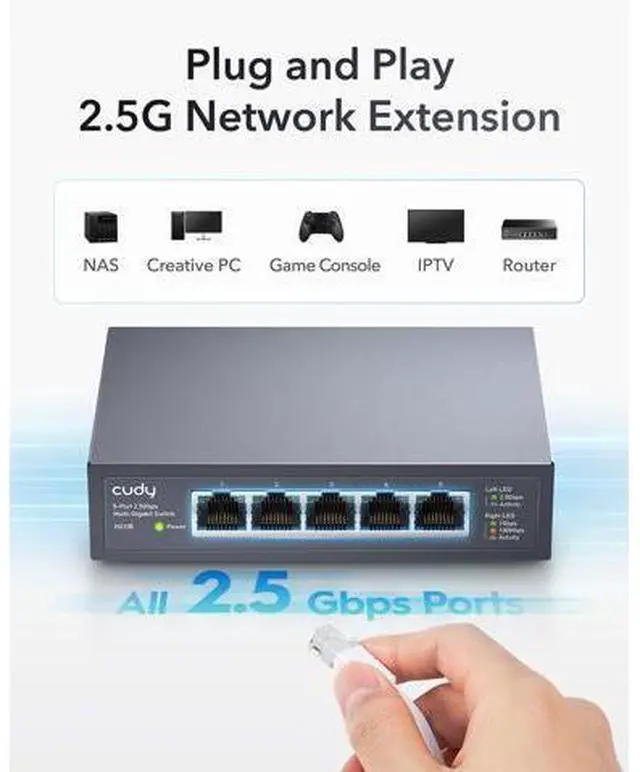
2.5X the Speed and Productivity than Gigabit Connect Office Computers to 2.5G Network Boost Productivity for Creative Users
Specifications
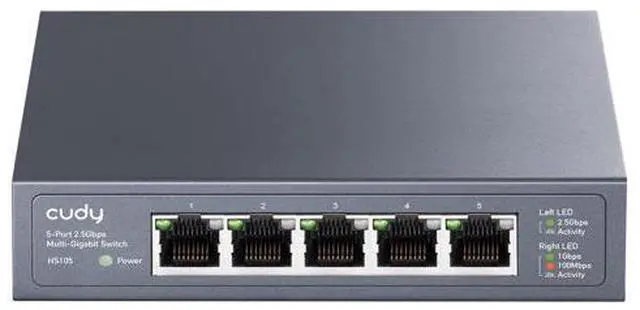
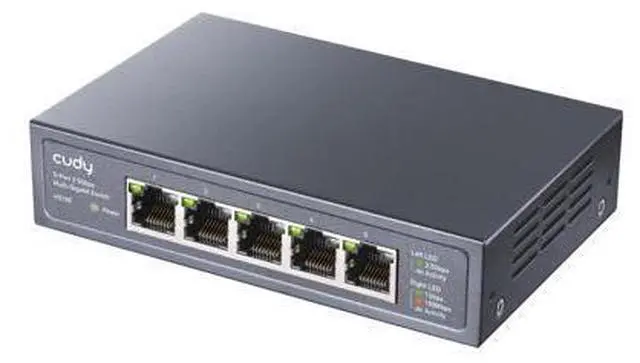
Protocols IEEE 802.3 u/x/ab/bz Ethernet Ports 5× 100/1000/2500 Mbps Ports Max Distance 50 meters (Cat 5e Ethernet), 100 meters (Cat 6 or higher Ethernet) Packet Buffer 4 Mbit MAC Address Table 8K Switching Capacity 25 Gbps Forwarding Rate 18.6 Mpps Jumbo Frame 15 KB Stability Flow Control, IGMP Snooping, Loop Prevention Power DC 12V / 1A
Power Consumption Max: 10.5W;
Power Saving: 4.7W Dimension 119×85×28 mm ( 4.69 × 3.35 × 1.1 inches) Placement Desktop, Wall Mounting Package Content Switch, Mounting Kit, Power Adapter, Installation Guide Previous page Create Unique Everyday Cudy provides Wi-Fi routers, 4G/5G routers, gateways, switches, PoE devices, and fiber equipment to more than 80 countries worldwide. Cudy is committed to delivering high-performance, user-friendly communication technology that enhances everyday life with purpose and ease. Wi-Fi 7 Routers 4G/5G Routers Outdoor AP/4G 2.5 Gbps Ports Is it easy to set up a Cudy router? Cudy products are easy to set up. Cudy's official videos guide you step-by-step during setup, and most Cudy home devices support Cudy app Why do I need Wi-Fi faster than my broadband speed? Wi-Fi speed affects not just how fast data streams but also the range. A faster speed router allows for more degradation before disconnect as you move farther from the router. Where should I place my router? Cudy recommends placing the router at the center of your place, ensuring no more than two wooden or brick walls, or one concrete wall, between it and each room.
Next page Advanced 2.5 Gbps Switching Know Multicast. No Waste. Identifies the multicast groups connected to the switch and sends data to the exact ports instead of broadcasting them. Always Online. No Oops. Blocks the ports automatically when it detects a loop in the network, preventing downtime caused by misoperation. Saves Power. Saves Bills. Reduce power consumption when Ethernet ports are idle, saving the electricity expenses on networking facilities. Wall Mounting Provides two mounting brackets, catering to wall-mounting placement scenarios. Robust Metal. Compact Size. Metal casing delivers simplicity and protection for the network hub, compact enough to fit in most home network distribution boxes. 2.5X the Speed and Productivity than Gigabit Connect Office Computers to 2.5G Network Boost Productivity for Creative Users
Specifications
Protocols IEEE 802.3 u/x/ab/bz Ethernet Ports 5× 100/1000/2500 Mbps Ports Max Distance 50 meters (Cat 5e Ethernet), 100 meters (Cat 6 or higher Ethernet) Packet Buffer 4 Mbit MAC Address Table 8K Switching Capacity 25 Gbps Forwarding Rate 18.6 Mpps Jumbo Frame 15 KB Stability Flow Control, IGMP Snooping, Loop Prevention Power DC 12V / 1A
Power Consumption Max: 10.5W;
Power Saving: 4.7W Dimension 119×85×28 mm ( 4.69 × 3.35 × 1.1 inches) Placement Desktop, Wall Mounting Package Content Switch, Mounting Kit, Power Adapter, Installation Guide Create Unique Everyday Cudy provides Wi-Fi routers, 4G/5G routers, gateways, switches, PoE devices, and fiber equipment to more than 80 countries worldwide. Cudy is committed to delivering high-performance, user-friendly communication technology that enhances