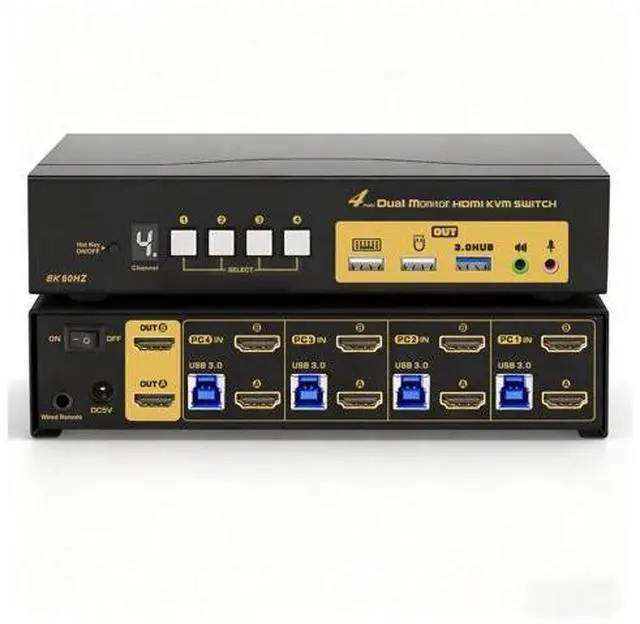
4 Port HDMI KVM Switch Dual Monitor 8K@60Hz 4K@144Hz Supports Audio and
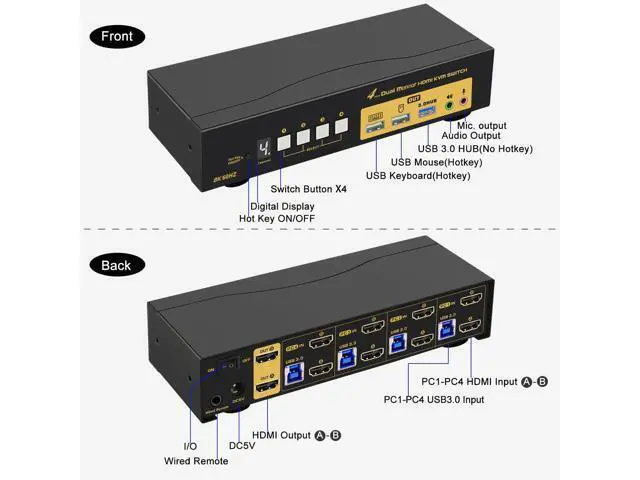
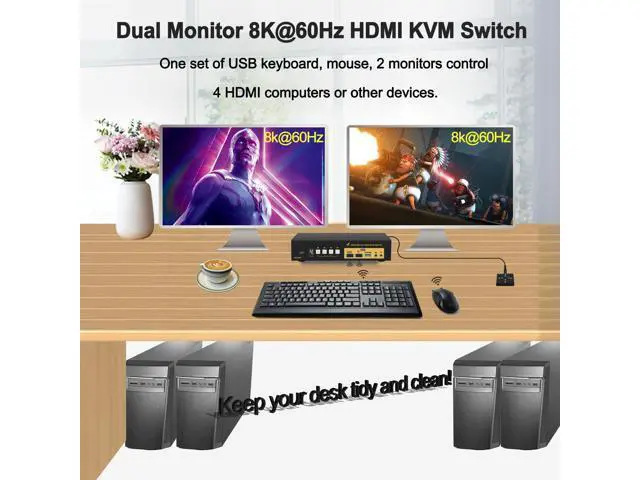
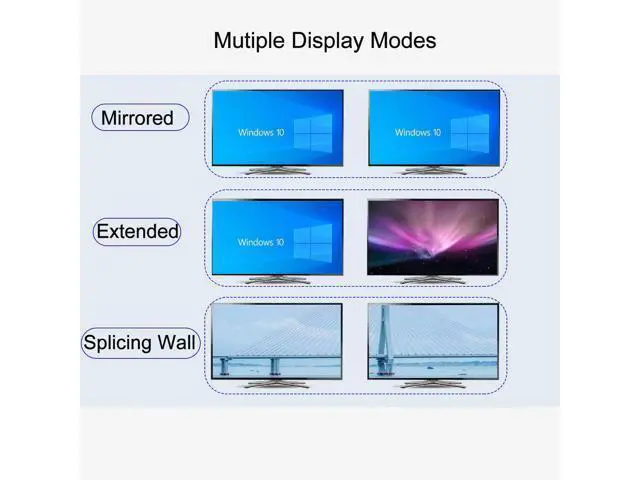
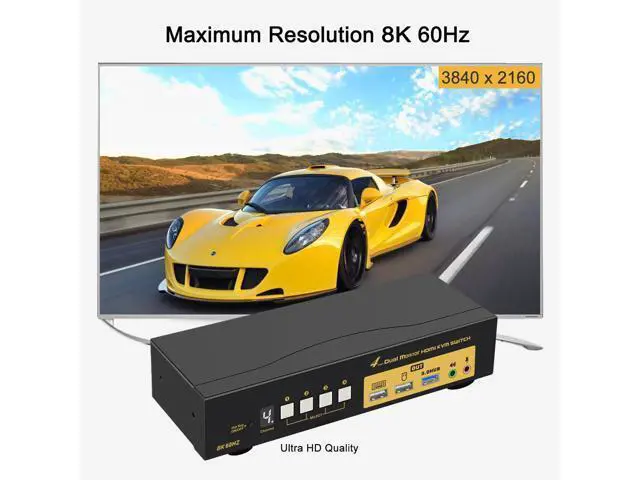
Microphone Does Everything Needed: Control 4 computers / laptops using one set of wired or wireless keyboard and mouse; Dual HDMI Output for Extended, Mirrored or Spliced Display; HDMI 2.1 version supports UHD resolution up to 8K@60Hz, 4K@120/144Hz, 3840x1080@240Hz with higher downward compatibility; Supports EDID emulation to maintain correct display. 1 extra USB 3.0 HUB port with high speed data transfer for sharing USB peripherals like webcam, printer, scanner, jump drive between 2 computers; Cross support multi operation systems including Windows, Linux, Mac and more; 5 advanced switching modes to swap between personal and work within 2-3 seconds, reducing cable plugging and unplugging; With digital display showing current computer selected; The wired remote uses standard 3.5 mm aux cable which can be extended to max. 50 ft (15 meters); With hotkey on/off feature for higher compatibility with keyboards and mice with special features; Support Audio with separate speaker output and microphone input; Comes with all cables except cable for monitors which usually comes with monitor. Solid Built Metal Housing for Durable Use and Stable Performance Please power off everything before installation, power on the kvm switch, then monitors, then computers in sequence after installation so the connected device can be recognized correctly.
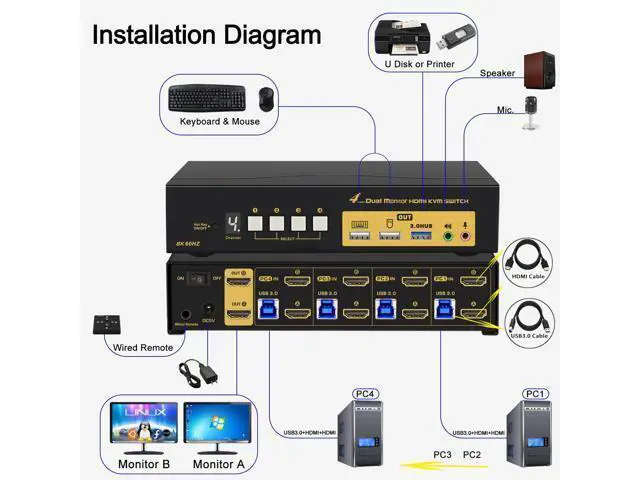
How to Get Dual Monitor Display Connect 2 video outputs from each computer to corresponding HDMI IN A and IN B port; Use reliable adapters for non-HDMI outputs; Avoid using adapters for both inputs and outputs for a same video flow (IN A is for Out A, IN B is for Out B). The less adapter, the better; Make sure the included power adapter is connected to the kvm switch. How to
Get keyboard and mouse work: Make sure the included USB 3.0 cables are connected from a USB 3.0 port on each computer to corresponding USB 3.0 input ports on the kvm switch; Some keyboards and mice with special features may not work well with the USB keyboard and mouse ports which are dedicated for hotkeys, if so, the workaround is to turn off the hotkeys by pressing the hotkey on/off button on front panel. Plug the dongle for wireless keyboard and mouse set into the USB keyboard port (with hotkeys) or one of the USB 3.0 HUB ports (no hotkeys). Please be Aware before
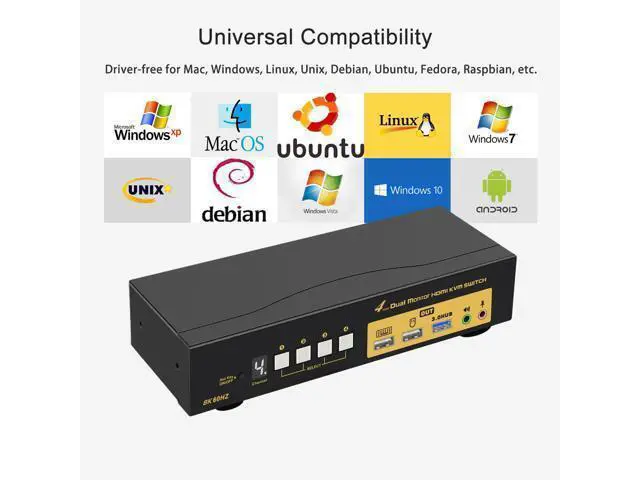
Order: Reliable Adapters Are Required in Most Cases Dual Monitor KVM Switch HDMI requires dual HDMI connections from each computer to the KVM Switch, however some computers especially laptops do not have dual HDMI outputs. If so, please check if your computer / laptop has another video ports like DisplayPort or USB C (VGA and DVI is not recommended as they do not support higer resolution than 1080P), When adapters are being used, the resolution will drop. The less adapter the better. Suggest to use HDMI monitor to avoid using adapters on video outputs. Final Resolution Depends on Graphic Cards, Monitors, Adapters, Cables and How Those Work Together with the KVM Switch Support 3 Display Modes Extended Display Mirrored Display Spliced Display Universal Compatibility Cross support most major OS including Windows, Linux, Mac and more. 5 Switching Modes Keyboard Hotkey Double Click the middle roller of mouse Push Button on front panel. Wired remote switch Auto Scan with adjustable interval time between 8-999 seconds What's in the box 1* 4 Port 8K 60Hz Dual Monitor HDMI KVM switch 1* USB to DC Power Adapter 1* User manual in English 1* Aux cable +Wired Remoter 8* HDMI Cables ( 4.92 ft) 4* USB 3.0 Cables ( 4.92 ft)
Note: The HDMI cables for monitors are not included. Features KVM SWITCH DUAL MONITOR 4
PORT: If you have 4 computers or laptops, one for personal or gaming, the other for work, this is a premium tool for you to control them using 1 set of keyboard, mouse and dual extended or mirrored monitors, and share 1 more USB peripheral. Save your space and equipment spending significantly. 4x2 KVM SWITCH HDMI





 here!
here!