







Why does the cursor freeze or lag?
The mouse enters sleep mode after 10 minutes of no use. Move or click to wake it instantly. If lag continues, try replacing both AAA batteries.
The scroll wheel skips or scrolls backward—any solution?
Dust or debris may affect the scroll sensor. Clean the wheel area with compressed air. If issues remain, reach out via for support.
How long do the AAA batteries last?
Around 1–2 months with 8 h/day use. If the pointer becomes delayed or unresponsive, replace both AAA batteries. Rechargeable ones also work.
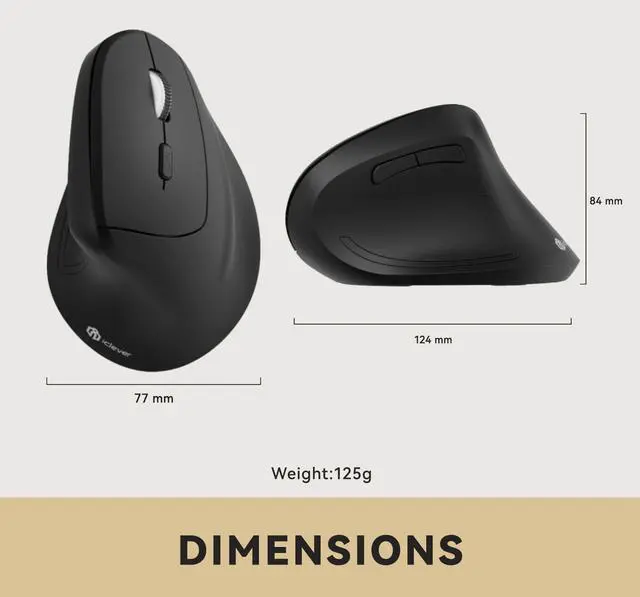
Will this shape help with wrist pain or fatigue?
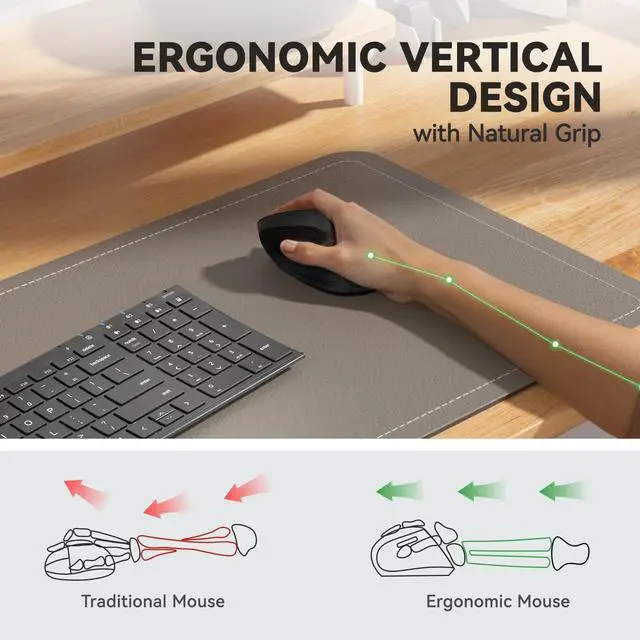
The vertical design supports a natural grip and may reduce wrist strain over time. Most users adjust within a few days.
My mouse stopped working—what should I check?
Make sure the power switch is ON. Then insert the USB receiver directly into a native USB-A port on your computer (avoid using USB hubs or adapters). If the issue persists, replace the batteries and restart your device.






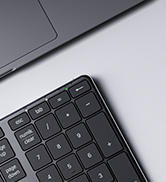



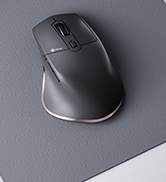


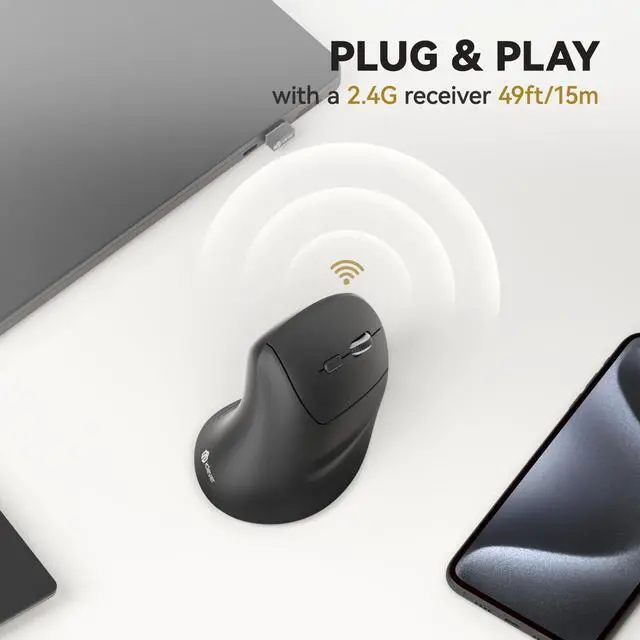
Plug-and-Play Stability
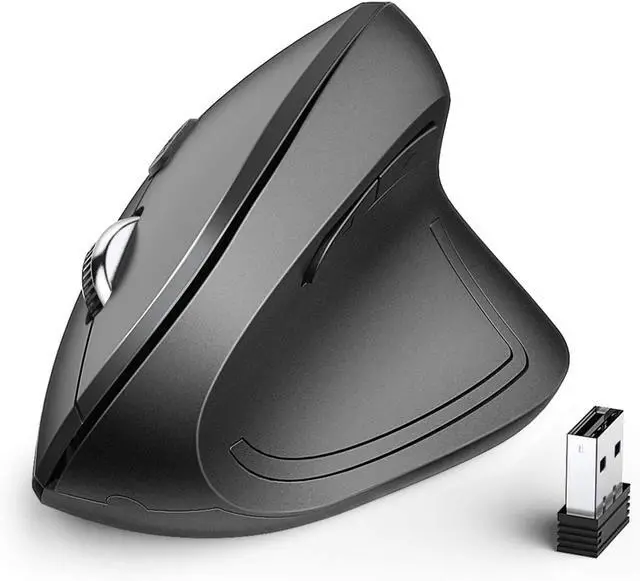
Simply connect the USB receiver for a seamless, rock-solid connection.
From Precision to Speed
Effortlessly switch between 1000, 1600, 2000, and 2400 DPI to match your workflow.


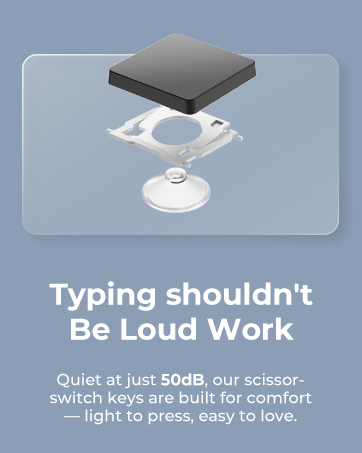
Soundless Control
Stay productive with silent clicks that won't interrupt your surroundings.
All-Platform Ready
Works flawlessly with Windows, Chrome OS and Mac OS—just plug it in and get started.


Why does the cursor freeze or lag?
The mouse enters sleep mode after 10 minutes of no use. Move or click to wake it instantly. If lag continues, try replacing both AAA batteries.
The scroll wheel skips or scrolls backward—any solution?
Dust or debris may affect the scroll sensor. Clean the wheel area with compressed air. If issues remain, reach out via for support.
How long do the AAA batteries last?
Around 1–2 months with 8 h/day use. If the pointer becomes delayed or unresponsive, replace both AAA batteries. Rechargeable ones also work.
Will this shape help with wrist pain or fatigue?
The vertical design supports a natural grip and may reduce wrist strain over time. Most users adjust within a few days.
My mouse stopped working—what should I check?
Make sure the power switch is ON. Then insert the USB receiver directly into a native USB-A port on your computer (avoid using USB hubs or adapters). If the issue persists, replace the batteries and restart your device.
WorkMate
FoldMate
NumMate
SilentTap
