






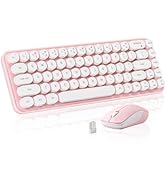
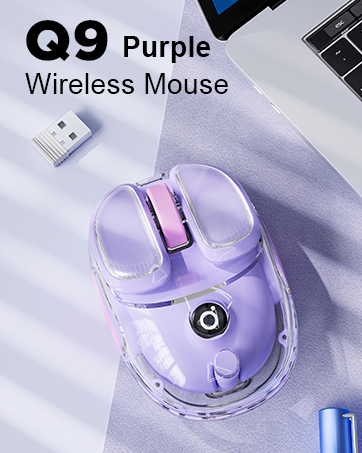
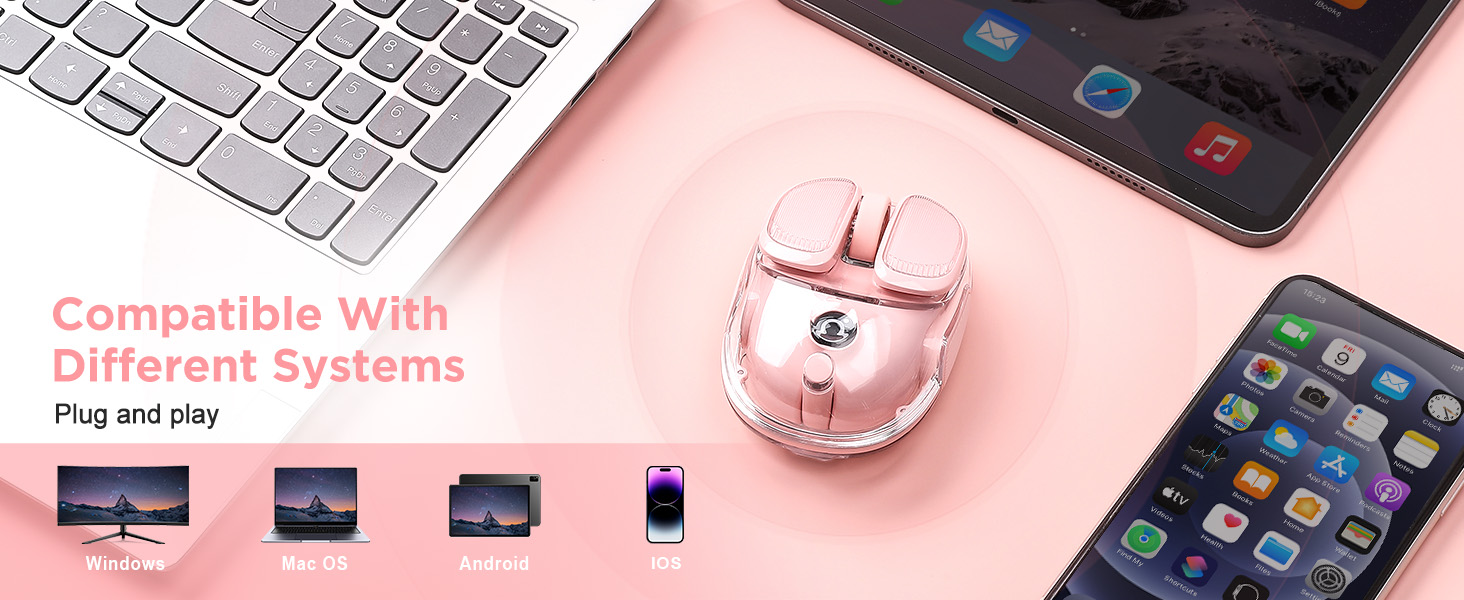

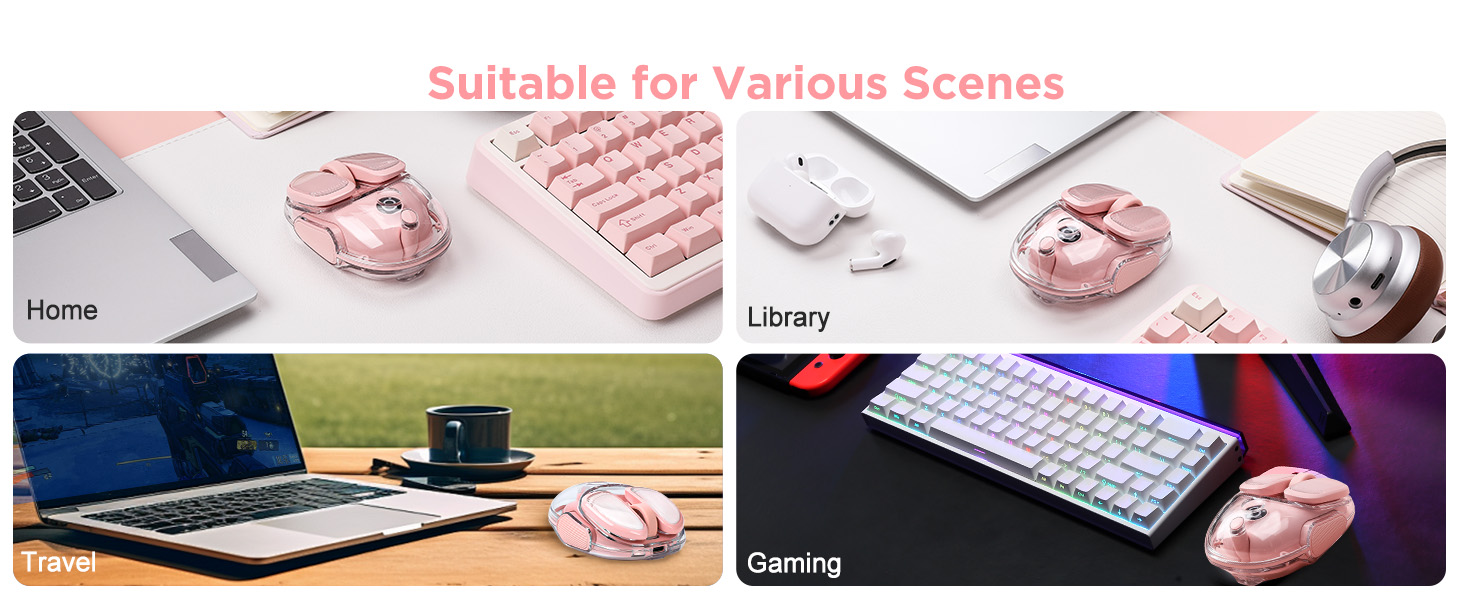
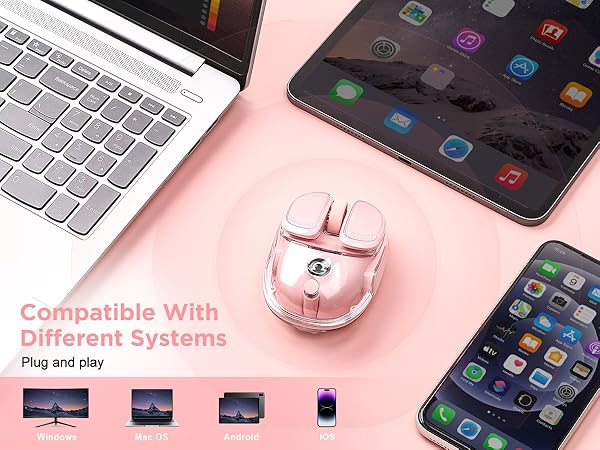
What systems does the Q9 Wireless Mouse support?
Windows & Mac
What devices can use the Q9 Wireless Mouse?
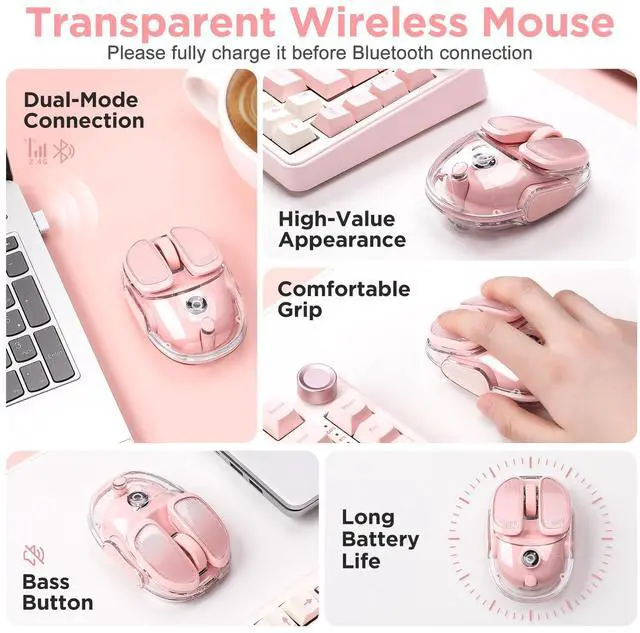
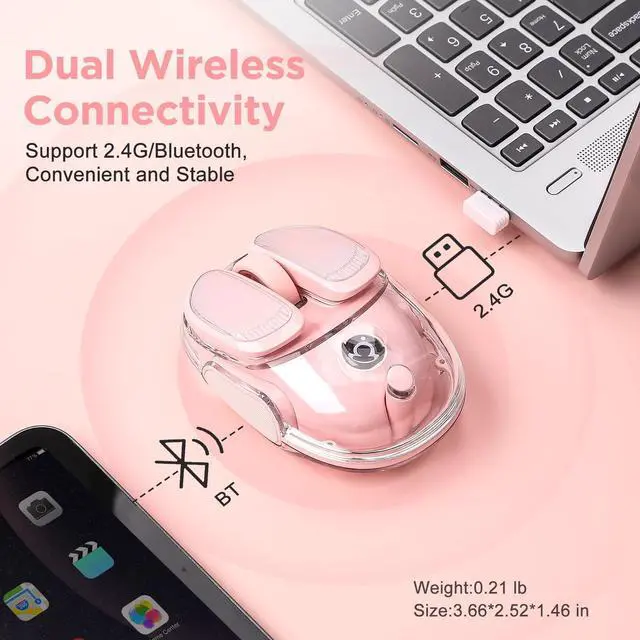
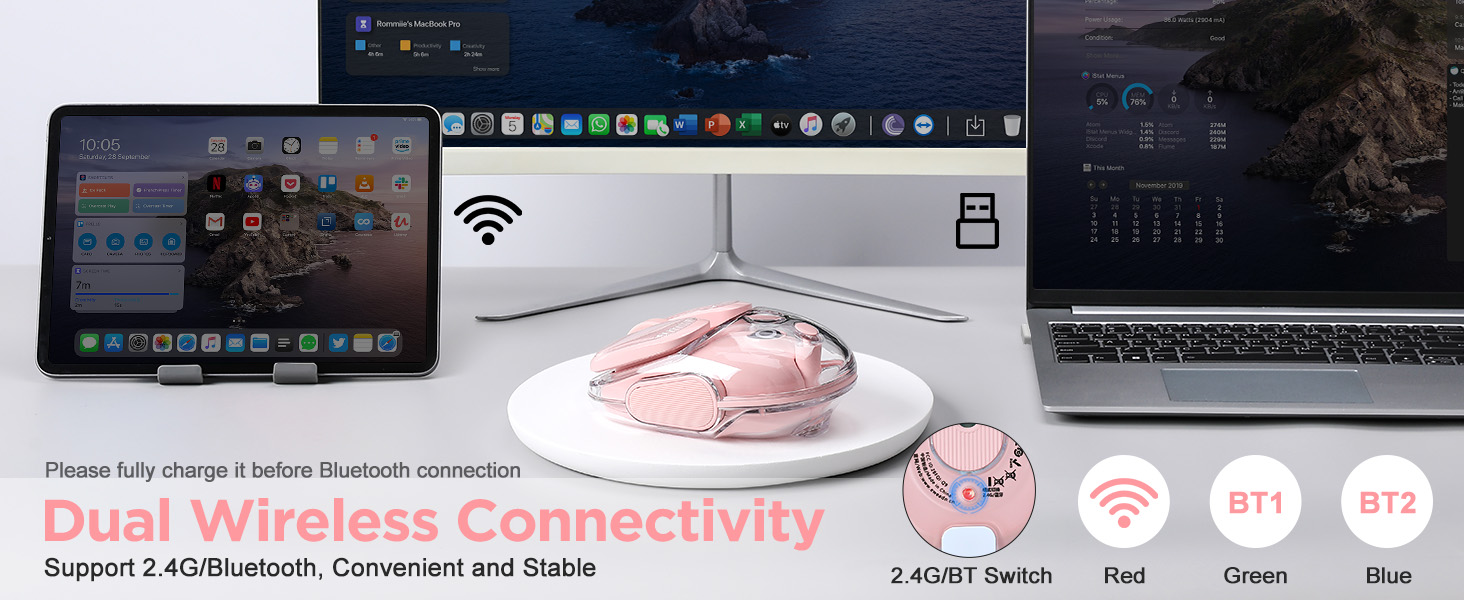
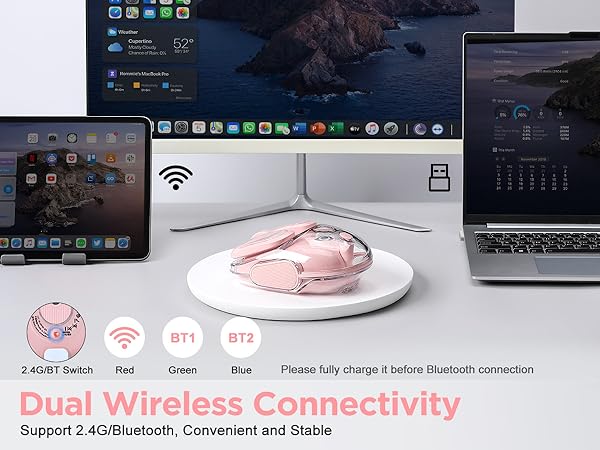
As long as your device has a USB port or Bluetooth connection you can use it!
How is the mouse connected?
1.Connected by means of 2.4ghz USB receiver
2.Connect via Bluetooth(Warmly Tips: If you can't match the mouse, you can try to charge the mouse, insufficient power will affect the mouse's connection speed)
How to use Bluetooth connection?
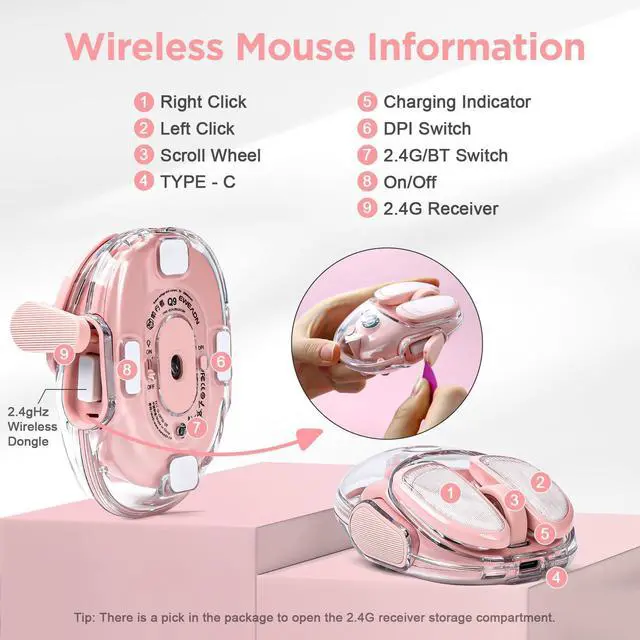
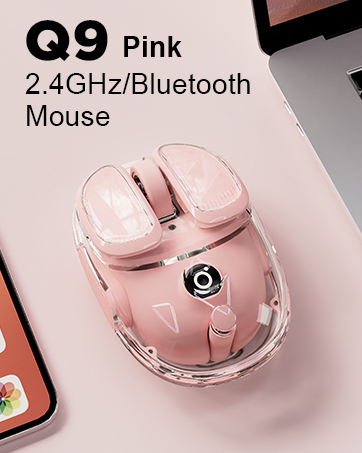
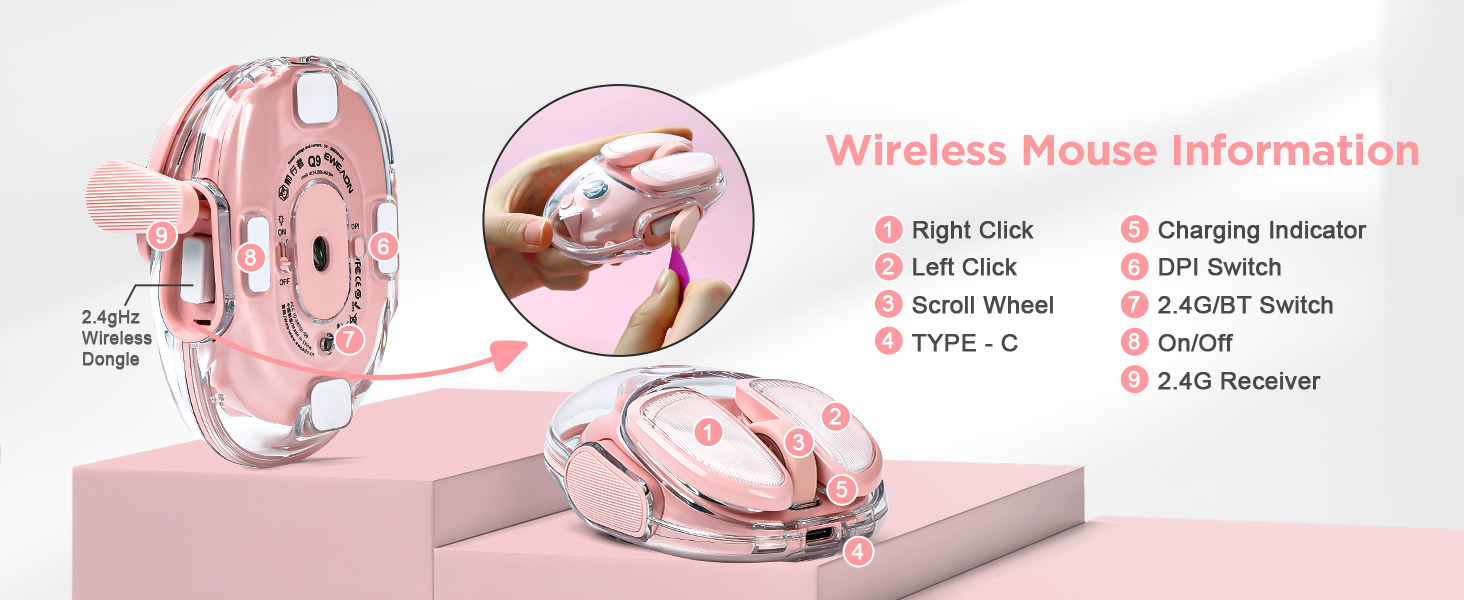
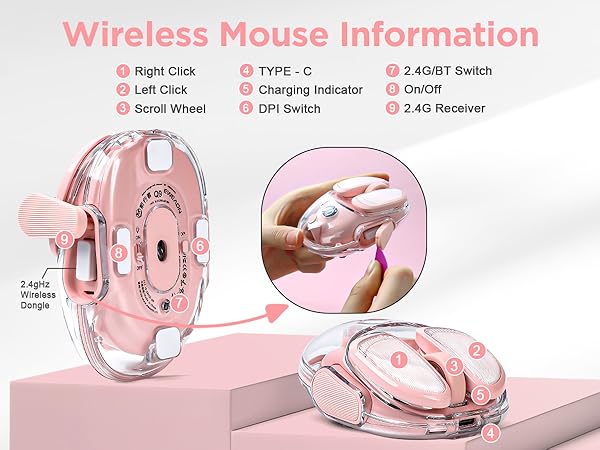
There is a mode switching button at the bottom of the mouse, press the button to blink blue light for Bluetooth connection, Bluetooth name is (Q9 BT4.1 MOUSE ,Q9 BT5.1 MOUSE)
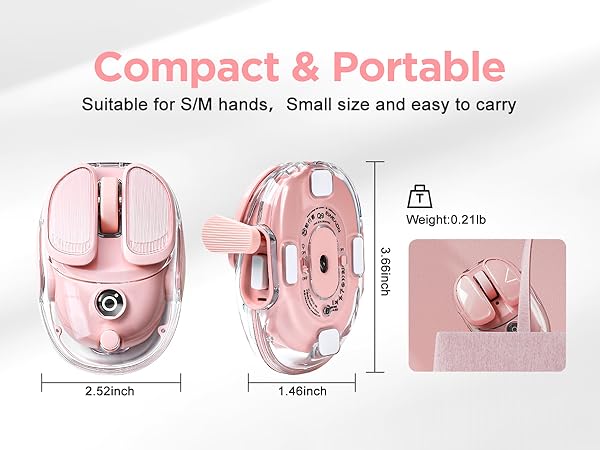
Where is the USB receiver stored?
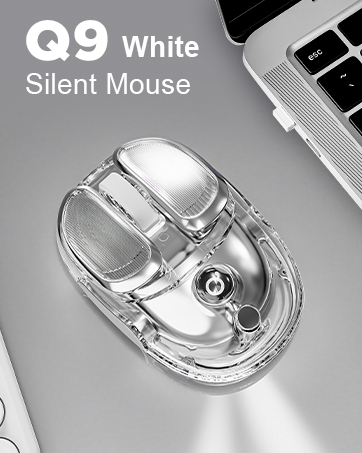
The USB wireless connector is stored in a silicone-wrapped location on the side of the product, and the box contains a paddle that makes it easy to remove the wireless connector
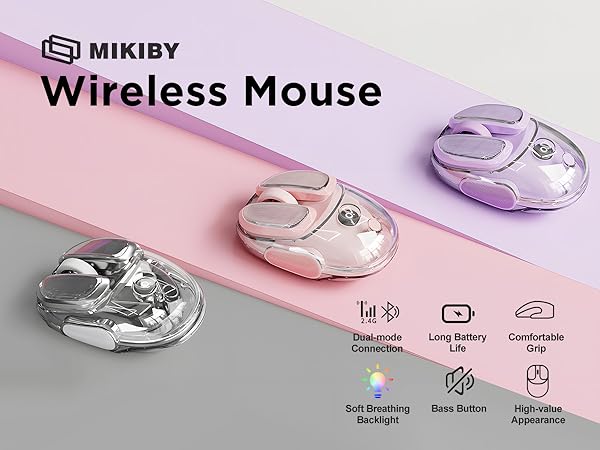
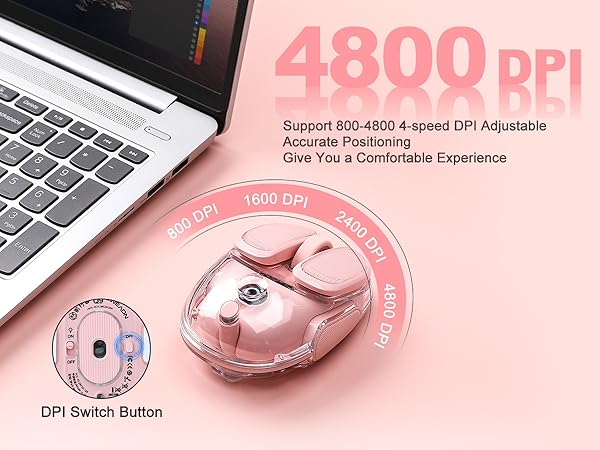


What systems does the Q9 Wireless Mouse support?
Windows & Mac
What devices can use the Q9 Wireless Mouse?
As long as your device has a USB port or Bluetooth connection you can use it!
How is the mouse connected?
1.Connected by means of 2.4ghz USB receiver
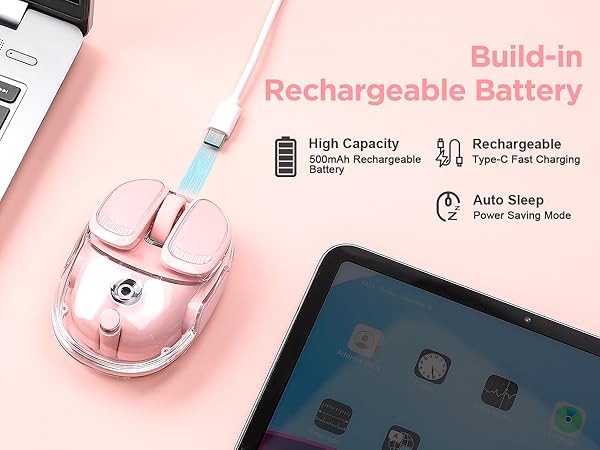
2.Connect via Bluetooth(Warmly Tips: If you can't match the mouse, you can try to charge the mouse, insufficient power will affect the mouse's connection speed)
How to use Bluetooth connection?
There is a mode switching button at the bottom of the mouse, press the button to blink blue light for Bluetooth connection, Bluetooth name is (Q9 BT4.1 MOUSE ,Q9 BT5.1 MOUSE)
Where is the USB receiver stored?
The USB wireless connector is stored in a silicone-wrapped location on the side of the product, and the box contains a paddle that makes it easy to remove the wireless connector
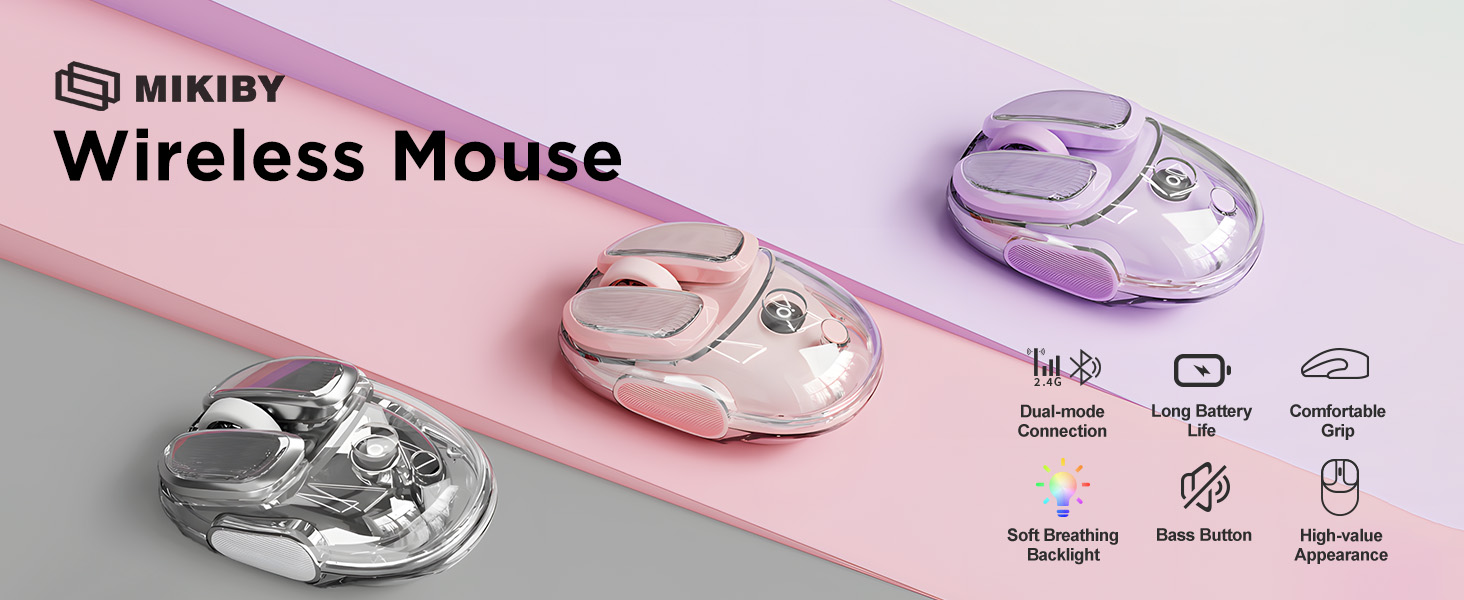
MIKIBY Wireless Mouse
Mechanical Keyboard
Keyboard and Mouse Combo
Y75 Mechanical Keyboard
Magnetic Keyboard
Q9 Silent Mouse (Silver)
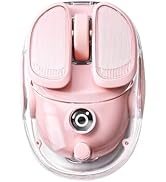
Q9 Bluetooth Mouse(Pink)
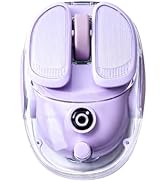
Q9 Wireless Mouse (Purple)
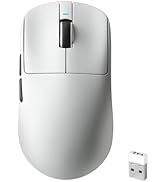
Gaming Mouse Wireless
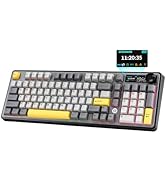
AK980 Wireless Keyboard