


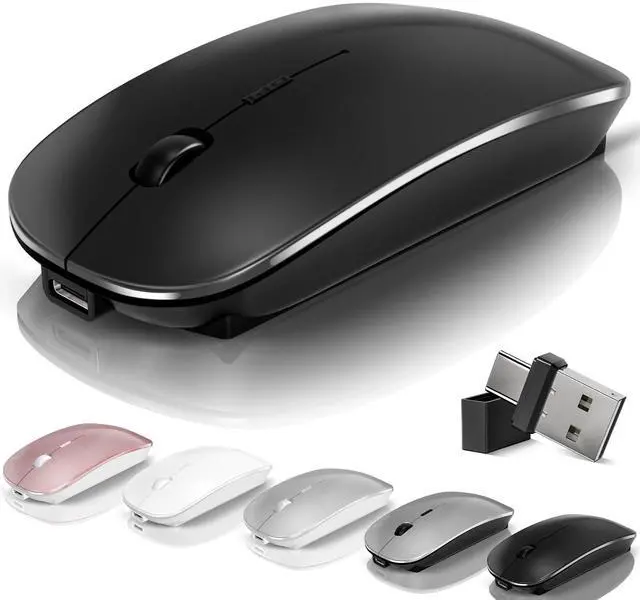



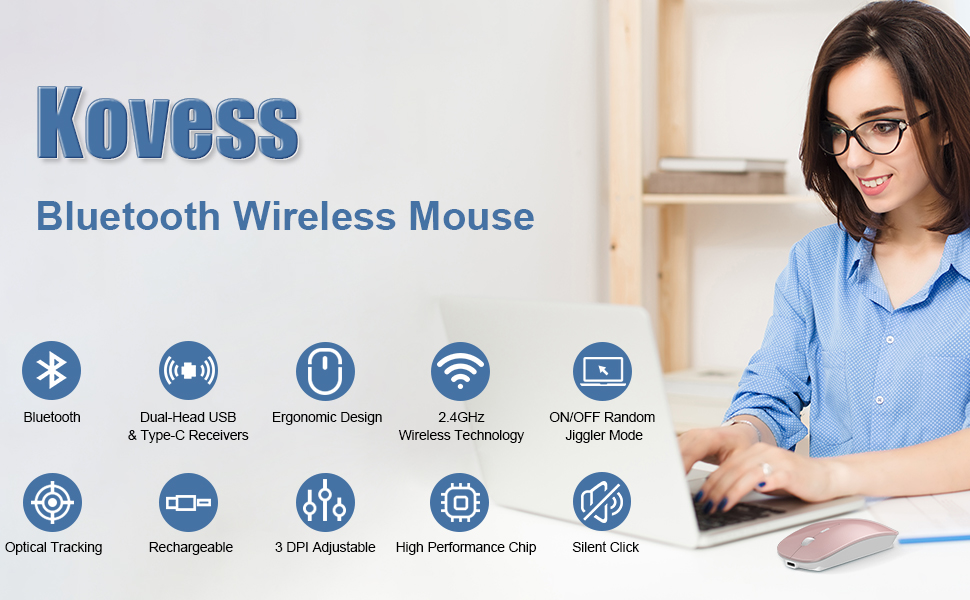
Bluetooth Wireless Mouse - Bluetooth 5.2/3.0 +2.4GHz USB-A + 2.4GHz USB-C [Type-C] + Jiggler Mode [Upgrade DPI Button]
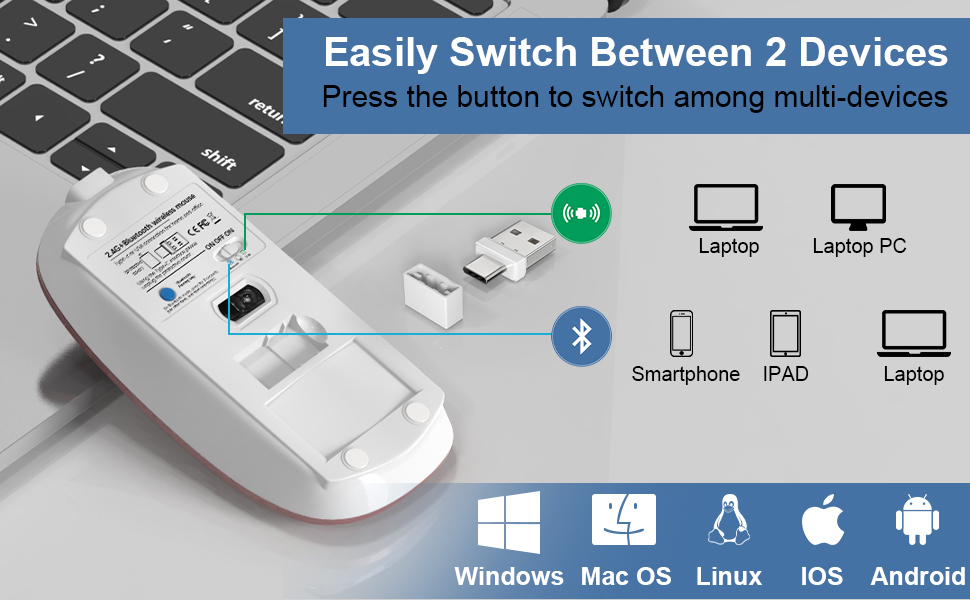
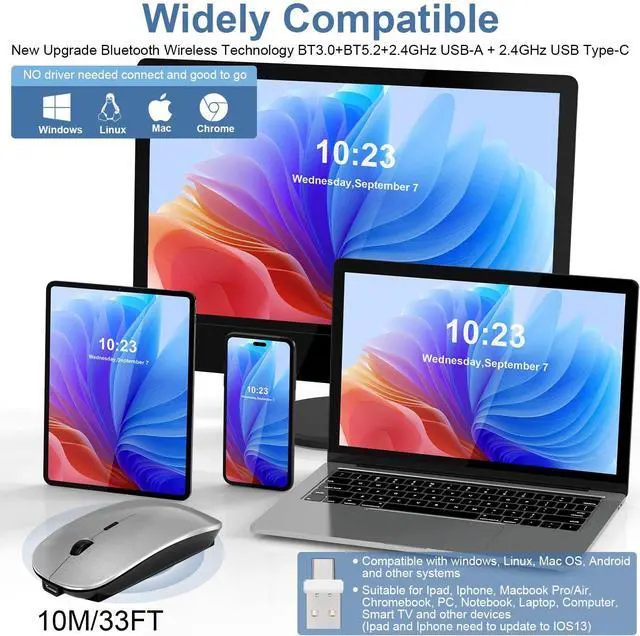
Broad Device Compatibility:Bluetooth wireless mouse for MacBook compatible with most system including PC Windows,Notebook,Pad,laptop,Mac;Linux;Android
How to use the Bluetooth mouse:
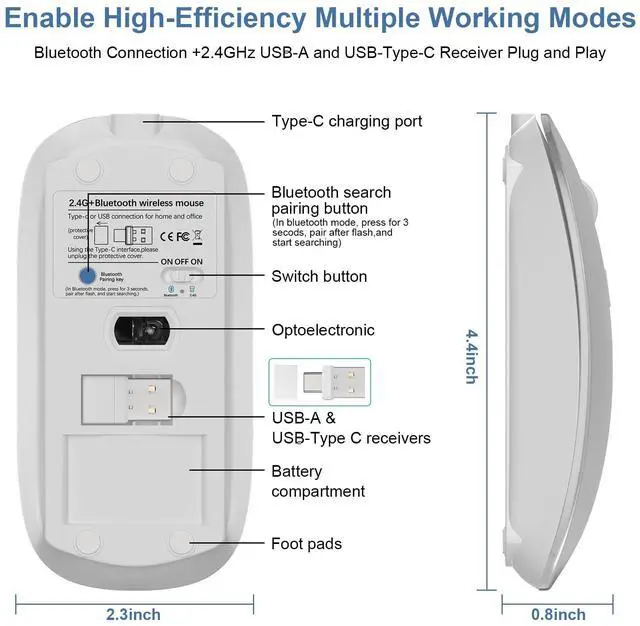
1. Charge for 2 hours before first use,the red light is on when charging,the red light is automatically extinguished when fully charged,pairing open the Bluetooth mouse (switch to "ON"position),press the blue circle(bluetooth pairing key)"Bluetooth connection button"More than 3 seconds.
2. Turn on the computer Bluetooth or toward the Bluetooth signal in the bottom right corner of the computer screen. Right click to select "add device", then the Bluetooth will enter the search state. (Note: Bluetooth normally has a Bluetooth logo in the lower right corner of the computer, if it normally starts.)
3. Wait for the computer to search interface into the Bluetooth device, the Bluetooth computer can search a mouse shape icon or "Bluetooth Mouse"(BT5.2 and BT3.0 switched freely)that is the Bluetooth mouse, and then click next to start the match, the pairing is successful mouse begin work.
How to use the 2.4G wireless mouse:
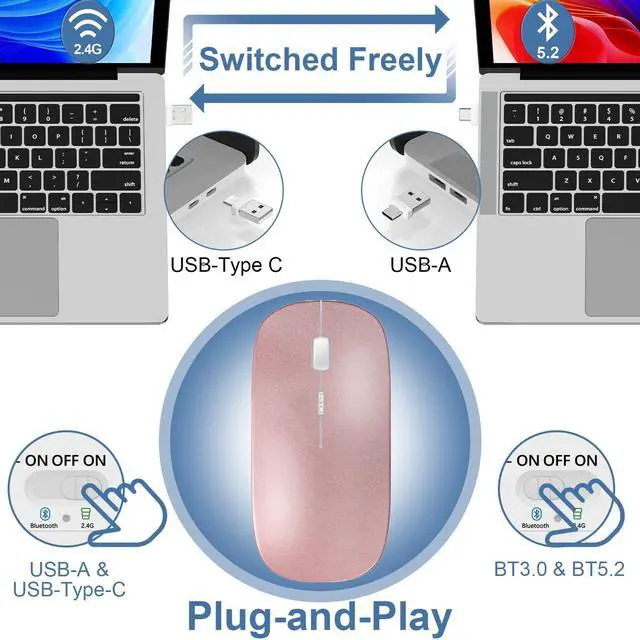
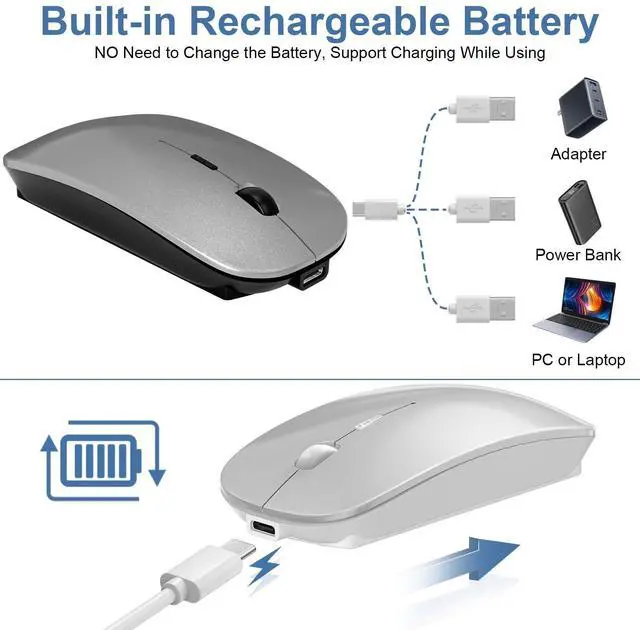
Charge for 2 hours before first use,the red light is on when charging, the red light is automatically extinguished and show blue light when fully charged,Press The Mode Toggle Button On The Bottom of The Mouse pairing open the 2.4G mouse (switch to "ON"position), Take out the usb and Type-C 2-in-1 receiver from the slot at the bottom of the wirless mouse, then select one end and insert it into the corresponding device's port. Type-C or USB receiver Plug-and-play
Upgrade DPI button:
Newly Added Jiggler Mode Can Keep the Computer Awake & Precise Optical Tracking 3 Grade DPI
1?Short Press 1s to Switch Between 3 Grade DIP Optical Tracking Mode (800DPI?1200DPI?1600DPI).
2?Long Press 3s to Turn ON/OFF Random Jiggler Mode (Keep Computer/Laptop Awake).
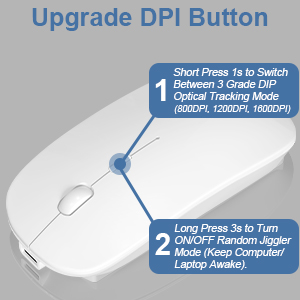
Upgrade DPI Button
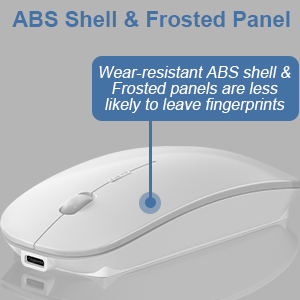
ABS Shell & Frosted Panel
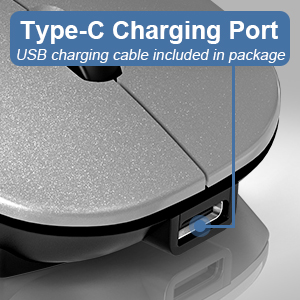
Type-C Charging Port
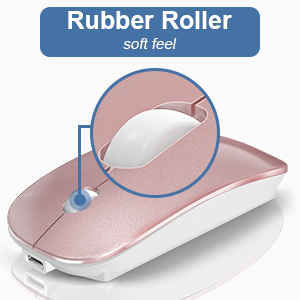
Rubber Roller
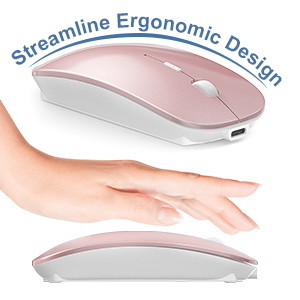
Streamline Ergonomic Design
- Streamline Design
- Comfortable hand feeling
- More intimate
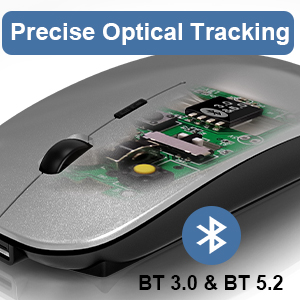
Precise Optical Tracking
- Accurate Tracking
- Upgrade High-performance Optical Chips
- More Advanced Bluetooth Technology and Dual-port 2-in-1 Receiver 2.4GHz USB-A and USB-C
- BT5.2 and BT3.0 switched freely
- 2.4GHz USB-A & USB Type-C receiver Plug-and-play
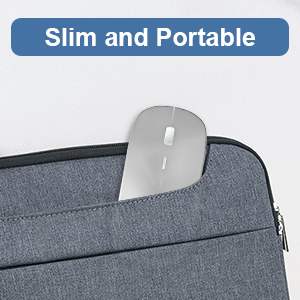
Slim and Portable
- The Lightweight and Slim Design Makes it Ideal for Travel and Fits Easily in a Laptop Bag or Pocket.
- Dimensions : Size About 4.4 x 2.3 x 0.8 inch
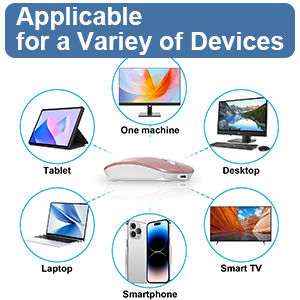
Applicable for a Variey of Devices
Broad Device Compatibility:Normdecos bluetooth wireless mouse for MacBook pro compatible with most system including PC,Notebook,Pad,laptop,Mac OS;Support Win7 Win8 Win10 Linux OS X or Android tablet.
NOTE : If you have two devices, one with Bluetooth 3.0 and the other with Bluetooth 5.2, the wireless mouse only supports connecting to one device and CAN NOT connect to both 3.0 and 5.2simultaneously.

- Package Included:
- 1 x Dual Mode Bluetooth Wireless Rechargeable Optical Mice (BT5.2+BT3.0+2.4GHz USB-A receiver+2.4GHz USB Type-C receiver).
- 1 x 2.4G USB-A & USB Type-C Receiver.(2.4G USB-A and USB Type-C receiver hidden in the bottom slot of the mouse)
- 1 x USB Charging Cable.(Do not use a high power charger or a fast charger to charge)
- 1 x User Manual.
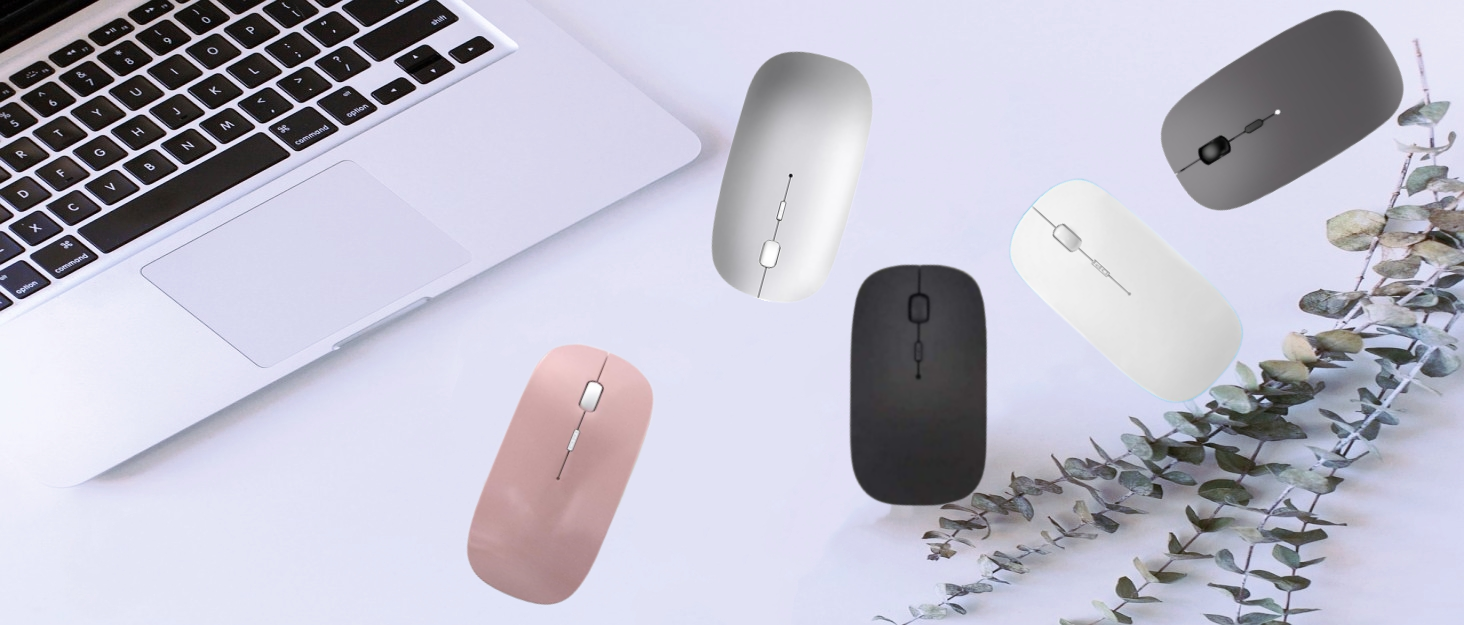
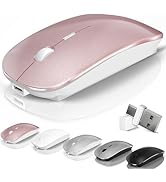
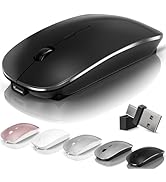
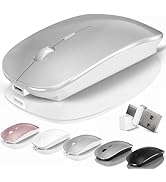
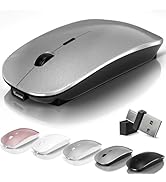
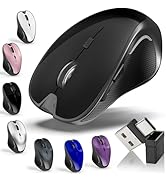
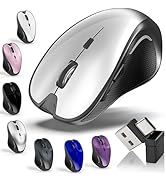
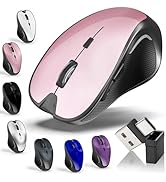
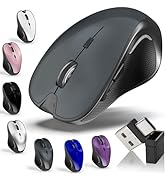
 Bluetooth Wireless Mouse (Rose Gold) |  Bluetooth Wireless Mouse (Black) |  Bluetooth Wireless Mouse (Silvery) |  Bluetooth Wireless Mouse (Gray) |  Bluetooth Wireless Mouse (White) | |
|---|---|---|---|---|---|
| Customer Reviews | — | — | — | — | — |
| Price | — | — | — | — | — |
| Bluetooth | ? | ? | ? | ? | ? |
| 2.4GHz USB-A | ? | ? | ? | ? | ? |
| 2.4GHz USB-Type C | ? | ? | ? | ? | ? |
| Built-in Rechargeable | ? | ? | ? | ? | ? |
| Jiggler Mode | Long Press DPI for 3s to Turn ON/OFF Random Jiggler Mode (Keep Computer/Laptop Awake) | Long Press DPI for 3s to Turn ON/OFF Random Jiggler Mode (Keep Computer/Laptop Awake) | Long Press DPI for 3s to Turn ON/OFF Random Jiggler Mode (Keep Computer/Laptop Awake) | Long Press DPI for 3s to Turn ON/OFF Random Jiggler Mode (Keep Computer/Laptop Awake) | Long Press DPI for 3s to Turn ON/OFF Random Jiggler Mode (Keep Computer/Laptop Awake) |
| Dimensions | 4.4*2.3*0.8 inch | 4.4*2.3*0.8 inch | 4.4*2.3*0.8 inch | 4.4*2.3*0.8 inch | 4.4*2.3*0.8 inch |
| Color | Rose Gold | Black | Silvery | Gray | White |
Kovess
A brand that focuses on innovation and reliability
More professional, more efficient, and more valuable





Bluetooth Wireless Mouse - Bluetooth 5.2/3.0 +2.4GHz USB-A + 2.4GHz USB-C [Type-C] + Jiggler Mode [Upgrade DPI Button]
Broad Device Compatibility:Bluetooth wireless mouse for MacBook compatible with most system including PC Windows,Notebook,Pad,laptop,Mac;Linux;Android
How to use the Bluetooth mouse:
1. Charge for 2 hours before first use,the red light is on when charging,the red light is automatically extinguished when fully charged,pairing open the Bluetooth mouse (switch to "ON"position),press the blue circle(bluetooth pairing key)"Bluetooth connection button"More than 3 seconds.
2. Turn on the computer Bluetooth or toward the Bluetooth signal in the bottom right corner of the computer screen. Right click to select "add device", then the Bluetooth will enter the search state. (Note: Bluetooth normally has a Bluetooth logo in the lower right corner of the computer, if it normally starts.)
3. Wait for the computer to search interface into the Bluetooth device, the Bluetooth computer can search a mouse shape icon or "Bluetooth Mouse"(BT5.2 and BT3.0 switched freely)that is the Bluetooth mouse, and then click next to start the match, the pairing is successful mouse begin work.
How to use the 2.4G wireless mouse:
Charge for 2 hours before first use,the red light is on when charging, the red light is automatically extinguished and show blue light when fully charged,Press The Mode Toggle Button On The Bottom of The Mouse pairing open the 2.4G mouse (switch to "ON"position), Take out the usb and Type-C 2-in-1 receiver from the slot at the bottom of the wirless mouse, then select one end and insert it into the corresponding device's port. Type-C or USB receiver Plug-and-play
Upgrade DPI button:
Newly Added Jiggler Mode Can Keep the Computer Awake & Precise Optical Tracking 3 Grade DPI
1?Short Press 1s to Switch Between 3 Grade DIP Optical Tracking Mode (800DPI?1200DPI?1600DPI).
2?Long Press 3s to Turn ON/OFF Random Jiggler Mode (Keep Computer/Laptop Awake).
Upgrade DPI Button
- 1?Short Press 1s to Switch Between 3 Grade DIP Optical Tracking Mode (800DPI?1200DPI?1600DPI).
- 2?Long Press 3s to Turn ON/OFF Random Jiggler Mode (Keep Computer/Laptop Awake).
ABS Shell & Frosted Panel
- Wear-resistant ABS shell & Frosted panels are less likely to leave fingerprints
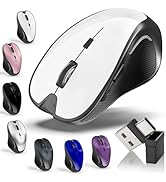
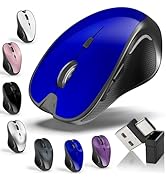
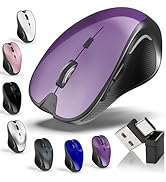
- Matte Black?Glossy Rose Gold?Glossy Silvery?Glossy White?Glossy Grey
Type-C Charging Port
- USB charging cable included in package
Rubber Roller
- Rubber roller feels soft to the touch
Streamline Ergonomic Design
- Streamline Design
- Comfortable hand feeling
- More intimate
Precise Optical Tracking
- Accurate Tracking
- Upgrade High-performance Optical Chips
- More Advanced Bluetooth Technology and Dual-port 2-in-1 Receiver 2.4GHz USB-A and USB-C
- BT5.2 and BT3.0 switched freely
- 2.4GHz USB-A & USB Type-C receiver Plug-and-play
Slim and Portable
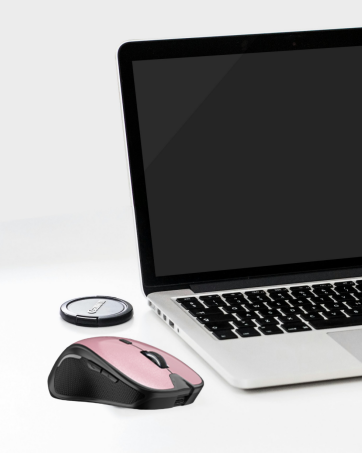
- The Lightweight and Slim Design Makes it Ideal for Travel and Fits Easily in a Laptop Bag or Pocket.
- Dimensions : Size About 4.4 x 2.3 x 0.8 inch
Applicable for a Variey of Devices
Broad Device Compatibility:Normdecos bluetooth wireless mouse for MacBook pro compatible with most system including PC,Notebook,Pad,laptop,Mac OS;Support Win7 Win8 Win10 Linux OS X or Android tablet.
NOTE : If you have two devices, one with Bluetooth 3.0 and the other with Bluetooth 5.2, the wireless mouse only supports connecting to one device and CAN NOT connect to both 3.0 and 5.2simultaneously.
- Package Included:
- 1 x Dual Mode Bluetooth Wireless Rechargeable Optical Mice (BT5.2+BT3.0+2.4GHz USB-A receiver+2.4GHz USB Type-C receiver).
- 1 x 2.4G USB-A & USB Type-C Receiver.(2.4G USB-A and USB Type-C receiver hidden in the bottom slot of the mouse)
- 1 x USB Charging Cable.(Do not use a high power charger or a fast charger to charge)
- 1 x User Manual.
Bluetooth Wireless Mouse (Rose Gold) | Bluetooth Wireless Mouse (Black) | Bluetooth Wireless Mouse (Silvery) | Bluetooth Wireless Mouse (Gray) | Bluetooth Wireless Mouse (White) | |
|---|---|---|---|---|---|
| Customer Reviews | — | — | — | — | — |
| Price | — | — | — | — | — |
| Bluetooth | ? | ? | ? | ? | ? |
| 2.4GHz USB-A | ? | ? | ? | ? | ? |
| 2.4GHz USB-Type C | ? | ? | ? | ? | ? |
| Built-in Rechargeable | ? | ? | ? | ? | ? |
| Jiggler Mode | Long Press DPI for 3s to Turn ON/OFF Random Jiggler Mode (Keep Computer/Laptop Awake) | Long Press DPI for 3s to Turn ON/OFF Random Jiggler Mode (Keep Computer/Laptop Awake) | Long Press DPI for 3s to Turn ON/OFF Random Jiggler Mode (Keep Computer/Laptop Awake) | Long Press DPI for 3s to Turn ON/OFF Random Jiggler Mode (Keep Computer/Laptop Awake) | Long Press DPI for 3s to Turn ON/OFF Random Jiggler Mode (Keep Computer/Laptop Awake) |
| Dimensions | 4.4*2.3*0.8 inch | 4.4*2.3*0.8 inch | 4.4*2.3*0.8 inch | 4.4*2.3*0.8 inch | 4.4*2.3*0.8 inch |
| Color | Rose Gold | Black | Silvery | Gray | White |
Kovess
A brand that focuses on innovation and reliability
More professional, more efficient, and more valuable
Kovess : A brand that focuses on innovation and reliability!
We have always been committed to customer-centered,adhere to the combination of innovation and actual needs,provide high-quality products, and gain more and more customer recognition.
Choose what you need
