
Your Browsing History




Any questions? Our AI beta will help you find out quickly.
Usage Instructions:
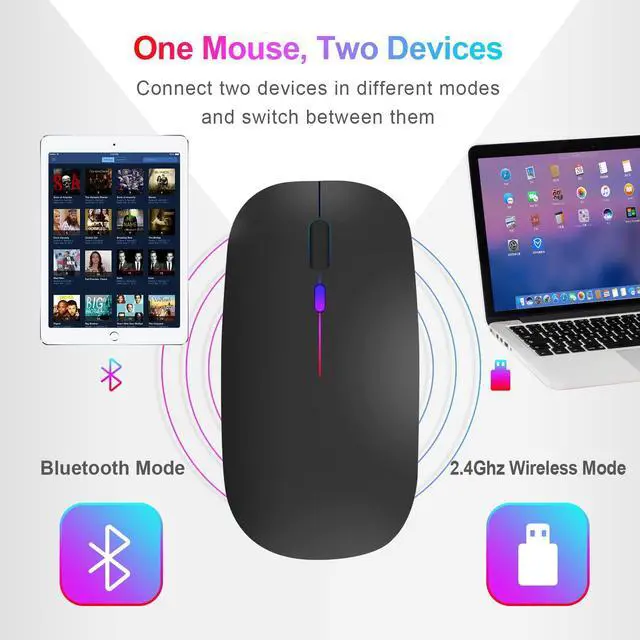
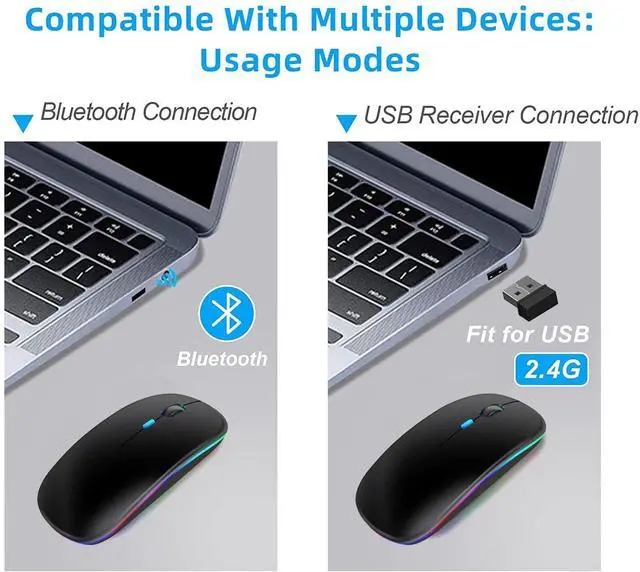
2.4G Mode
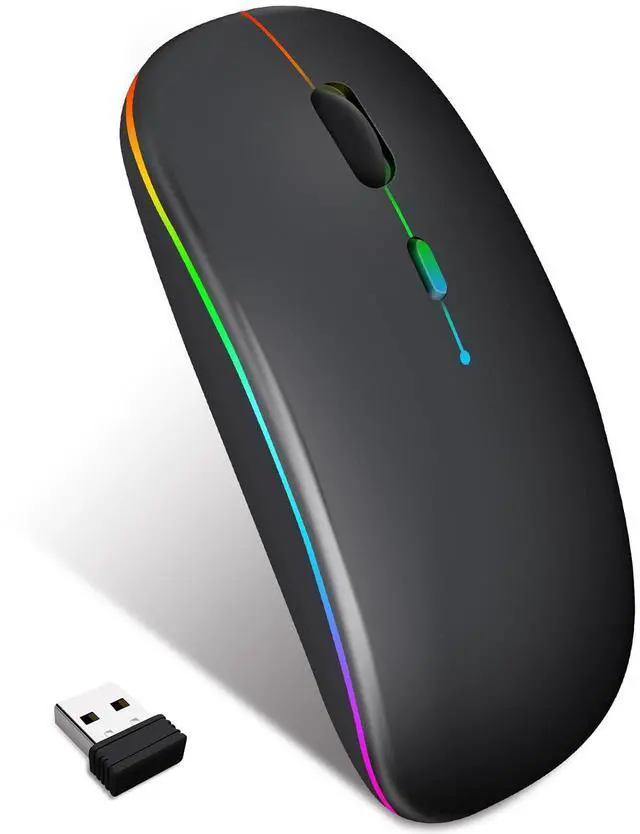
1. Remove the USB receiver from the bottom and plug it into your computer.
2. Turn on the switch on the bottom of the mouse and push it up to the 2.4GH mode.
3. Pair the mouse and USB receiver for 5 seconds, and it will be ready for use.
5.0 Bluetooth Mode
1. Turn on the switch at the bottom of the mouse and slide it down to the Bluetooth mode.
2. Open your phone or computer device, go to Settings, then click Bluetooth. Search for the Bluetooth device BT5.2Mouse and click Connect.
3. Wait for 5 seconds, and once connected, it can be used normally.
| Brand | Neises |
| Color | led black |
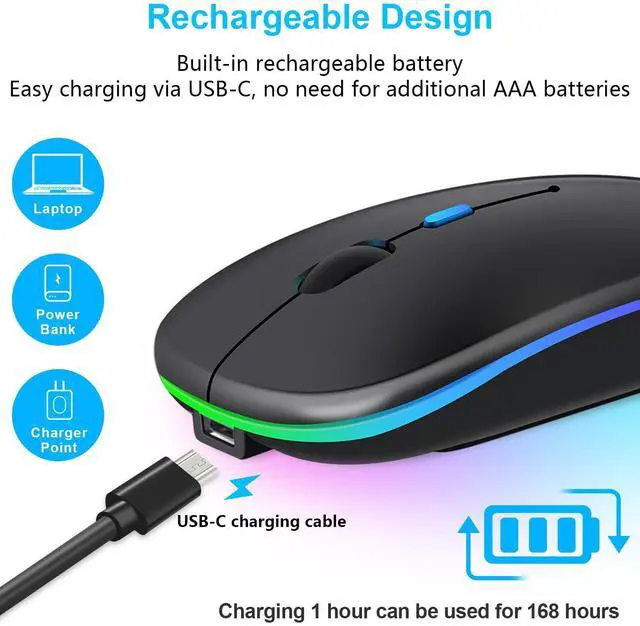
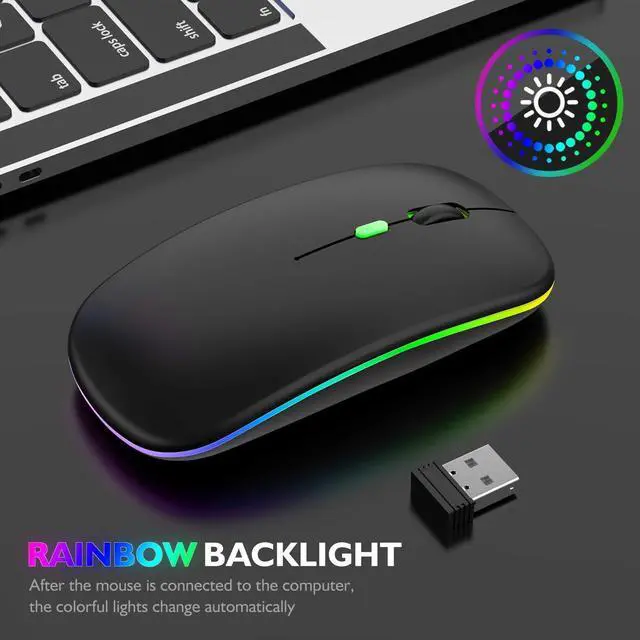
| Connectivity Technology | Bluetooth, USB |
| Special Feature | Lightweight |
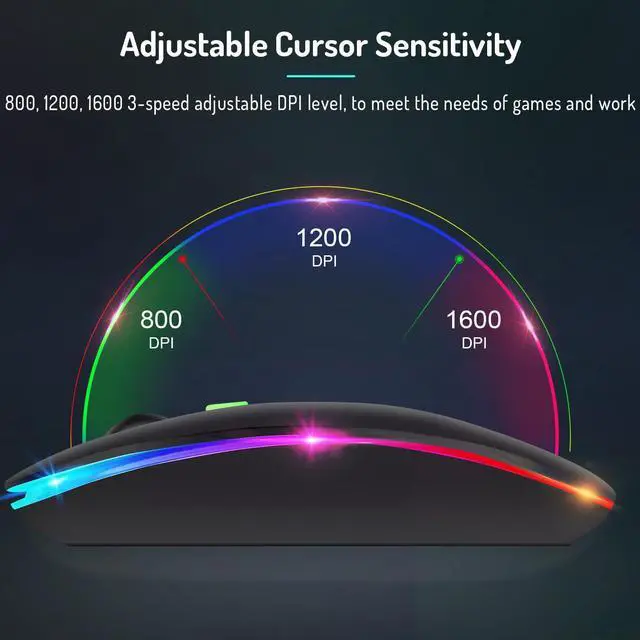
| Movement Detection Technology | Optical |
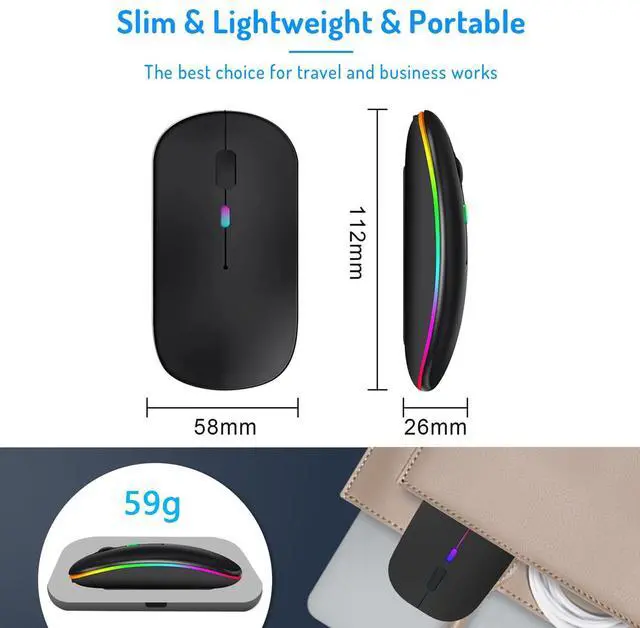
| Package Dimensions | 4.92 x 3.03 x 1.42 inches |
| Item Weight | 2.89 ounces |
| Date First Available | June 11, 2025 |
| Manufacturer | LWGDP |