






Make your smart life easier.

CC Store based on the concept of "Innovation, Change Life", we focus on developing and manufacturing products that meet the quality of people's digital life.
We are constantly updating patents and technologies to provide excellent products and services to our customers in many countries around the world.
We welcome you to become a valued customer of our brand and provide support and considerate after-sales service for every order you make.
What is unique about our products?
We continue to invest in research and development, and have been awarded a series of patents for our inventions. This is why we are able to offer high quality products that balance great functionality, aesthetics and affordability.
What are our core strengths?
We specialize in digital lifestyle products that make life more comfortable and convenient in an era of constant advancement.
Why do we love what we do?
Because of our brand beliefs, we believe it's worth a lifetime of meaningful work.



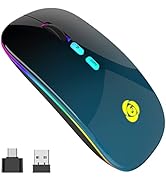
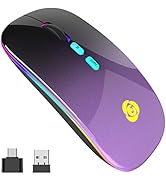
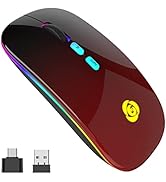
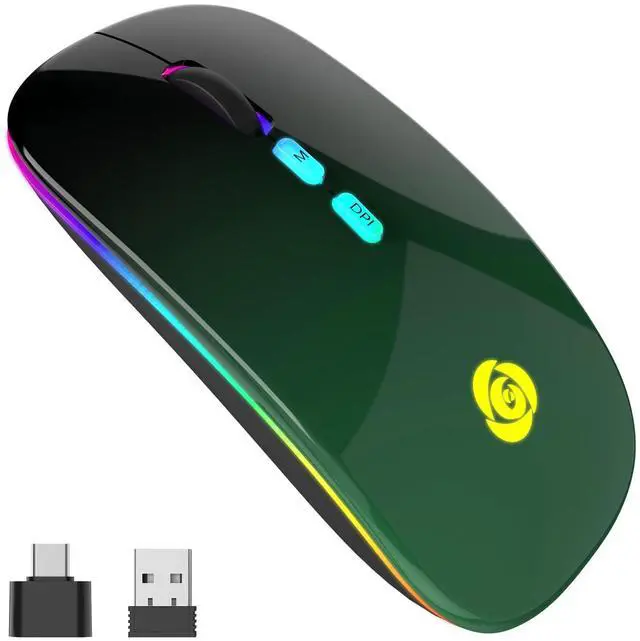
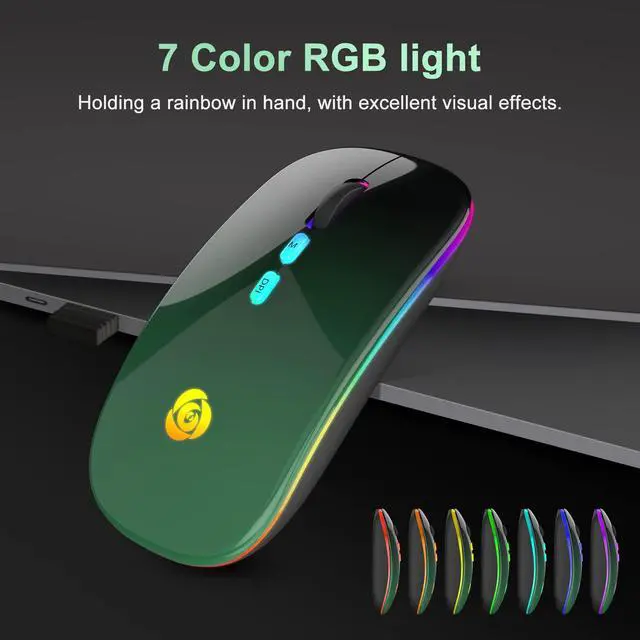
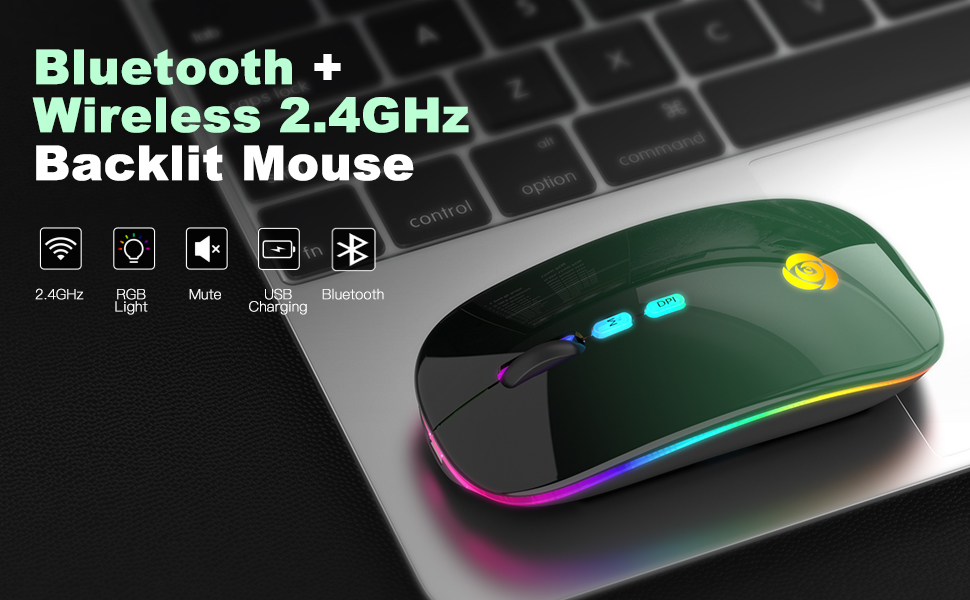
LED Bluetooth Mouse
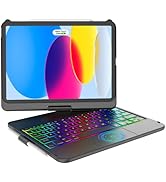
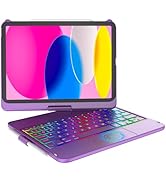
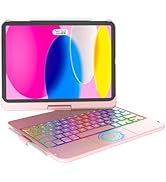
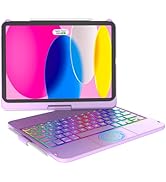
iPad 10th Gen Keyboard Case
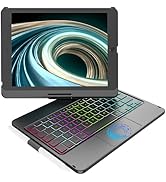
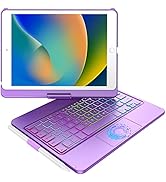
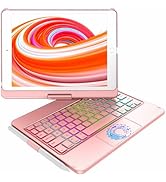
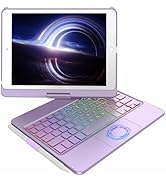
iPad 9/8/7th Gen Keyboard Case
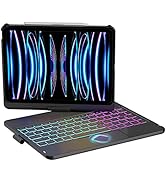
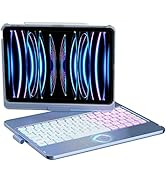
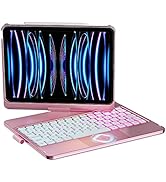
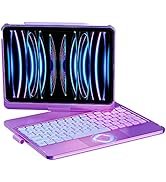
iPad Pro 11/Air Keyboard Case
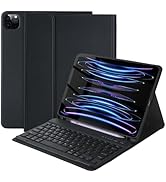
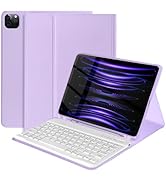
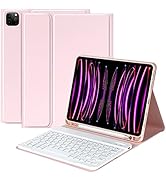
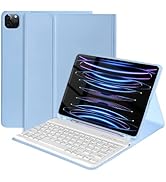
iPad Pro 11/Air Keyboard Case
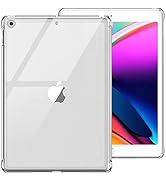
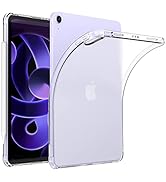
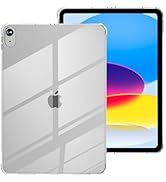
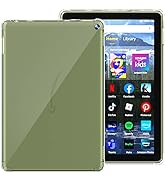
Clear Case
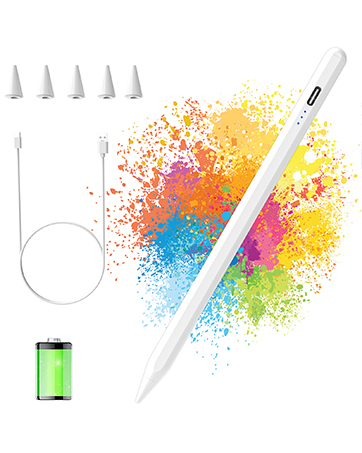
Stylus Pen for iPad
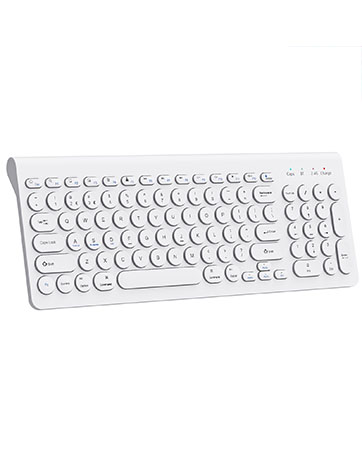
Wireless Bluetooth Keyboard
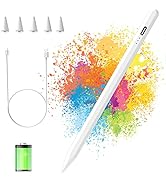
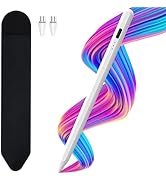
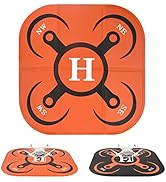
More Products
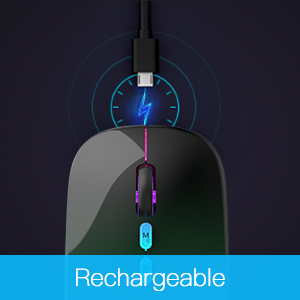
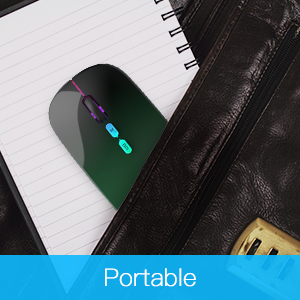
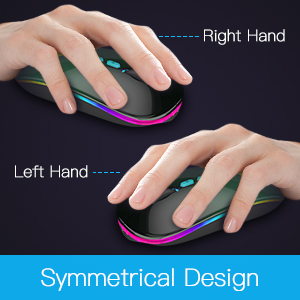
How to use it?
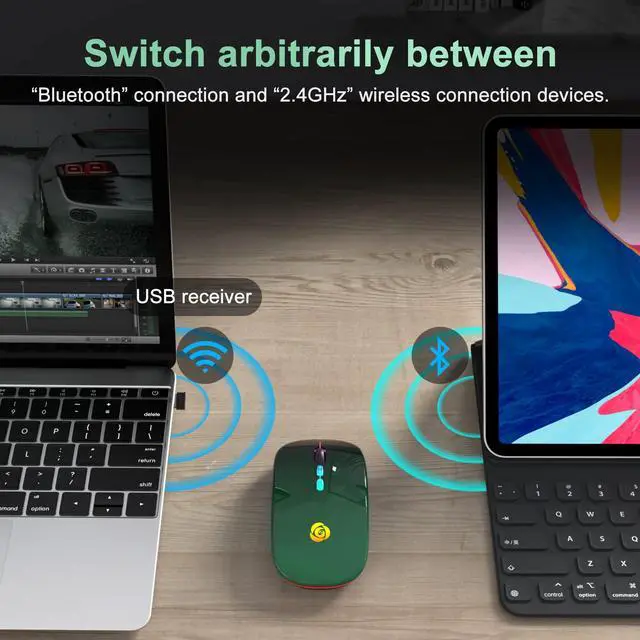
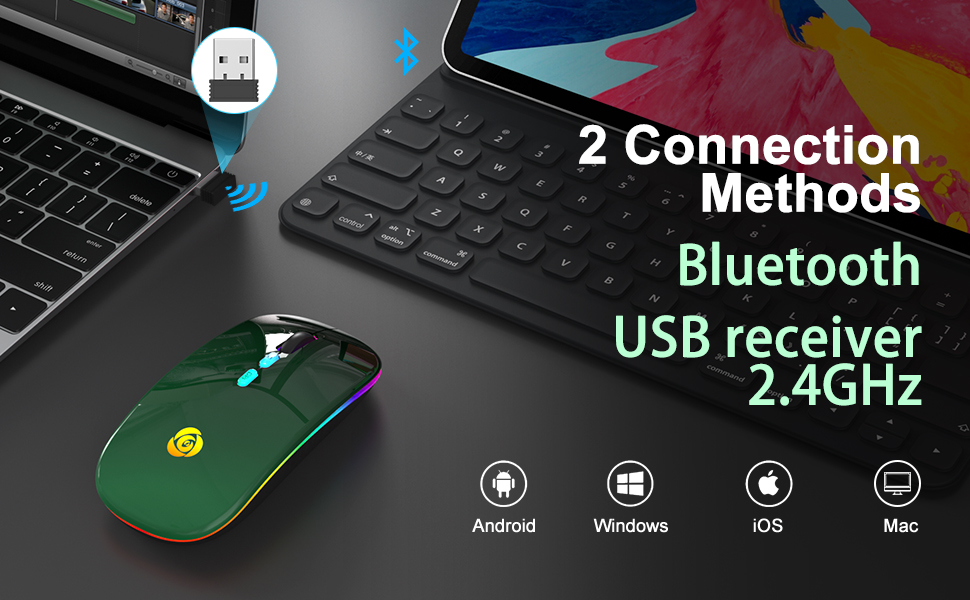
*Bluetooth Mode:
1.Switch from "ON/OFF" button to Bluetooth Mode.
2.Click "Settings"--"Bluetooth"--Turn on Bluetooth--Search "BT5.1 Mouse" and pair.
*2.4GHz Mode:
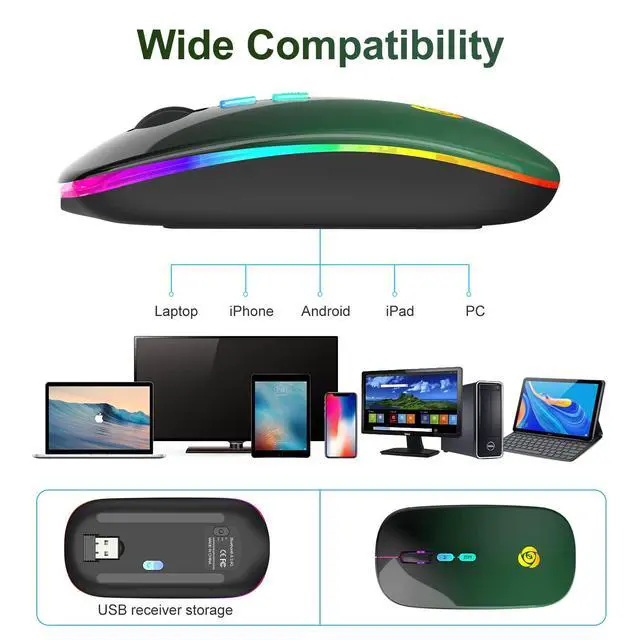
1.Take the receiver out from the bottom of the mouse.
2.Plug the receiver into the USB port of your computer.
3.Switch from "ON/OFF" button to 2.4G Mode, then you can use the mouse in 2.4GHz Mode.
Note: Just turn on the button to Bluetooth mode or 2.4GHz mode, you can switch the way to connect mouse.
FAQ: After Bluetooth connection, the cursor is not displayed?
1.iOS systems such as iPad/iPhone need to be upgraded to iOS 13 or above.
2.Open "Settings"?search for "Mouse Keys" in the top search bar?AssistiveTouch "OFF"?"ON".
Other way: Open "Settings"?Find "Accessibility"?Touch?AssistiveTouch "OFF"?"ON".
Products Specification
 Touchpad iPad 9th./8th/7th Generation Keyboard | 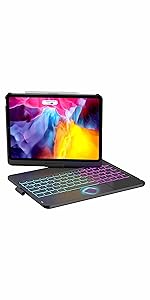 Touchpad iPad Pro 11"/Air Keyboard | 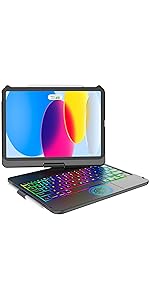 Touchpad iPad 10th Generation Keyboard |  Wireless Bluetooth Keyboard | 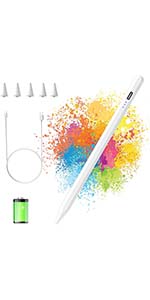 Stylus Pen | 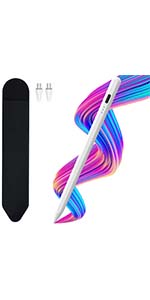 Universal pen | |
|---|---|---|---|---|---|---|
| Customer Reviews | — | — | — | — | — | — |
| Price | — | — no data | — | — no data | — | — no data |
| Compatibility | iPad 9th/8th/7th Gen | iPad Pro 11''/Air 5th/Air 4th Gen | iPad 10th Gen | Laptop, PC, iPad, Samsung, Tablet, iPhone, Smartphone | iPad | Samsung, iPhone, Xiaomi, HUAWEI, Tablet, Smartphone |
| Features | 360° Rotation, Multi-touch, Backlit keys, Auto-Sleep Wake | 360° Rotation, Multi-touch, Backlit keys, Auto-Sleep Wake | 360° Rotation, Multi-touch, Backlit keys, Auto-Sleep Wake | Full Size Rechargeable Keyboard with Number Pad | Palm Rejection, Tilt Sensitive, High Precision, Battery Capacity Indicator | Palm Rejection, Tilt Sensitive, High Precision, Battery Capacity Indicator |
| Connection | Bluetooth | Bluetooth | Bluetooth | Wireless, Bluetooth, USB | Wireless | Wireless |
How to use it?
*Bluetooth Mode:
1.Switch from "ON/OFF" button to Bluetooth Mode.
2.Click "Settings"--"Bluetooth"--Turn on Bluetooth--Search "BT5.1 Mouse" and pair.
*2.4GHz Mode:
1.Take the receiver out from the bottom of the mouse.
2.Plug the receiver into the USB port of your computer.
3.Switch from "ON/OFF" button to 2.4G Mode, then you can use the mouse in 2.4GHz Mode.
Note: Just turn on the button to Bluetooth mode or 2.4GHz mode, you can switch the way to connect mouse.
FAQ: After Bluetooth connection, the cursor is not displayed?
1.iOS systems such as iPad/iPhone need to be upgraded to iOS 13 or above.
2.Open "Settings"?search for "Mouse Keys" in the top search bar?AssistiveTouch "OFF"?"ON".
Other way: Open "Settings"?Find "Accessibility"?Touch?AssistiveTouch "OFF"?"ON".
Products Specification
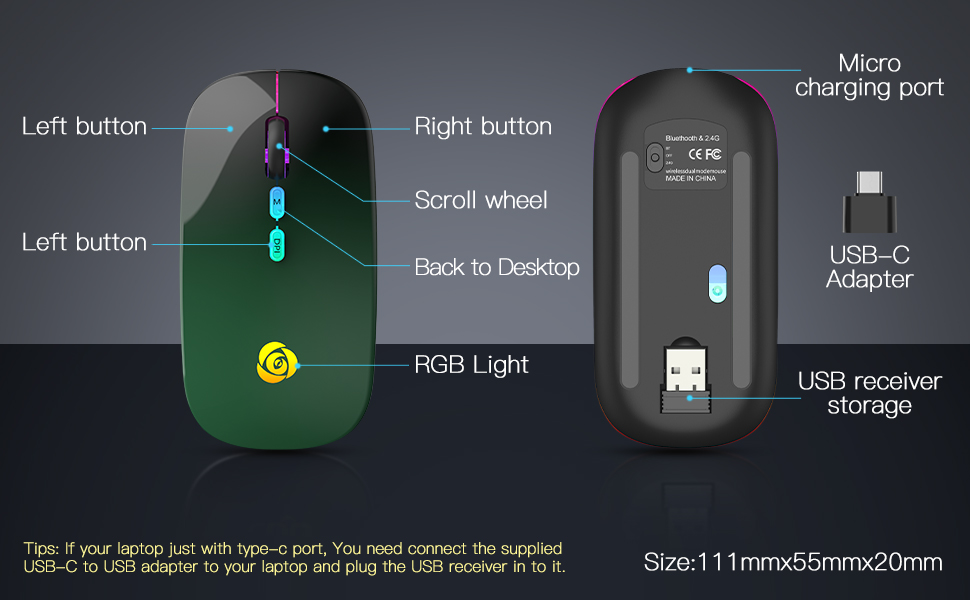
| Connection | Wireless (2.4GHz)/ Bluetooth |
| Size | 111*55*20MM |
| Weight | 80g+- |
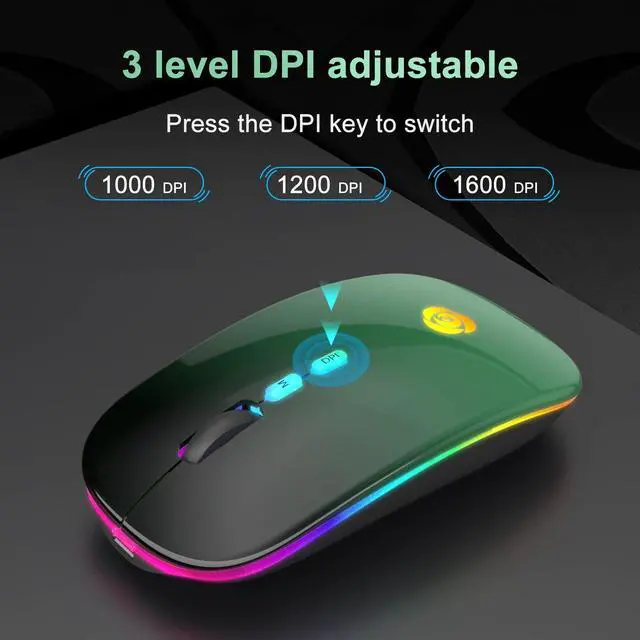
| DPI value | 1000-1200-1600 |
| Charging time | 2~3 hours |
| Usage time | 1 week |
| Standby time | 30 days |
| Work distance | 10M |
| Compatibility | Windows XP, Vista, 7, 8,and 10/ Windows Vista etc, Fits for desktop, laptop, PC, Macbook and other devices. (Bluetooth)Compatible with iPad/iPhone(iOS 13 and later version),Windows 8/10,Mac OS 10.10/Android 5.0 or above system.(No need to install any driver) |
| What You Get | 1 x Dual Mode Mouse,1 x Micro USB Charging Cable,1 x USB Receiver,1 x USB-C Adapter,1 x User Manual |
Touchpad iPad 9th./8th/7th Generation Keyboard | Touchpad iPad Pro 11"/Air Keyboard | Touchpad iPad 10th Generation Keyboard | Wireless Bluetooth Keyboard | Stylus Pen | Universal pen | |
|---|---|---|---|---|---|---|
| Customer Reviews | — | — | — | — | — | — |
| Price | — | — no data | — | — no data | — | — no data |
| Compatibility | iPad 9th/8th/7th Gen | iPad Pro 11''/Air 5th/Air 4th Gen | iPad 10th Gen | Laptop, PC, iPad, Samsung, Tablet, iPhone, Smartphone | iPad | Samsung, iPhone, Xiaomi, HUAWEI, Tablet, Smartphone |
| Features | 360° Rotation, Multi-touch, Backlit keys, Auto-Sleep Wake | 360° Rotation, Multi-touch, Backlit keys, Auto-Sleep Wake | 360° Rotation, Multi-touch, Backlit keys, Auto-Sleep Wake | Full Size Rechargeable Keyboard with Number Pad | Palm Rejection, Tilt Sensitive, High Precision, Battery Capacity Indicator | Palm Rejection, Tilt Sensitive, High Precision, Battery Capacity Indicator |
| Connection | Bluetooth | Bluetooth | Bluetooth | Wireless, Bluetooth, USB | Wireless | Wireless |
Make your smart life easier.
CC Store based on the concept of "Innovation, Change Life", we focus on developing and manufacturing products that meet the quality of people's digital life.
We are constantly updating patents and technologies to provide excellent products and services to our customers in many countries around the world.
We welcome you to become a valued customer of our brand and provide support and considerate after-sales service for every order you make.
What is unique about our products?
We continue to invest in research and development, and have been awarded a series of patents for our inventions. This is why we are able to offer high quality products that balance great functionality, aesthetics and affordability.
What are our core strengths?
We specialize in digital lifestyle products that make life more comfortable and convenient in an era of constant advancement.
Why do we love what we do?
Because of our brand beliefs, we believe it's worth a lifetime of meaningful work.
LED Bluetooth Mouse
iPad 10th Gen Keyboard Case
iPad 9/8/7th Gen Keyboard Case
iPad Pro 11/Air Keyboard Case
iPad Pro 11/Air Keyboard Case
Clear Case
Stylus Pen for iPad
Wireless Bluetooth Keyboard
More Products