







- The mouse adopt imported bluetooth chip,compatible with devices with integrated bluetooth function.
- The mouse compatible with Windows, iPad/iPhone/ operating systems (note:iOs you will need to update the device to ios 13.1.2 ), Android, and Linux. Tablets etc. If you are using on your iPad/iPhone/, upgrade your device first. If you can not connect, please contact after-sales service in time, we will solve your problem.(Not applicable to camera systems.)( for Mac, MacBook,MacBook Air,MacBook Pro)
- With lightweight and portable design, its very convenient to carry for a business travel.
- Cannot connect to M3 MacBook Air,MacBook Pro.

LIGHTWEIGHT & PORTABLE
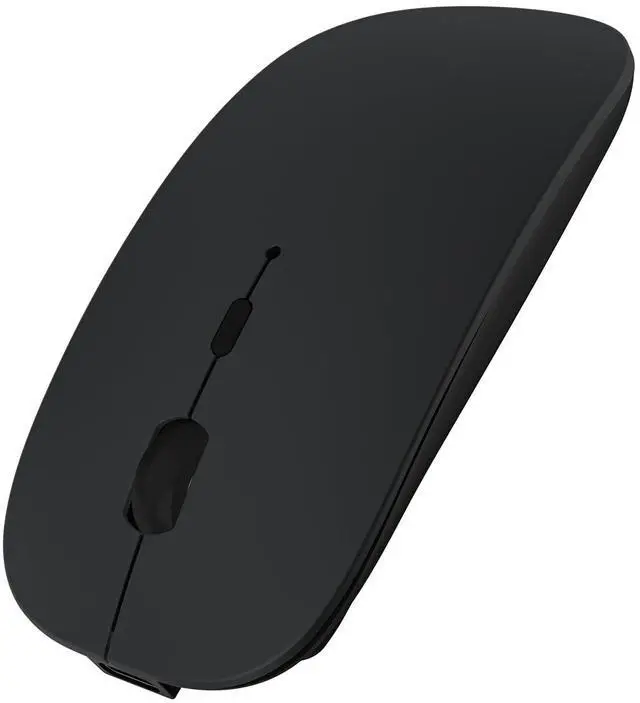
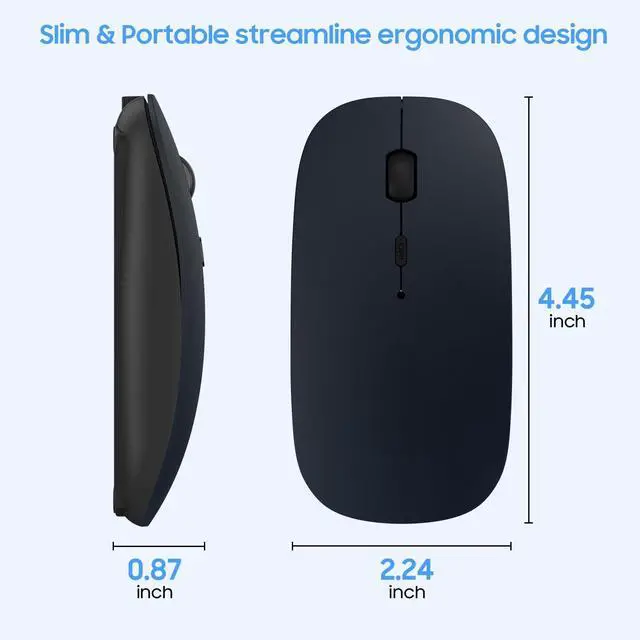
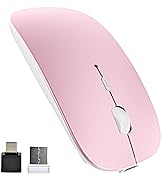
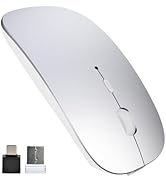
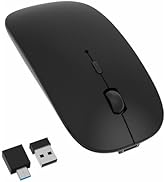
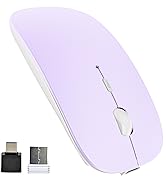
Fashion and ultra-thin design with comfortable hand-feeling, Lightweight and portable, the mouse size only 4.45 x 2.24 x 0.87 inch, weight 0.22ibs.

DPI 800-1200-1600
This mouse DPI have 3 gears, 800-1200-1600 adjustable, you can change the speed of the mouse by pressing DPI button to meet demands of daily working

SILENT CLICK
The bluetooth mouse will reduce the noise up to 80%. You can enjoy the silent bluetooth mouse freely and no need to worry about bothering other

RECHARGEABLE BATTERY
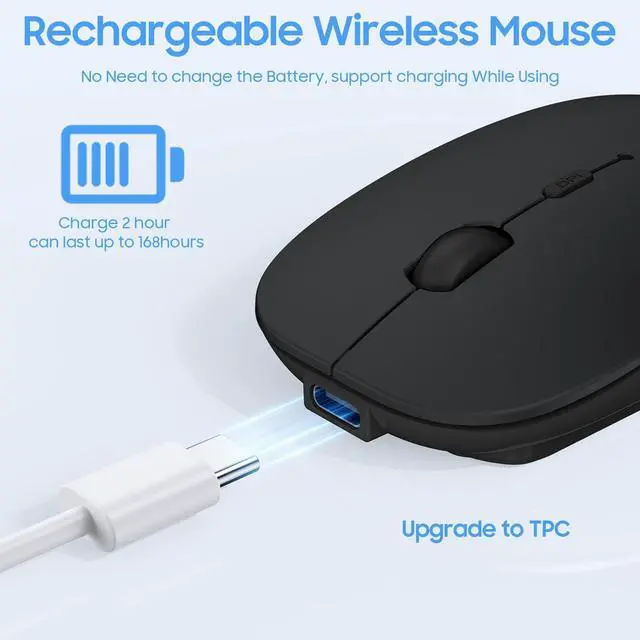
Built in lithium-ion battery, type-c port, full charged 2-4 hours, can work 5~6 weeks (Battery life may vary based on user and computing conditions).

WIDELY COMPATIBILITY
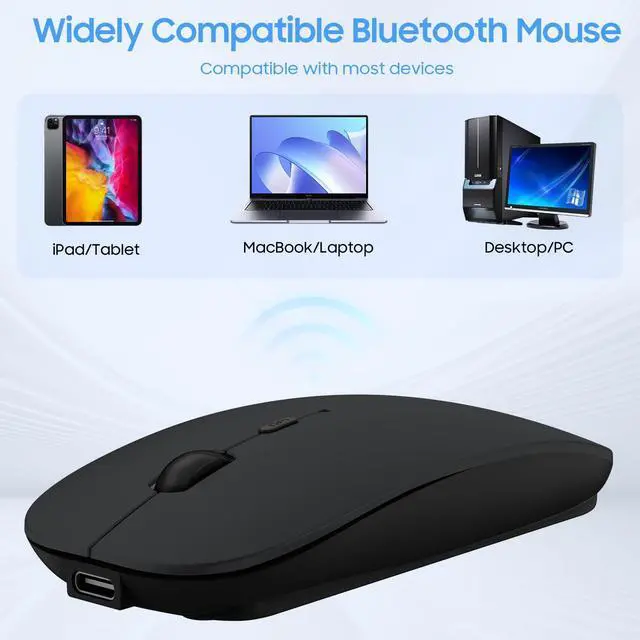
Compatible with windows2000/xp/10, iPad / iPhone, Mac OS (Not for Mac OS 10.13.3 and Mojave system), Android and Linux, Tablet, etc.(noted: for iOS support 13.1.2 and later version only)

IMPORTED BLUETOOTH CHIP
The mouse adopt imported bluetooth chip, fast and stable connection. No more other port or receiver needed.(for Mac, MacBook,MacBook Air,MacBook Pro)
HOW TO CONNECT ? (for iOS support 13.1.2 and above version)
for iPad:
1. switch on the mouse.
2. press bt pair button(on the bottom of mouse) for 3 seconds, the light will flash blue color, it shows mouse enter "pair" mode.
3. open the bluetooth on your iPad and search bluetooth mouse, click named "Bluetooth Mouse 4.0" to connect, you can enjoy the mouse now.
for iPhone:
1. switch on the mouse.
2. press bt pair button(on the bottom of mouse) for 3 seconds, the light will flash blue color, it shows mouse enter "pair" mode.
3. click “Settings-Accessibility-Touch-AssistiveTouch(ON)-Devices-Bluetooth Devices’-and search "Bluetooth Mouse 4.0", you can enjoy mouse now.(please make sure your iPhone is 13.1.2 and later version, or you need update you iphone to 13.1.2 and later version first)
Noted: if can not connect mouse, please off you mac’s bluetooth and WiFi then turn on them again, and reconnect bluetoot mouse

Bluetooth Mouse for Macbook

SUNGI was established in 2011, one professional factory engaged in research, development, sale and service of consumer electronics.
We regard "quality" as our culture, we have excellent teams focus on product development & design, quality control & inspection to serve our customers better.
We committed to provide customers excellent products and services with incredible price, bring you convenient and efficient life.
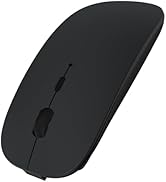
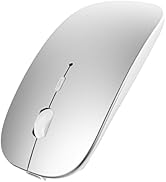
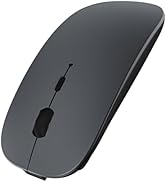
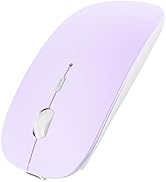
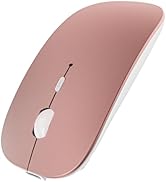
Bluetooth Mouse for Macbook
2.4G+BT Dual Mode Mouse
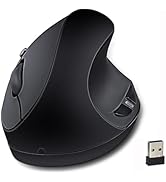
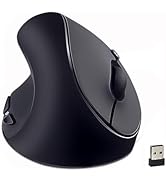
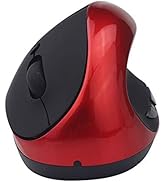
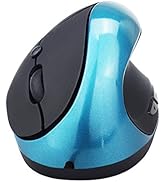
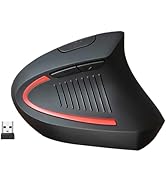
Ergonomic Vertical Mouse S8
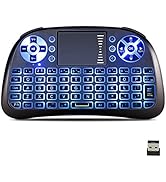
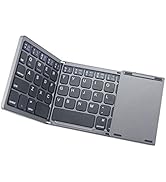
Wireless Keyboard

- The mouse adopt imported bluetooth chip,compatible with devices with integrated bluetooth function.
- The mouse compatible with Windows, iPad/iPhone/ operating systems (note:iOs you will need to update the device to ios 13.1.2 ), Android, and Linux. Tablets etc. If you are using on your iPad/iPhone/, upgrade your device first. If you can not connect, please contact after-sales service in time, we will solve your problem.(Not applicable to camera systems.)( for Mac, MacBook,MacBook Air,MacBook Pro)
- With lightweight and portable design, its very convenient to carry for a business travel.
- Cannot connect to M3 MacBook Air,MacBook Pro.
LIGHTWEIGHT & PORTABLE
Fashion and ultra-thin design with comfortable hand-feeling, Lightweight and portable, the mouse size only 4.45 x 2.24 x 0.87 inch, weight 0.22ibs.
DPI 800-1200-1600
This mouse DPI have 3 gears, 800-1200-1600 adjustable, you can change the speed of the mouse by pressing DPI button to meet demands of daily working
SILENT CLICK
The bluetooth mouse will reduce the noise up to 80%. You can enjoy the silent bluetooth mouse freely and no need to worry about bothering other
RECHARGEABLE BATTERY
Built in lithium-ion battery, type-c port, full charged 2-4 hours, can work 5~6 weeks (Battery life may vary based on user and computing conditions).
WIDELY COMPATIBILITY
Compatible with windows2000/xp/10, iPad / iPhone, Mac OS (Not for Mac OS 10.13.3 and Mojave system), Android and Linux, Tablet, etc.(noted: for iOS support 13.1.2 and later version only)
IMPORTED BLUETOOTH CHIP
The mouse adopt imported bluetooth chip, fast and stable connection. No more other port or receiver needed.(for Mac, MacBook,MacBook Air,MacBook Pro)
HOW TO CONNECT ? (for iOS support 13.1.2 and above version)
for iPad:
1. switch on the mouse.
2. press bt pair button(on the bottom of mouse) for 3 seconds, the light will flash blue color, it shows mouse enter "pair" mode.
3. open the bluetooth on your iPad and search bluetooth mouse, click named "Bluetooth Mouse 4.0" to connect, you can enjoy the mouse now.
for iPhone:
1. switch on the mouse.
2. press bt pair button(on the bottom of mouse) for 3 seconds, the light will flash blue color, it shows mouse enter "pair" mode.
3. click “Settings-Accessibility-Touch-AssistiveTouch(ON)-Devices-Bluetooth Devices’-and search "Bluetooth Mouse 4.0", you can enjoy mouse now.(please make sure your iPhone is 13.1.2 and later version, or you need update you iphone to 13.1.2 and later version first)
Noted: if can not connect mouse, please off you mac’s bluetooth and WiFi then turn on them again, and reconnect bluetoot mouse
Bluetooth Mouse for Macbook
SUNGI was established in 2011, one professional factory engaged in research, development, sale and service of consumer electronics.
We regard "quality" as our culture, we have excellent teams focus on product development & design, quality control & inspection to serve our customers better.
We committed to provide customers excellent products and services with incredible price, bring you convenient and efficient life.
Bluetooth Mouse for Macbook
2.4G+BT Dual Mode Mouse
Ergonomic Vertical Mouse S8
Wireless Keyboard