• $19.99
  • Free 30-day Returns
  • Price alert

    Shipped by LONGYANCHUANGYI

    Shop it at NeweggBusiness.

    Meet Your Seller

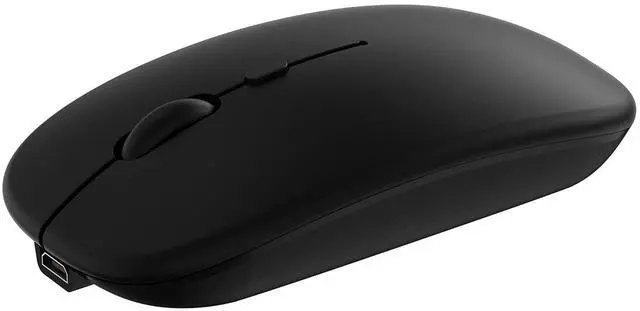
    Wireless Bluetooth Mouse for Apple iPad iPhone MacBook Android Samsung Tablet Phone Dual-Mode Rechargeable 2.4G Portable Computer Mice for Windows Laptop Notebook PC Mac Desktop USB Receiver (Black)

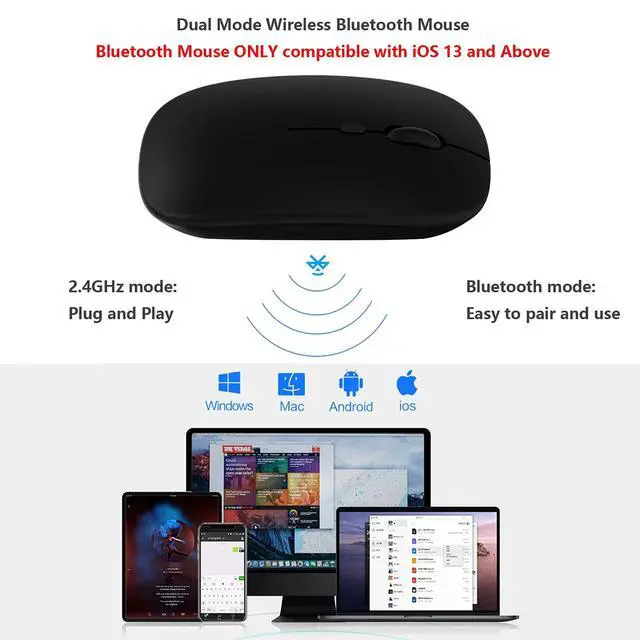
    • Excellent Compatibility: The mouse compatible with iOS MacOS Android and Windows system. It's perfect for laptop Surface PC computer desktop chromebook, Android Samsung tablet smartphone cell phone, iPhone iPad, iPad Mini, iPad Pro, iPad Air, MacBook Pro Air Mac iMac multiple devices.The Bluetooth Mouse ONLY compatible with iOS 13, iPadOS 13, MacOS 10.10 and Above. You need to update the system of your ipad and iphone to iOS 13 or above, and turn on Setting>Accessibility>Touch>Assistive Touch
    • Plug and Play, Easy to Pair: The dual mode mouse adopt stable Bluetooth and 2.4GHz wireless technology, advanced optical technology can realize the ability of quick click and quick response. The working distance is up to 10 meters. 2.4G mode: Plug and play, no drivers are required, USB nano receiver is located on the bottom of the mouse. Bluetooth mode: Easy to pair and easy to use.
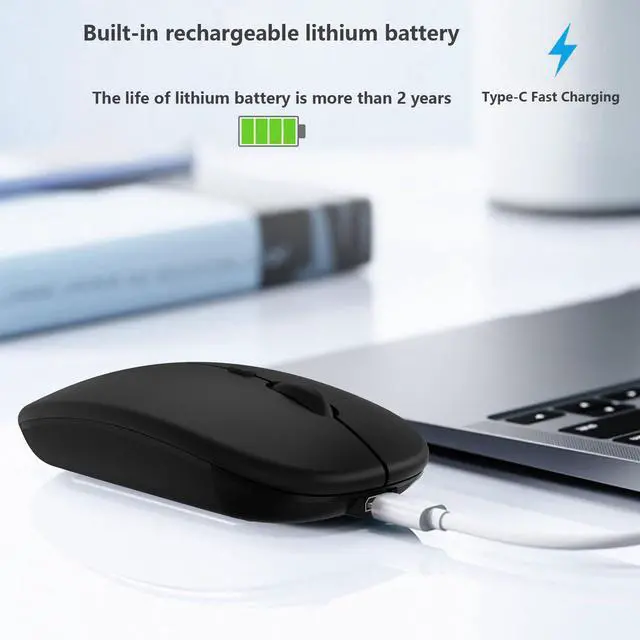
    • Rechargeable Cordless Mouse: Built-in rechargeable lithium battery, after fully charged, they can be used for more than 30 days (When used continuously for 2 hours a day). If it's not used for more than 10 minutes, it will automatically enter the sleep state to save power. If you want to continue to use it, just click any key to wake up the mouse.
    +
    +
    Overview
    Specs
    Reviews
    avatar

    Any questions? Our AI beta will help you find out quickly.

    Dual-Mode mouse: Bluetooth + 2.4GHz connection

    Note: You need to update the system of your iPad and iPhone to iOS 13, iPad OS 13 and above. And then turn on Assistive Touch : Open Setting> Accessibility> Touch> Assistive Touch.

    1. Bluetooth mouse connection method:

    1: Turn on the ON/OFF switch to switch to Bluetooth.

    2: Turn on the Bluetooth switch of the tablet/smartphone, and search for the Bluetooth mouse.

    3: Click the BT5.2 Mouse on the tablet/smartphone to connect.

    Note: The mouse can't be connected to two Bluetooth devices at the same time. Therefore, if you want to replace another device, you must first disconnect the pairing connection of the original device.

    2. 2.4G mouse connection method:

    1: Turn on the ON/OFF switch to switch to 2.4G.

    2: Just plug the USB receiver into the USB port of the computer and you can start using it.

    Compatible with iPad iPhone such as iPad 11th (A16) 10th 9th 8th 7th Generation, iPad Pro 13in M4, iPad Pro 12.9 inch 6th 5th 4th 3rd gen, iPad Pro 11 inch M4 4th 3rd 2nd 1st gen, iPad Air M3 M2 5th 4th gen, iPad mini A17 Pro 7/6/5, iPhone 16 15 14 13 Pro Max Plus, etc.

    Compatible with Android tablet smartphone such as Samsung Galaxy Tab A S lite tablet cell phone etc.

    Product Specifications:

    Bluetooth Version: Bluetooth 5.2

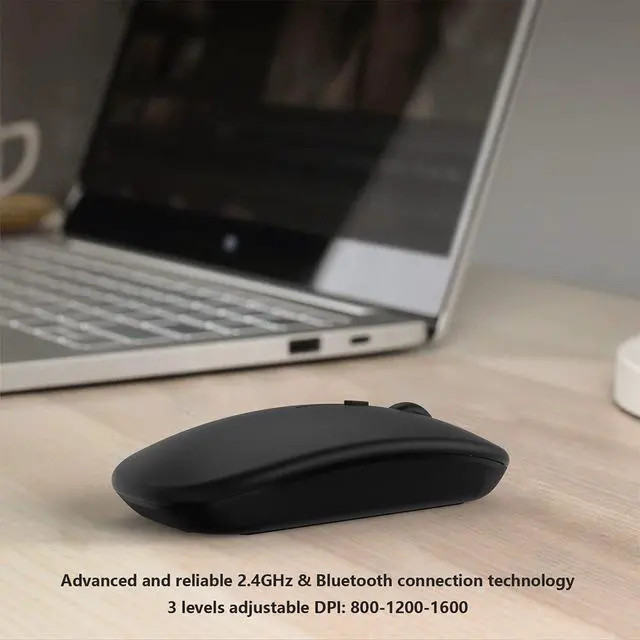
    DPI: 800-1200-1600

    Buttons: 4 keys

    Working distance: Up to 10 meters

    Charging Interface: USB-C

    Package including:

    1 * Mouse

    1 * USB Receiver

    1 * Type-C Charging Cable

    If you have any questions, please contact us. We provide one year warranty service, so you do not have any risk. If you are not satisfied with our products, we can replace you with a brand new product or a full refund to you.

    Warranty & Returns

    Warranty, Returns, And Additional Information

    Warranty

    • Please contact the Seller directly for warranty information. Warranty information may also be found on the Manufacturer's website.
    • CONTACT

    Return Policies

    Manufacturer Contact Info

    LOADING...