




Influencer Recommendation!
EWEADN wireless gaming mouse
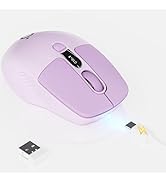
Merchant VideoQuick Note: Locating Your Mouse's USB Receiver(on the side of the mouse)

Need the USB receiver?
- Find the rubber panel on the mouse's side.
- Lift it with the included guitar pick.
- Remove the receiver inside.

MacBook Users: Skip the USB Port!
- Switch your mouse to BT mode.
- Pair directly in your Mac’s BT settings.
- No receiver needed – great for USB-C life!


EWEADN
- Beauty and Practicality Coexist
- Genuine Brand Support
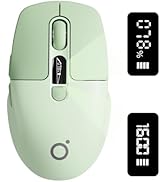
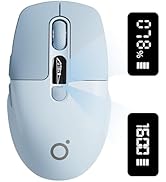
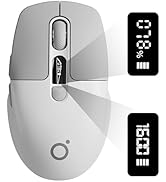
Q1 MOUSE
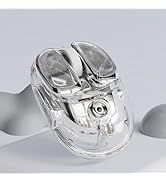
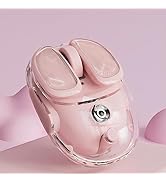
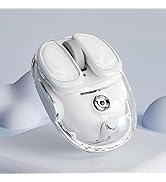

Q9 MOUSE
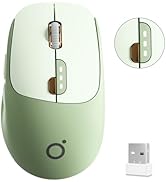
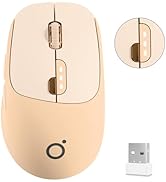
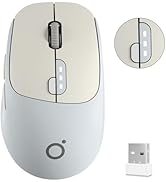
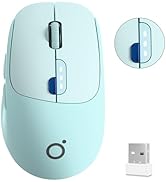
Q5 MOUSE

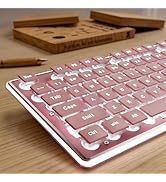
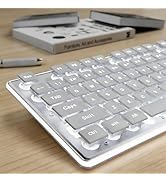
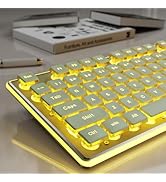
GX710S KEYBOARD
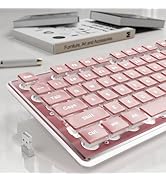
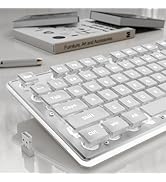
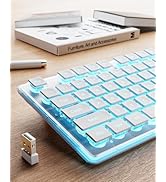
X7S KEYBOARD
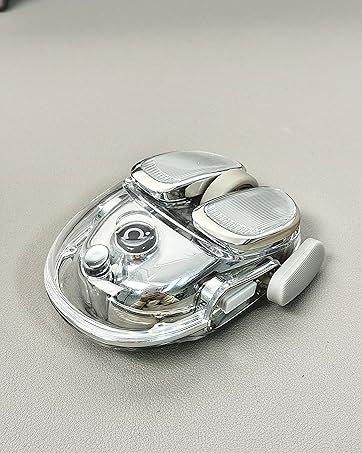
EWEADN Q9 MOUSE-Sliver
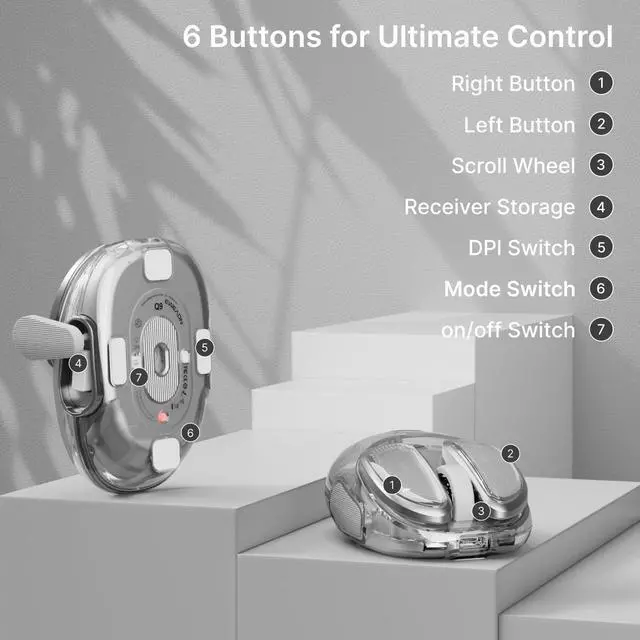
- Easy button, efficient office
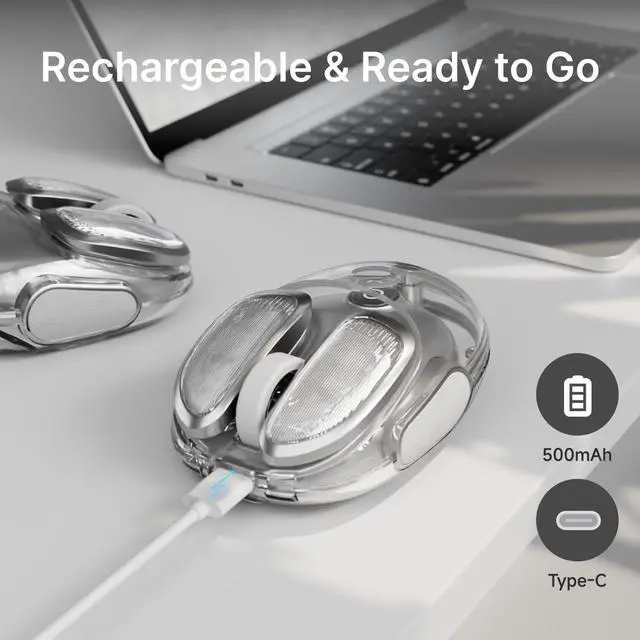
- Extremely long battery life
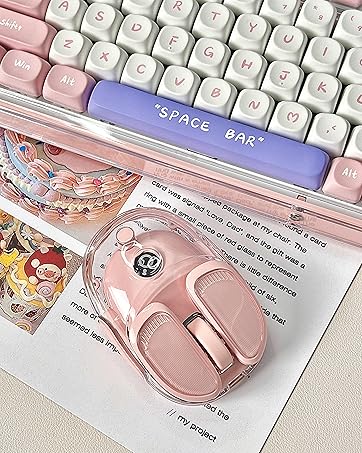
EWEADN Q9 MOUSE-Pink
- High appearance, fresh color scheme
- Lightweight, new color scheme
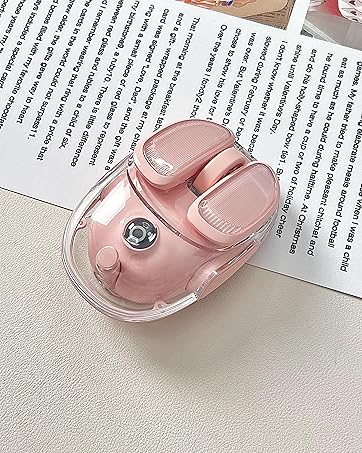
EWEADN Q9 MOUSE-Pink
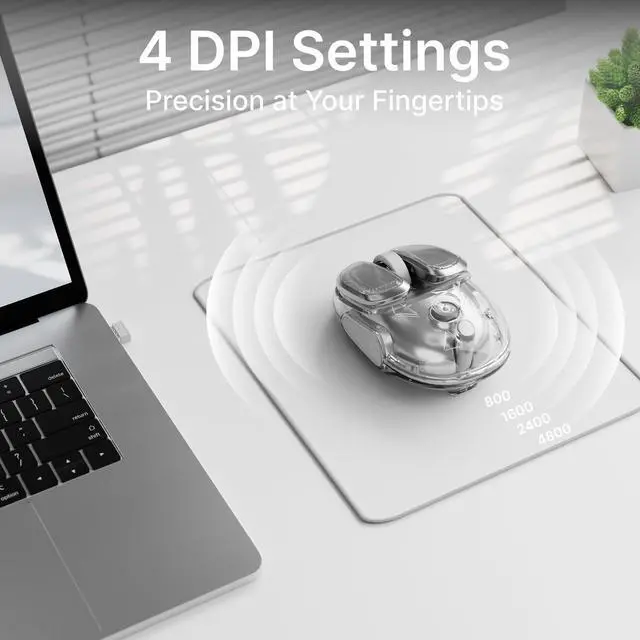
- Four-speed DPl Adjustment
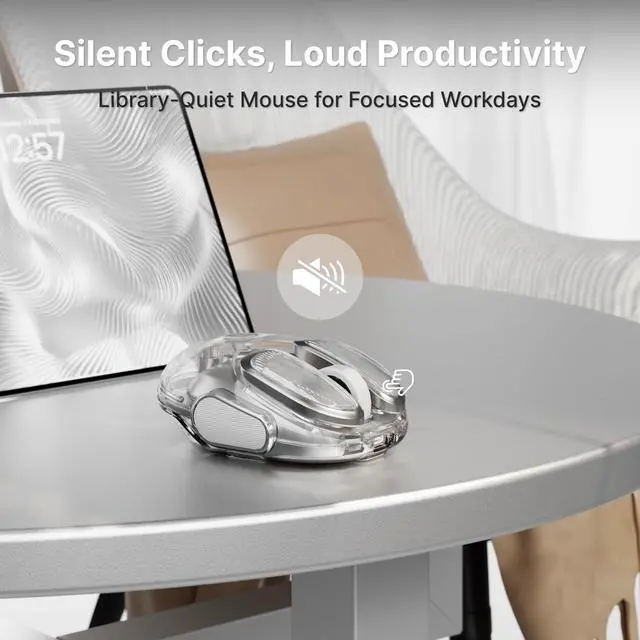
- Enjoy quiet, noise-free clicks
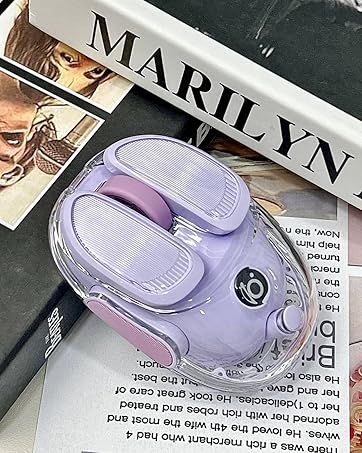
EWEADN Q9 MOUSE-Purple
- lce-clear Body
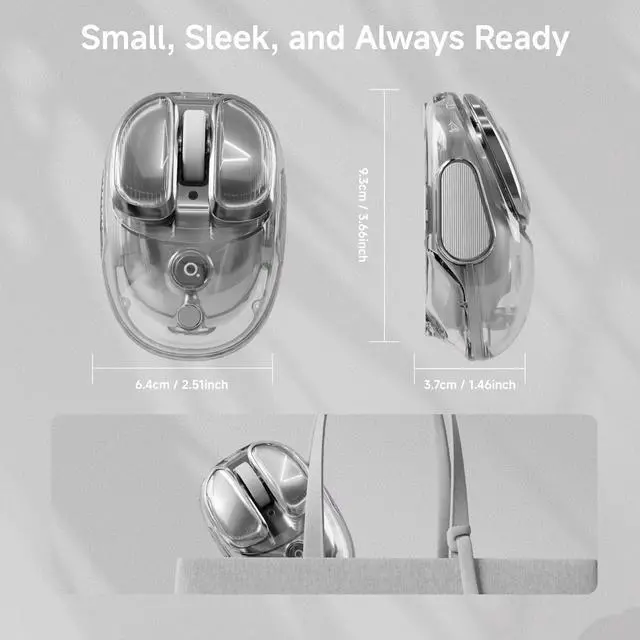
- Small and cute
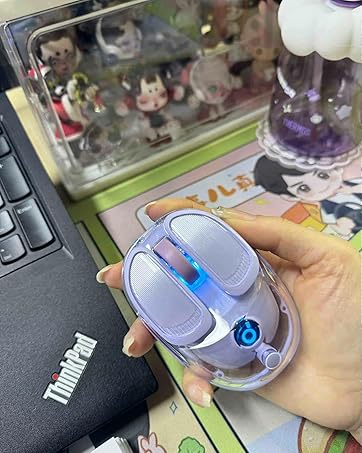
EWEADN Q9 MOUSE-Purple
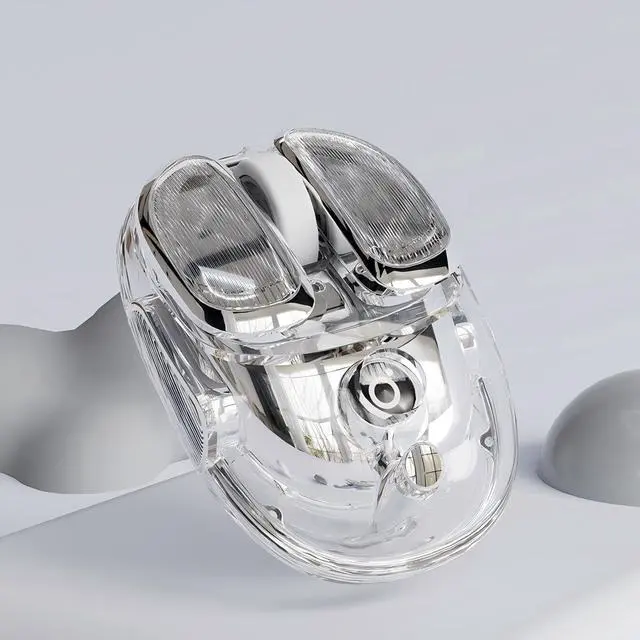
- Sleek Transparent Design
- RGB Lighting

Influencer Recommendation!
EWEADN Q9 Wireless clear Mouse
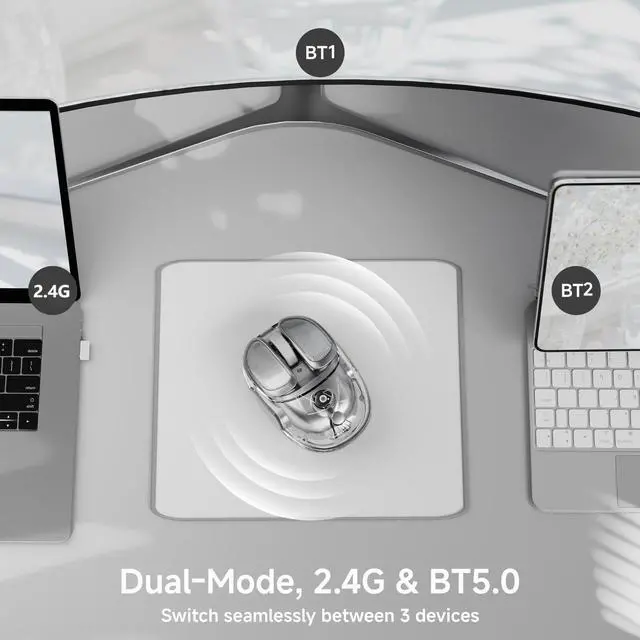
Dual Mode Connectivity
- Bluetooth & 2.4G Connection
- Multi-Device Compatibility for Laptop, Pc, MacBook
High appearance, fresh color scheme
Four-speed DPl Adjustment
- Exquisite body, portable storage
- Lightweight, new color scheme
Ergonomic & Lightweight Build
Extremely long battery life
- Enjoy quiet, noise-free clicks
- Easy button, efficient office
Sleek Transparent Design
RGB Lighting
- lce-clear Body
- Small and cute
EWEADN wireless gaming mouse
Merchant VideoQuick Note: Locating Your Mouse's USB Receiver(on the side of the mouse)

Need the USB receiver?
- Find the rubber panel on the mouse's side.
- Lift it with the included guitar pick.
- Remove the receiver inside.

MacBook Users: Skip the USB Port!
- Switch your mouse to BT mode.
- Pair directly in your Mac’s BT settings.
- No receiver needed – great for USB-C life!


EWEADN
- Beauty and Practicality Coexist
- Genuine Brand Support
Q1 MOUSE
Q9 MOUSE
Q5 MOUSE
GX710S KEYBOARD
X7S KEYBOARD
EWEADN Q9 MOUSE-Sliver
- Easy button, efficient office
- Extremely long battery life
EWEADN Q9 MOUSE-Pink
- High appearance, fresh color scheme
- Lightweight, new color scheme
EWEADN Q9 MOUSE-Pink
- Four-speed DPl Adjustment
- Enjoy quiet, noise-free clicks
EWEADN Q9 MOUSE-Purple
- lce-clear Body
- Small and cute
EWEADN Q9 MOUSE-Purple
- Sleek Transparent Design
- RGB Lighting