


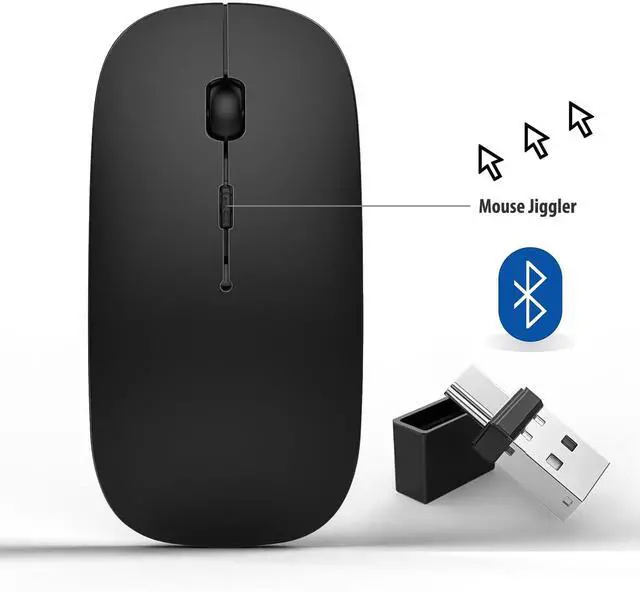


[Mouse Jiggler]:This mouse is with the mouse Jiggler function

The mouse Jiggler work only need to Hold press DPI for 3 seconds, the computer will enter the mouse Jiggler mode, no need to install any software
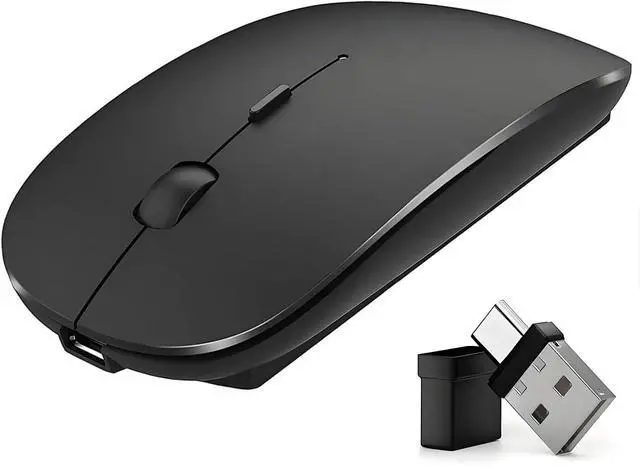
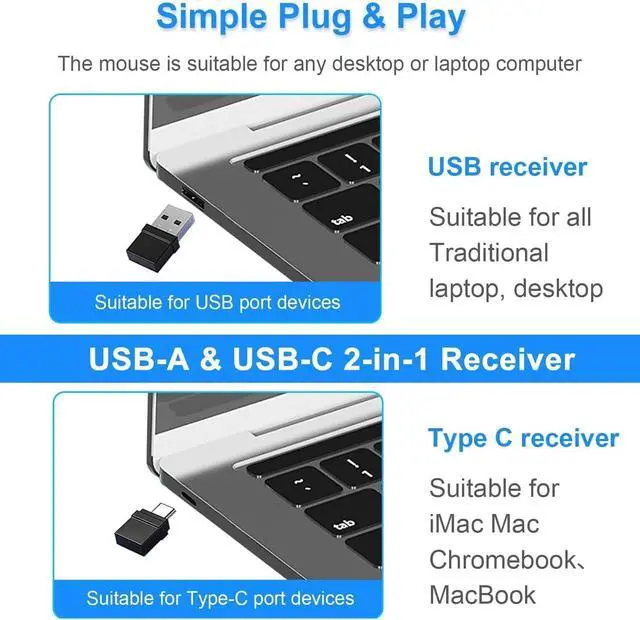
Multi-Function Wireless Bluetooth mouse (BT5.2 + BT3.0 +2.4GHz USB-A + 2.4GHz USB Type-C) Four working modes

How to use mouse 2.4G USB receiver mode

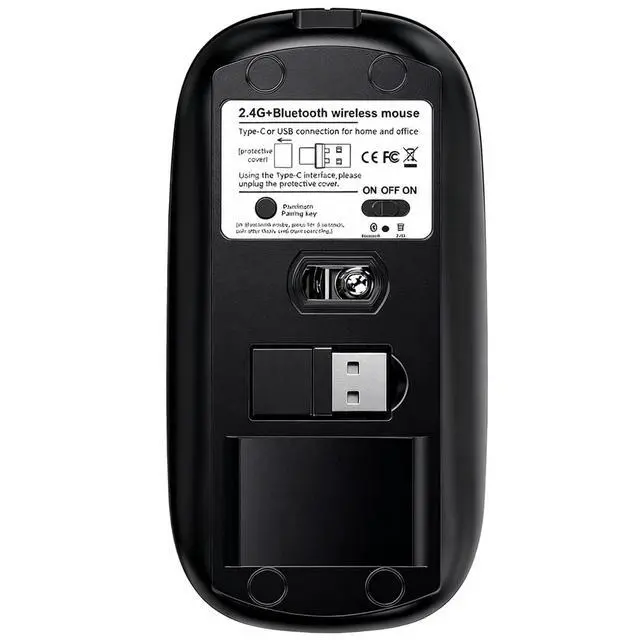
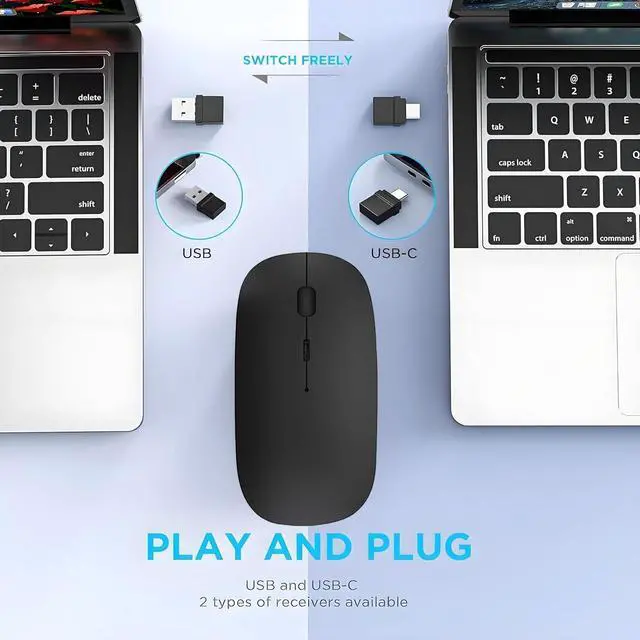
First, switch the mouse switch to 2.4G mode (green light)> Then remove the USB from the bottom of the mouse (With a dual-port receiver integrating USB and Type-C), > Plug the USB receiver into the USB port of your laptop,plug and play.(Works with all USB ports and USB c Laptop and desktop ports)
How to use the bluetooth mouse

On the ipad OS13 and above iPad pro 11/12.9inch ipad air 10.9inch ipad mini 8.3inch iPad 10th gen 9th gen 10.9inch : First, open iPad settings, find accessibility, turn on touch controls, find assistive touch controls, turn on assistive touch controls, then pull down to find the device, turn on the Bluetooth device, then turn on the mouse switch, press and hold the black button on the bottom of the mouse for 3-4 seconds, your iPad will search for a Bluetooth 5.2 mouse and click "Connect". Pairing password: 0000, (if you can't find the Bluetooth mouse device, please restart the mouse or iPad Bluetooth function, or restart the iPad)
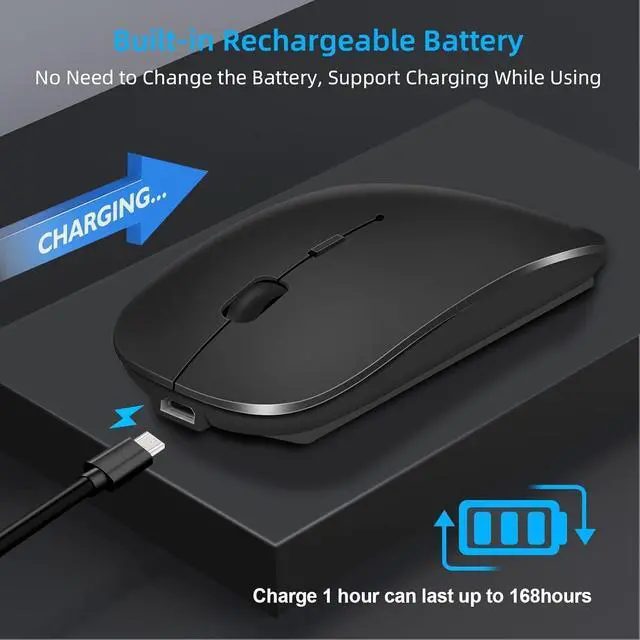
Built-in Rechargeable Battery


[Mouse Jiggler]:This mouse is with the mouse Jiggler function
The mouse Jiggler work only need to Hold press DPI for 3 seconds, the computer will enter the mouse Jiggler mode, no need to install any software
Multi-Function Wireless Bluetooth mouse (BT5.2 + BT3.0 +2.4GHz USB-A + 2.4GHz USB Type-C) Four working modes
How to use mouse 2.4G USB receiver mode
First, switch the mouse switch to 2.4G mode (green light)> Then remove the USB from the bottom of the mouse (With a dual-port receiver integrating USB and Type-C), > Plug the USB receiver into the USB port of your laptop,plug and play.(Works with all USB ports and USB c Laptop and desktop ports)
How to use the bluetooth mouse
On the ipad OS13 and above iPad pro 11/12.9inch ipad air 10.9inch ipad mini 8.3inch iPad 10th gen 9th gen 10.9inch : First, open iPad settings, find accessibility, turn on touch controls, find assistive touch controls, turn on assistive touch controls, then pull down to find the device, turn on the Bluetooth device, then turn on the mouse switch, press and hold the black button on the bottom of the mouse for 3-4 seconds, your iPad will search for a Bluetooth 5.2 mouse and click "Connect". Pairing password: 0000, (if you can't find the Bluetooth mouse device, please restart the mouse or iPad Bluetooth function, or restart the iPad)
Built-in Rechargeable Battery