

Your Browsing History






Any questions? Our AI beta will help you find out quickly.
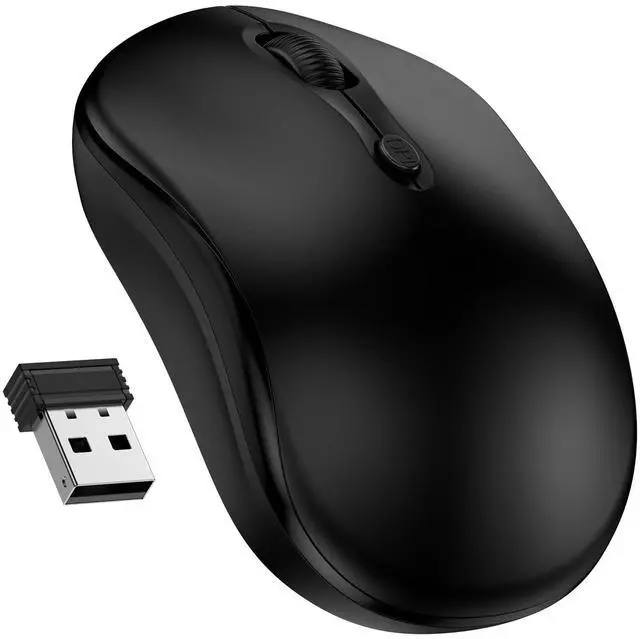
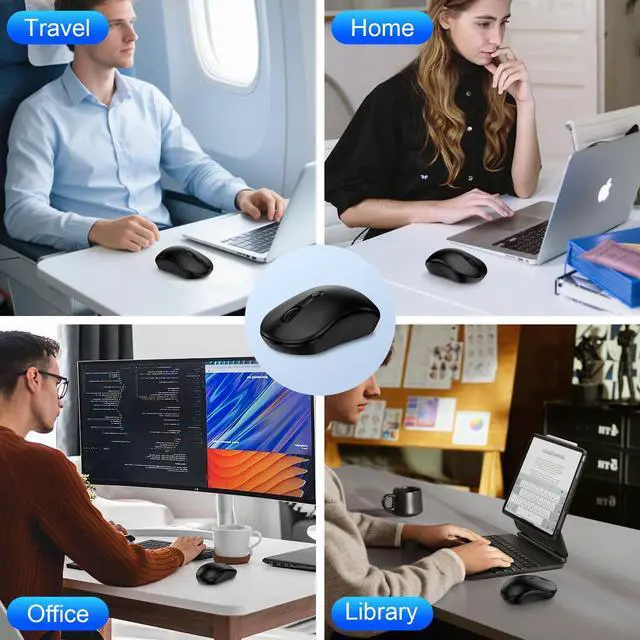
2.4GHz Wireless Mouse for Laptop
Specification:
Dimension: 4*2.4*1.5 in
Weight: 0.155 lb
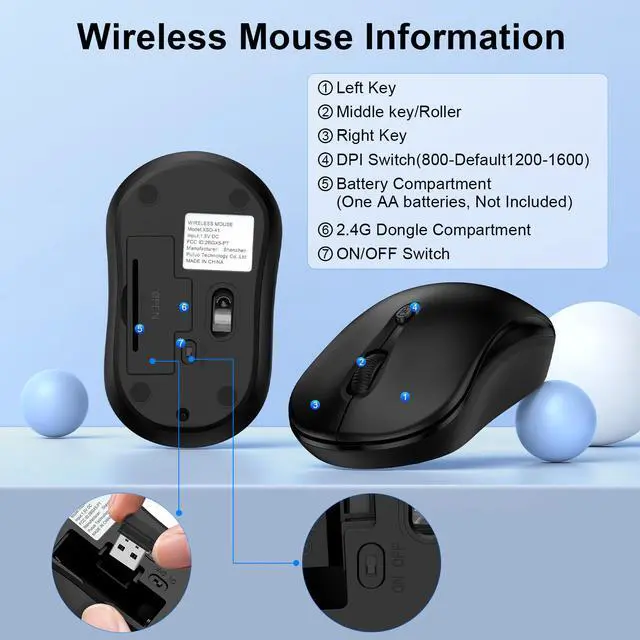
3-Level Adjustable DPI
Easily switch between 800, 1200, and 1600 DPI settings to suit your work requirements.
Warm Tips:
What is the battery model?
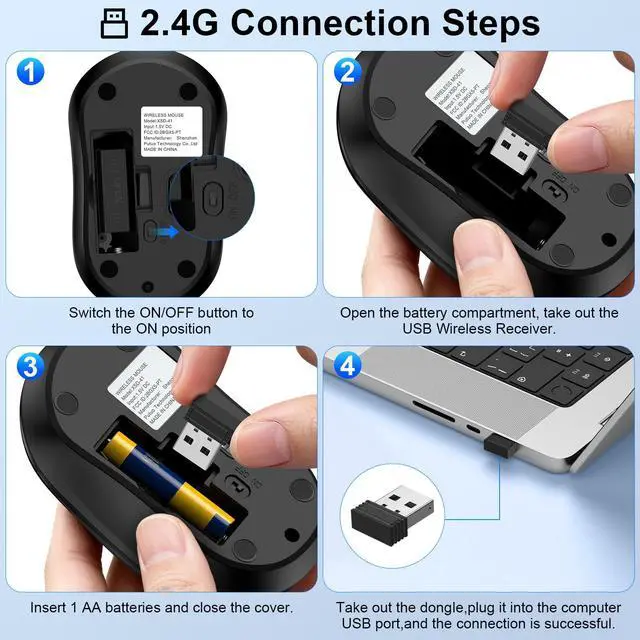
Requires 1 AA battery (not included). You will need to provide 1 AA battery.
Where is the USB A receiver?
Please open the battery cover and the receiver is stored beneath the battery compartment.
Why is my wireless mouse not functioning?
1. Please check if the battery is installed with correct polarity and ensure that the power switch is set to "ON."
2. Try plugging the receiver into a different USB-A port or restart your computer.
3. The battery may be depleted.
How do I wake up the laptop mouse?
The wireless computer mouse powers down after 10 minutes of inactivity and requires 2-3 clicks to awaken it.
Why does my wireless mouse occasionally disconnect?
1. Low battery powerplease replace the battery.
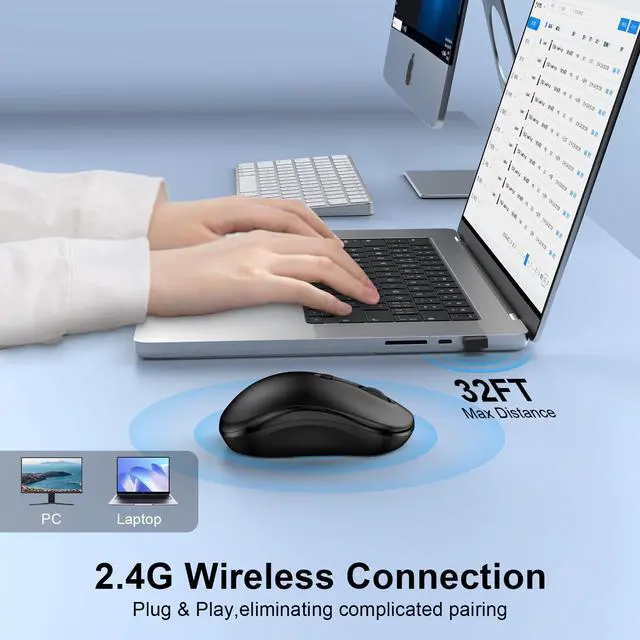
2. The mouse may be too far from your computer; please use it within a distance of up to 32 feet.
3. There may be significant wireless interference in your surroundings, leading to an unstable signal.
If you experience slow response times, delays, or lack of precision with your mouse, please follow these steps for re-pairing:
1. Insert battery into the mouse and switch it on by setting it to "NO."
2. Connect the mouse receiver to your computer, then press and hold both left and right buttons simultaneously.
3. Position the mouse within 20 cm of the receiver and wait for approximately 35 seconds until pairing completes.
Package
1 * USB C Receiver
1 * Wireless Mouse
1 * Instruction Manual