


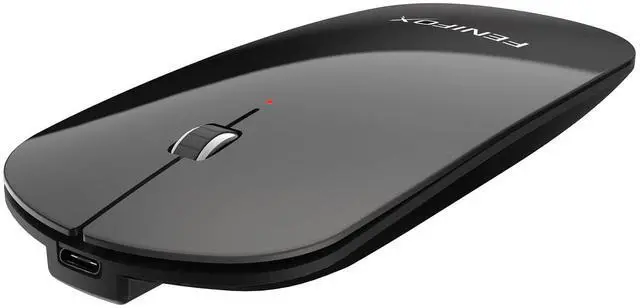
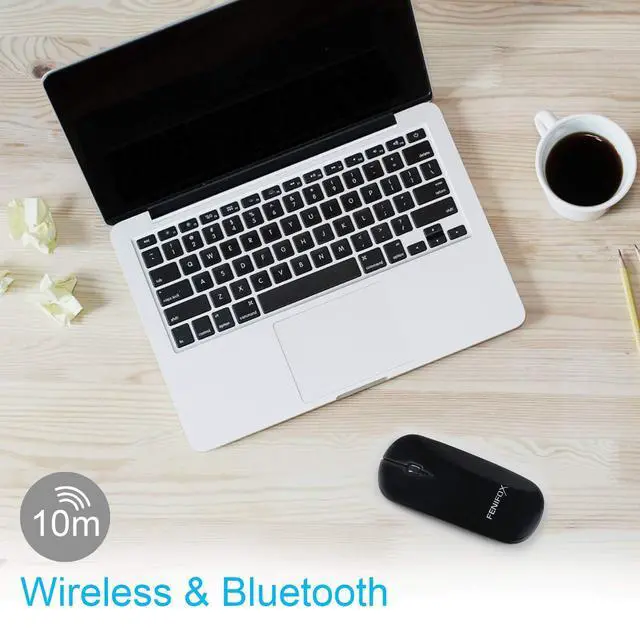


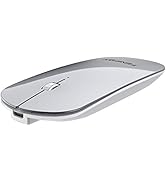
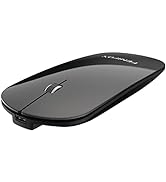
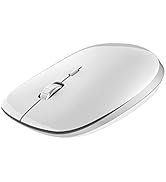
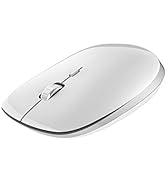
FENIFOX Wireless & Bluetooth mouse
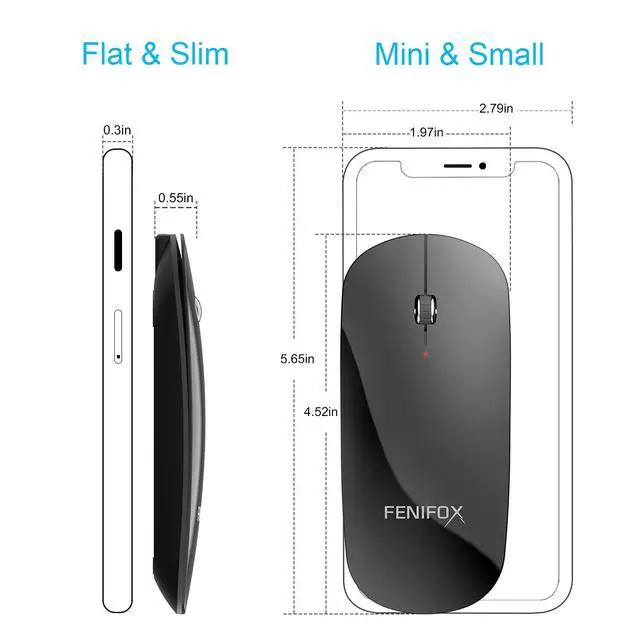
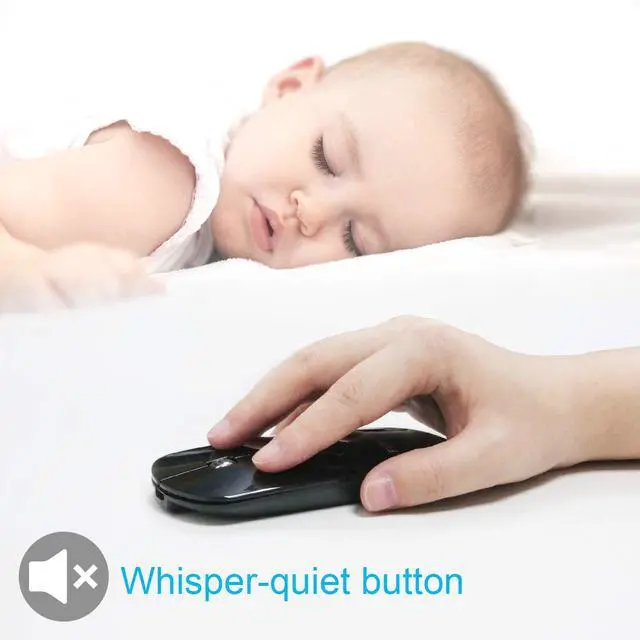
Slim,flat,rechargeable,whisper-quiet button
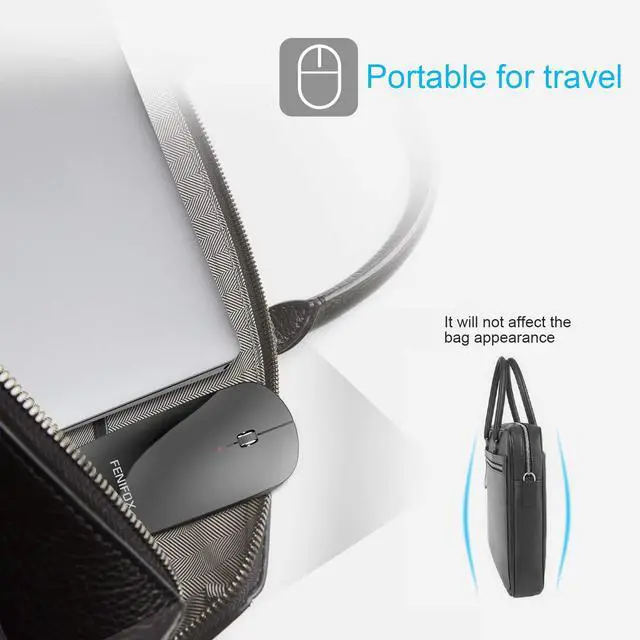
Convenient for travel,cafe,library & many public occasions


Bottom Indication light:
3 Green Light: 3 adjustable DPI level,pressing the DPI button,
One light 800 DPI/ two lights 1200DPI /three lights 1600 DPI
Blue Light: power & connect & pairing
Battery indication light:
Low battery power: the red light flashing.
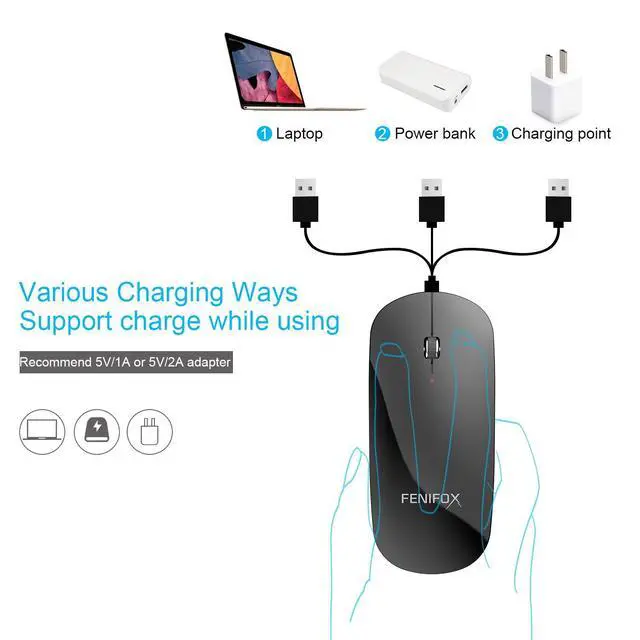
Charging : red light will turn on to indicates charging ,will off until finished charged
*Run out battery before first charge.Next turn off the power switch at bottom of the mouse.
And then connect with USB cable for charging, charge about 1 -2 hour.


Connect reference
In addition, in order to offer a better experience while using our products, there are some important connect reference:
1. Turn on the power switch on the reverse side of the mouse, then the blue light will come on.
2. Press the CONNECT pairing button on the reverse side of the mouse for 3 to 5 seconds. (when pressing it, please do not press any button on the other side of the mouse), release it when the indicator light is on. It is in pairing mode when the indicator light flashes!
3. Turn on the computer’s Bluetooth to search for "BT3.0 Mouse or BT5.0 Mouse( If the device is support bluetooth 5.0, please choose BT5.0 Mouse to connect first.)", click it for pairing. The mouse works once it has paired successfully ( if asked, select “Not use a key ”when pairing)
What's in The Box:
1 x Slim Bluetooth Mouse
1 x User Manual
1 x USB charger cable






FENIFOX Wireless & Bluetooth mouse
Slim,flat,rechargeable,whisper-quiet button
Convenient for travel,cafe,library & many public occasions
Bottom Indication light:
3 Green Light: 3 adjustable DPI level,pressing the DPI button,
One light 800 DPI/ two lights 1200DPI /three lights 1600 DPI
Blue Light: power & connect & pairing
Battery indication light:
Low battery power: the red light flashing.
Charging : red light will turn on to indicates charging ,will off until finished charged
*Run out battery before first charge.Next turn off the power switch at bottom of the mouse.
And then connect with USB cable for charging, charge about 1 -2 hour.
Connect reference
In addition, in order to offer a better experience while using our products, there are some important connect reference:
1. Turn on the power switch on the reverse side of the mouse, then the blue light will come on.
2. Press the CONNECT pairing button on the reverse side of the mouse for 3 to 5 seconds. (when pressing it, please do not press any button on the other side of the mouse), release it when the indicator light is on. It is in pairing mode when the indicator light flashes!
3. Turn on the computer’s Bluetooth to search for "BT3.0 Mouse or BT5.0 Mouse( If the device is support bluetooth 5.0, please choose BT5.0 Mouse to connect first.)", click it for pairing. The mouse works once it has paired successfully ( if asked, select “Not use a key ”when pairing)
What's in The Box:
1 x Slim Bluetooth Mouse
1 x User Manual
1 x USB charger cable


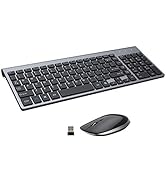
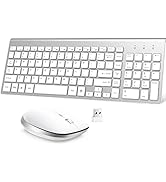
Keyboard and Mouse Combo
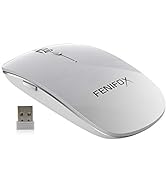

Wireless Mouse
Keyboard and Mouse
