



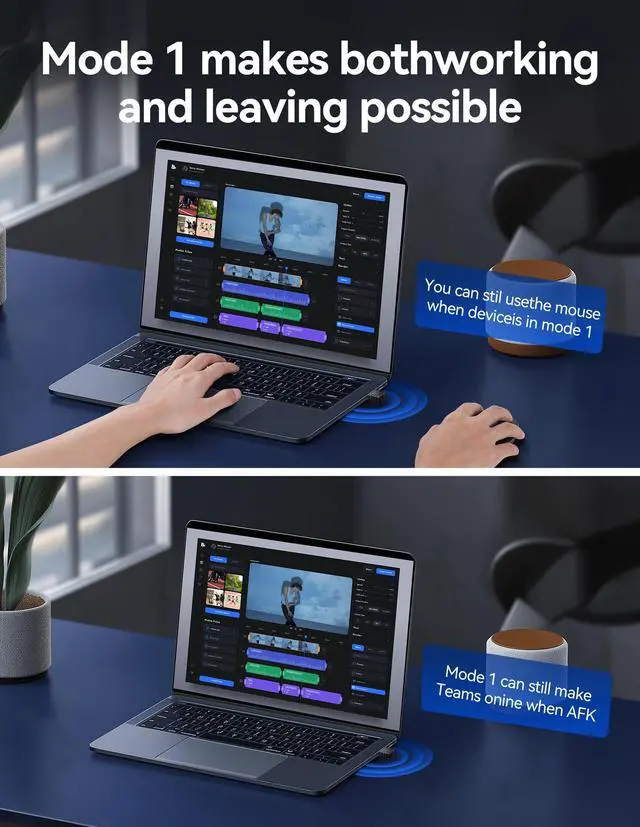


No effect on the normal use of mouse
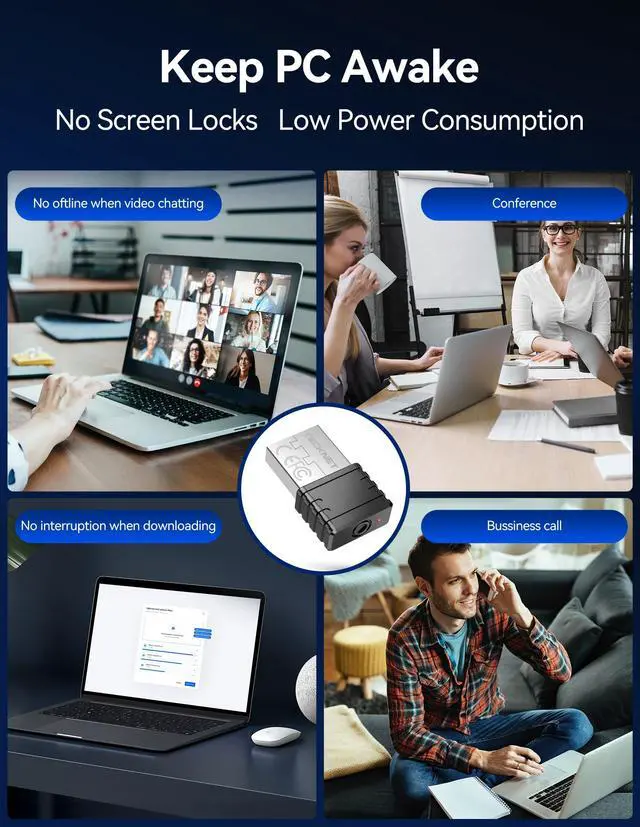
Keep your computer awake
- The mouse jiggler will keep your computer active while you are away
- It does not affect your normal use of the mouse in Mode 1 (default mode)


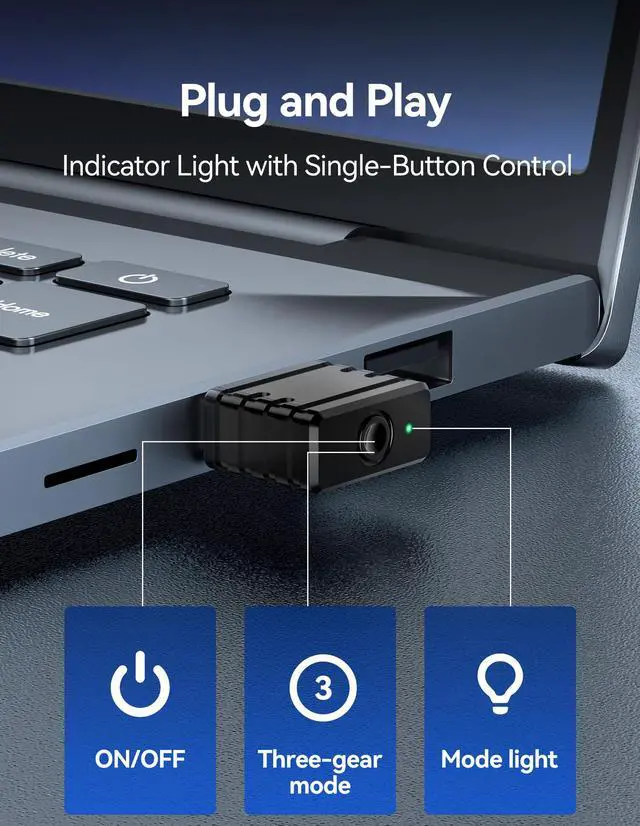
Indicators for Quick Mode Recognition

Does this TECKNET mouse jiggler interfere with normal use?
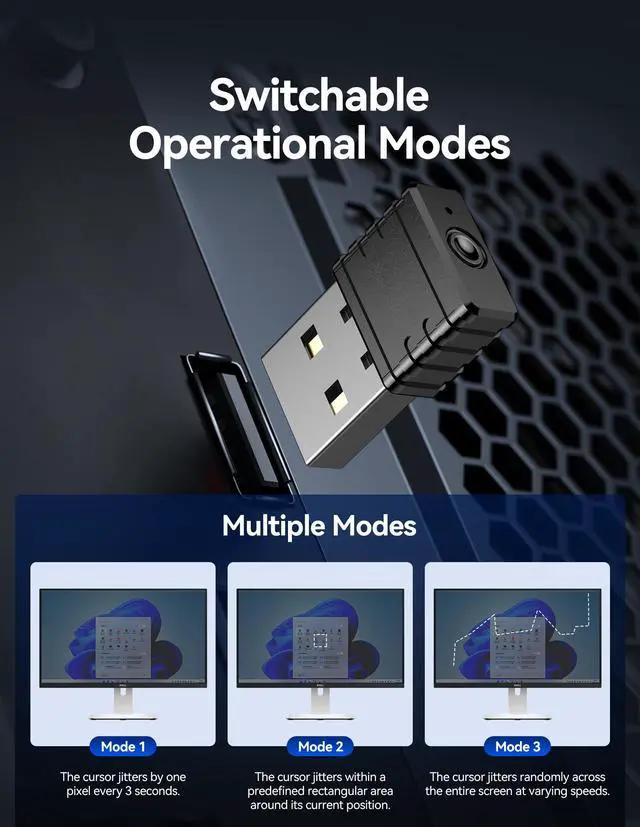
No. In Mode 1, it moves just 1 pixel every 3 seconds, so it won’t affect normal mouse operation or cursor control while you work.
How many modes does it have and how to switch?
It has 3 modes: pixel shift, area shake, and full-screen random. Press the button to switch modes—each press changes the LED color. Press again to turn off, then on in Mode 1.
Can my company’s software detect this mouse jiggler?
No. It’s a mouse jiggler undetectable since it mimics real mouse input through hardware—no software or drivers involved, so your computer sees it as a normal USB mouse.
What devices is this compatible with?
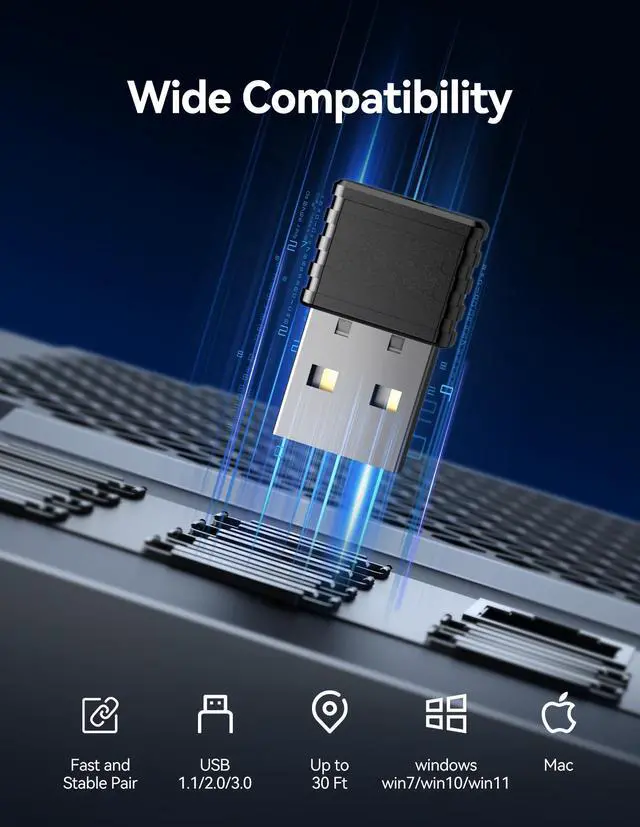
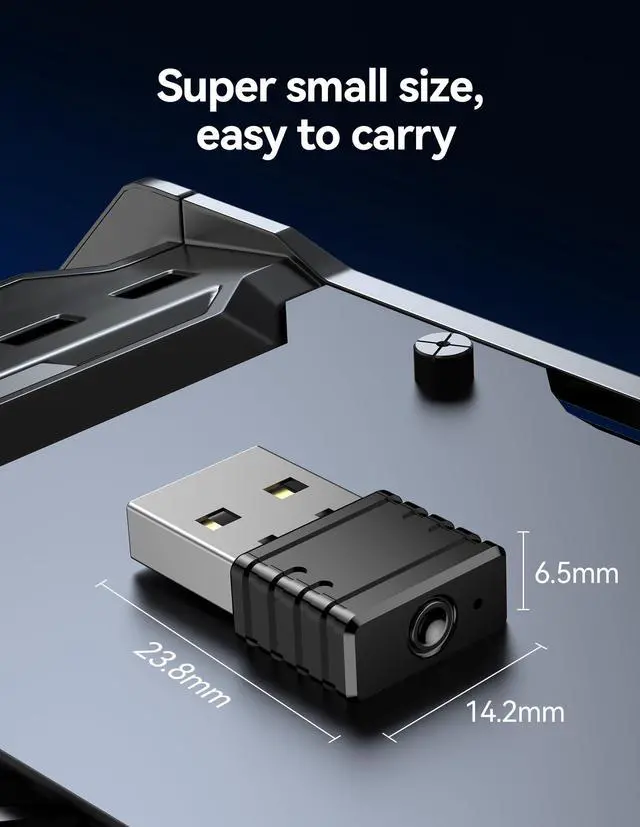
It uses a USB-A interface and works with any device with a USB-A port. Compatible with Windows 11/10/7, MacOS, and most desktop or laptop setups.
Is the LED light distracting during use?
Not at all. The built-in light is small and soft, with subtle color changes for each mode. It's designed to be unobtrusive in any work setup.


Keep your computer awake
- The mouse jiggler will keep your computer active while you are away
- It does not affect your normal use of the mouse in Mode 1 (default mode)


Indicators for Quick Mode Recognition

Does this TECKNET mouse jiggler interfere with normal use?
No. In Mode 1, it moves just 1 pixel every 3 seconds, so it won’t affect normal mouse operation or cursor control while you work.
How many modes does it have and how to switch?
It has 3 modes: pixel shift, area shake, and full-screen random. Press the button to switch modes—each press changes the LED color. Press again to turn off, then on in Mode 1.
Can my company’s software detect this mouse jiggler?
No. It’s a mouse jiggler undetectable since it mimics real mouse input through hardware—no software or drivers involved, so your computer sees it as a normal USB mouse.
What devices is this compatible with?
It uses a USB-A interface and works with any device with a USB-A port. Compatible with Windows 11/10/7, MacOS, and most desktop or laptop setups.
Is the LED light distracting during use?
Not at all. The built-in light is small and soft, with subtle color changes for each mode. It's designed to be unobtrusive in any work setup.