


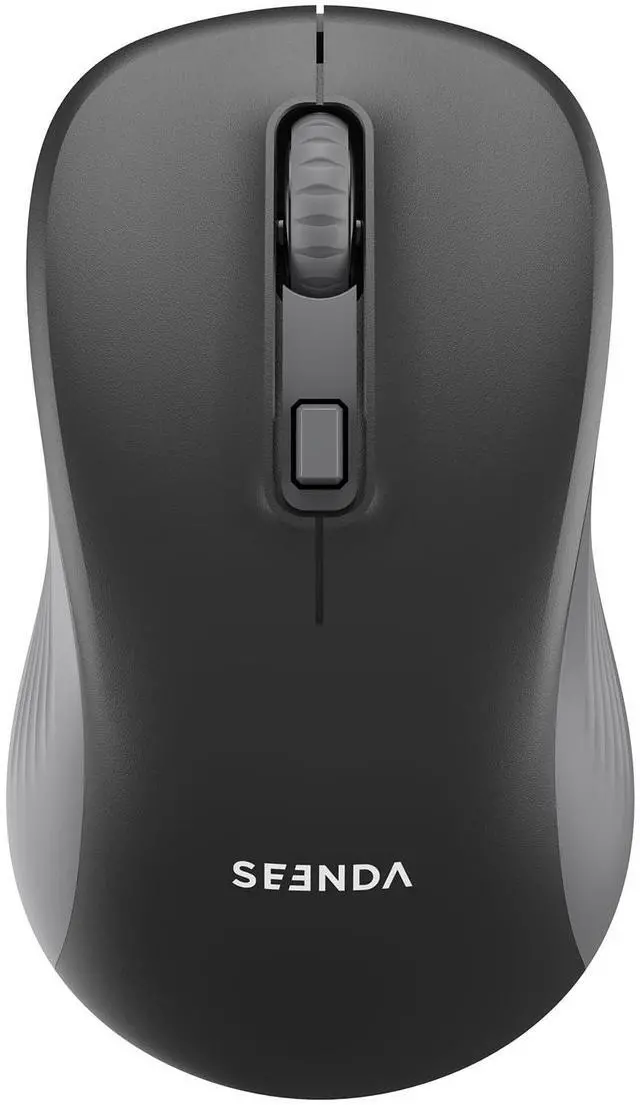


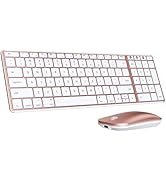
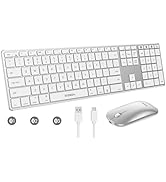
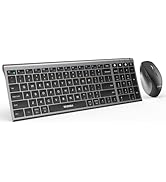
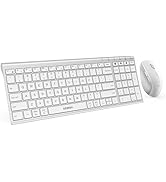
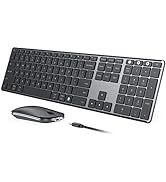
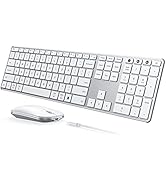
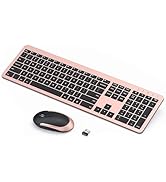
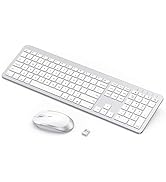
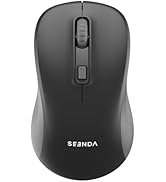
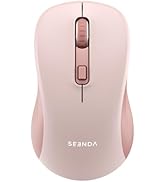
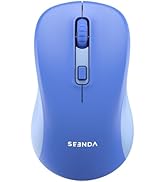
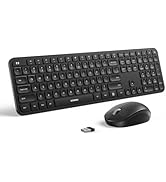


Dual Mode Wireless Bluetooth Mouse
Merchant Video
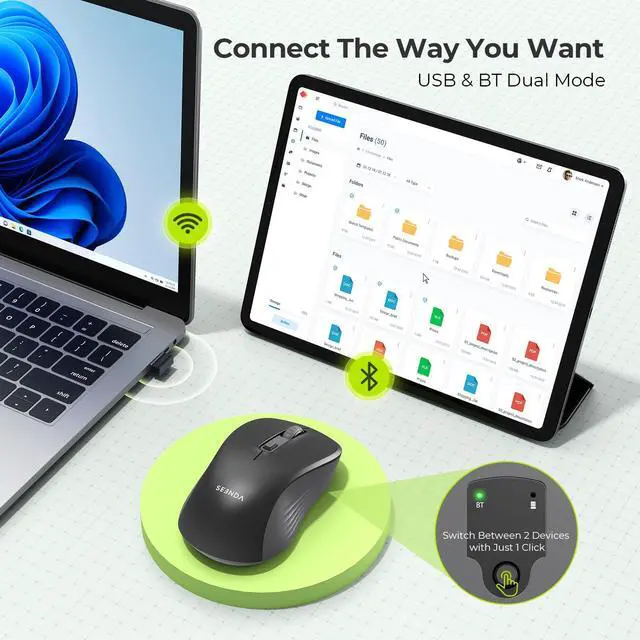
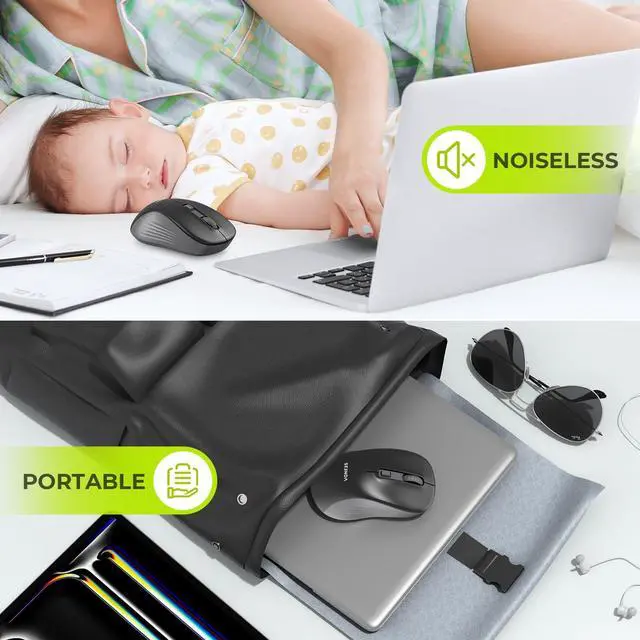
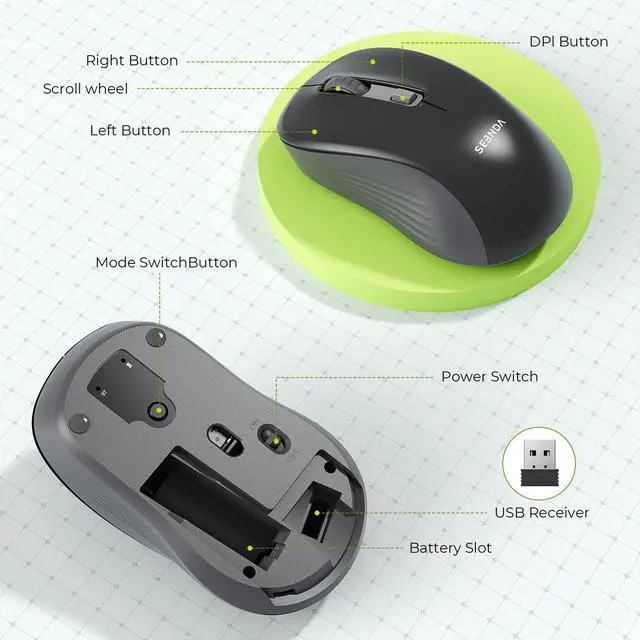
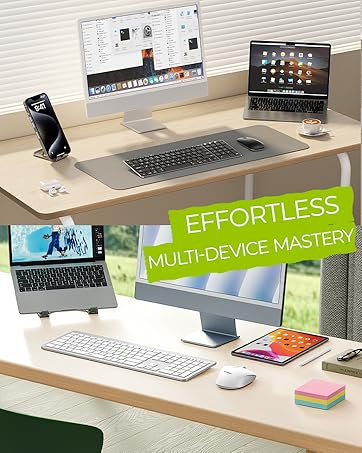
This mouse offers Bluetooth (without the receiver) and USB-A (with the receiver) connection, can connect up to 2 devices, switch button located beneath the mouse enables convenient and effortless switching.

Adjustable DPI & Precise Tracking
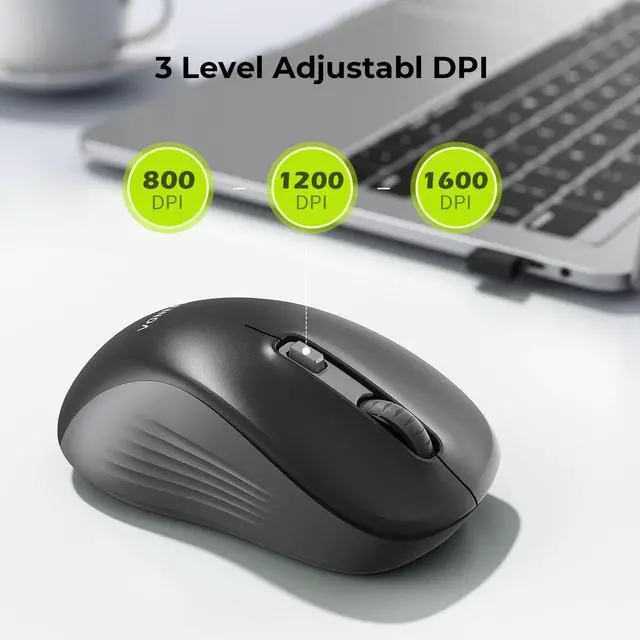
This mouse offers adjustable DPI (800-1200-1600) settings for customizable sensitivity levels, allowing for precise and accurate tracking on various surfaces

Comfortable Grip & Durable Design
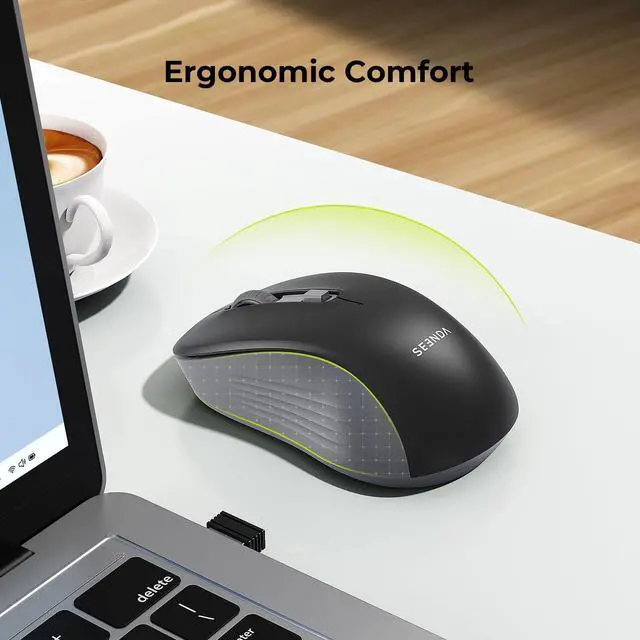
This mouse is designed for a comfortable grip, reducing hand fatigue during extended use. Its durable construction ensures long-lasting performance even with everyday usage


How to Connect the Mouse with your device:
For 2 4G Wireless Mode:
1. Insert the battery (not included), turn on the mouse;
2. Press the mode switch button to choose 2.4G wireless mode;
3. Take out the Nano Receiver, then plug it into the USB port of your device.
For Bluetooth Mode:
1. Insert the battery (not included), turn on the mouse;
2. Press the mode switch button to to choose Bluetooth mode;
3. Long-press the mode switch button for 3-5 seconds to activate pairing (green light flashes rapidly);
4. Enable Bluetooth on your computer, search for new Bluetooth devices named BT5.2 Mouse, and proceed to connect.
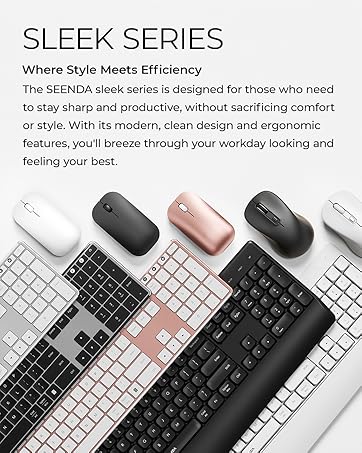
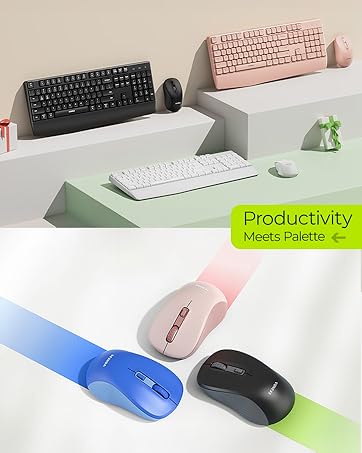
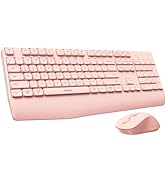
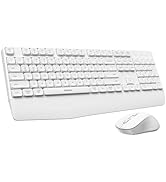
Add a pop of color to your desk
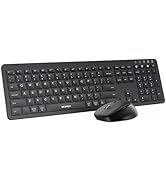
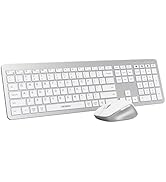
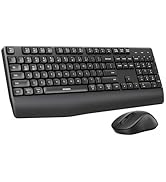
 Wireless Mouse |  Wired Mouse |  Trackball Mouse |  Rechargeable Keyboard Set |  Keyboard Mouse Combo |  Keyboard Mouse Combo | |
|---|---|---|---|---|---|---|
Customer Reviews | — | — | — | — | — | — |
Price | — | — | — | — | — | — |
Features | Colorful, Wireless | Backlit, Colorful | Ergonomic, Thumb Control | Rechargeable, Full Size | Ultra Thin, Full Size | Full Size, Colorful |
Connection | 2.4G USB | USB Wired | 2.4G USB + Bluetooth | 2.4G USB | 2.4G USB | 2.4G USB |
Battery | Battery Required | No Battery Required | Rechargeable | Rechargeable | Battery Required | Battery Required |
Compatibility | USB-enabled Devices | USB-enabled Devices | Win/Mac OS/Android devices | USB-enabled Windows Devices | USB-enabled Windows Devices | USB-enabled Windows Devices |
Backlit | ? | ? | ? | ? | ? | ? |
Dual Mode Wireless Bluetooth Mouse
Merchant Video
This mouse offers Bluetooth (without the receiver) and USB-A (with the receiver) connection, can connect up to 2 devices, switch button located beneath the mouse enables convenient and effortless switching.
Adjustable DPI & Precise Tracking
This mouse offers adjustable DPI (800-1200-1600) settings for customizable sensitivity levels, allowing for precise and accurate tracking on various surfaces
Comfortable Grip & Durable Design
This mouse is designed for a comfortable grip, reducing hand fatigue during extended use. Its durable construction ensures long-lasting performance even with everyday usage


How to Connect the Mouse with your device:
For 2 4G Wireless Mode:
1. Insert the battery (not included), turn on the mouse;
2. Press the mode switch button to choose 2.4G wireless mode;
3. Take out the Nano Receiver, then plug it into the USB port of your device.
For Bluetooth Mode:
1. Insert the battery (not included), turn on the mouse;
2. Press the mode switch button to to choose Bluetooth mode;
3. Long-press the mode switch button for 3-5 seconds to activate pairing (green light flashes rapidly);
4. Enable Bluetooth on your computer, search for new Bluetooth devices named BT5.2 Mouse, and proceed to connect.
Add a pop of color to your desk
Wireless Mouse | Wired Mouse | Trackball Mouse | Rechargeable Keyboard Set | Keyboard Mouse Combo | Keyboard Mouse Combo |
|---|---|---|---|---|---|
| Customer Reviews | |||||
| — | — | — | — | — | — |
| Price | |||||
| — | — | — | — | — | — |
| Features | |||||
| Colorful, Wireless | Backlit, Colorful | Ergonomic, Thumb Control | Rechargeable, Full Size | Ultra Thin, Full Size | Full Size, Colorful |
| Connection | |||||
| 2.4G USB | USB Wired | 2.4G USB + Bluetooth | 2.4G USB | 2.4G USB | 2.4G USB |
| Battery | |||||
| Battery Required | No Battery Required | Rechargeable | Rechargeable | Battery Required | Battery Required |
| Compatibility | |||||
| USB-enabled Devices | USB-enabled Devices | Win/Mac OS/Android devices | USB-enabled Windows Devices | USB-enabled Windows Devices | USB-enabled Windows Devices |
| Backlit | |||||
| ? | ? | ? | ? | ? | ? |
Mac Bluetooth Keyboard Mice
USB + Dual Bluetooth Combos
Full-Size Slim Keyboard Mice
Multi-Device Ergo Combos
USB + Bluetooth Mice
