• $28.99
  • Free 30-day Returns
  • Price alert
    Shop it at NeweggBusiness.

    Meet Your Seller

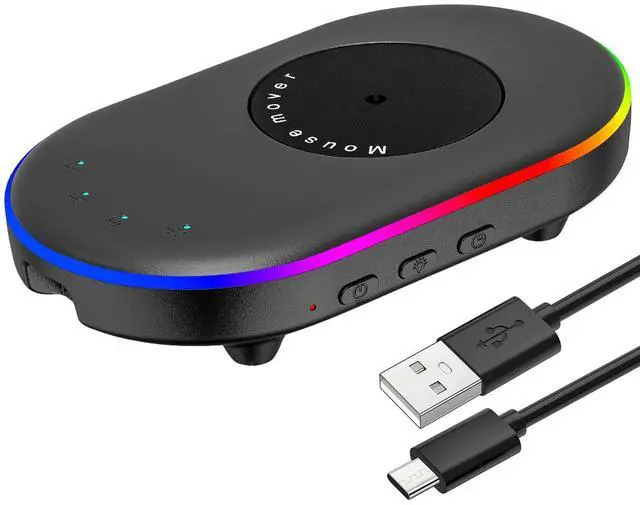
    LED Mouse Jiggler Undetectable Mover Device with Timer, Mouse Mover Work from Home - ON/Off Switch, Driver-Free Shaker for Keeping PC Active and Secure

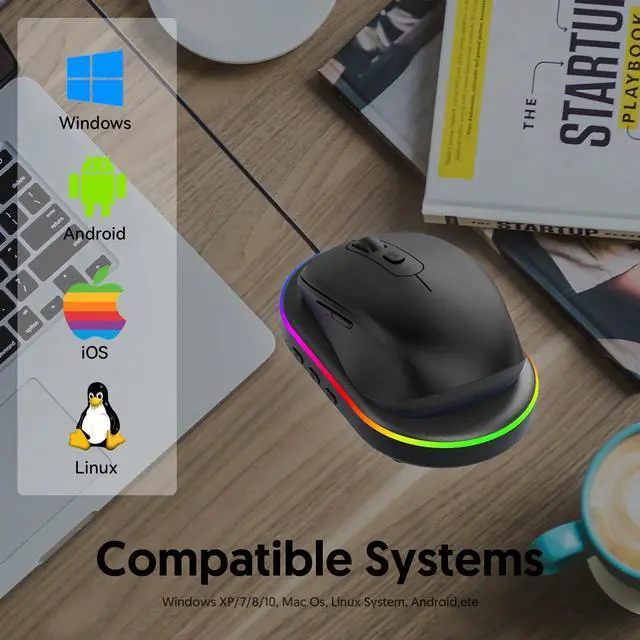
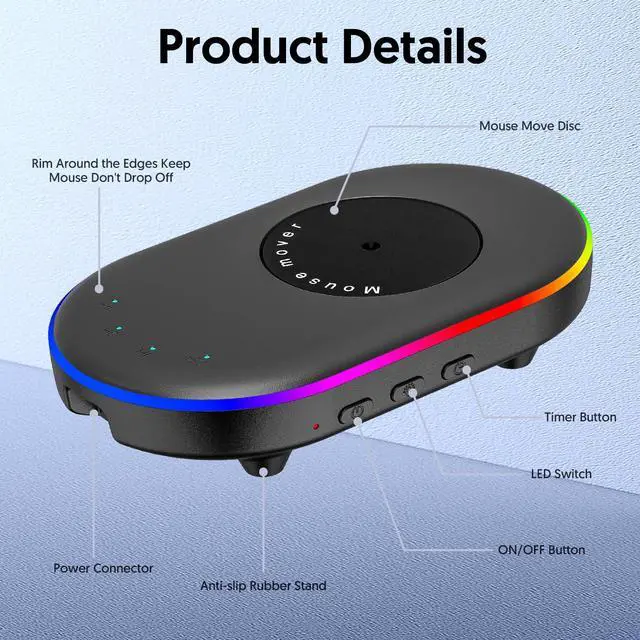
    • Keep the computer active: Prevent the computer from entering sleep mode and keep it online and active by randomly moving the optical mouse (controlled by the mouse mover). Prevent the screen saver from starting. Prevent the account from automatically logging out. Keep accounts such as Lync, Zoom, Skype, and WebEx active.
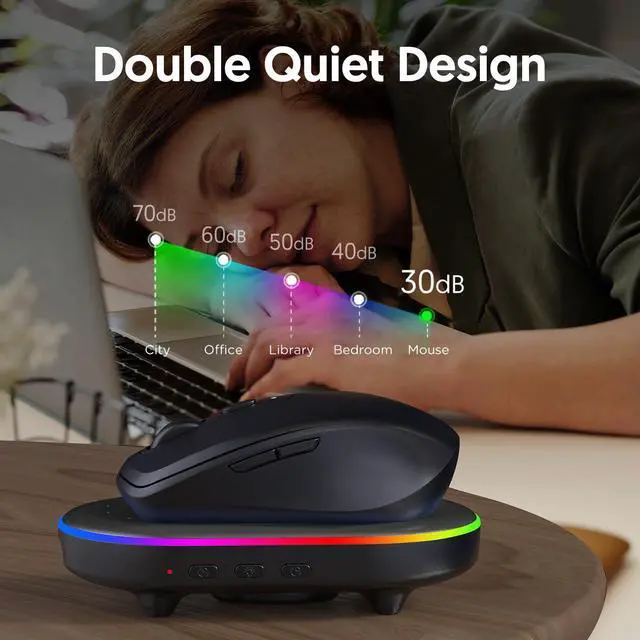
    • Powerful motor and ultra-quiet design: This device is equipped with a powerful motor and a large-sized turntable, which can actually drive the mouse to move. This allows the cursor to move over long distances and in multiple directions. The mouse itself can move within the tray. The turntable rotates sufficiently to move the mouse across the screen, ensuring the cursor does not get stuck in corners. The mouse mover is built with an ultra-quiet motor, producing only minimal noise.
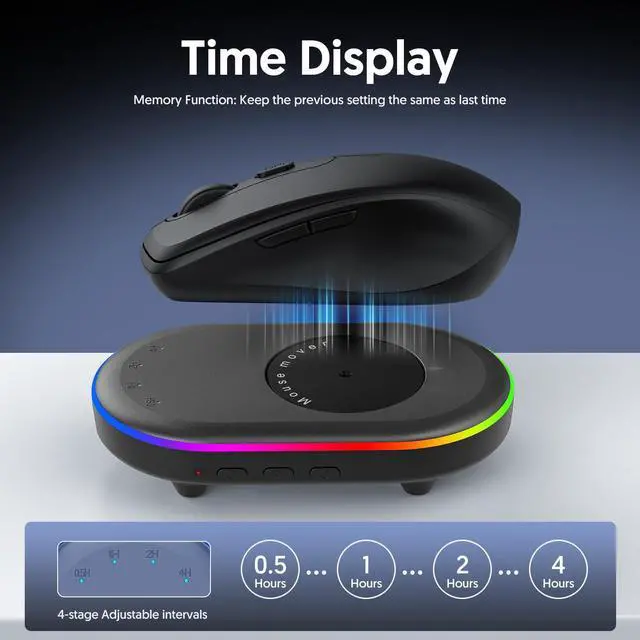
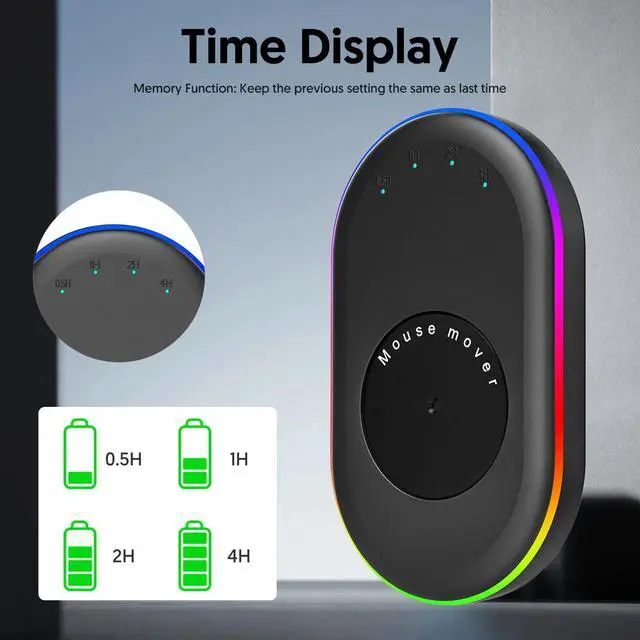
    • Adjustable interval time: The LED mouse mover is equipped with an adjustable interval timer, offering four settings (0.5 hours, 1 hour, 2 hours, 4 hours) to control the pause time between each turntable rotation. Press the switch button and set the specific interval time, at which point the indicator light above will synchronize. The device can be easily turned on or off using the ON/OFF button.
    +
    +
    Overview
    Specs
    Reviews
    avatar

    Any questions? Our AI beta will help you find out quickly.

    Mouse Anti Hibernator - Keep your computer active and enjoy your free time!

    Packing list:

    a mouse mover

    a USB-C power cord

    a quick start guide User Manual

    Usage

    1.Connect the product to the computer or 5V charging head USB port power supply;

    2.Place the optical sensor of the mouse on the turntable area:

    3.Make sure the interface connection is stable, press the power switch of the product, turn on the indicator light, the mouse pointer will move automatically, press the power switch again, turn off the indicator light,

    4. Lighting key: control the product aperture effect, long press to turn on and off, light press to switch the light colour, to meet different people's preferences:

    5. Timing key: 4 gears can be selected: 0.5H/1H/2h/4h (see front view) press the timing key to select press the timing key to select the timing time, the timing indicator lights sequentially, can be switched cyclically.

    Warranty & Returns

    Warranty, Returns, And Additional Information

    Warranty

    • Please contact the Seller directly for warranty information. Warranty information may also be found on the Manufacturer's website.
    • CONTACT

    Return Policies

    Manufacturer Contact Info

    LOADING...