





Mission
At ProtoArc, our mission is to deliver innovative workspace solutions that enhance comfort, boost productivity, and foster overall wellness.
Vision
We believe that everyone deserves a workspace that not only meets their functional needs but also empowers them to thrive. Our vision is a world where work environments promote health, happiness, and high performance.
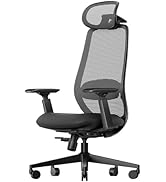
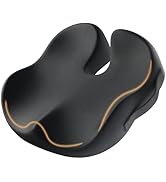
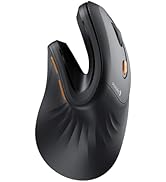
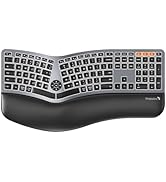
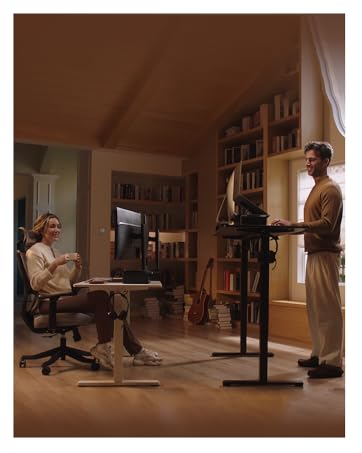
Ergonomic WorkSpace
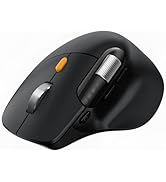
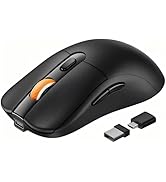
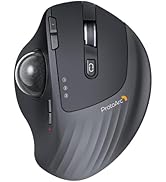
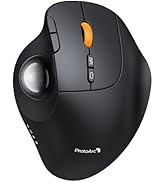
Bluetooth Mouse
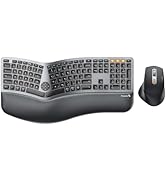
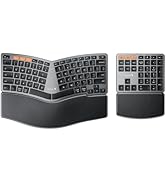
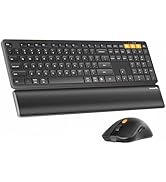
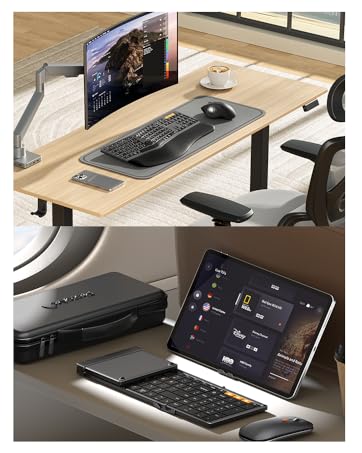
Ergonomic Keyboard & Mouse
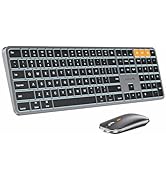
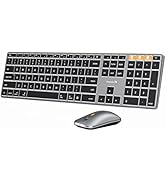
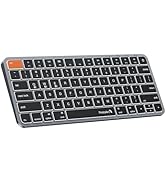
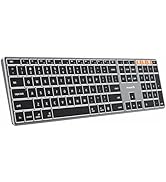
Mac Keyboard and Mouse

Protoarc Two Adjustable Angles Trackball Mouse
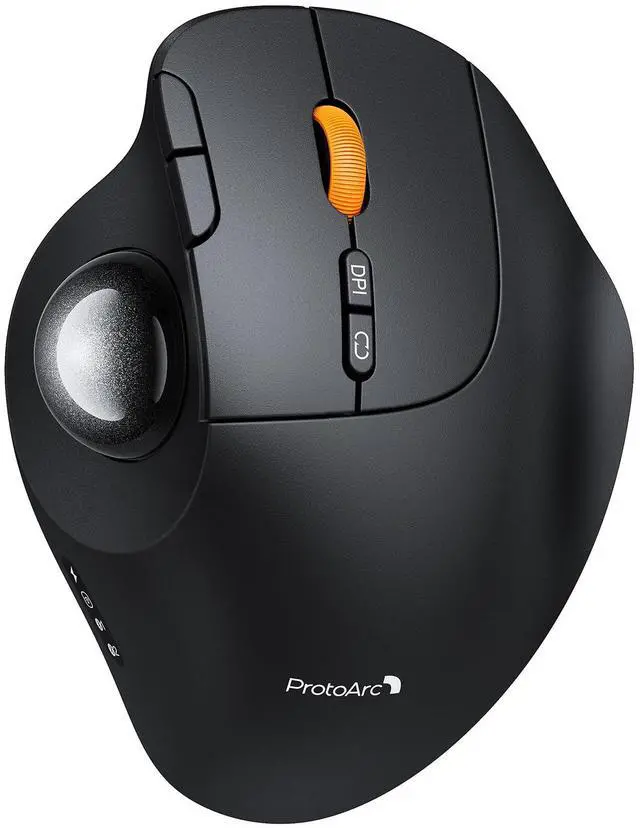
EM02 Trackball Mouse
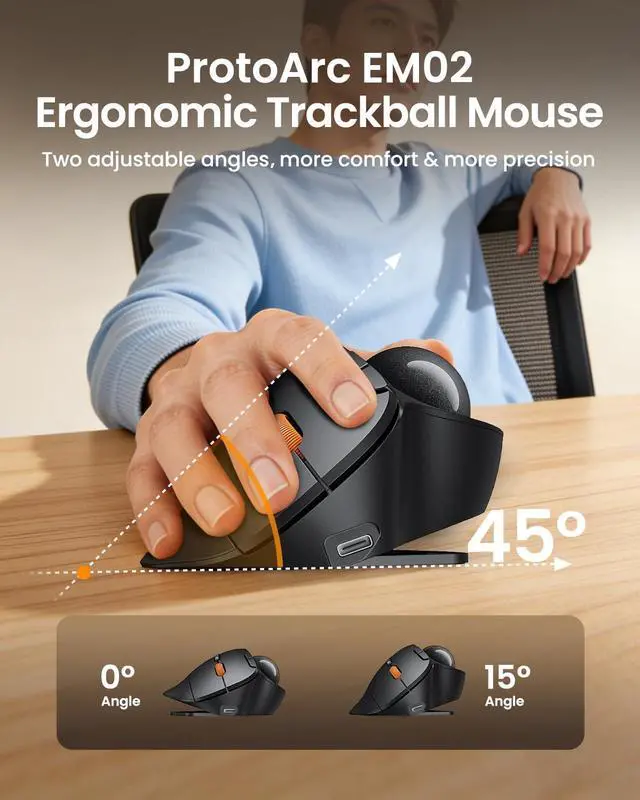
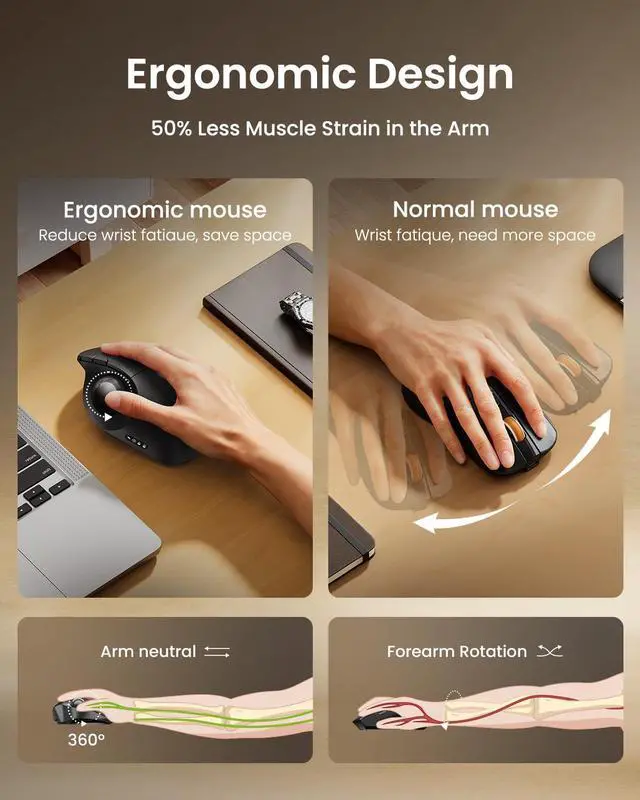
Merchant VideoOptimize Your Comfort - two adjustable angles let you customize the trackball's tilt to find your perfect, strain-free position for any desk.


5-Level DPI & Type-C Rechargeable

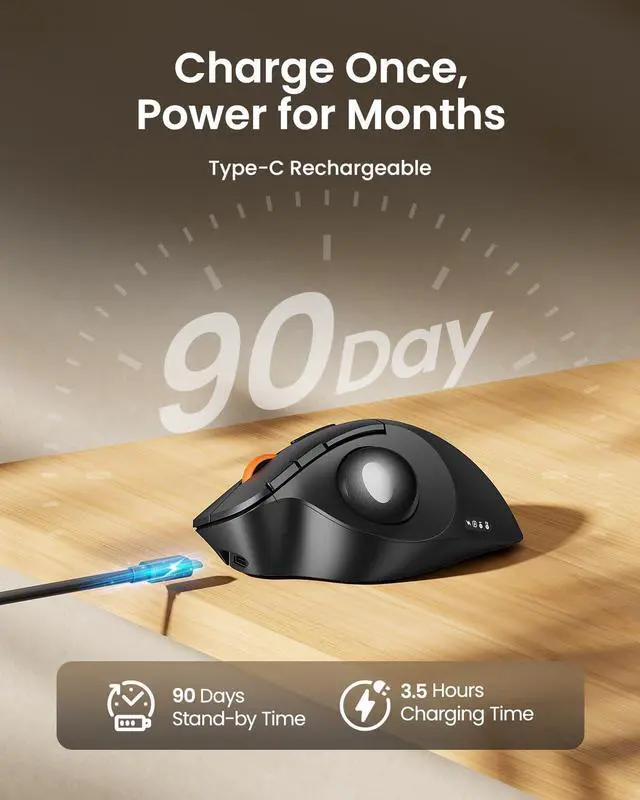
Adapt seamlessly from work to play with 5-level DPI control and universal Type-C fast charging—the ultimate tool for modern efficiency.


Warm Tips for EM02 Wireless Trackball Mouse
- The trackball mouse offers a distinctly different feel compared to traditional mice and may require some time to get used to. For first-time users, we recommend starting at 200/400 DPI and adjusting only once you feel comfortable.
- This product does not support horizontal scrolling (tilt function).
- This product is not recommended for tasks that demand extremely fine cursor control or high precision, such as image editing or CAD design.
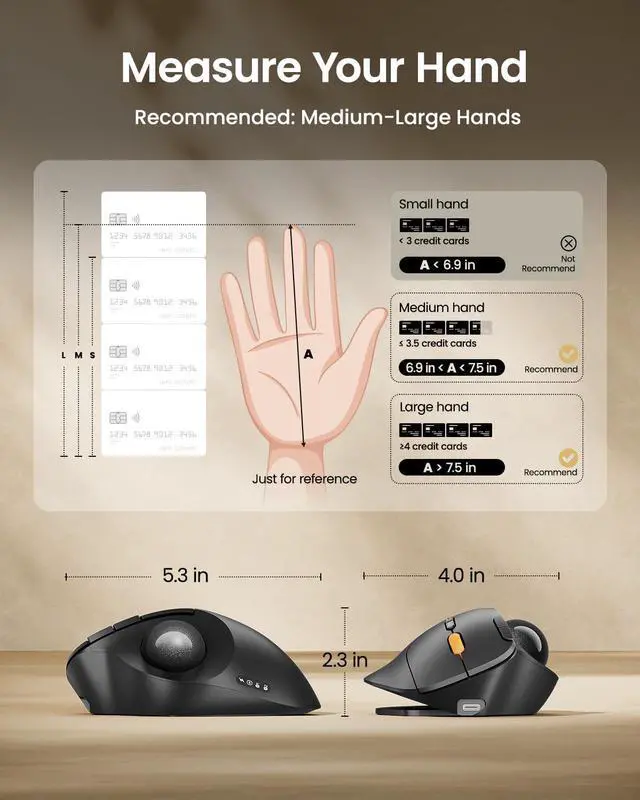
- For users with smaller hands (measured less than 17.5 cm from the base of the palm to the center), the size of this product may be too large to hold comfortably.
- Please note that using a USB charging cable purchased separately may not charge the device. Always use the included USB cable.
- All the buttons are non-programmable and the backward forward buttons are not compatible with Mac OS system.
ProtoArc Wireless Trackball Mouse
 EM02 Trackball Mouse |  EM01 NL Trackball Mouse |  EM05NL Vertical Trackball |  EM04 Trackball Mouse |  EM03 NL Trackball Mouse | |
|---|---|---|---|---|---|
Customer Reviews | — | — | — | — | — |
Price | — | — | — | — | — |
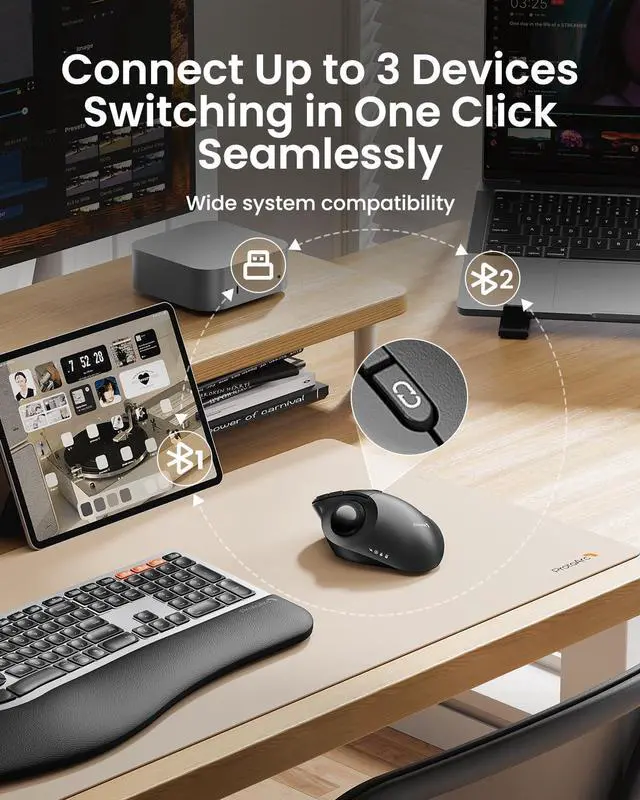
Connection Type | 2.4G + Dual Bluetooth | 2.4G + Dual Bluetooth | 2.4G + Dual Bluetooth | 2.4G + Dual Bluetooth | 2.4G + Dual Bluetooth |
Compatibility | MacOS,iOS, iPadOS, Win,Android | MacOS,iOS, iPadOS, Win,Android | MacOS,iOS, iPadOS, Win,Android | MacOS,iOS, iPadOS, Win,Android | MacOS,iOS, iPadOS, Win,Android |
Color | Black-Gray Ball | Black-Gray Ball | Black-Gray Ball | Black-Gray Ball | Black-Gray Ball |
Mouse Type | Thumb Type | Thumb Type | Thumb Type | Thumb Type | Index Finger Type |
Hand Size | Great for Medium Hand | Great for Medium Hand | Great for Medium Hand | Great for Small Hand | Great for Medium to Large Hand |
USB-C Charging | ? | ? | ? | ? | ? |
Protoarc Two Adjustable Angles Trackball Mouse
EM02 Trackball Mouse
Merchant VideoOptimize Your Comfort - two adjustable angles let you customize the trackball's tilt to find your perfect, strain-free position for any desk.


5-Level DPI & Type-C Rechargeable

Adapt seamlessly from work to play with 5-level DPI control and universal Type-C fast charging—the ultimate tool for modern efficiency.
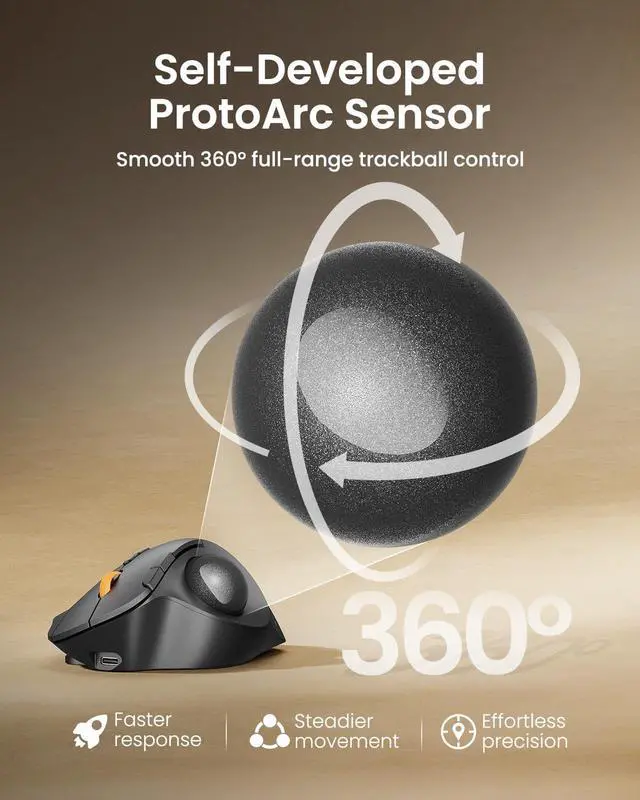
Precise and Smooth Trackball Control


Experience effortless, fluid control with a smooth, responsive trackball designed for both productivity and precision tasks
Warm Tips for EM02 Wireless Trackball Mouse
- The trackball mouse offers a distinctly different feel compared to traditional mice and may require some time to get used to. For first-time users, we recommend starting at 200/400 DPI and adjusting only once you feel comfortable.
- This product does not support horizontal scrolling (tilt function).
- This product is not recommended for tasks that demand extremely fine cursor control or high precision, such as image editing or CAD design.
- For users with smaller hands (measured less than 17.5 cm from the base of the palm to the center), the size of this product may be too large to hold comfortably.
- Please note that using a USB charging cable purchased separately may not charge the device. Always use the included USB cable.
- All the buttons are non-programmable and the backward forward buttons are not compatible with Mac OS system.
ProtoArc Wireless Trackball Mouse
EM02 Trackball Mouse | EM01 NL Trackball Mouse | EM05NL Vertical Trackball | EM04 Trackball Mouse | EM03 NL Trackball Mouse |
|---|---|---|---|---|
| Customer Reviews | ||||
| — | — | — | — | — |
| Price | ||||
| — | — | — | — | — |
| Connection Type | ||||
| 2.4G + Dual Bluetooth | 2.4G + Dual Bluetooth | 2.4G + Dual Bluetooth | 2.4G + Dual Bluetooth | 2.4G + Dual Bluetooth |
| Compatibility | ||||
| MacOS,iOS, iPadOS, Win,Android | MacOS,iOS, iPadOS, Win,Android | MacOS,iOS, iPadOS, Win,Android | MacOS,iOS, iPadOS, Win,Android | MacOS,iOS, iPadOS, Win,Android |
| Color | ||||
| Black-Gray Ball | Black-Gray Ball | Black-Gray Ball | Black-Gray Ball | Black-Gray Ball |
| Mouse Type | ||||
| Thumb Type | Thumb Type | Thumb Type | Thumb Type | Index Finger Type |
| Hand Size | ||||
| Great for Medium Hand | Great for Medium Hand | Great for Medium Hand | Great for Small Hand | Great for Medium to Large Hand |
| USB-C Charging | ||||
| ? | ? | ? | ? | ? |
Mission
At ProtoArc, our mission is to deliver innovative workspace solutions that enhance comfort, boost productivity, and foster overall wellness.
Vision
We believe that everyone deserves a workspace that not only meets their functional needs but also empowers them to thrive. Our vision is a world where work environments promote health, happiness, and high performance.
Ergonomic WorkSpace
Bluetooth Mouse
Ergonomic Keyboard & Mouse
Mac Keyboard and Mouse