


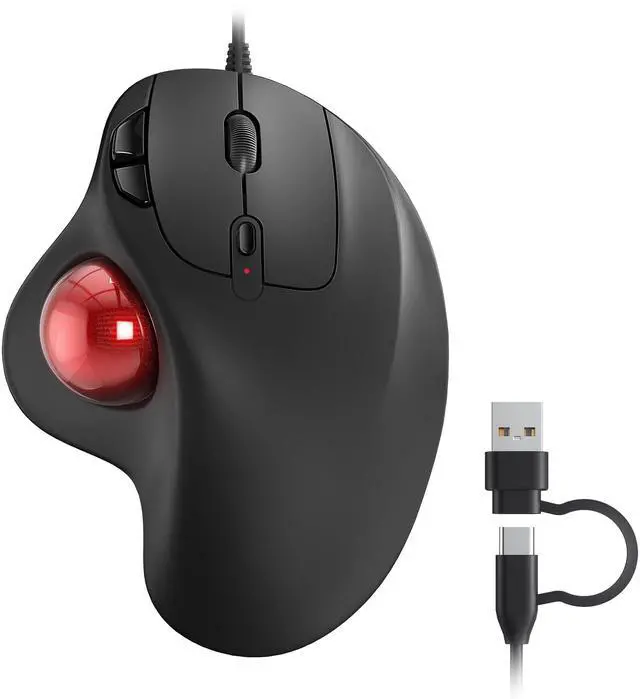





Nulea M509 Trackball Mouse Wired
Merchant Video


Ergo-Designed
Scientific angles for all-day ensure you stay relaxed.

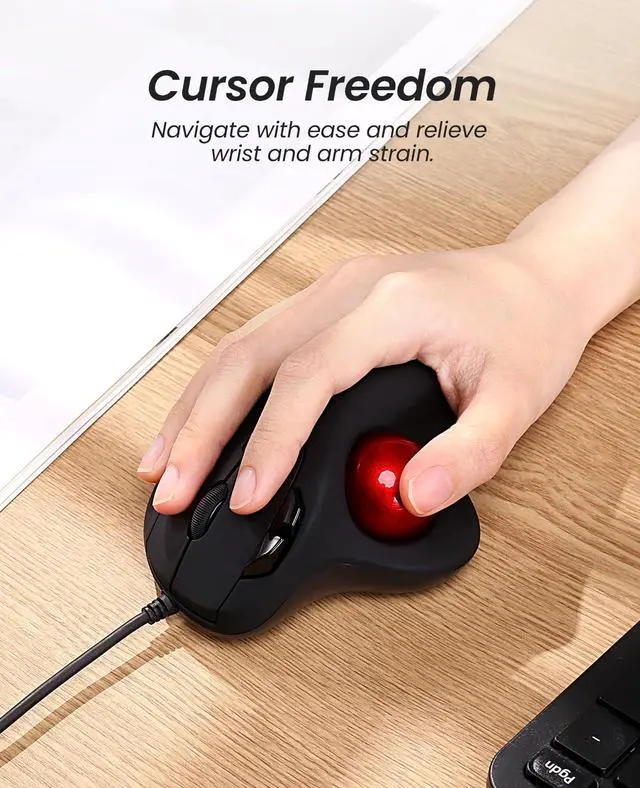
Cursor Freedom
Navigate with ease and relieve wrist and arm strain.

Steady Connection
Enjoy uninterrupted work or play with the reliable wired plug-and-play setup.

2-in-1 Interface
The Type A & Type C Dual interface is compatible with multiple devices


Are the buttons of this trackball mouse programmable?
1. All keys of this wired trackball mouse are not programmable.
2. Forward and Backward buttons are not compatible with MAC OS.
How to adjust the DPI of the trackball mouse wired?
The trackball mouse has 5 DPI settings, 100-200-400 (Default)-800-1200, which can be easily switched by clicking the DPI button below the scroll wheel.
How to wake up the trackball mouse?
If you need to use the mouse, you can wake it up by clicking the key.(scrolling the trackball or moving the mouse will not wake up the mouse)
Nulea M509 Trackball Mouse Wired
Merchant Video

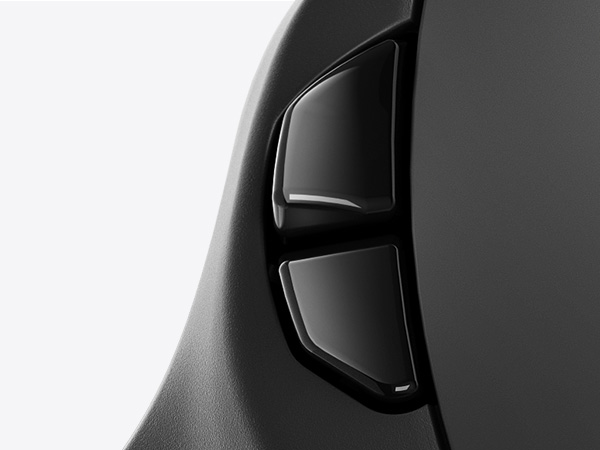
BACK AND FORWARDS BUTTONS

PRECISION SCROLL WHEEL
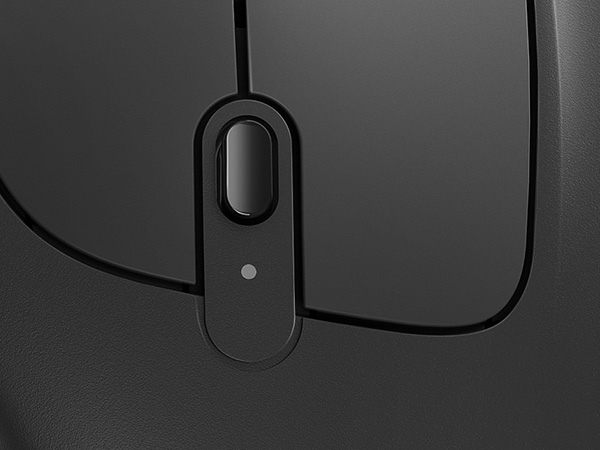
DPI ADJUSTMENT
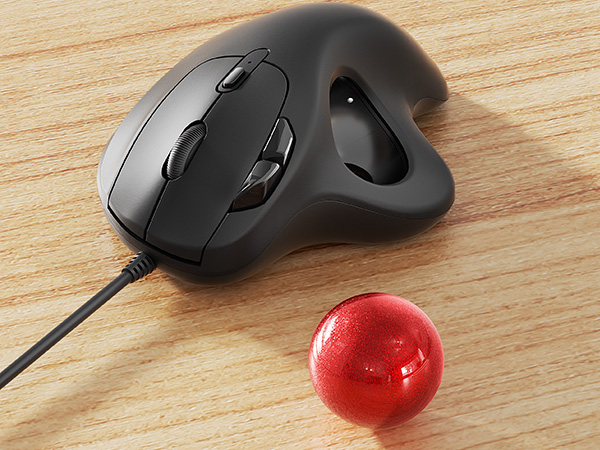
REMOVABLE BALL
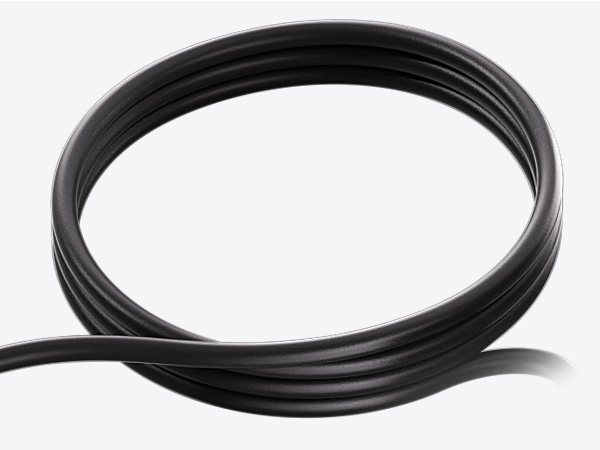
1.8 METERS

2-in-1 INTERFACE (TYPE A & TYPE C)


Ergo-Designed
Scientific angles for all-day ensure you stay relaxed.
Cursor Freedom
Navigate with ease and relieve wrist and arm strain.
Steady Connection
Enjoy uninterrupted work or play with the reliable wired plug-and-play setup.
2-in-1 Interface
The Type A & Type C Dual interface is compatible with multiple devices
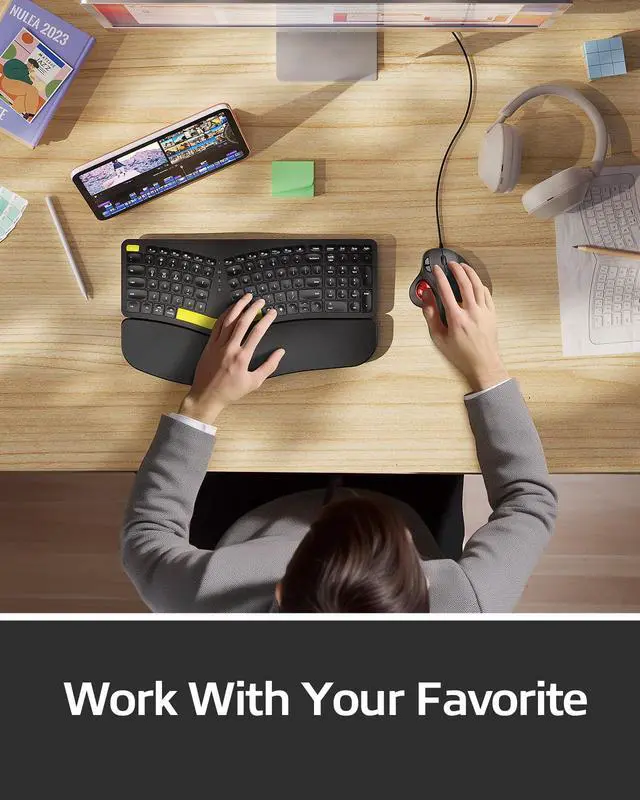
Meet Nulea Ergo Series


Promote natural postures and relaxed movements with innovative and smart designs
Are the buttons of this trackball mouse programmable?
1. All keys of this wired trackball mouse are not programmable.
2. Forward and Backward buttons are not compatible with MAC OS.
How to adjust the DPI of the trackball mouse wired?
The trackball mouse has 5 DPI settings, 100-200-400 (Default)-800-1200, which can be easily switched by clicking the DPI button below the scroll wheel.
How to wake up the trackball mouse?
If you need to use the mouse, you can wake it up by clicking the key.(scrolling the trackball or moving the mouse will not wake up the mouse)