






How to charge the M514 mouse and know its charging state?
1.Use the included Type-C charging cable to charge the mouse via a standard 5V charger or a computer USB port. (Do not use a fast charger.)
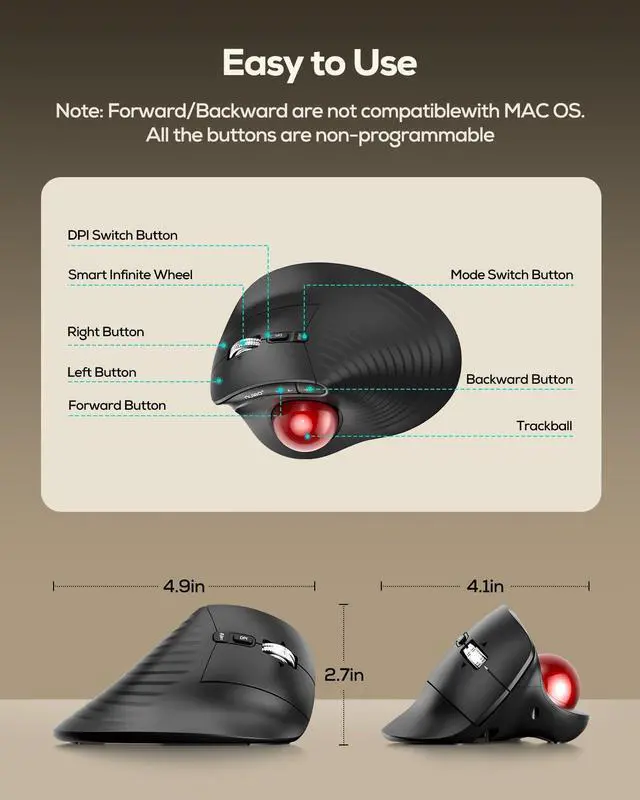
2.The charging indicator light under the DPI button glows red while charging and goes out when fully charged.
How to wake up the trackball mouse?
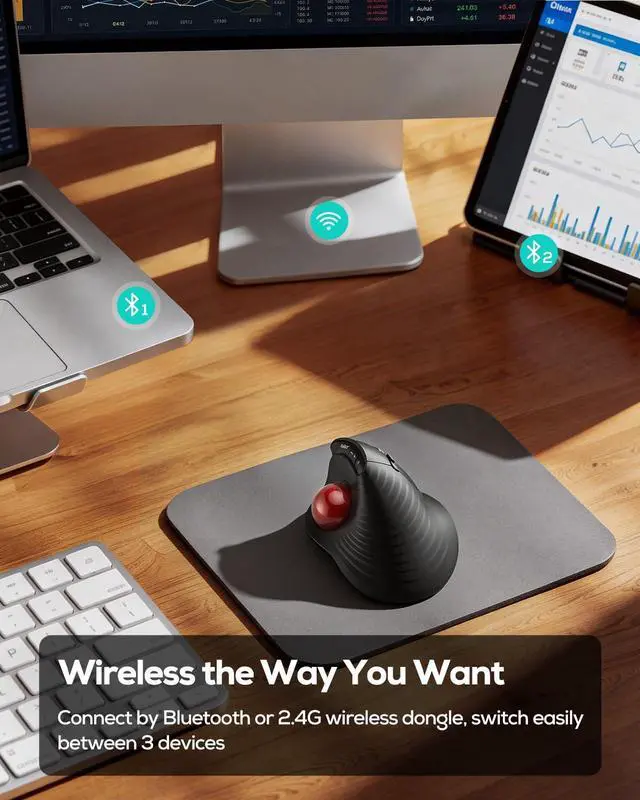
1.The mouse automatically conserves battery by entering sleep mode after: 30 minutes of inactivity in Bluetooth mode, or 10 minutes of inactivity in 2.4G mode.
2.Press any button or scroll the trackball to exit sleep mode.
What is the trackball size?
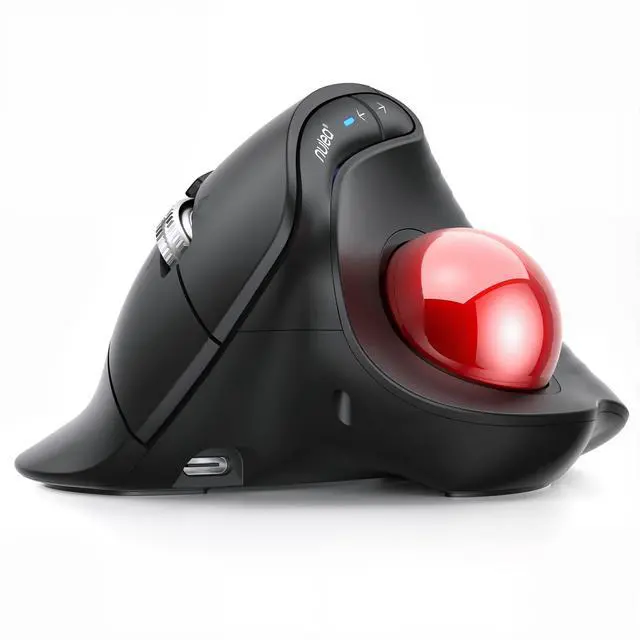
The trackball diameter is 34 mm.


How to charge the M514 mouse and know its charging state?
1.Use the included Type-C charging cable to charge the mouse via a standard 5V charger or a computer USB port. (Do not use a fast charger.)
2.The charging indicator light under the DPI button glows red while charging and goes out when fully charged.
How to wake up the trackball mouse?
1.The mouse automatically conserves battery by entering sleep mode after: 30 minutes of inactivity in Bluetooth mode, or 10 minutes of inactivity in 2.4G mode.
2.Press any button or scroll the trackball to exit sleep mode.
What is the trackball size?
The trackball diameter is 34 mm.