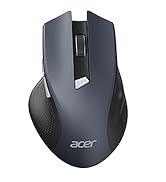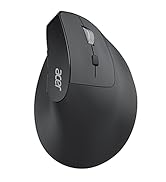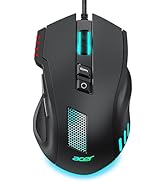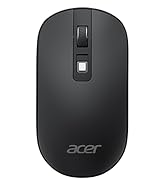
• $51.99
  • Free 30-day Returns
  • Price alert
    Shop it at NeweggBusiness.

    Meet Your Seller

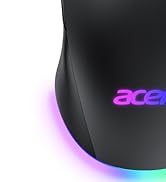
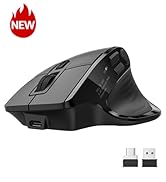
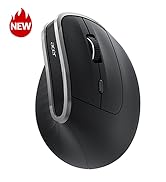
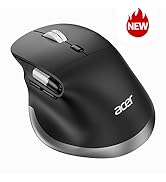
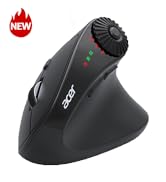
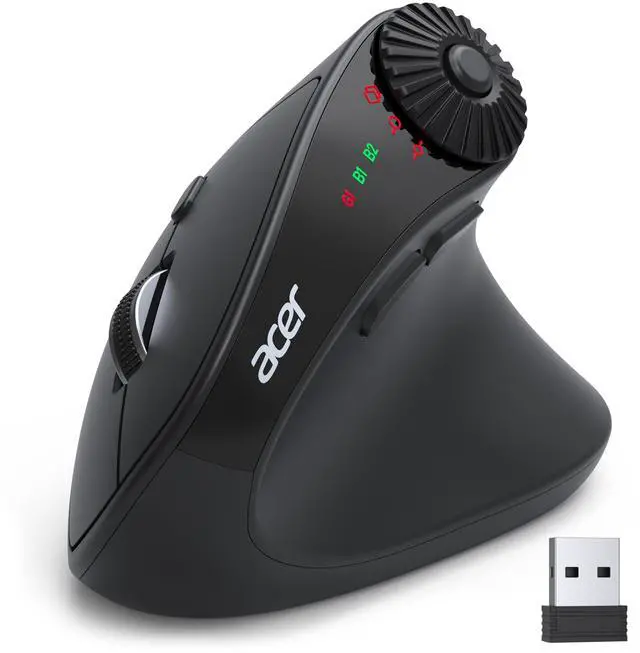
    Ergonomic Mouse Wireless with Side Scroll Wheel, Bluetooth Mouse for Laptop(BT5.2+2.4GHz), Office Vertical Computer Mice, Small to Medium Sized Hands Ergo Mice, 8 Buttons for PC and Desktop

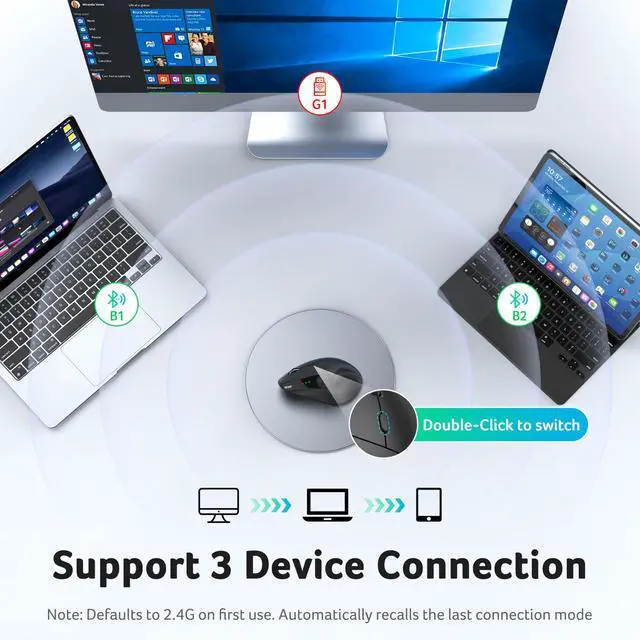
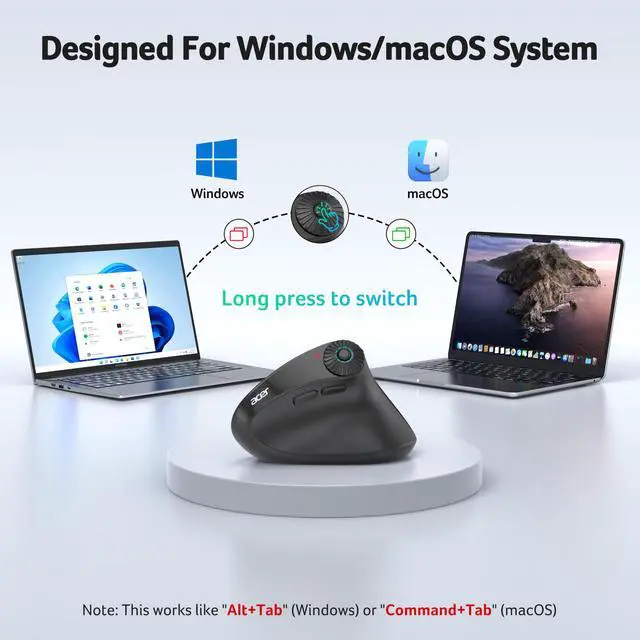
    • One Mouse for 3 DevicesThis dual-mode bluetooth mouse switch between Bluetooth and 2.4G modes by double-clicking the DPI button (G1, B1, B2), allowing seamless switching between three devices. Perfect for multi-device workflows across computer, laptop, and tablet. Note: To conserve battery, the mouse sleeps after 10 minutes and wake with a double click.
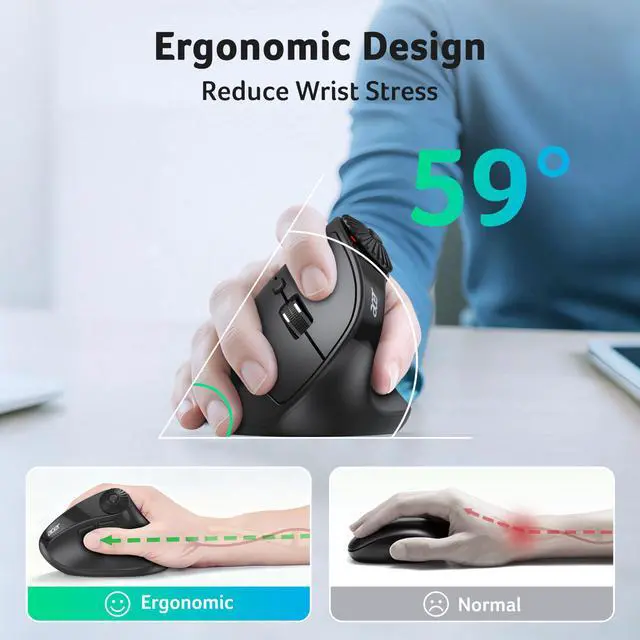
    • 59° Ergonomic Vertical DesignDesigned with a 59° vertical tilt, this ergonomic mouse wireless positions your hand in a natural handshake posture. The computer mouse maintains neutral wrist and arm alignment to reduce pressure and pain, ensuring smoother movement, less strain, and lasting comfort during extended use. : .
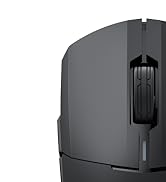
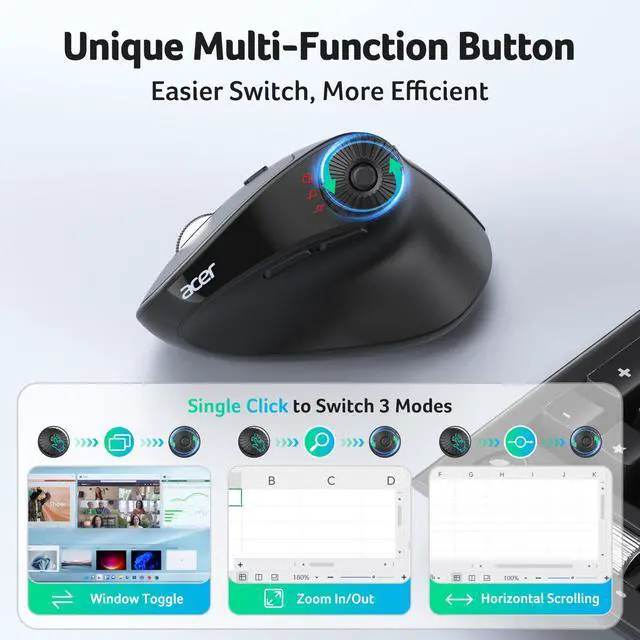
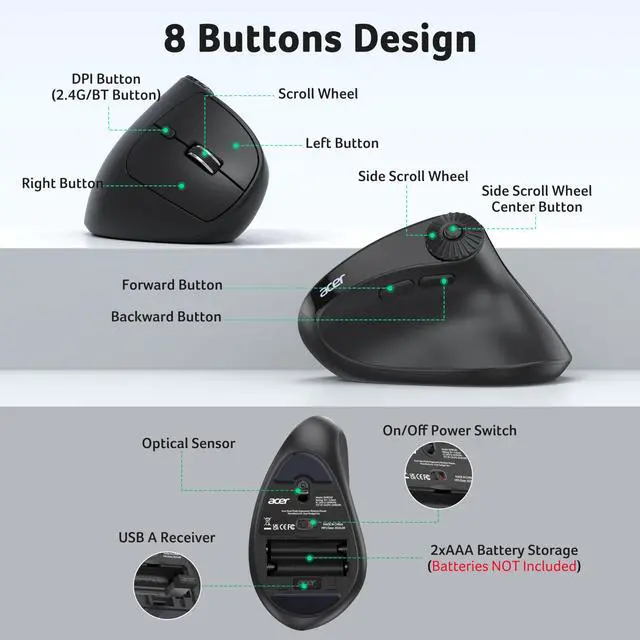
    • 3-in-1 Side Scroll WheelThis mouse for laptop features a multi-function side scroll wheel with a central button. A single-click allows for instant switching between three fixed functions: Only for Window Toggle, Zoom In/Out, and Horizontal Scrolling. This versatile control enhances multitasking fluidity and significantly boosts office productivity. Place your thumb carefully to avoid accidental scrolling.
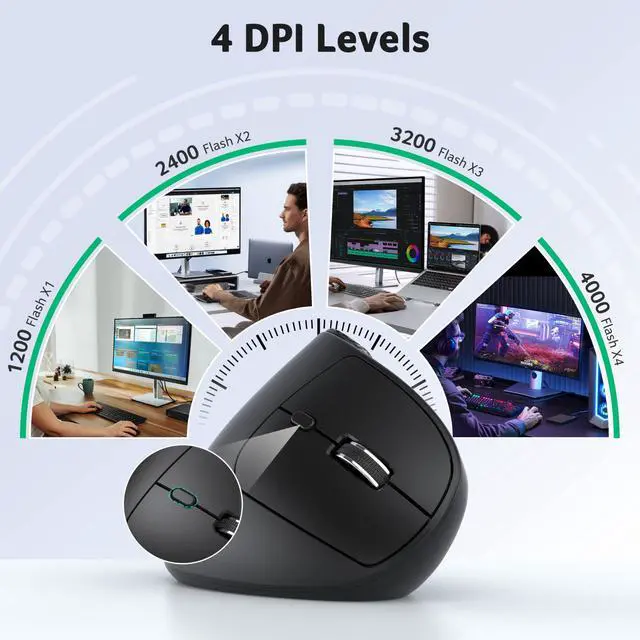
    • 4-Level DPI ControlThis USB mouse offers 4 adjustable DPI levels (1200/2400/3200/4000), enabling precise cursor control for detailed design tasks. Easily switch sensitivity to match your workflow and enhance your productivity on the go.
    +
    +
    Overview
    Specs
    Reviews
    avatar

    Any questions? Our AI beta will help you find out quickly.

    ergonomic mouse

    More Compact, for Small to Medium Hand-sized Users

    Q1 Why is my wireless mouse not working?
    - 1. Please check if the battery is installed with the correct polarity. Make sure the power switch is set to "ON". 2. Try to plug the receiver into a different USB-A port or Restart the computer. 3. The battery might be dead.
    Q2 Where is the USB A receiver?
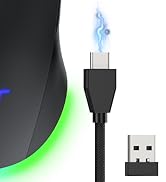
    - Please open the battery cover; the receiver is stored underneath the battery compartment.
    Q3 Why does my wireless mouse occasionally disconnect?
    - 1. The mouse sleeps after 10 minutes and wake with a double click.. 2. Low battery power. Please replace the battery. 3. Please use the mouse at a distance of 32ft.
    Q4 Is this mouse suitable for all hand sizes?
    - 1.This mouse prefer small to medium sized hands users. 2. Switching from a traditional to an ergonomic mouse may require 3-7 days of adjustment. 3. Please adjust your grip to allow your palm to naturally fit the curve of the mouse to reduce hand fatigue.
    Q5 Can this mouse be connected via Bluetooth?
    - Yes, you can connect with "OMR290 Mouse BT1/BT2" via Bluetooth
    Q6 How to switch between 2.4G and Bluetooth modes?
    - Double-click the DPI Button to switch between G1,B1 and B2.
    Q7 Does this mouse make clicking sounds when used?
    - Yes, this mouse has a crisp clicks.
    Q8 Is this a rechargeable mouse?
    - No, it requires replacement with 2 AAA batteries(Not Included).

    Acer Mouse

    https://m.media-amazon.com/images/S/aplus-media-library-service-media/9acd62e7-f448-4931-a957-b515c5b5eb6d.__CR0,0,400,450_PT0_SX200_V1___.jpg

    Acer Mouse OMR290

    https://m.media-amazon.com/images/S/aplus-media-library-service-media/60b9345e-b83f-474a-8d6c-f8b9b8a71316.__CR0,0,400,450_PT0_SX200_V1___.jpg

    Acer Mouse OCC314

    https://m.media-amazon.com/images/S/aplus-media-library-service-media/6fdb3683-6e3d-4c00-8cda-cf7452971eaf.__CR0,0,400,450_PT0_SX200_V1___.jpg

    Acer Mouse OMR241

    https://m.media-amazon.com/images/S/aplus-media-library-service-media/0cc13e63-5074-4fc7-9568-5f7f45413e35.__CR0,0,400,450_PT0_SX200_V1___.jpg

    Acer Mouse OMR270

    https://m.media-amazon.com/images/S/aplus-media-library-service-media/7e61d95a-13af-4529-a520-d04430ad806b.__CR0,0,400,450_PT0_SX200_V1___.jpg

    Acer Mouse OMR243

    https://m.media-amazon.com/images/S/aplus-media-library-service-media/56a49c6b-1d06-4736-bdd1-6f5c73b91a2d.__CR0,0,400,450_PT0_SX200_V1___.jpg

    Acer Mouse OMR242

    Customer Reviews
    Price
    DPI
    1200, 2400, 3200, 4000 800, 1200, 1600 1000, 1200, 1600 800, 1200, 1600 1200 800, 1200, 1600
    Side Buttons
    ? ? ? ? ? ?
    Power Supply
    2 AAA batteries (Not Included) Rechargeable Rechargeable 1 AA battery (Not Included) 2 AAA batteries (Not Included) 2 AAA batteries (Not Included)
    Connection
    2.4G Wireless+Bluetooth 2.4G Wireless 2.4G Wireless 2.4G Wireless+Bluetooth 2.4G Wireless 2.4G Wireless
    Buttons
    8 6 6 4 5 4
    mouse ergonomic

    More Compact, for Small to Medium Hand-sized Users

    Q1 Why is my wireless mouse not working?
    - 1. Please check if the battery is installed with the correct polarity. Make sure the power switch is set to "ON". 2. Try to plug the receiver into a different USB-A port or Restart the computer. 3. The battery might be dead.
    Q2 Where is the USB A receiver?
    - Please open the battery cover; the receiver is stored underneath the battery compartment.
    Q3 Why does my wireless mouse occasionally disconnect?
    - 1. The mouse sleeps after 10 minutes and wake with a double click.. 2. Low battery power. Please replace the battery. 3. Please use the mouse at a distance of 32ft.
    Q4 Is this mouse suitable for all hand sizes?
    - 1.This mouse prefer small to medium sized hands users. 2. Switching from a traditional to an ergonomic mouse may require 3-7 days of adjustment. 3. Please adjust your grip to allow your palm to naturally fit the curve of the mouse to reduce hand fatigue.
    Q5 Can this mouse be connected via Bluetooth?
    - Yes, you can connect with "OMR290 Mouse BT1/BT2" via Bluetooth
    Q6 How to switch between 2.4G and Bluetooth modes?
    - Double-click the DPI Button to switch between G1,B1 and B2.
    Q7 Does this mouse make clicking sounds when used?
    - Yes, this mouse has a crisp clicks.
    Q8 Is this a rechargeable mouse?
    - No, it requires replacement with 2 AAA batteries(Not Included).

    Acer Mouse

    https://m.media-amazon.com/images/S/aplus-media-library-service-media/9acd62e7-f448-4931-a957-b515c5b5eb6d.__CR0,0,400,450_PT0_SX200_V1___.jpg

    Acer Mouse OMR290

    https://m.media-amazon.com/images/S/aplus-media-library-service-media/60b9345e-b83f-474a-8d6c-f8b9b8a71316.__CR0,0,400,450_PT0_SX200_V1___.jpg

    Acer Mouse OCC314

    https://m.media-amazon.com/images/S/aplus-media-library-service-media/6fdb3683-6e3d-4c00-8cda-cf7452971eaf.__CR0,0,400,450_PT0_SX200_V1___.jpg

    Acer Mouse OMR241

    https://m.media-amazon.com/images/S/aplus-media-library-service-media/0cc13e63-5074-4fc7-9568-5f7f45413e35.__CR0,0,400,450_PT0_SX200_V1___.jpg

    Acer Mouse OMR270

    https://m.media-amazon.com/images/S/aplus-media-library-service-media/7e61d95a-13af-4529-a520-d04430ad806b.__CR0,0,400,450_PT0_SX200_V1___.jpg

    Acer Mouse OMR243

    https://m.media-amazon.com/images/S/aplus-media-library-service-media/56a49c6b-1d06-4736-bdd1-6f5c73b91a2d.__CR0,0,400,450_PT0_SX200_V1___.jpg

    Acer Mouse OMR242

    Customer Reviews
    Price
    DPI
    1200, 2400, 3200, 4000 800, 1200, 1600 1000, 1200, 1600 800, 1200, 1600 1200 800, 1200, 1600
    Side Buttons
    ? ? ? ? ? ?
    Power Supply
    2 AAA batteries (Not Included) Rechargeable Rechargeable 1 AA battery (Not Included) 2 AAA batteries (Not Included) 2 AAA batteries (Not Included)
    Connection
    2.4G Wireless+Bluetooth 2.4G Wireless 2.4G Wireless 2.4G Wireless+Bluetooth 2.4G Wireless 2.4G Wireless
    Buttons
    8 6 6 4 5 4
    Ergonomic Mouse Wireless with Side Scroll Wheel, Bluetooth Mouse for Laptop(BT 5.2 + 2.4GH z), Office Vertical Computer Mice, Small to Medium Sized Hands Ergo Mice, 8 Buttons for PC and Desktop

    Warranty & Returns

    Warranty, Returns, And Additional Information

    Warranty

    • Please contact the Seller directly for warranty information. Warranty information may also be found on the Manufacturer's website.
    • CONTACT

    Return Policies

    Manufacturer Contact Info

    LOADING...