


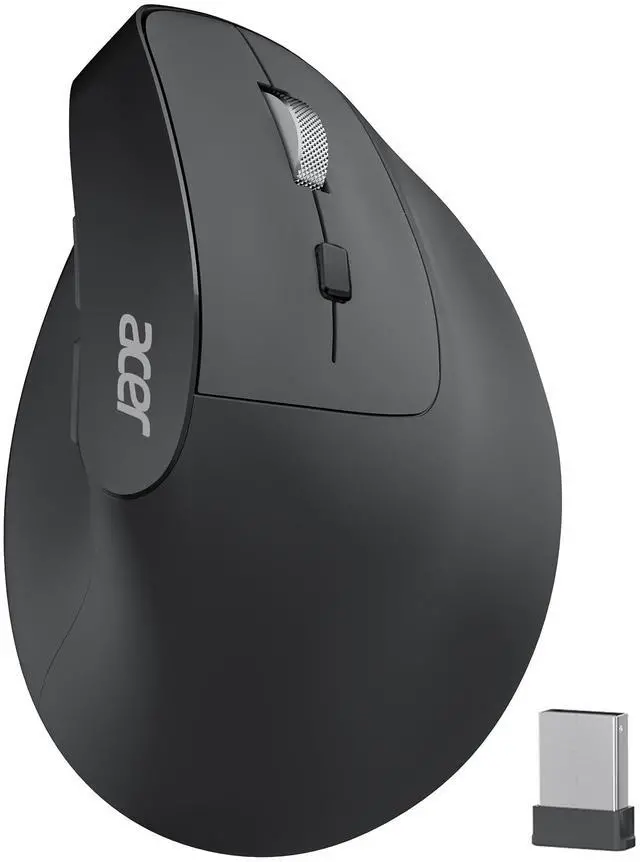
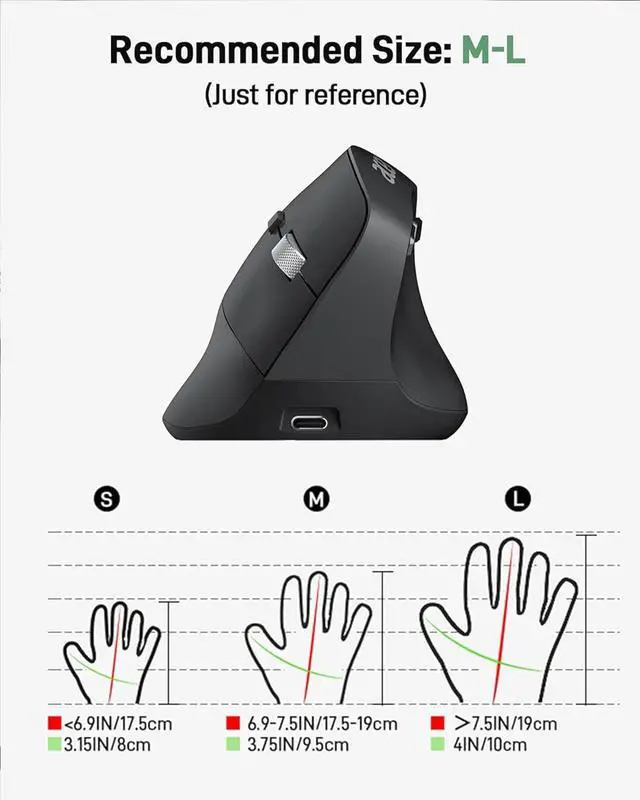
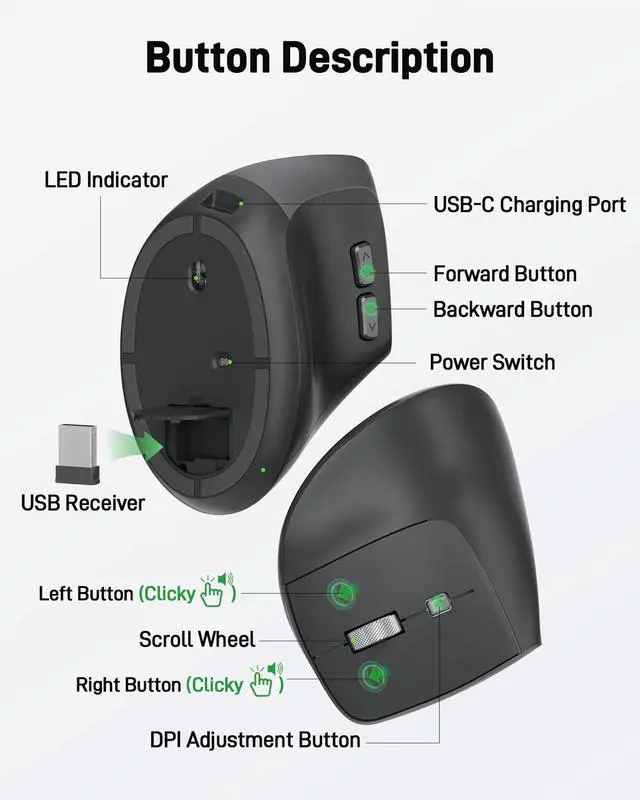



The Curve Provides a Natural, Comfortable Fit for Users with Medium to Large Hands



Acer Wireless Mice
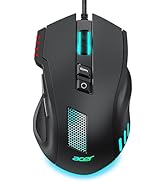
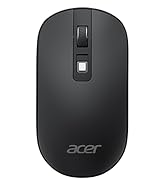
 Acer Ergonomic Mouse |  Wired Gaming Mouse OMW317 |  Acer Mouse OMR243 |  Acer Mouse OMR242 |  Acer Wired Mouse | |
|---|---|---|---|---|---|
Customer Reviews | — | — | — | — | — |
Price | — | — | — | — | — |
Number of Buttons | 6 Buttons | 8 Buttons | 5 Buttons | 4 Buttons | 6 Buttons |
Adjustable DPI | 1000, 1200, 1600 | 1200,2400,3200,6400, max 12800 | 1200 | 800, 1200, 1600 | 800, 1200, 1600 |
Navigation Buttons | Forward and Backward | Forward and Backward | Forward and Backward | ? | Forward and Backward |
Design | 57° Ergonomic Vertical | Modern | Modern | Flat | Modern |
Connect Method | 2.4G USB A Receiver | Wired USB-A | 2.4G USB A Receiver | 2.4G USB A Receiver | 2.4G USB A Receiver |
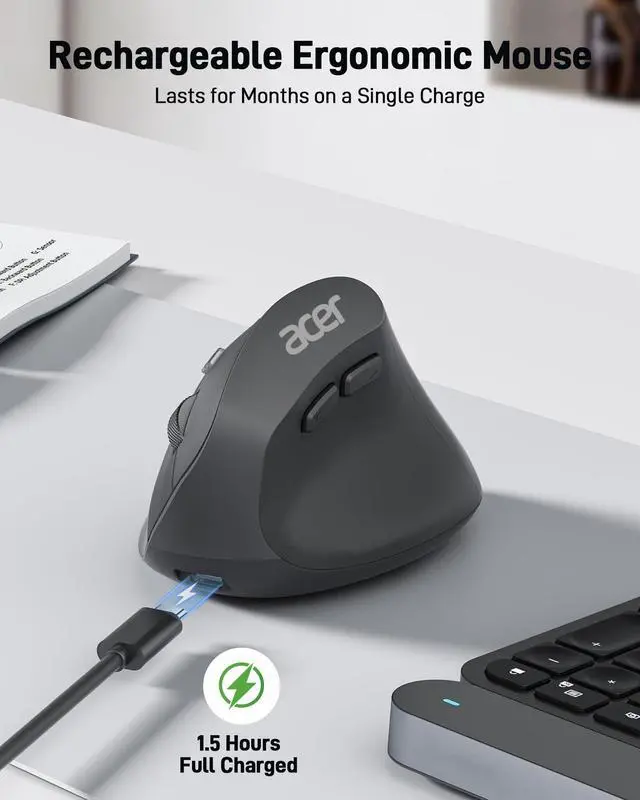
Rechargeable | ? | ? | ? | ? | ? |

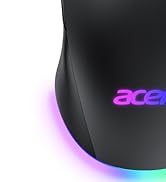
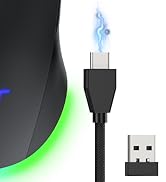
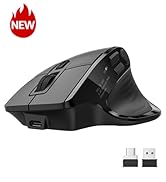
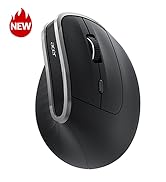
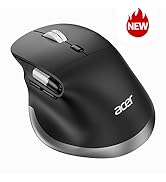
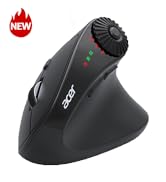
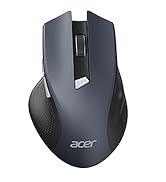
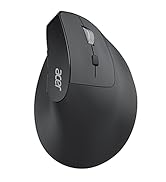


The Curve Provides a Natural, Comfortable Fit for Users with Medium to Large Hands



| Q1 | Why is my wireless mouse not working? |
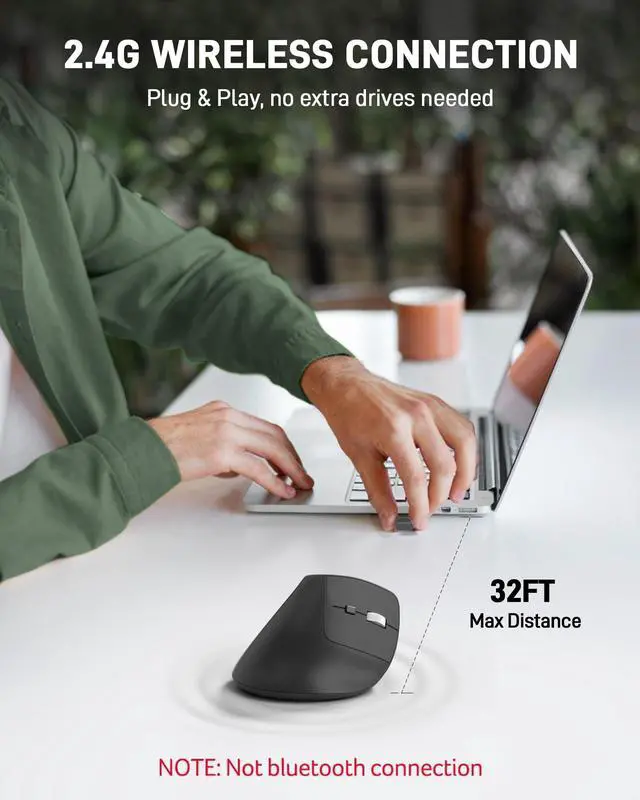
|---|---|
| - | 1. Ensure the mouse is fully charged. 2. Make sure the power switch at the bottom of the mouse is turned on. 3. Ensure the USB receiver is properly connected to your computer. 4. Keep the mouse within 10 meters of your computer for optimal performance. |
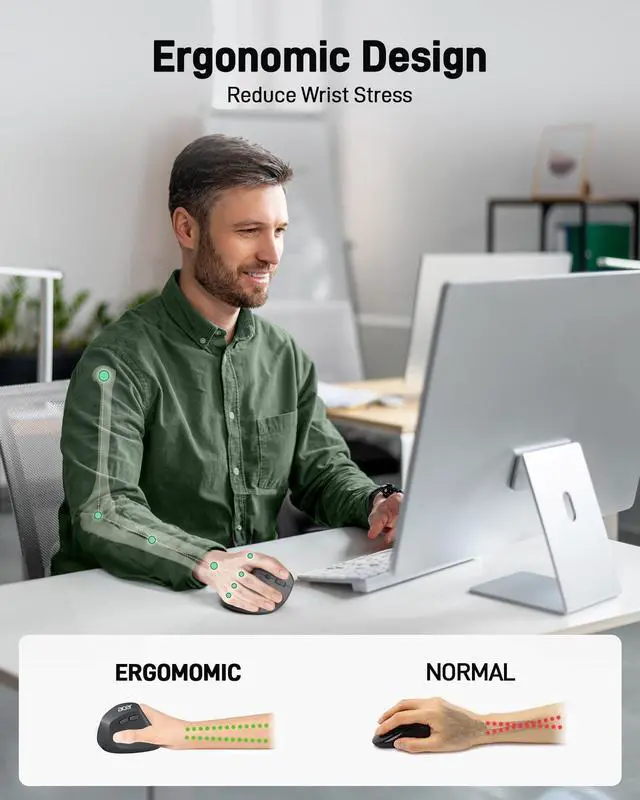
| Q2 | Why does the ergonomic mouse feel uncomfortable? |
| - | 1. Switching from a traditional to an ergonomic mouse may require 1-2 weeks of adjustment. 2. Please adjust your grip to allow your palm to naturally fit the curve of the mouse to reduce hand fatigue. |
| Q3 | How to wake up the mouse? |
| - | The wireless mouse enters sleep mode after 10 minutes of inactivity, you can wakes up it with double clicks. |
| Q4 | Why does my wireless mouse occasionally disconnect? |
| - | 1. Low battery power. 2. The mouse is too far from the computer. 3. There is significant wireless interference around, leading to an unstable signal. |
| Q5 | Can this mouse be connected via Bluetooth? |
| - | No, it can only be connected with the included USB receiver |
| Q6 | Is this mouse suitable for all hand sizes? |
| - | This mouse prefer medium to large sized hands users. This mouse is L 4.3 inches, W 3.1 inches, H 2.9 inches, and a weight of 3.3oz. |
| Q7 | Why is the mouse hard to click? |
| - | Place your fingertips on the top of the mouse buttons for easier clicking. |
| Q8 | Does this mouse make clicking sounds when used? |
| - | Yes, this mouse has a crisp clicks. |
Acer Wireless Mice
Acer Ergonomic Mouse | Wired Gaming Mouse OMW317 | Acer Mouse OMR243 | Acer Mouse OMR242 | Acer Wired Mouse |
|---|---|---|---|---|
| Customer Reviews | ||||
| — | — | — | — | — |
| Price | ||||
| — | — | — | — | — |
| Number of Buttons | ||||
| 6 Buttons | 8 Buttons | 5 Buttons | 4 Buttons | 6 Buttons |
| Adjustable DPI | ||||
| 1000, 1200, 1600 | 1200,2400,3200,6400, max 12800 | 1200 | 800, 1200, 1600 | 800, 1200, 1600 |
| Navigation Buttons | ||||
| Forward and Backward | Forward and Backward | Forward and Backward | ? | Forward and Backward |
| Design | ||||
| 57° Ergonomic Vertical | Modern | Modern | Flat | Modern |
| Connect Method | ||||
| 2.4G USB A Receiver | Wired USB-A | 2.4G USB A Receiver | 2.4G USB A Receiver | 2.4G USB A Receiver |
| Rechargeable | ||||
| ? | ? | ? | ? | ? |
Acer Dual Mode Gaming Mouse
Acer Mouse
Acer Wireless Mice
