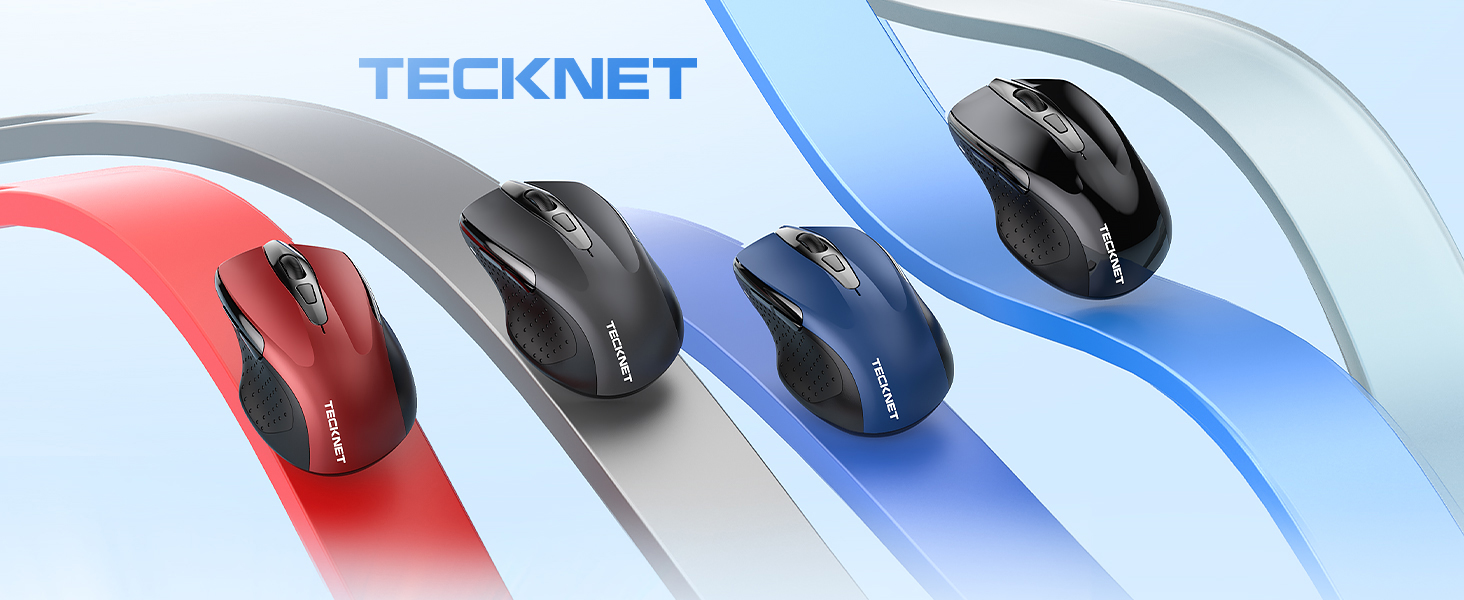
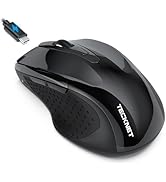
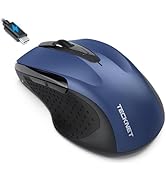
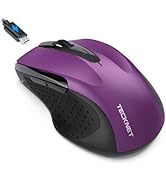
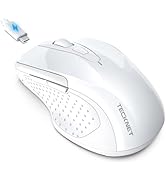
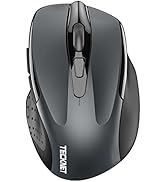
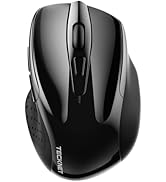
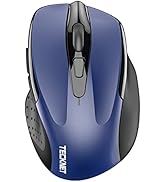
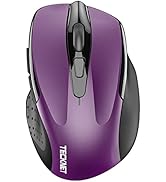
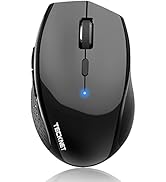
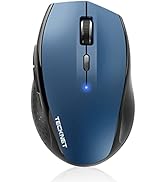
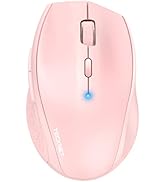
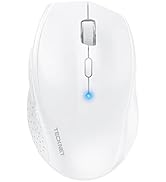
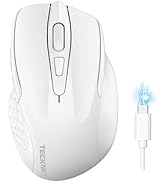
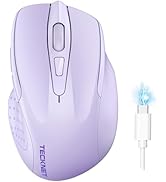
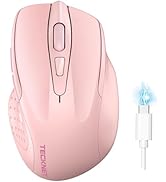
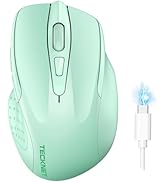
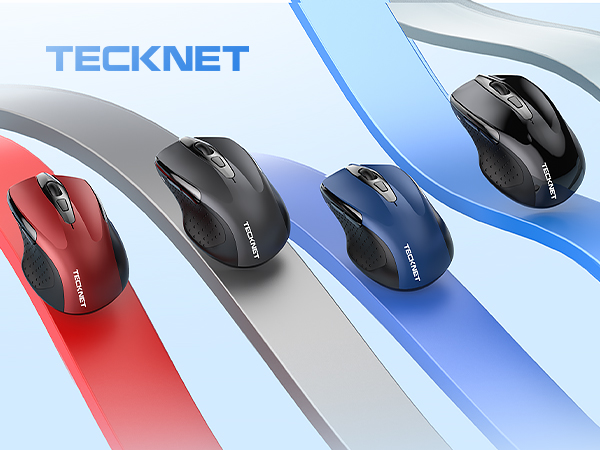
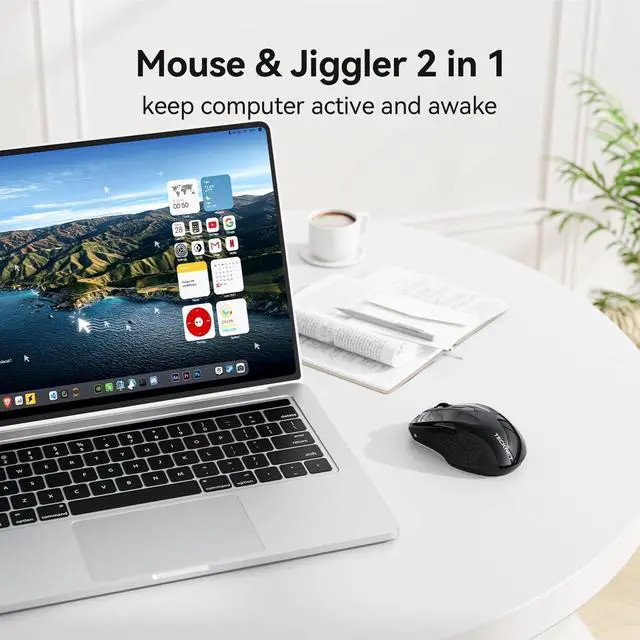
Built-in Mouse Jiggler: 1.Long press the DPI button for 5 seconds until the indicator light turns on, activating jiggler mode; the cursor will start to drift randomly. 2.Moving the mouse stops the drifting (clicking won't interrupt); after 10 seconds of inactivity, drifting resumes. 3.Long press again for 5 seconds to exit jiggler mode. This jiggler mouse, designed to keep the computer awake, is perfect for office workers, remote workers, IT professionals and more.
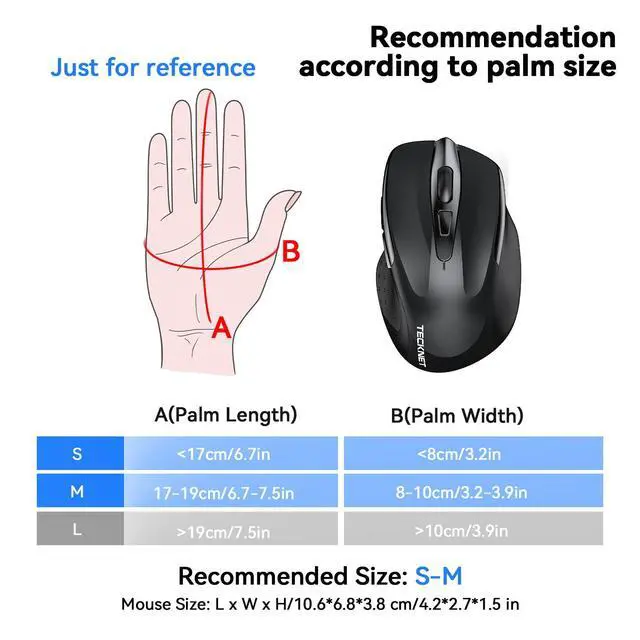
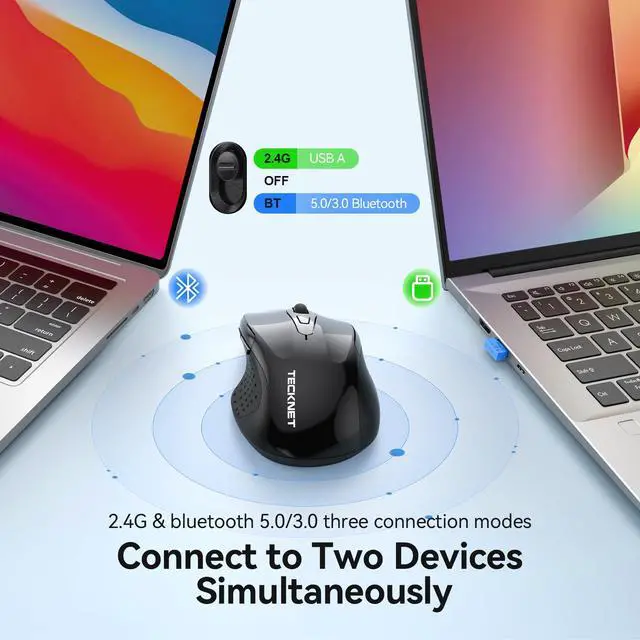
Dual Device Pairing: Pair this wireless mouse with two devices at once, either via Bluetooth (3.0/5.0) or a USB-A dongle. Easily transition between the paired devices with just a flick of the switch button. Whether you're looking for a Bluetooth mouse or a USB mouse, this one suits your needs. (PLEASE NOTE: The mouse is better suited for SMALL to MEDIUM-sized hands. However, if you have larger hands yet enjoy a smaller mouse, you might also like this one.)
Connection Steps: Bluetooth: 1.Slide switch to BT. 2.Hold Pairing button until LED flashes. 3.Select and connect on your device. USB: 1.Slide switch to 2.4G. 2.Insert USB receiver into device.
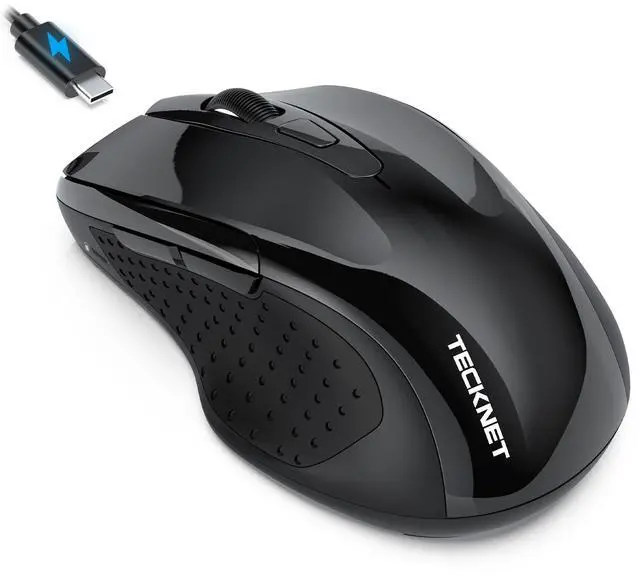
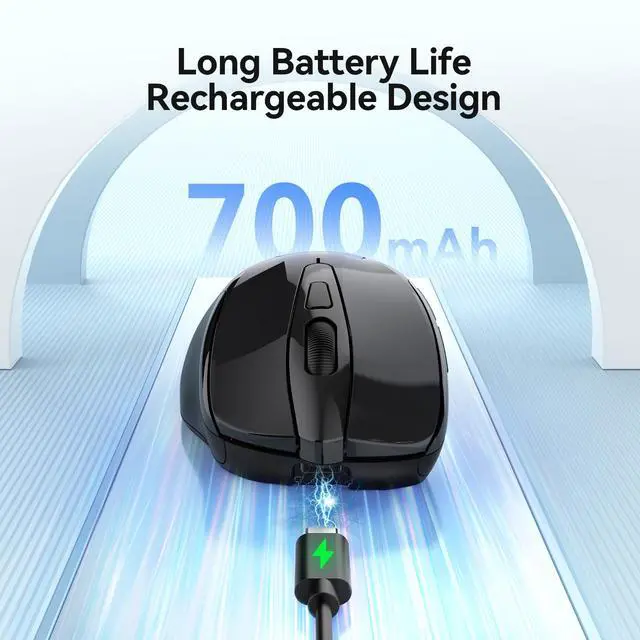
Rechargeable Mouse: Eliminate the hassle of frequent battery replacements with the computer mouse that offers a rechargeable feature. Up to 90 days of use on a single 1.5 to 2-hour charge (varies by usage). Ideal for anyone in search of a rechargeable wireless mouse. (A charging cable is included.)
+
+
Overview
Specs
Reviews
Any questions? Our AI beta will help you find out quickly.