







Why Choose AMZCASE?
AMZCASE is the global lesder and innovator of tablet keyboard case and mouse for office, home, travel.

Friendly Service

aMZCaSE was born in 2002. Since itsdevelopment, we have a factory of more than5,000 square meters and more than 1,000employees, including design, research anddevelopment, production, packaging, and sales.
After more than 20 years of development,aMZCaSE has achieved a good brand image inthe market and in the hearts of millions ofcustomers, and has won high praise. We willmake unremitting efforts to let more customersenjoy our products.
What makes our products unique?
Every aMZCaSE product is strictly selected, designed, and exploited by resourceful professionals. aMZCaSE pays much attention to product quality and implements comprehensive quality management and test.
Customer first
aMZCaSE puts customers in the first place from beginning to end. lt takes full responsibility for its customers with professional service team working around the clock to solve any problems during the course of pre-sales, on-purchase, after-sales. Customer's satisfaction is always the constant motivation to keep aMZCaSE moving forward.
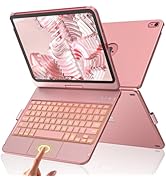
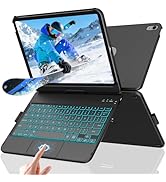
Hard iPad a16 keyboard Case
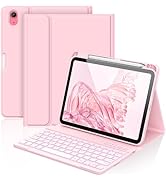
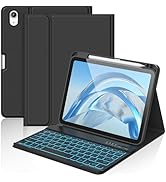
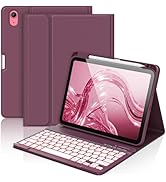
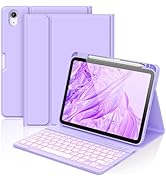
iPad A1610th Gen Keyboard Case
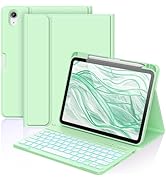
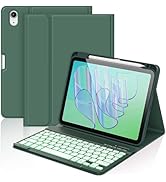
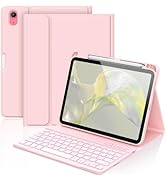
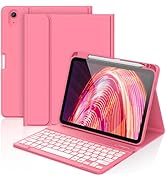
iPad A1610th Gen Keyboard Case

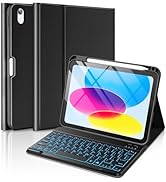
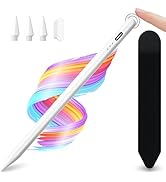
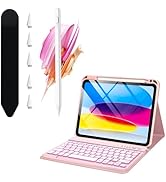
iPad A1610th Gen Keyboard Case
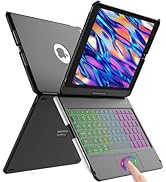
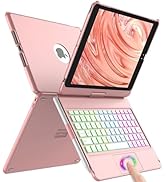
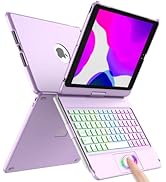
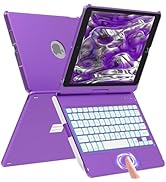
Rotatable iPad keyboard case
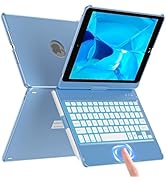
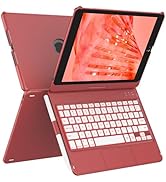
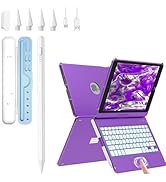
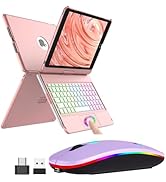
Rotatable keyboard case&Bundle

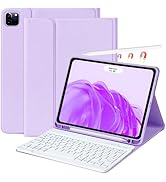
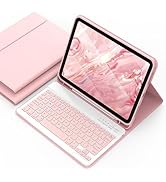
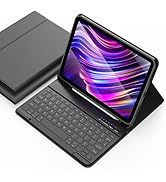
iPad 11 inch keyboard case
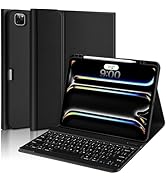
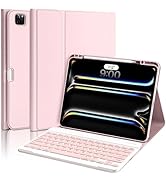
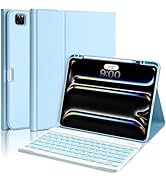
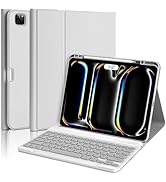
iPad 13 Pro Case with Keyboard
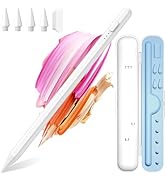
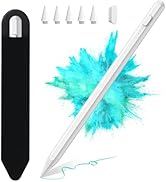
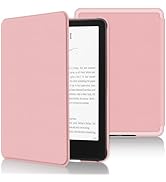
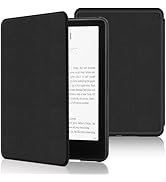
AMZCASE New Product
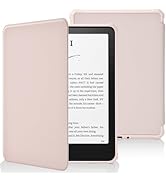
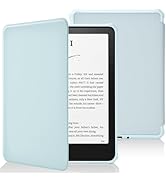
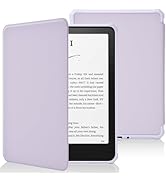
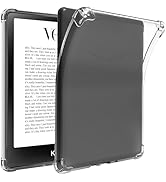
Kindle Case 12th Gen 7 inch
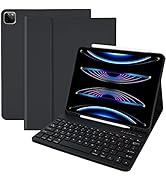
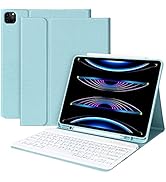
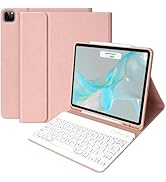
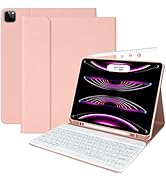
ipad 12.9 case with keyboard
Mouse for Laptop
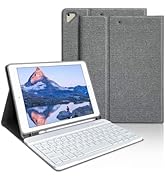
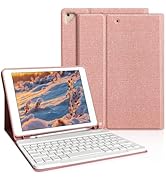
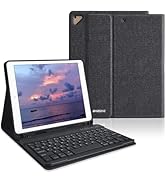
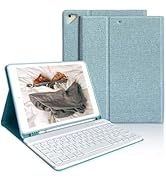
9.7“ iPad case with keyboard
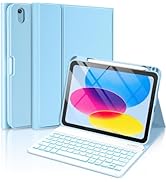
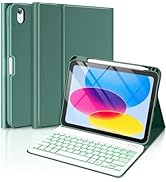
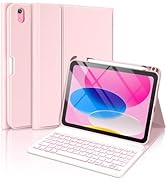
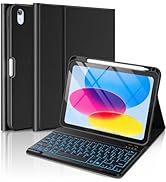
iPad 10th Gen Keyboard Case
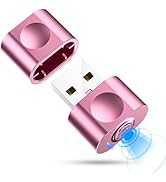
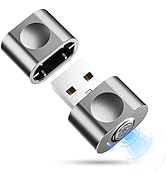
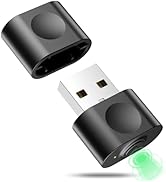
mouse jiggler mouse mover


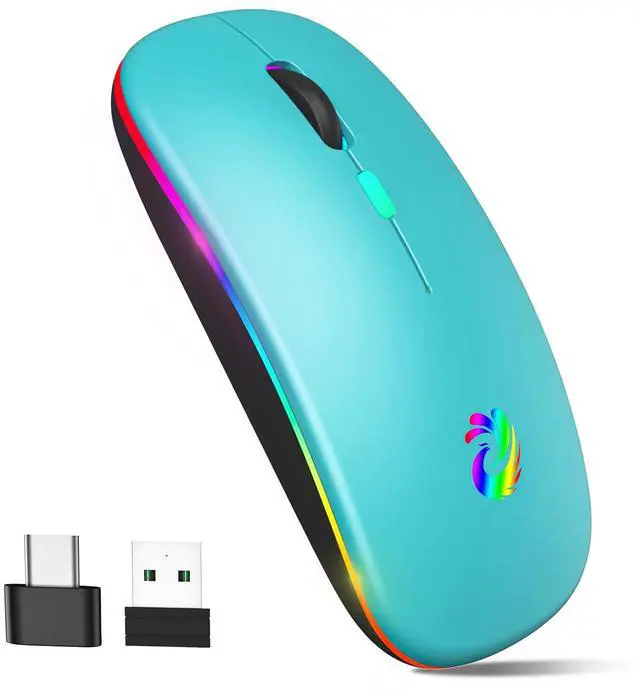
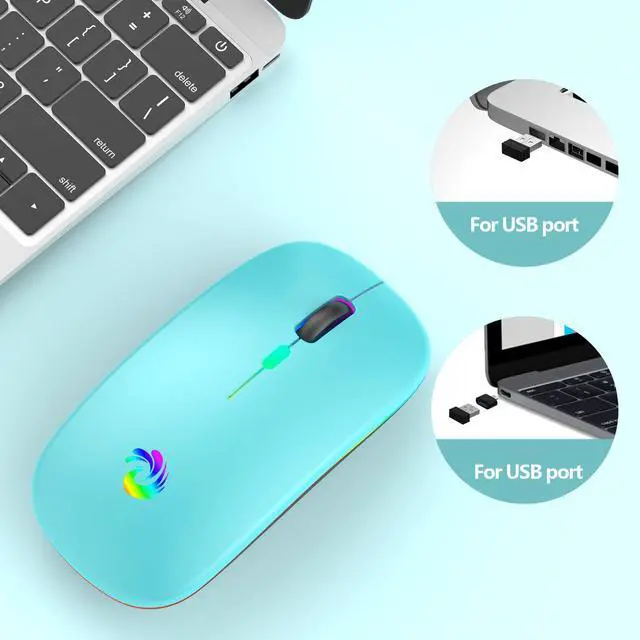
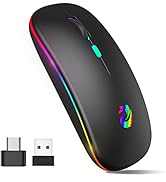
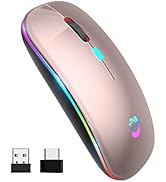
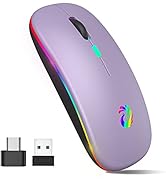
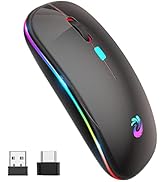
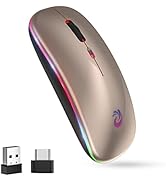
AMZCASE LED Wireless Mouse Features:
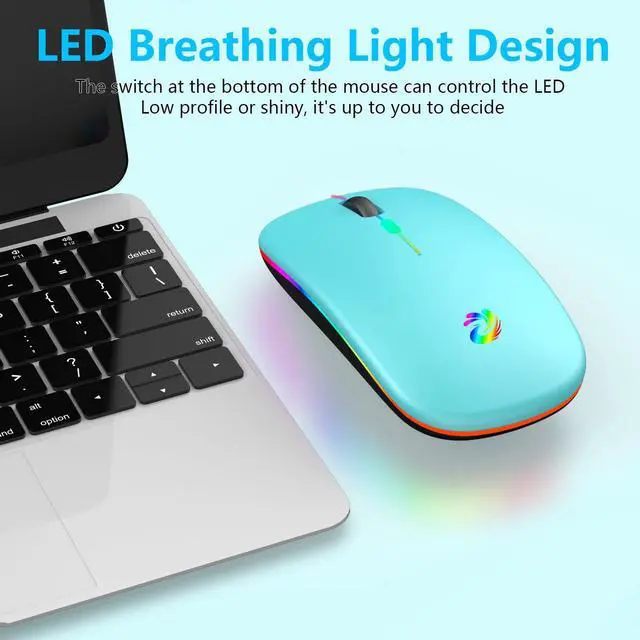
- RGB Backlighting
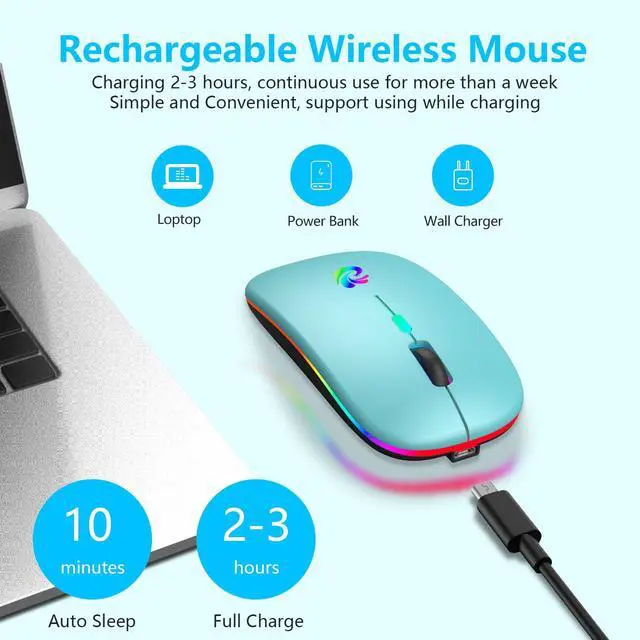
- Rechargeable (No additional batteries required)
- Plug-and-Play
- Silent Click
- Portable (Carry it with you)
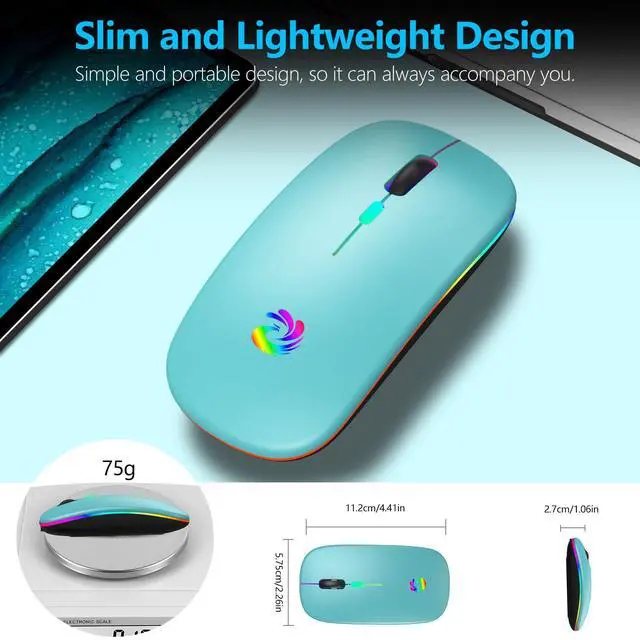
- Slim (Effectively relieves your wrist fatigue)
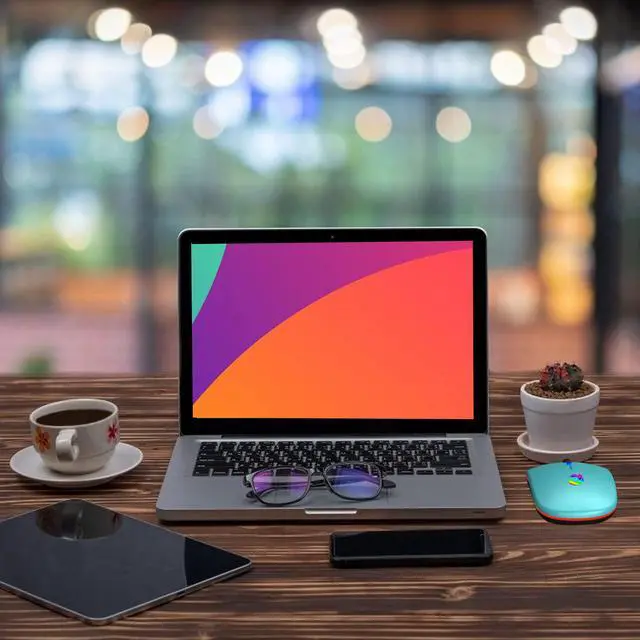
- Multi-purpose (Office, home, travel)
- Auto-sleep (Energy saving)
How to Use?
- Before using the mouse for the first time, please charge it for about 2 hours.
- Remove the USB receiver placed on the back of the mouse.
- Plug the USB receiver into your computer's USB port.
- Turn on the switch at the bottom of the mouse.
- You are ready to use it without any operation.

Suitable for Most Devices
The wireless mouse has a Type-C adapter, which can be applied to most devices with USB ports and Type-C ports.
The USB receiver is placed on the bottom of the mouse.

Superb Durability
AMZCASE 2.4G wireless mouse can withstand more than 10 million click tests.
High accuracy, high sensitivity, high battery life.

3 DPI Adjustable
The wireless rechargeable mouse has a 3-level DPI adjustable mode, which can meet your different needs and feel comfortable.
Automatic sleep in 10 minutes, full charge in 2-3 hours.
Note:
1. If your computer is Type-C port, you need to plug the Type-C adapter into your computer first, and then plug the USB receiver into the Type-C adapter. Turn on the switch at the bottom of the mouse, and the mouse will work properly.
2. When charging, the blue light next to the scroll wheel will light up, after the mouse is fully charged, the blue light will go out.
3. When the battery of the mouse is low, the mouse cursor will move slowly or stop moving, please charge it in time.
4. Please use the computer USB interface for wireless mouse charging (the mouse supports working while charging).

Products Specification
AMZCASE LED Wireless Mouse Features:
- RGB Backlighting
- Rechargeable (No additional batteries required)
- Plug-and-Play
- Silent Click
- Portable (Carry it with you)
- Slim (Effectively relieves your wrist fatigue)
- Multi-purpose (Office, home, travel)
- Auto-sleep (Energy saving)
How to Use?
- Before using the mouse for the first time, please charge it for about 2 hours.
- Remove the USB receiver placed on the back of the mouse.
- Plug the USB receiver into your computer's USB port.
- Turn on the switch at the bottom of the mouse.
- You are ready to use it without any operation.
Suitable for Most Devices
The wireless mouse has a Type-C adapter, which can be applied to most devices with USB ports and Type-C ports.
The USB receiver is placed on the bottom of the mouse.
Superb Durability
AMZCASE 2.4G wireless mouse can withstand more than 10 million click tests.
High accuracy, high sensitivity, high battery life.
3 DPI Adjustable
The wireless rechargeable mouse has a 3-level DPI adjustable mode, which can meet your different needs and feel comfortable.
Automatic sleep in 10 minutes, full charge in 2-3 hours.
Note:
1. If your computer is Type-C port, you need to plug the Type-C adapter into your computer first, and then plug the USB receiver into the Type-C adapter. Turn on the switch at the bottom of the mouse, and the mouse will work properly.
2. When charging, the blue light next to the scroll wheel will light up, after the mouse is fully charged, the blue light will go out.
3. When the battery of the mouse is low, the mouse cursor will move slowly or stop moving, please charge it in time.
4. Please use the computer USB interface for wireless mouse charging (the mouse supports working while charging).
Products Specification
| Products Size | 112*57.5*27MM |
| Products Weight | 75g |
| Work Distance | 10m/32.8ft |
| DPI Adjustable | 1000-1200-1600 |
| Button Quantity | 4 |
| Charging Time | 2-3 hours |
| Automatic Sleep | 10 minutes |
| Packing List | 1*Wireless Mouse; 1*USB Charging Cable; 1*USB Receiver; 1*USB-C to USB Adapter; 1*User Manual; |
Why Choose AMZCASE?
AMZCASE is the global lesder and innovator of tablet keyboard case and mouse for office, home, travel.
Friendly Service
aMZCaSE was born in 2002. Since itsdevelopment, we have a factory of more than5,000 square meters and more than 1,000employees, including design, research anddevelopment, production, packaging, and sales.
After more than 20 years of development,aMZCaSE has achieved a good brand image inthe market and in the hearts of millions ofcustomers, and has won high praise. We willmake unremitting efforts to let more customersenjoy our products.
What makes our products unique?
Every aMZCaSE product is strictly selected, designed, and exploited by resourceful professionals. aMZCaSE pays much attention to product quality and implements comprehensive quality management and test.
Customer first
aMZCaSE puts customers in the first place from beginning to end. lt takes full responsibility for its customers with professional service team working around the clock to solve any problems during the course of pre-sales, on-purchase, after-sales. Customer's satisfaction is always the constant motivation to keep aMZCaSE moving forward.
Hard iPad a16 keyboard Case
iPad A1610th Gen Keyboard Case
iPad A1610th Gen Keyboard Case
iPad A1610th Gen Keyboard Case
Rotatable iPad keyboard case
Rotatable keyboard case&Bundle
iPad 11 inch keyboard case
iPad 13 Pro Case with Keyboard
AMZCASE New Product
Kindle Case 12th Gen 7 inch
ipad 12.9 case with keyboard
Mouse for Laptop
9.7“ iPad case with keyboard
iPad 10th Gen Keyboard Case
mouse jiggler mouse mover