



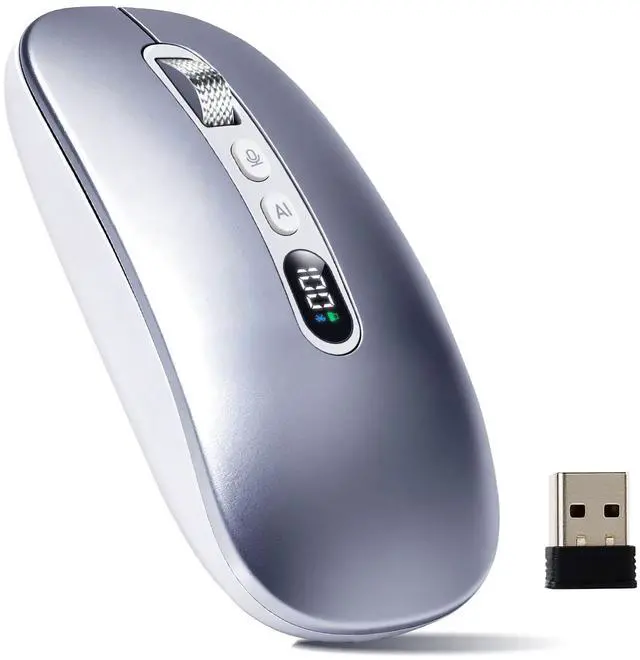





6-in-1 AI wireless mouse usb
Merchant Video


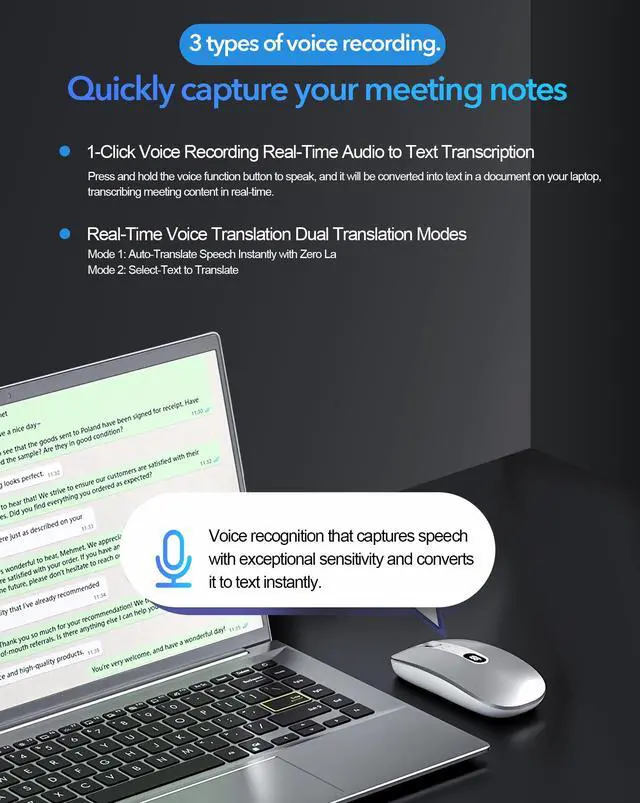
Al Voice Recorder
- One-click recording with responsive voice capture for instant text conversion.
- Dictate notes in Desktop Mode and air Mode
- AI-powered instant transcription and summarization.
- Smart tool for generating key points.
- AI translator supporting 200+ languages.

Steps on how to use the Al Mouse via 2.4G connection.
Step 1: Plug the USB receiver into your computer
Step 2: Download MicLink AI software and install it.(The manual contains download links.)
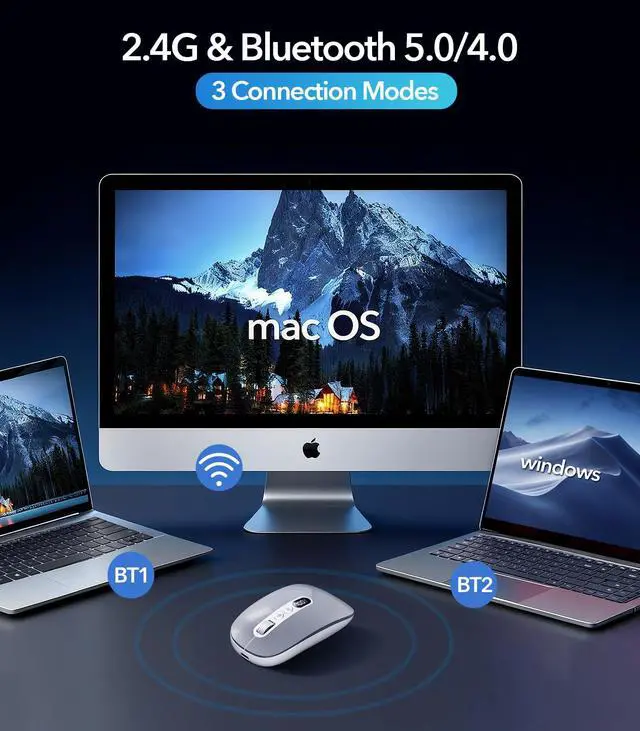
Step 3: Turn the mouse on with the bottom switch ON/OFF, then press the Mode Switching button for 2.4G connection
Step 4: Set up MicLink to tailor AI to better suit your usage habits
After installing MicLink, if the icon appears gray, it means it's not connected yet. Turn on the mouse's ON switch to connect. If green, that means you're successfully connected


6-in-1 AI wireless mouse usb
Merchant Video


Al Voice Recorder
- One-click recording with responsive voice capture for instant text conversion.
- Dictate notes in Desktop Mode and air Mode
- AI-powered instant transcription and summarization.
- Smart tool for generating key points.
- AI translator supporting 200+ languages.
Steps on how to use the Al Mouse via 2.4G connection.
Step 1: Plug the USB receiver into your computer
Step 2: Download MicLink AI software and install it.(The manual contains download links.)
Step 3: Turn the mouse on with the bottom switch ON/OFF, then press the Mode Switching button for 2.4G connection
Step 4: Set up MicLink to tailor AI to better suit your usage habits
After installing MicLink, if the icon appears gray, it means it's not connected yet. Turn on the mouse's ON switch to connect. If green, that means you're successfully connected

