












Wide Compatibility
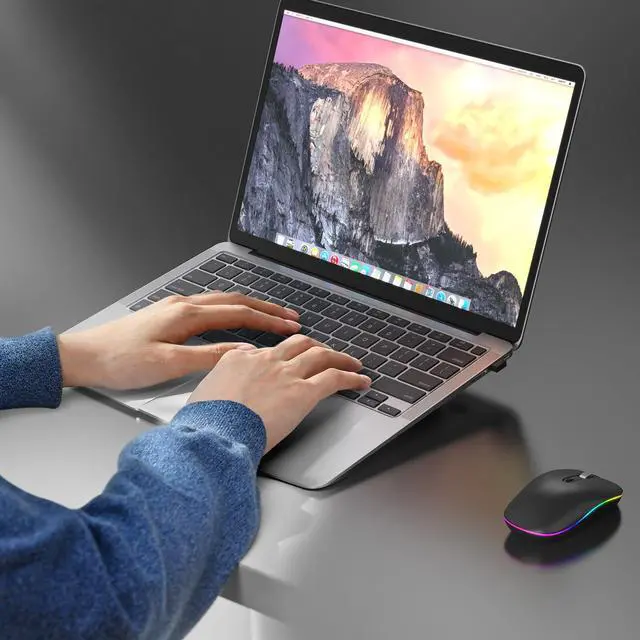
The wireless mouse is compatible with Windows7/8/10/XP, Linux, etc, you can effortlessly connect and use our mouse without any compatibility issues.

Plug and Play
Enjoy the convenience of instant setup with our plug-and-play wireless mouse. No additional drivers or software installation is required.

3 Adjustable DPI
Customize your mouse sensitivity to suit your preference and work style with the 3 adjustable DPI settings(800/1200/1600).

Easy to Carry
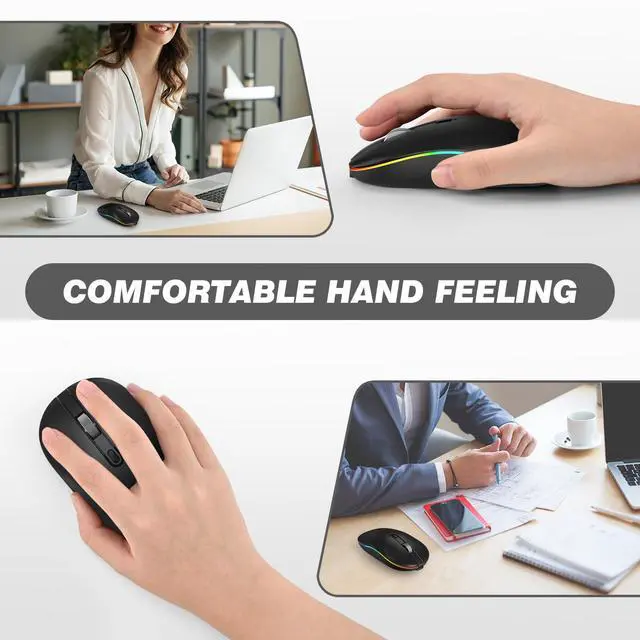
Whether you're traveling for work or leisure, simply slip it into your laptop bag or pocket, and you'll have a reliable mouse whenever you need it.

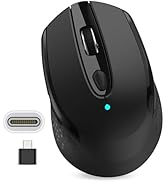
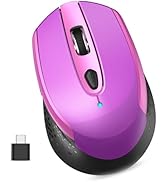
USB+Type-C
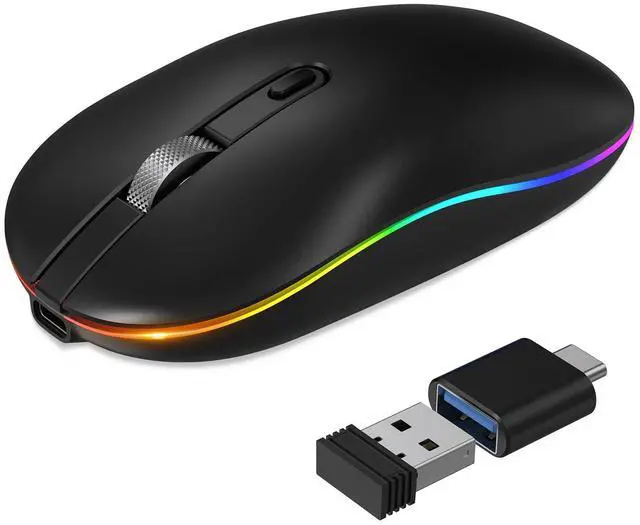
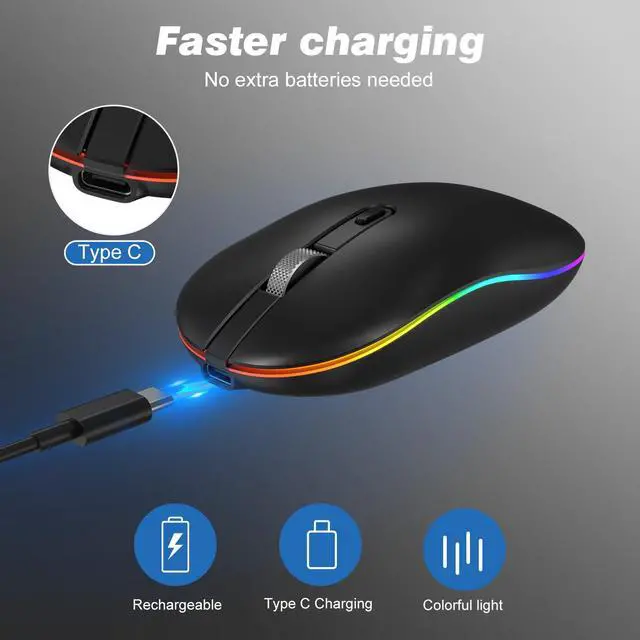
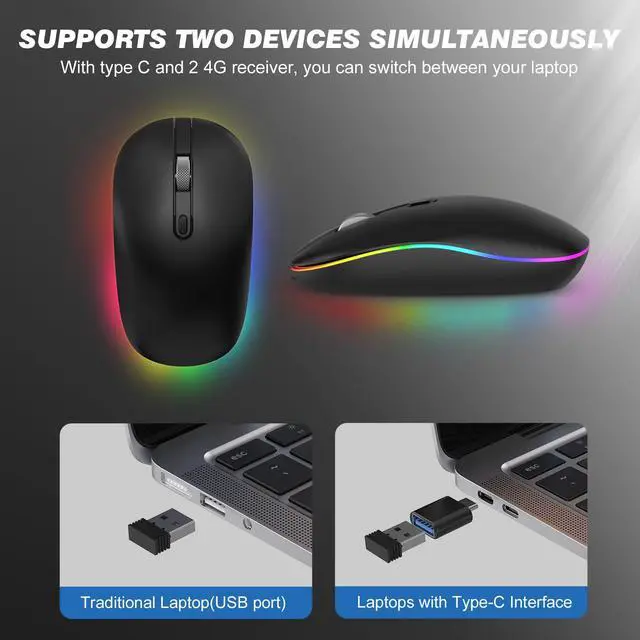
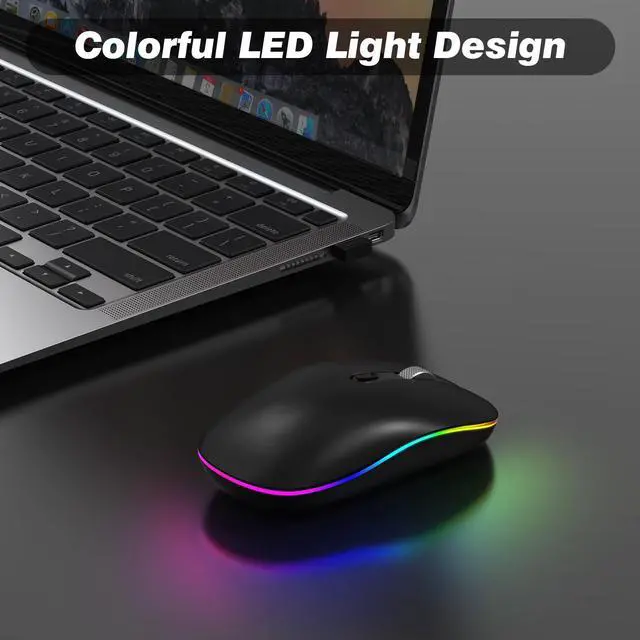
With our wireless mouse, you have the flexibility to connect to devices with either a USB port or a Type-C port. With its plug-and-play functionality, reliable wireless performance, and portability, it is a versatile and convenient choice for users seeking a wireless mouse that can adapt to their diverse needs and devices.
Note: If your computer is Type-C port, you need to plug the Type-C adapter into your computer first, and then plug the USB receiver into the Type-C adapter.


Wide Compatibility
The wireless mouse is compatible with Windows7/8/10/XP, Linux, etc, you can effortlessly connect and use our mouse without any compatibility issues.
Plug and Play
Enjoy the convenience of instant setup with our plug-and-play wireless mouse. No additional drivers or software installation is required.
3 Adjustable DPI
Customize your mouse sensitivity to suit your preference and work style with the 3 adjustable DPI settings(800/1200/1600).
Easy to Carry
Whether you're traveling for work or leisure, simply slip it into your laptop bag or pocket, and you'll have a reliable mouse whenever you need it.
USB+Type-C
With our wireless mouse, you have the flexibility to connect to devices with either a USB port or a Type-C port. With its plug-and-play functionality, reliable wireless performance, and portability, it is a versatile and convenient choice for users seeking a wireless mouse that can adapt to their diverse needs and devices.
Note: If your computer is Type-C port, you need to plug the Type-C adapter into your computer first, and then plug the USB receiver into the Type-C adapter.

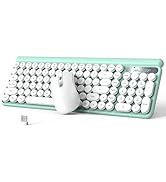
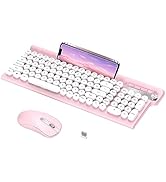
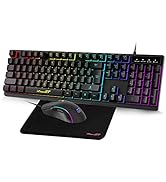
Keyboard and Mouse Combo
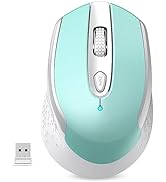
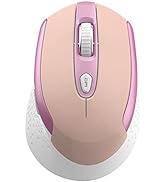
Wireless Mouse
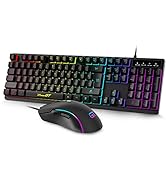
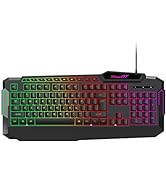
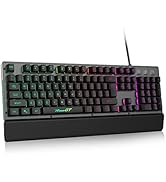
Gaming Keyboard
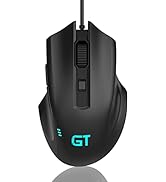
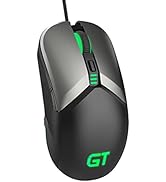
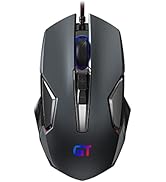
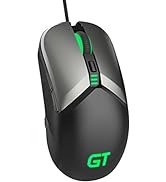
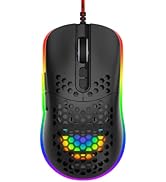
Wired Gaming Mouse
