


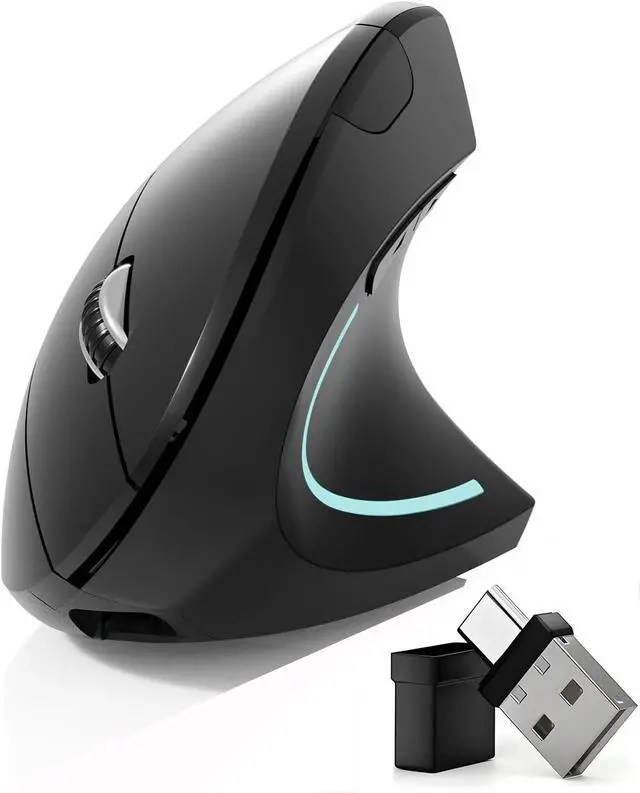
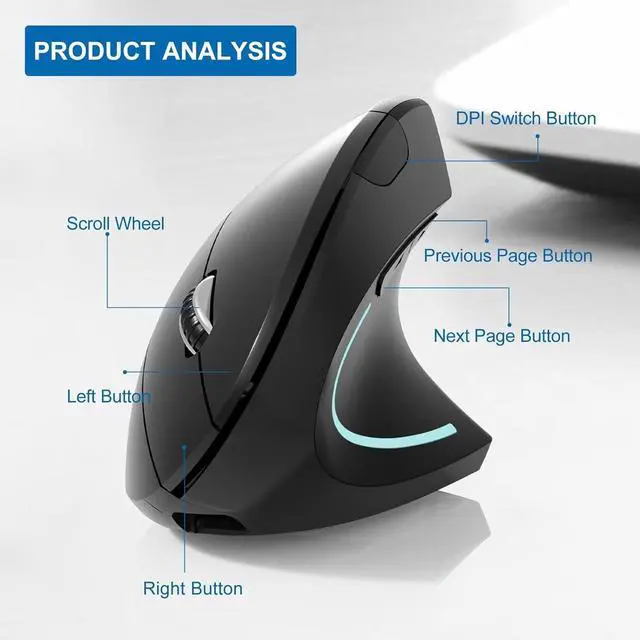
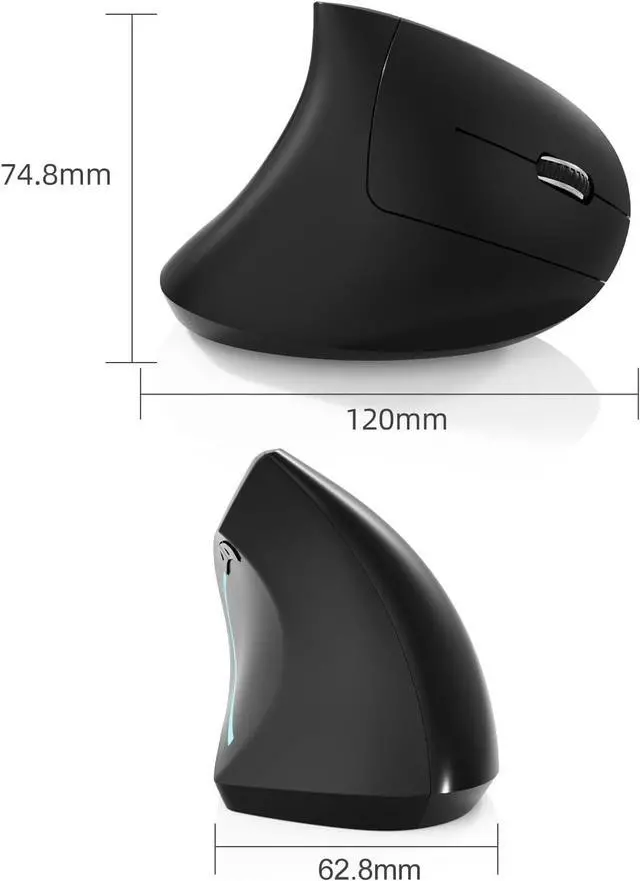
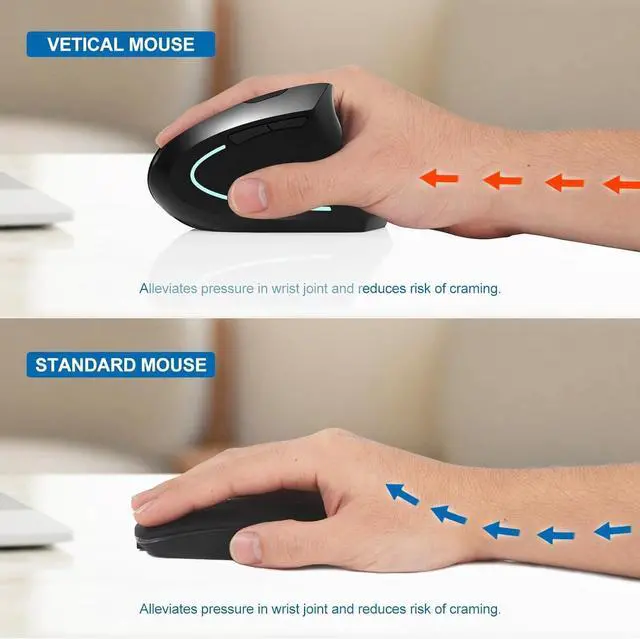
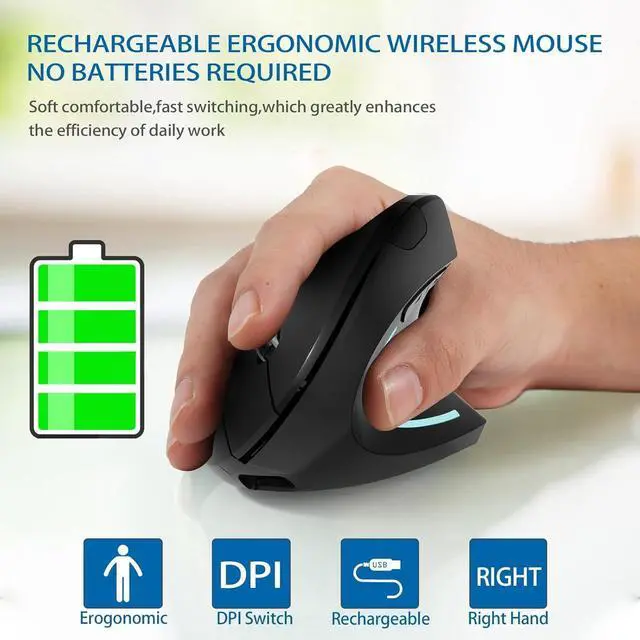


Bluetooth mouse Type-c and USB 2.4GWireless Vertical Ergonomic Optical Mouse

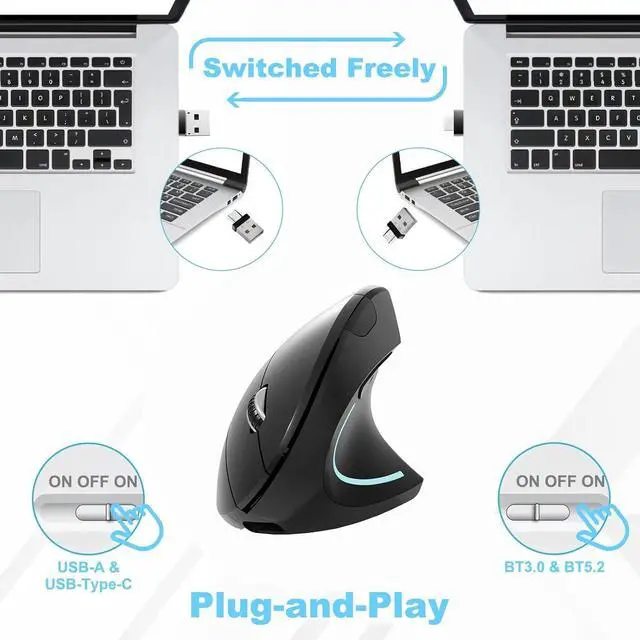
4 Modes Mouse(BT5.2 & BT3.0 + 2.4GHz USB-A & 2.4GHz USB Type-C)


How to use mouse 2.4G USB receiver mode
First, switch the mouse switch to 2.4G mode (green light)> Then remove the USB receiver bottom of the mouse. (With a dual-port receiver integrating USB and Type-C), > Plug the USB receiver into the USB port of your laptop,plug and play.(Works with all USB ports and USB c Laptop and desktop ports)
HOW to use Bluetooth mouse mode
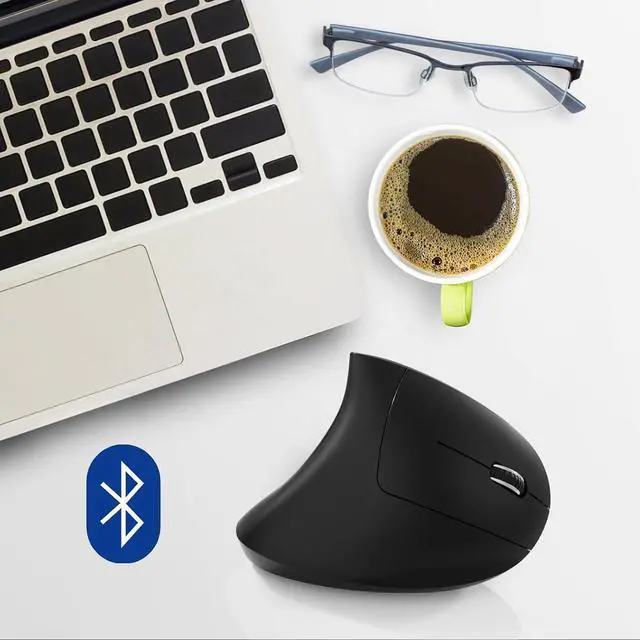
First, slide the mouse switch to Bluetooth mode (blue light) > open laptop system preferences settings> turn on Bluetooth function > Bluetooth search there appears Bluetooth 5.2 mouse>click to connect "BT5.2 mouse or BT3.0 mouse (BT3.0 for old laptop) > connection is successful
How to use the bluetooth mouse on the ipad OS13 and above iPad pro
First, open iPad settings, find accessibility, turn on touch controls, find assistive touch controls, turn on assistive touch controls, then pull down to find the device, turn on the Bluetooth device, then turn on the mouse switch, your iPad will search for a Bluetooth 5.2 mouse and click "Connect". Pairing password: 0000, (if you can't find the Bluetooth mouse device, please restart the mouse or iPad Bluetooth function, or restart the iPad)

Package Included:
1 x Dual Mode Bluetooth Wireless Rechargeable Ergonomic mouse
1 x 2.4G USB-A & USB Type-C Receiver. (bottom of the mouse)
1 x Type-C Charging Cable.
1 x User Manual.
Bluetooth mouse Type-c and USB 2.4GWireless Vertical Ergonomic Optical Mouse
4 Modes Mouse(BT5.2 & BT3.0 + 2.4GHz USB-A & 2.4GHz USB Type-C)
How to use mouse 2.4G USB receiver mode
First, switch the mouse switch to 2.4G mode (green light)> Then remove the USB receiver bottom of the mouse. (With a dual-port receiver integrating USB and Type-C), > Plug the USB receiver into the USB port of your laptop,plug and play.(Works with all USB ports and USB c Laptop and desktop ports)
HOW to use Bluetooth mouse mode
First, slide the mouse switch to Bluetooth mode (blue light) > open laptop system preferences settings> turn on Bluetooth function > Bluetooth search there appears Bluetooth 5.2 mouse>click to connect "BT5.2 mouse or BT3.0 mouse (BT3.0 for old laptop) > connection is successful
How to use the bluetooth mouse on the ipad OS13 and above iPad pro
First, open iPad settings, find accessibility, turn on touch controls, find assistive touch controls, turn on assistive touch controls, then pull down to find the device, turn on the Bluetooth device, then turn on the mouse switch, your iPad will search for a Bluetooth 5.2 mouse and click "Connect". Pairing password: 0000, (if you can't find the Bluetooth mouse device, please restart the mouse or iPad Bluetooth function, or restart the iPad)
Package Included:
1 x Dual Mode Bluetooth Wireless Rechargeable Ergonomic mouse
1 x 2.4G USB-A & USB Type-C Receiver. (bottom of the mouse)
1 x Type-C Charging Cable.
1 x User Manual.