





If the mouse does not respond how can l re pair the mouse?
1.Unplug the receiver of computer.
2.Simultaneously press and hold the wheel button, the left button, and the right button for 5 seconds. (no lights wilight up)
3.nsert the USB receiver into the computer within 15 seconds.
Why is there no laser response at the bottom when turning on the mouse switch?
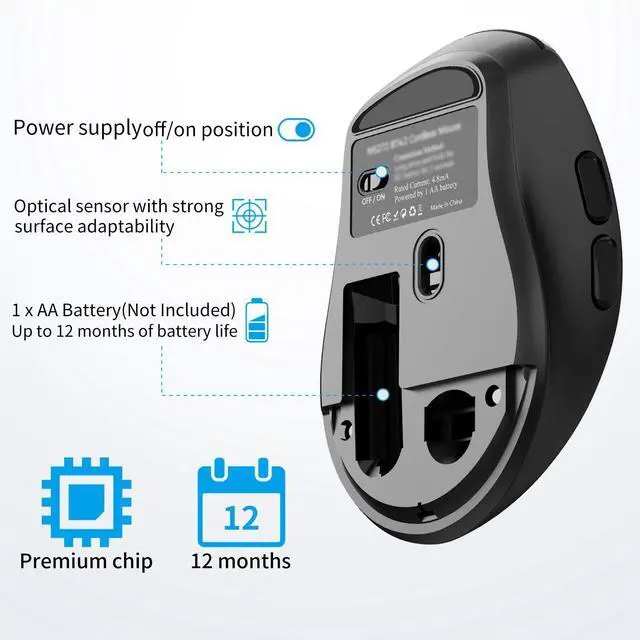
Mouse adopts a hidden laser design, it avoids discomfort to the eyes caused by strong light at the bottom of the mouse.
Is it compatible with Mac OS?
The mouse cannot use the side button function on Mac OS system.


If the mouse does not respond how can l re pair the mouse?
1.Unplug the receiver of computer.
2.Simultaneously press and hold the wheel button, the left button, and the right button for 5 seconds. (no lights wilight up)
3.nsert the USB receiver into the computer within 15 seconds.
Why is there no laser response at the bottom when turning on the mouse switch?
Mouse adopts a hidden laser design, it avoids discomfort to the eyes caused by strong light at the bottom of the mouse.
Is it compatible with Mac OS?
The mouse cannot use the side button function on Mac OS system.