






New upgraded chip
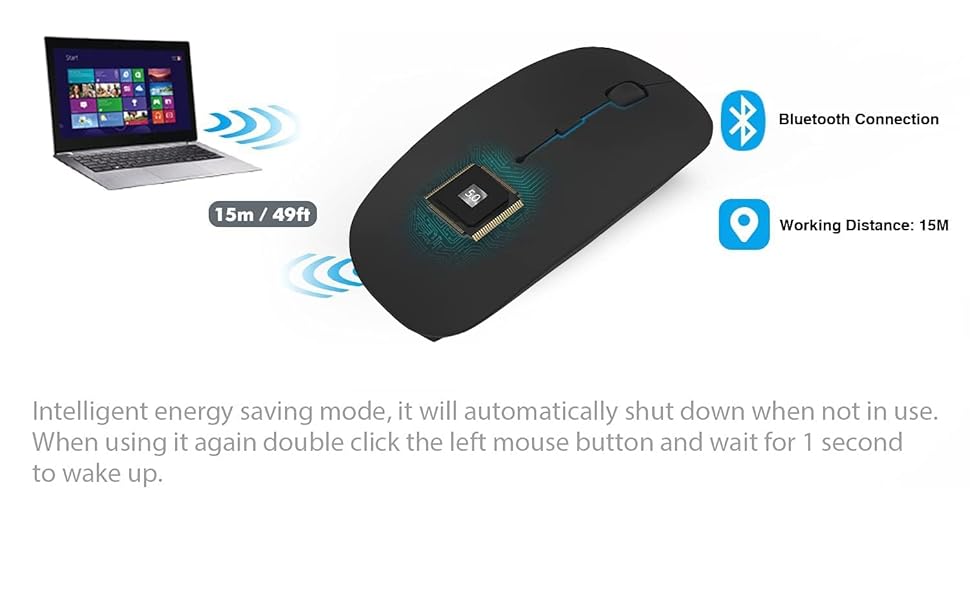
Achieve a faster connection. The newly optimized chips make the connectivity more stable. Compatible with more than 99% Bluetooth devices
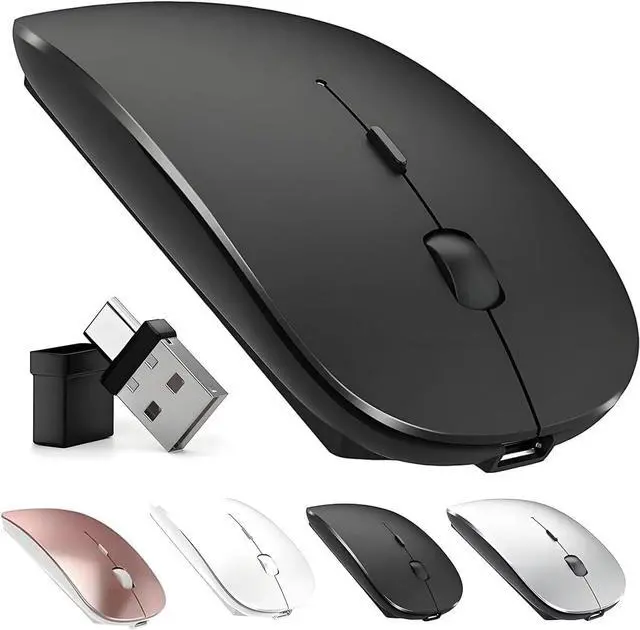
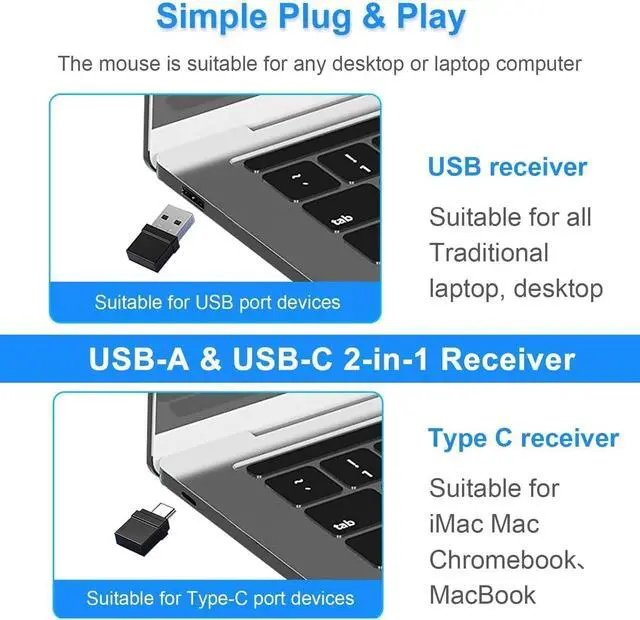
Multi-Function Wireless Bluetooth mouse (BT5.2 + BT3.0 +2.4GHz USB-A + 2.4GHz USB Type-C) Four working modes

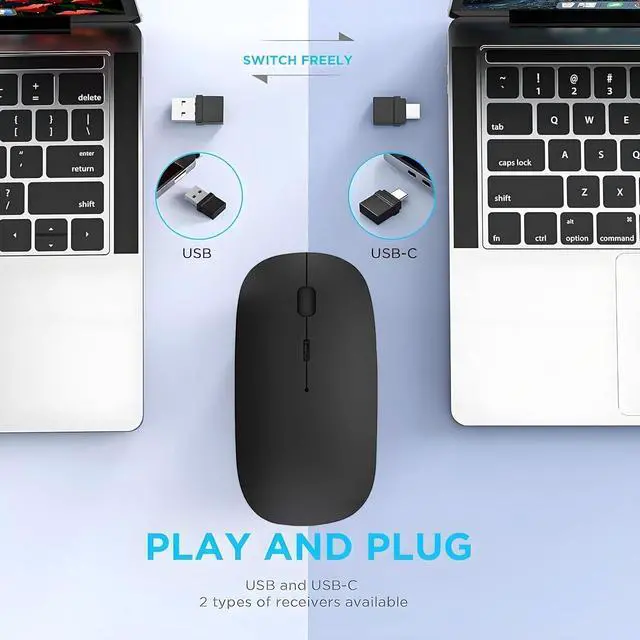
ZERU Bluetooth wireless mouse can freely switch between two devices. For example, it can switch from a computer to a laptop , or from a tablet to a MacBook. This is a simple conversion. It is convenient and there is no need to wait. Just gently switch the switch, and you can seamlessly switch between two different sets of devices and enjoy an efficient office and entertainment experience.

How to use mouse 2.4G USB receiver mode

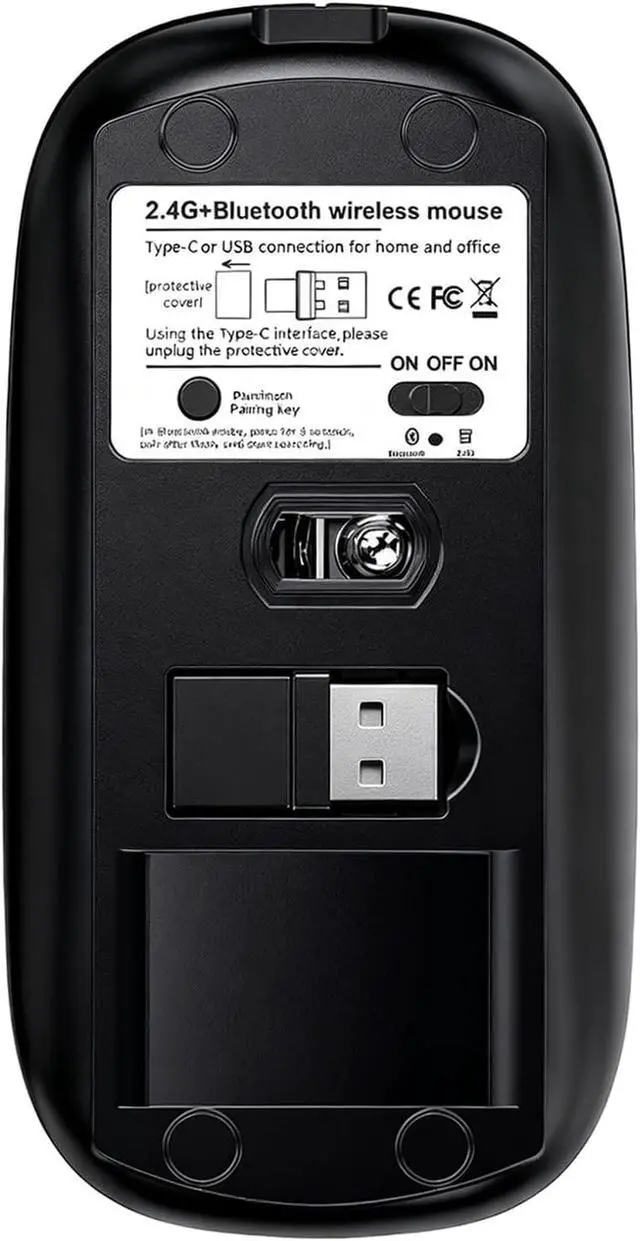
First, switch the mouse switch to 2.4G mode (green light)> Then remove the USB from the bottom of the mouse , > Plug the USB receiver into the USB port of your laptop,plug and play.(Works with all USB ports )
How to use the bluetooth mouse

On the ipad OS13 and above iPad pro 11/12.9inch ipad air 10.9inch ipad mini 8.3inch iPad 10th gen 9th gen 10.9inch : First, open iPad settings, find accessibility, turn on touch controls, find assistive touch controls, turn on assistive touch controls, then pull down to find the device, turn on the Bluetooth device, then turn on the mouse switch, press and hold the black button on the bottom of the mouse for 3-4 seconds, your iPad will search for a Bluetooth 5.2 mouse and click "Connect". Pairing password: 0000, (if you can't find the Bluetooth mouse device, please restart the mouse or iPad Bluetooth function, or restart the iPad)

New upgraded chip
Achieve a faster connection. The newly optimized chips make the connectivity more stable. Compatible with more than 99% Bluetooth devices
Multi-Function Wireless Bluetooth mouse (BT5.2 + BT3.0 +2.4GHz USB-A + 2.4GHz USB Type-C) Four working modes
ZERU Bluetooth wireless mouse can freely switch between two devices. For example, it can switch from a computer to a laptop , or from a tablet to a MacBook. This is a simple conversion. It is convenient and there is no need to wait. Just gently switch the switch, and you can seamlessly switch between two different sets of devices and enjoy an efficient office and entertainment experience.
How to use mouse 2.4G USB receiver mode
First, switch the mouse switch to 2.4G mode (green light)> Then remove the USB from the bottom of the mouse , > Plug the USB receiver into the USB port of your laptop,plug and play.(Works with all USB ports )
How to use the bluetooth mouse
On the ipad OS13 and above iPad pro 11/12.9inch ipad air 10.9inch ipad mini 8.3inch iPad 10th gen 9th gen 10.9inch : First, open iPad settings, find accessibility, turn on touch controls, find assistive touch controls, turn on assistive touch controls, then pull down to find the device, turn on the Bluetooth device, then turn on the mouse switch, press and hold the black button on the bottom of the mouse for 3-4 seconds, your iPad will search for a Bluetooth 5.2 mouse and click "Connect". Pairing password: 0000, (if you can't find the Bluetooth mouse device, please restart the mouse or iPad Bluetooth function, or restart the iPad)