





AA Battery Power Supply
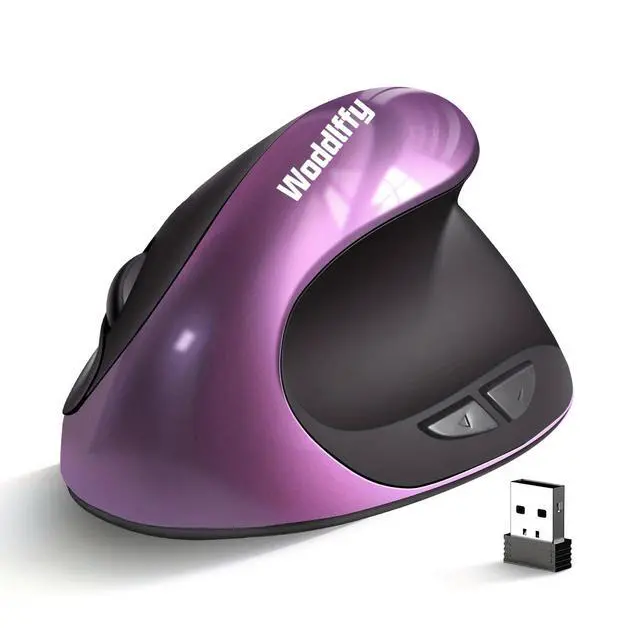
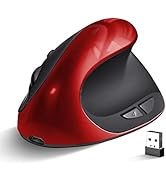
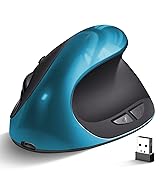
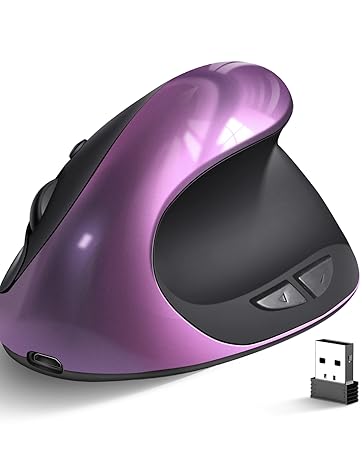
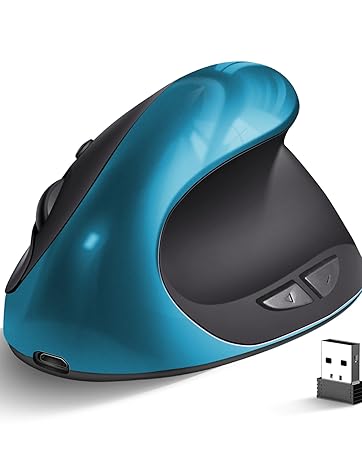
Wireless Ergonomic Mouse
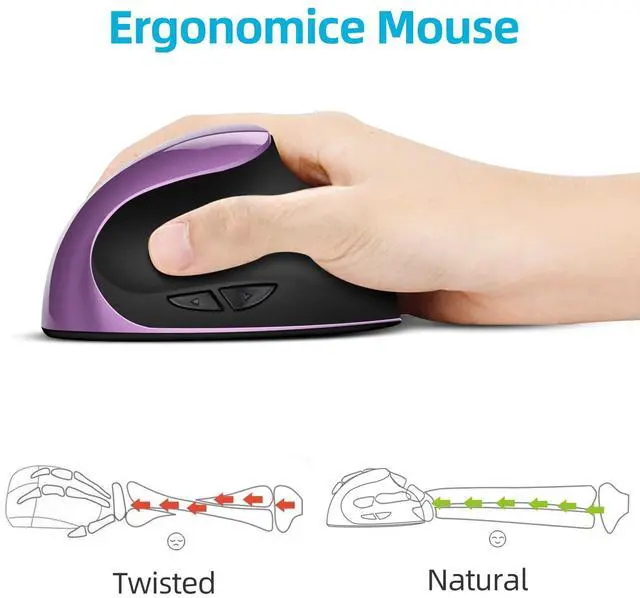
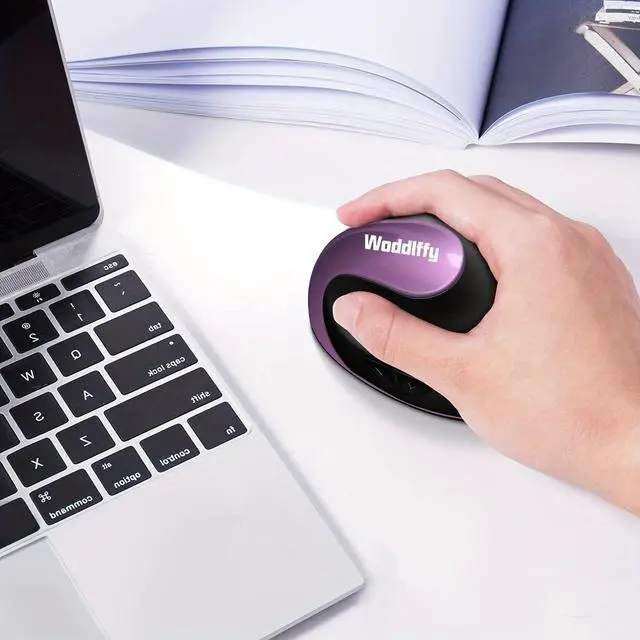
- Efficiency in daily work and environment. Ergo mouse purple wrist mouse small hand Ergonomic mouse is friendly
- Need AA style battery for power supply Please install it carefully and correctly
Computer Mouse Wireless Vertical Mouse:
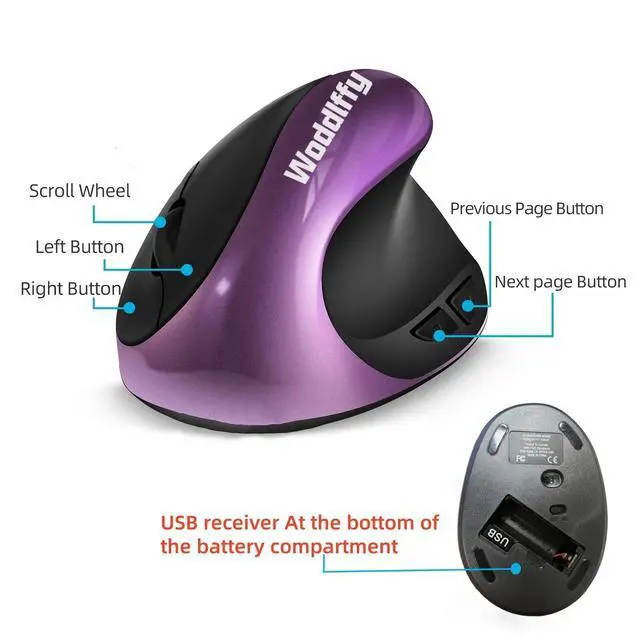
- 6 Buttons with 3 levels 800/1200/1600 Mouse for laptop, Works with both Mac and Windows Desktop. It's compatible with Windows 2000/XP/7/8/10/11, macOS, Chrome OS, and Linux systems.
- The dual-mode connectivity (USB-A and Type-C) makes it perfect for MacBooks, iMac, and PCs — just plug in the appropriate adapter.
- Need AA style battery for power supply Please install it carefully and correctly

Small Hand Mouse
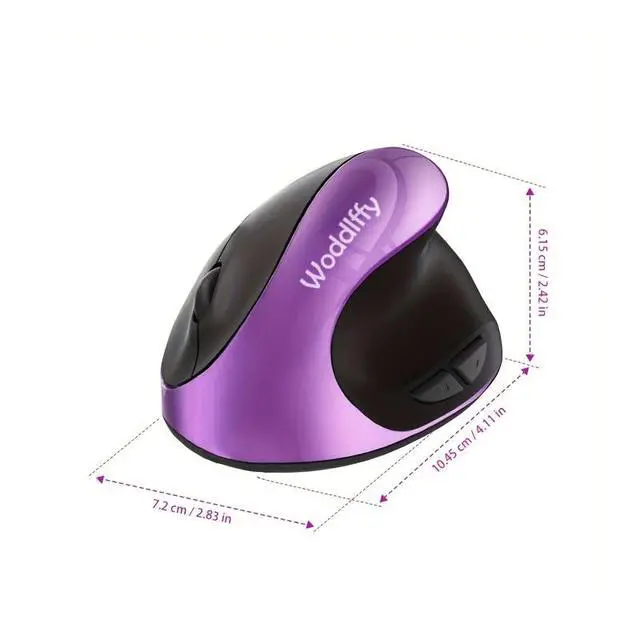
The Woddlffy Ergonomic Vertical Mouse is for Small Hand and easy to set up — it's plug-and-play:
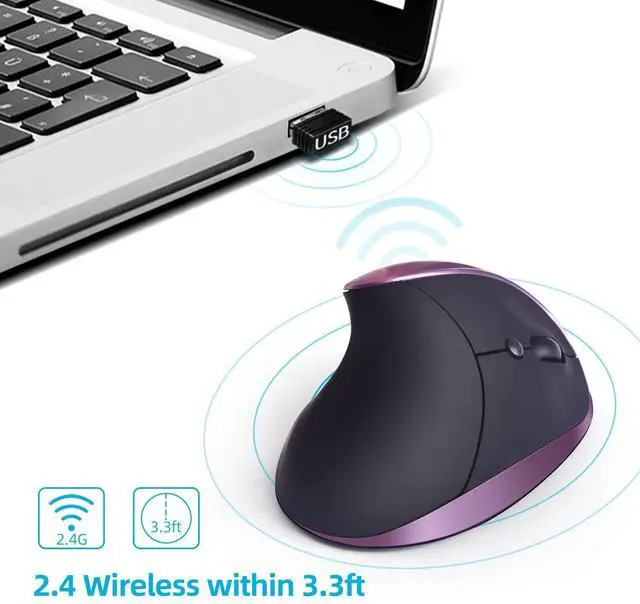
1.Pull out the USB receiver from the bottom of the mouse
2.Plug it into your computer's USB port
3.Turn on the mouse — it automatically connects (no drivers or software needed)
4.Start using it. The setup is straightforward , taking less than a minute.

Quiet Click Buttons by Design
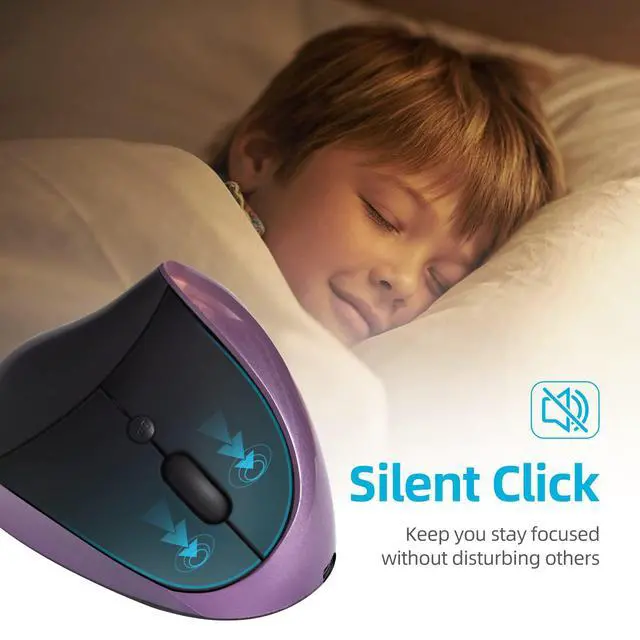
- The left and right buttons are designed with a low-noise quiet click that won't disturb others.
- This makes it a great choice for shared workspaces, offices, libraries, or quiet environments. Click silent compared to traditional mice

Better Suited for Work Than Gaming
- Office users for all-day comfort and wrist pain relief
- Quiet clicks — considerate to coworkers in shared spaces
- Plug-and-play simplicity, no drivers needed
- The vertical design takes getting used to, and fast, precise gaming movements at first




AA Battery Power Supply
Wireless Ergonomic Mouse
- Efficiency in daily work and environment. Ergo mouse purple wrist mouse small hand Ergonomic mouse is friendly
- Need AA style battery for power supply Please install it carefully and correctly
Computer Mouse Wireless Vertical Mouse:
- 6 Buttons with 3 levels 800/1200/1600 Mouse for laptop, Works with both Mac and Windows Desktop. It's compatible with Windows 2000/XP/7/8/10/11, macOS, Chrome OS, and Linux systems.
- The dual-mode connectivity (USB-A and Type-C) makes it perfect for MacBooks, iMac, and PCs — just plug in the appropriate adapter.
- Need AA style battery for power supply Please install it carefully and correctly
Small Hand Mouse
The Woddlffy Ergonomic Vertical Mouse is for Small Hand and easy to set up — it's plug-and-play:
1.Pull out the USB receiver from the bottom of the mouse
2.Plug it into your computer's USB port
3.Turn on the mouse — it automatically connects (no drivers or software needed)
4.Start using it. The setup is straightforward , taking less than a minute.
Quiet Click Buttons by Design
- The left and right buttons are designed with a low-noise quiet click that won't disturb others.
- This makes it a great choice for shared workspaces, offices, libraries, or quiet environments. Click silent compared to traditional mice
Better Suited for Work Than Gaming
- Office users for all-day comfort and wrist pain relief
- Quiet clicks — considerate to coworkers in shared spaces
- Plug-and-play simplicity, no drivers needed
- The vertical design takes getting used to, and fast, precise gaming movements at first
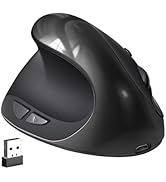
Ergonomic Mouse
Ergonomic Mouse Wireless Purple
Ergonomic Mouse Wireless Green
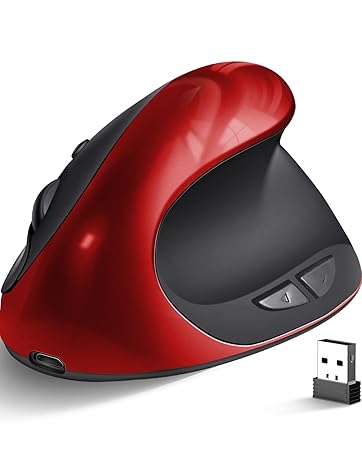
Ergonomic Mouse Wireless Red
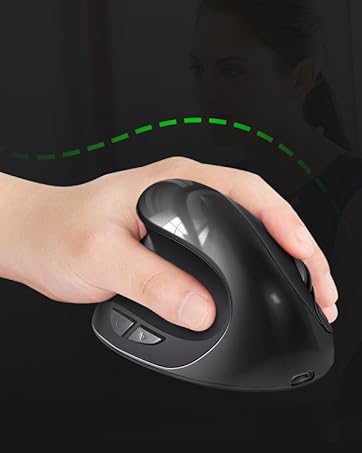
Ergonomic Mouse Left Hand
