



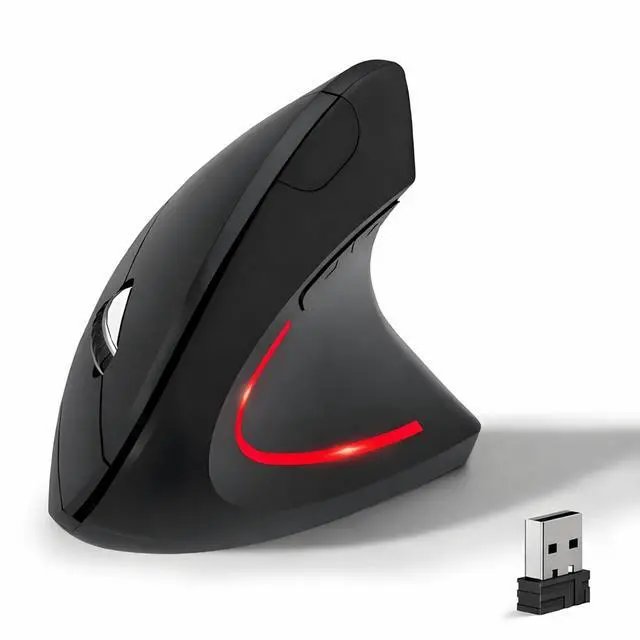


Ergonomic Vertical Mouse: Angle for a natural handshake position
Features:
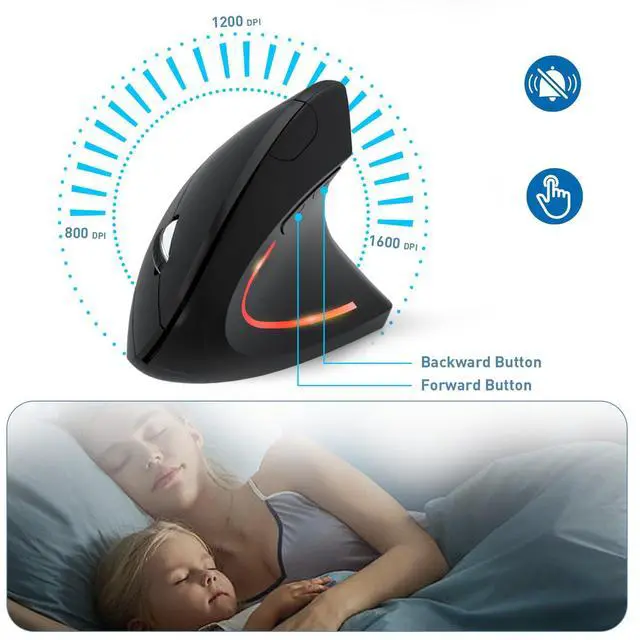
- Ergonomic vertical design
- 2.4Ghz USB wireless Connection
- 800 / 1200 / 1600 three levels of adjustable DPI
- Noiseless silent click
- Compatible with all Windows/ Android/ Linux/ Mac OS (The previous/next page buttons are not recognized on the Mac OS)

2.4G USB Wireless Connection
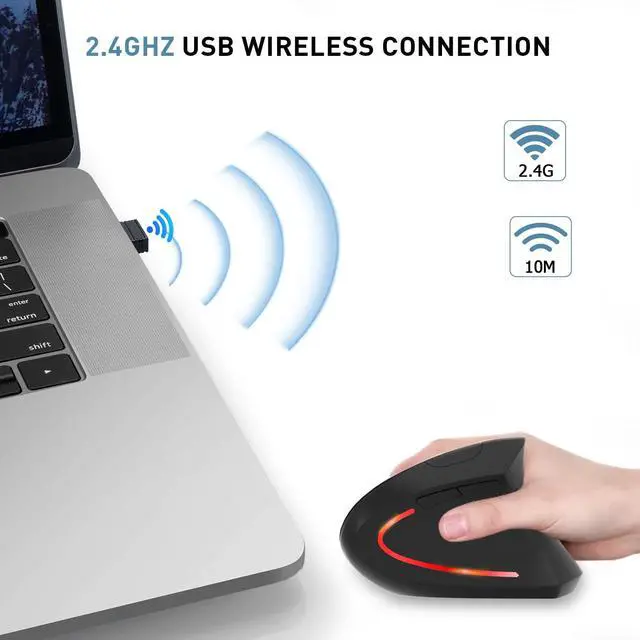
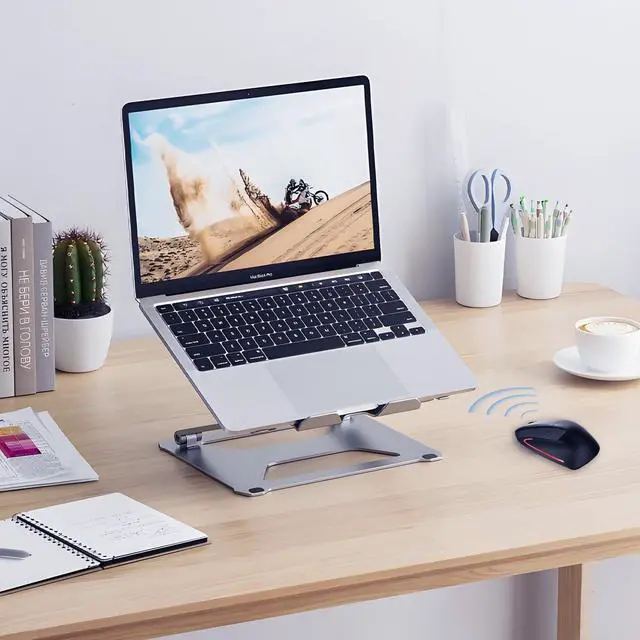
built in 2.4GHz USB wireless connection, offering stable and quick performance with max working distance of 10M, just plug and play.

Ergonomic Design & Noiseless click
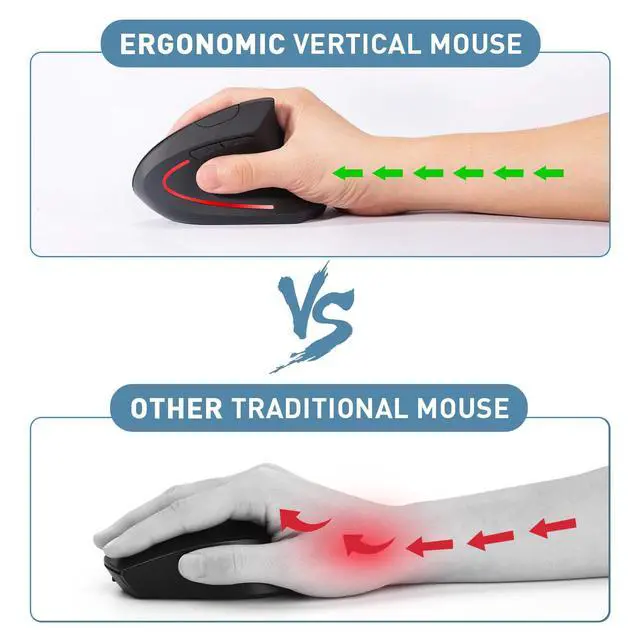
Ergonomic design for reducing wrist pain during long time use; Silent click offers noiseless working space.

Wide Compatibility
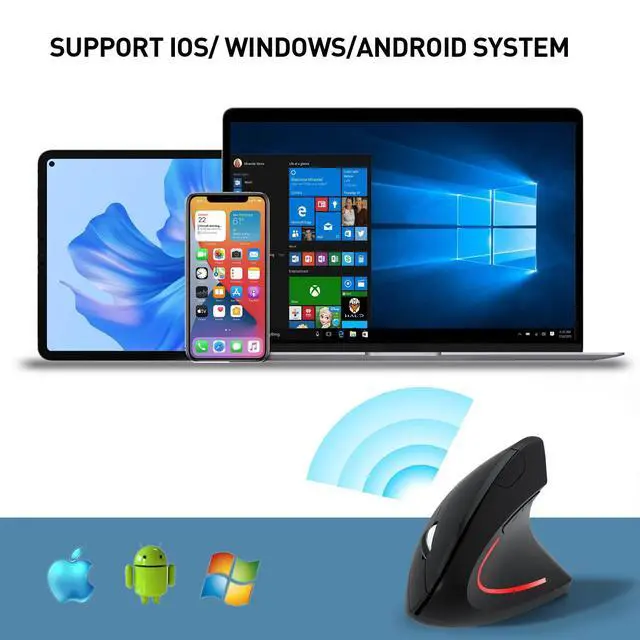
Compatible with all Windows/ Android/ Linux/ Mac OS (The previous/next page buttons are not recognized on the Mac OS)

Instruction Details
Ergonomic Vertical Mouse: Angle for a natural handshake position
Features:
- Ergonomic vertical design
- 2.4Ghz USB wireless Connection
- 800 / 1200 / 1600 three levels of adjustable DPI
- Noiseless silent click
- Compatible with all Windows/ Android/ Linux/ Mac OS (The previous/next page buttons are not recognized on the Mac OS)
2.4G USB Wireless Connection
built in 2.4GHz USB wireless connection, offering stable and quick performance with max working distance of 10M, just plug and play.
Ergonomic Design & Noiseless click
Ergonomic design for reducing wrist pain during long time use; Silent click offers noiseless working space.
Wide Compatibility
Compatible with all Windows/ Android/ Linux/ Mac OS (The previous/next page buttons are not recognized on the Mac OS)
Instruction Details
| Battery Install | Two AAA batteries should be placed within the battery compartment at the bottom of the mouse.Please make sure the battery has power. |
| Power On | Toggle the Power Switch to ON.The Power Switch placed at the bottom of the mouse.Indicator Status: The red laser light will flash for 3 seconds then off. |
| 2.4G Connection | Plug in the USB 2.4G receiver to your computer and click the right or left click on your mouse.Indicator Status: The red laser light will keep flash during moving the mouse. |
| Dormancy | The mouse enters dormancy after 10 minutes of inactivity.Indicator Status: The red laser light is off. |
| Reconnection | Moving the mouse around on your table or click any button on the mouse.Indicator Status: The red laser light keep flashing.. |
| Adjustable DPI | It has 800/1200/1600 three leves of DPI, DPI switch button placed at the top of the mouse. |
| Next/Previous Buttons | The Next/Previous buttons are placed around your thumb when you hold the mouse,click the Next button will go to next web page and Previous button will go to previous web page. |
| Power Off | Toggle the Power Switch to OFF.The Power Switch placed at the bottom of the mouse. |
| Compatible Operating System | Windows XP, Vista,Win7,Win8,Win10,iOS. Special Attention: iOS system device need to be upgraded to iOS13 or higher versions. |