



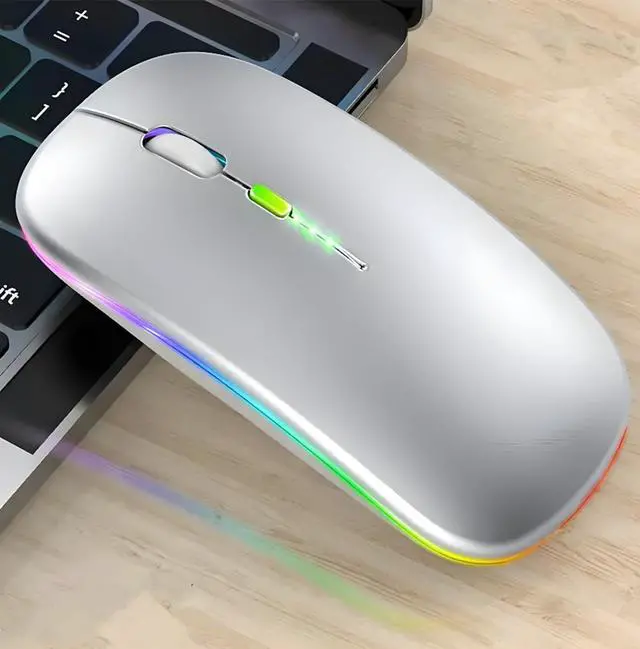



Wireless Bluetooth Mouse Rechargeable Laptop Mouse Portable LED Powered Display Computer Mice
ELEVATE YOUR LAPTOP EXPERIENCE WITH OUR PREMIUM WIRELESS MOUSE
- Seamless Functionality, Unparalleled Quality: Introducing the pinnacle of wireless mouse technology – our Wireless Mouse for Laptop. Crafted with precision and innovation, this mouse goes beyond expectation, delivering exceptional performance for your daily tasks.
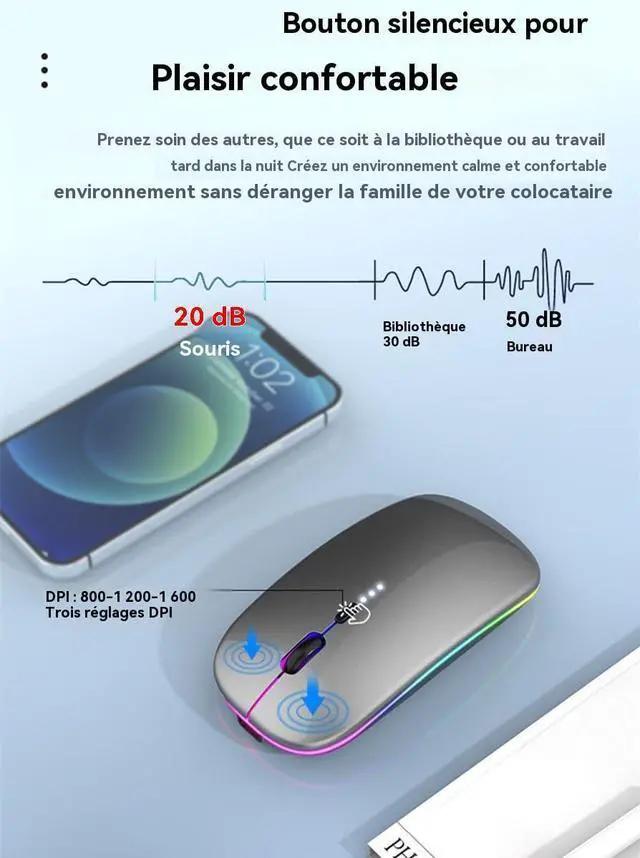
- Enhanced Sensitivity for Optimal Performance: The heart of this mouse lies in its adjustable DPI settings. With three options – 800, 1600, and 2400 – you can tailor cursor sensitivity to your exact preference. Whether you're working on intricate design tasks or swift document navigation, this feature ensures a fluid and accurate experience.
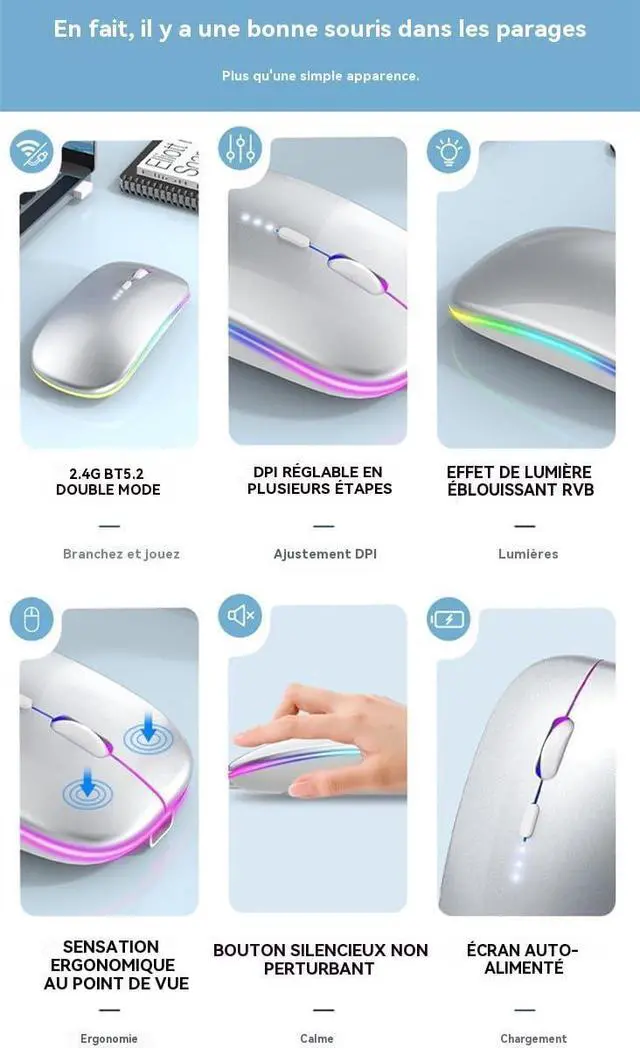
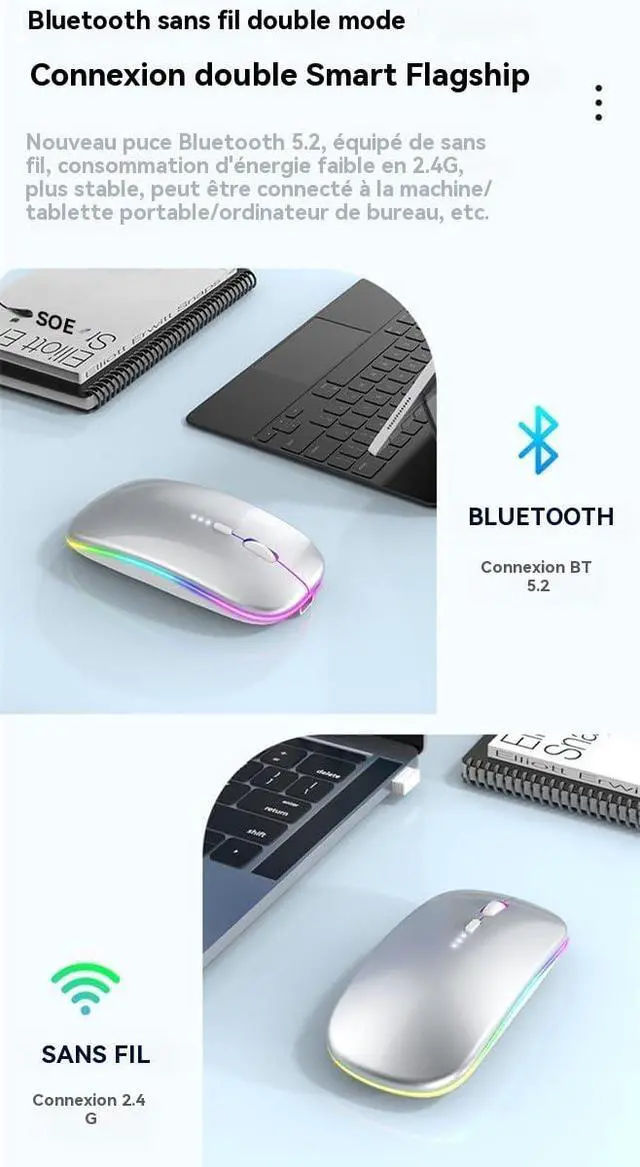
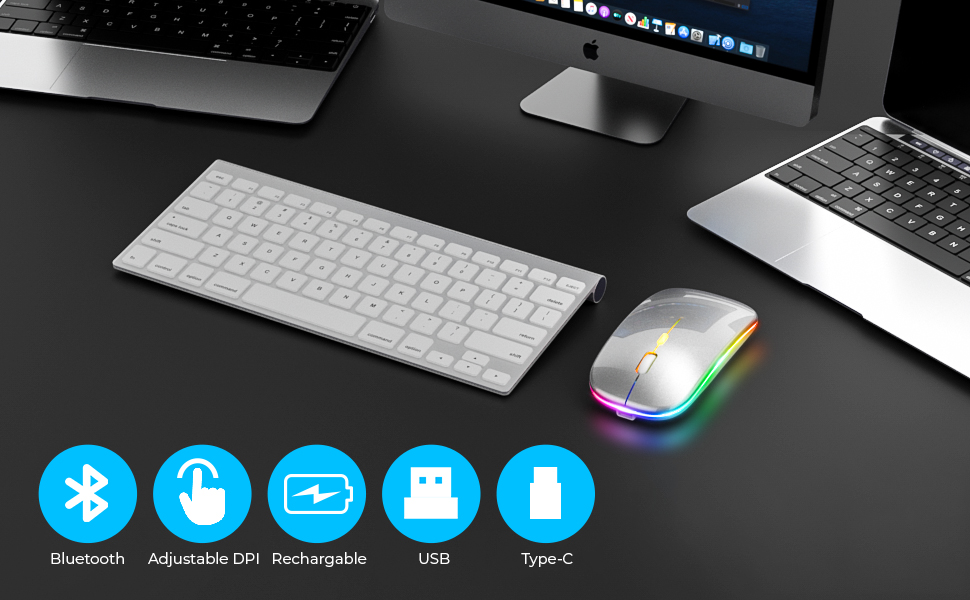
- Unrivaled Connectivity through Wireless and Bluetooth: Experience the epitome of wireless convenience with the Wireless Mouse's Dual 2.4GHz Wireless and Bluetooth technology. Wave goodbye to lags and disconnects; our cutting-edge technology ensures a stable connection that responds instantly to your commands. With a remarkable working distance of up to 10 meters, you're free to roam without compromising performance.
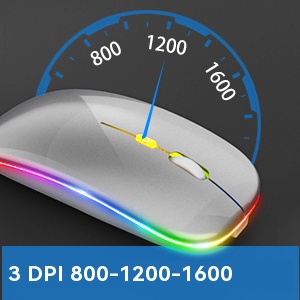
The DPI function of our mouse allows you to customize cursor sensitivity with three settings (800, 1600, and 2400), ensuring precise and tailored navigation for various tasks.

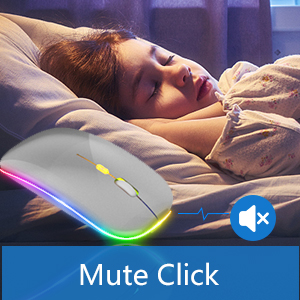
Enjoy silent click technology for a noise-free and distraction-free experience.
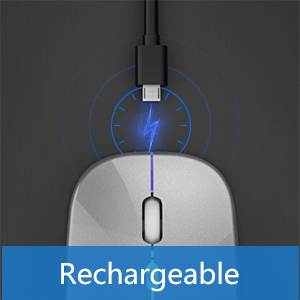
Experience uninterrupted productivity with the convenience of a rechargeable design.
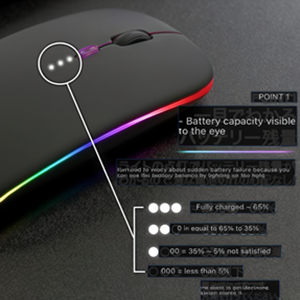
LED Powered Display, making it easier to control its battery level
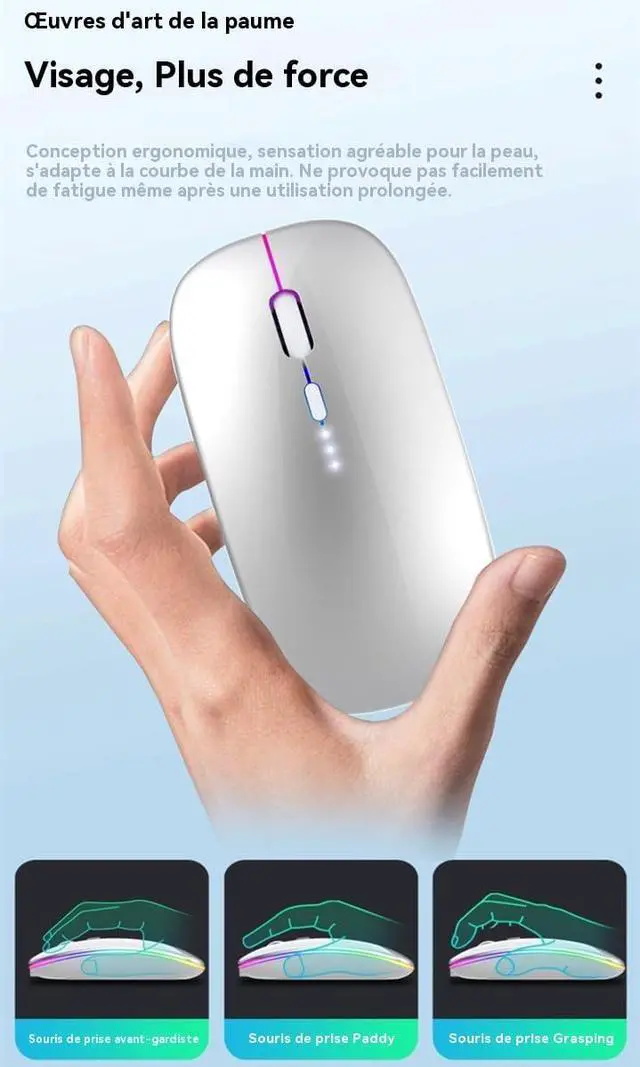
Symmetry design offers ambidextrous comfort, catering to both left and right-handed users.
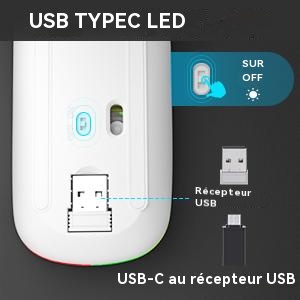
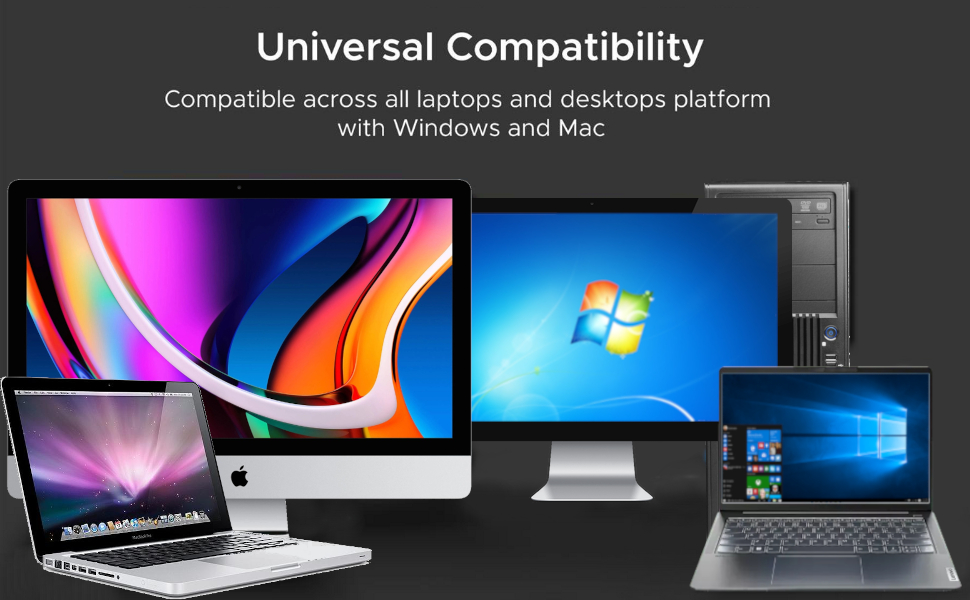
Seamlessly connect with USB and Type-C devices for versatile compatibility and effortless functionality.
1. Charge the mouse for about 2 hours before using it for the first time.
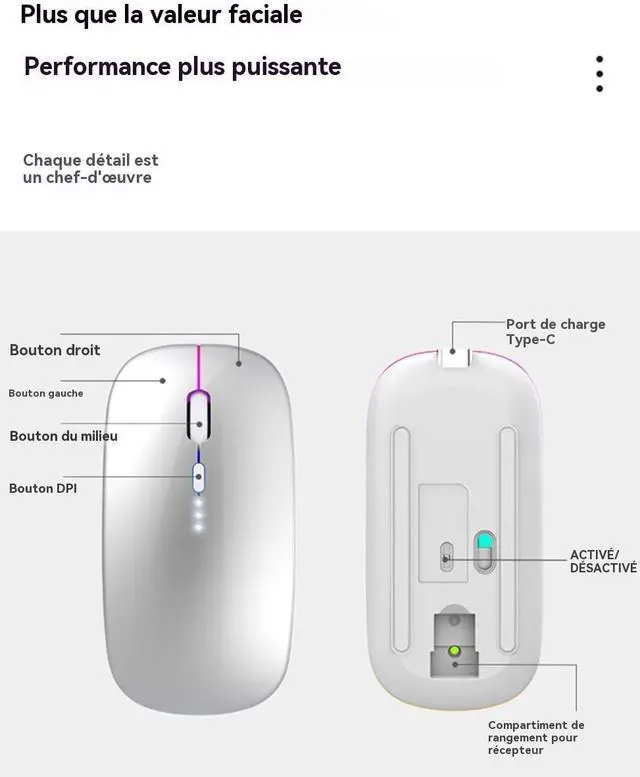
2. Take the dongle out which is stored at the bottom of the mouse.
3. Insert the dongle into the USB port of your device.
4. Allow a few seconds for your device to recognize the mouse. You can start using it!
Notes:
• The mouse cursor will move slowly or stop moving when the mouse is low battery. Please charge it on time.
• The blue light beside the scroll wheel will be on while charging, and then goes off when the mouse is fully charged.
• Please use computer's USB interface to charging the wireless mouse.
Package contents:
1x Wireless Mouse + USB Dongle
1x USB charging cable
Wireless Bluetooth Mouse Rechargeable Laptop Mouse Portable LED Powered Display Computer Mice
ELEVATE YOUR LAPTOP EXPERIENCE WITH OUR PREMIUM WIRELESS MOUSE
- Seamless Functionality, Unparalleled Quality: Introducing the pinnacle of wireless mouse technology – our Wireless Mouse for Laptop. Crafted with precision and innovation, this mouse goes beyond expectation, delivering exceptional performance for your daily tasks.
- Enhanced Sensitivity for Optimal Performance: The heart of this mouse lies in its adjustable DPI settings. With three options – 800, 1600, and 2400 – you can tailor cursor sensitivity to your exact preference. Whether you're working on intricate design tasks or swift document navigation, this feature ensures a fluid and accurate experience.
- Unrivaled Connectivity through Wireless and Bluetooth: Experience the epitome of wireless convenience with the Wireless Mouse's Dual 2.4GHz Wireless and Bluetooth technology. Wave goodbye to lags and disconnects; our cutting-edge technology ensures a stable connection that responds instantly to your commands. With a remarkable working distance of up to 10 meters, you're free to roam without compromising performance.
The DPI function of our mouse allows you to customize cursor sensitivity with three settings (800, 1600, and 2400), ensuring precise and tailored navigation for various tasks.
Enjoy silent click technology for a noise-free and distraction-free experience.
Experience uninterrupted productivity with the convenience of a rechargeable design.
LED Powered Display, making it easier to control its battery level
Symmetry design offers ambidextrous comfort, catering to both left and right-handed users.
Seamlessly connect with USB and Type-C devices for versatile compatibility and effortless functionality.
1. Charge the mouse for about 2 hours before using it for the first time.
2. Take the dongle out which is stored at the bottom of the mouse.
3. Insert the dongle into the USB port of your device.
4. Allow a few seconds for your device to recognize the mouse. You can start using it!
Notes:
• The mouse cursor will move slowly or stop moving when the mouse is low battery. Please charge it on time.
• The blue light beside the scroll wheel will be on while charging, and then goes off when the mouse is fully charged.
• Please use computer's USB interface to charging the wireless mouse.
Package contents:
1x Wireless Mouse + USB Dongle
1x USB charging cable