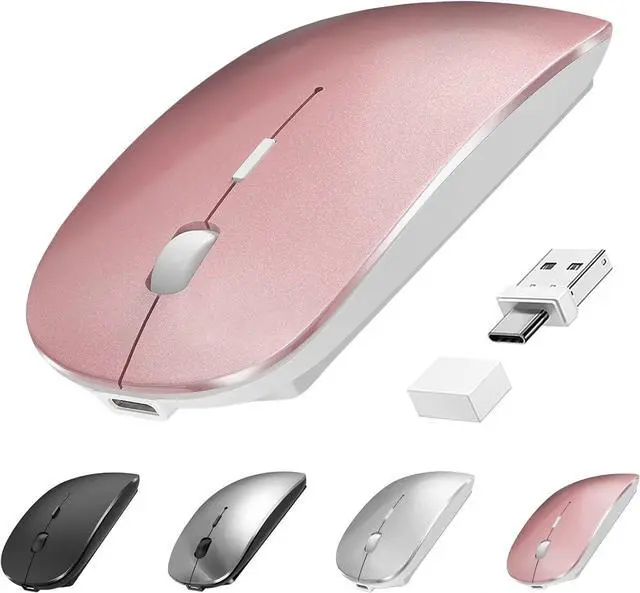
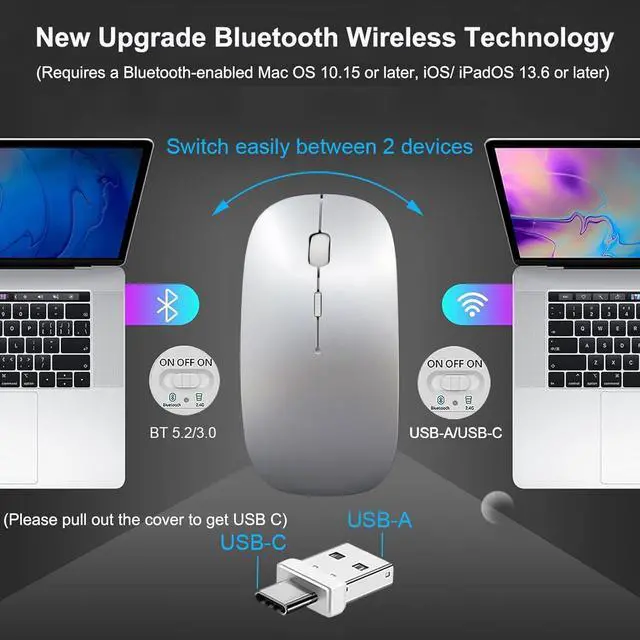
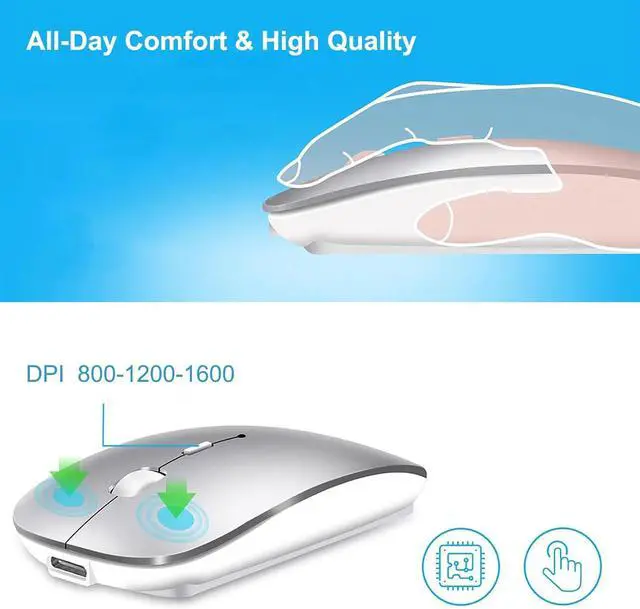
2025 New 4 Modes Wireless Mouse - The bluetooth usb c mouse switches seamlessly between Bluetooth 5.2 / 3.0 and USB-A & USB-C dual-head receiver. Effortlessly toggle between Mac/PC/laptop/tablet fit for multi-tasking across office computer home iPad Pro or school Surface Pro. Stable BT 5.2 and Easy Setup - Updated optical sensor delivers pixel-perfect precise tracking and smooth scrolling with 3 DPI (800/1200/1600). Upgrade BT 5.2 ensures zero lag. This bluetooth wireless mouse for mac helps you improve work efficiency.
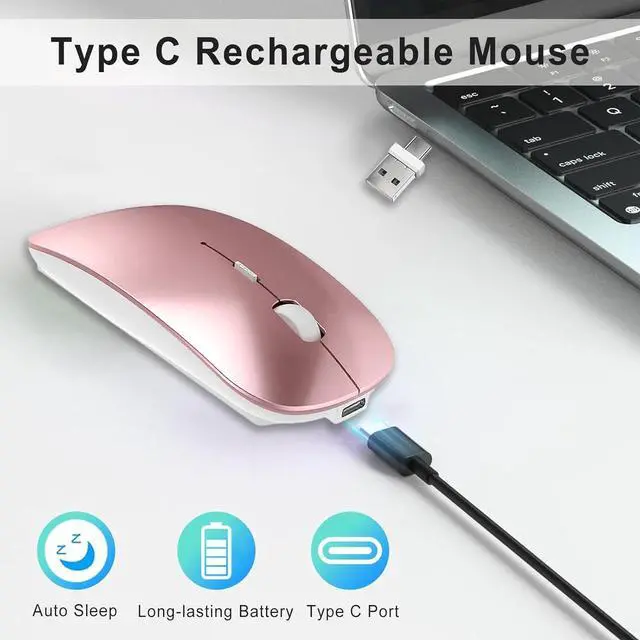
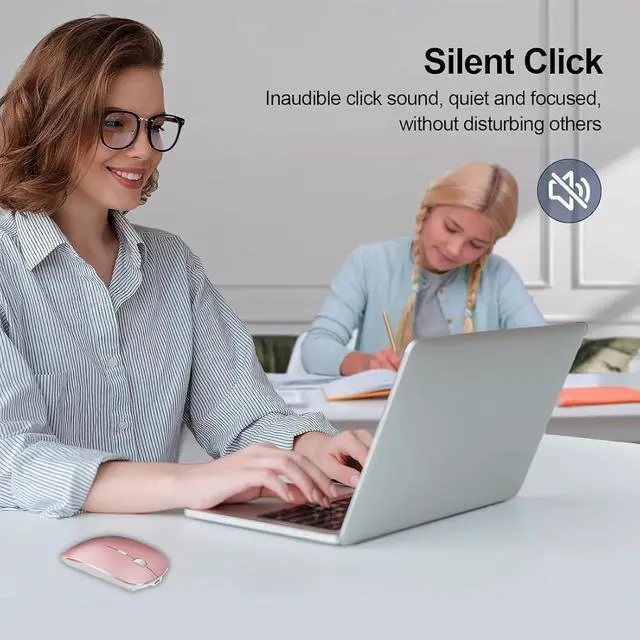
(Note: Please use a mouse pad for a better experience)Noiseless Click and All-Day Comfort - The clicks are quiet and unobtrusive (96% noise reduction). Ergonomic design and responsive buttons ensure maximum comfort and minimal disturbance for extended study/Zoom meeting. Suteke silent wireless mouse is not fit for large hands but fit for small or medium palm grip/finger grip. USB-C Charge and Long-lasting Battery - Built-in rechargeable battery for 3-4 weeks runtime from a single charge( 2.5 h USB-C charge) about 10 days for BT mode. Smart sleep mode + one-click instant wake-up make it the ultimate travel companion. Suteke wireless type c mouse is suitable for travel bloggers' long-distance business trips. Universal Compatibility and Lightweight - This bluetooth wireless rechargeable mouse works flawlessly with Windows/Mac OS/Linux/iOS/Android. Suteke usbc wireless mouse is only 68g improving the bulkiness of traditional mice fit for students/office workers. The Methods of Connecting the
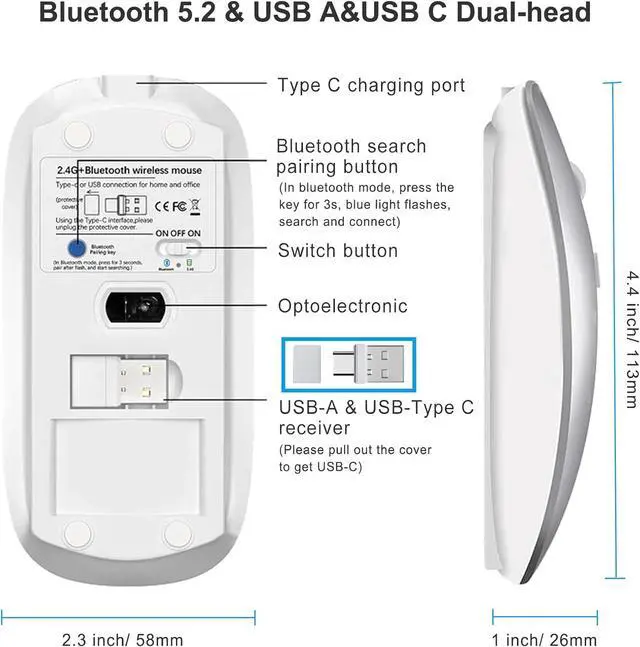
Mouse: MODE 1 - Bluetooth 5.2 / 3.0 (Requires a Bluetooth-enabled macOS 10.15 or later iOS/iPadOS 13.6 or later) Turn on the bluetooth of your computer and mouse the blue light is on press the Bluetooth Pairing Key for 3s the blue light will flash. Search for BT 5.2 Mouse/ BT 3.0 Mouse connect it.
MODE 2 - 2.4GH z: Switch the button to 2.4G Mode the green light is on. Just plug the USB-A & USB C receiver into the port of your computer and start using it. (Please pull out the protective cover to get USB C) Why Choose Us? Includes 18-month warranty + 24/7 support.
Package: Wireless Computer Mouse (USB A & USB C Dual-head Receiver is under earth the mouse) USB-C Cable ( 19.7 '') Manual.