

Your Browsing History




Any questions? Our AI beta will help you find out quickly.
How to Use the Mouse:
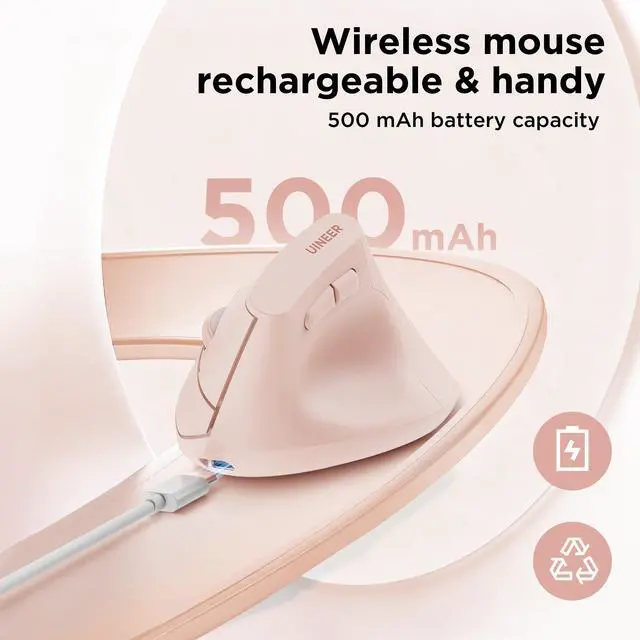
1. Before using the mouse for the first time, charge it for approximately 2 hours.
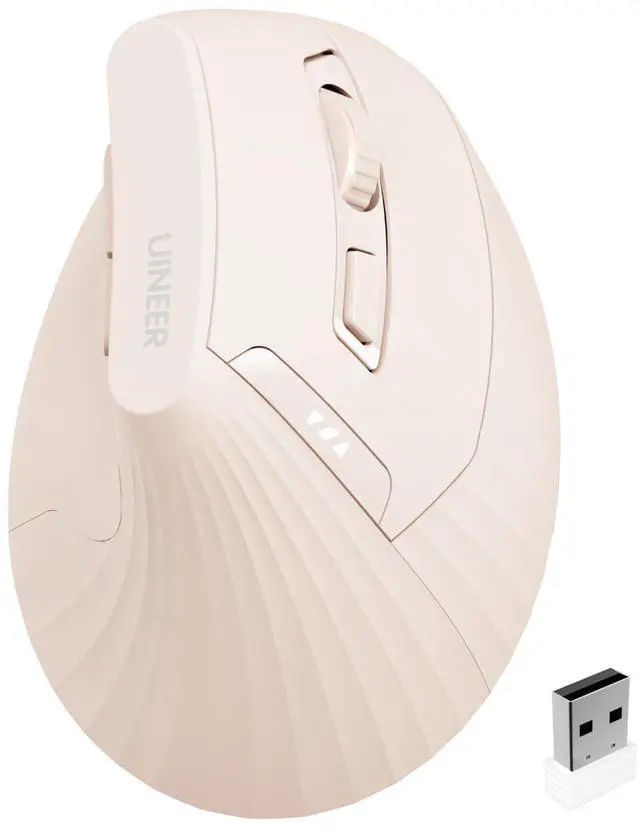
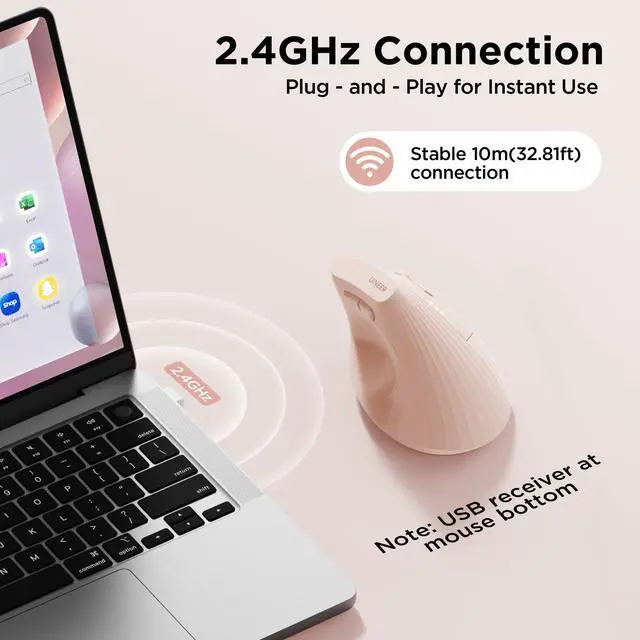
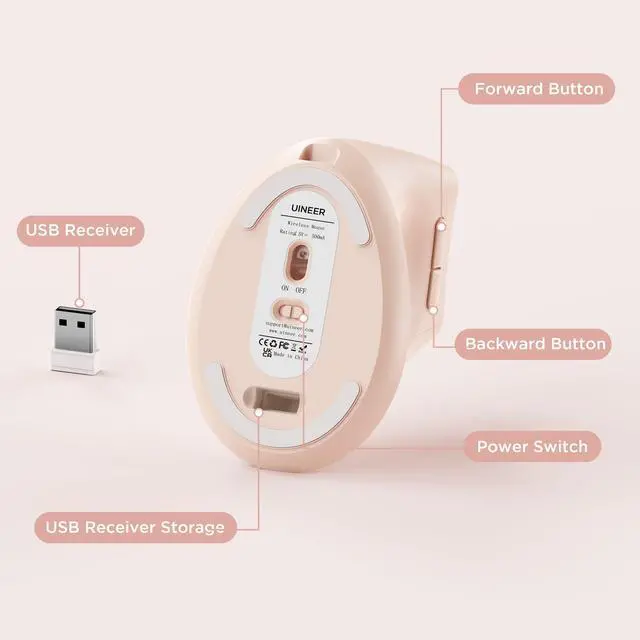
2.Take out the USB receiver( stored at the bottom of the mouse), and turn on the mouse.
3. Insert the USB receiver into an available USB port on your device.
4. Wait a few seconds then you can start using the mouse.
Notes:
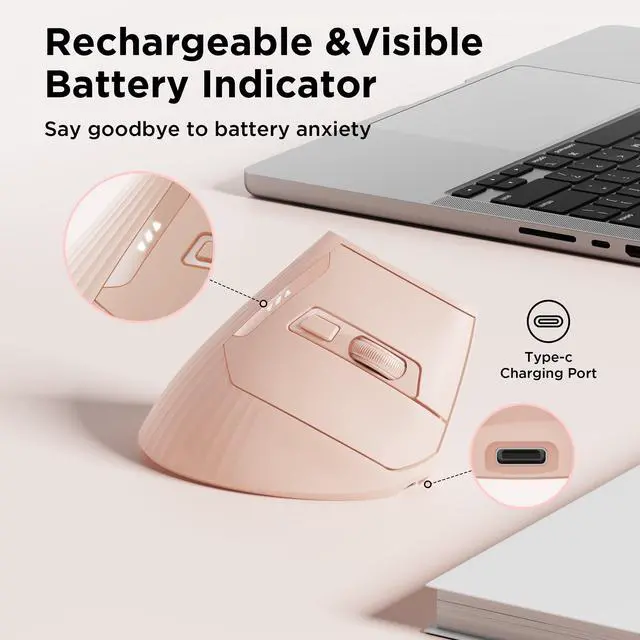
1. If your computer is Type-C port, you may need to add a Type-C adapter to connect the mouse with your device.
2. If you found the mouse cursor moves slowly or stop working, please try to charge the mouse.
3.Recommended to use the USB interface on your computer to charge the wireless mouse.
4.While the mouse is charging, red light on the gap of the scroll wheel will always on and will turn off when it's fully charged
| Brand | JAYSUING |
| Color | Pink |
| Connectivity Technology | USB |
| Special Feature | Battery Indicator, Ergonomic Design, Rechargeable, Reduced Wrist Strain, Wireless |
| Movement Detection Technology | Optical |
| Product Dimensions | 4.57 x 2.83 x 0.04 inches |
| Item Weight | 3.7 ounces |
| Item model number | A06P |
| Batteries | 1 AA batteries required. (included) |
| Date First Available | June 2, 2025 |
| Manufacturer | JAYSUING |