
Your Browsing History






Any questions? Our AI beta will help you find out quickly.
Specification:
1:Brand/Model: HXSJ/M60
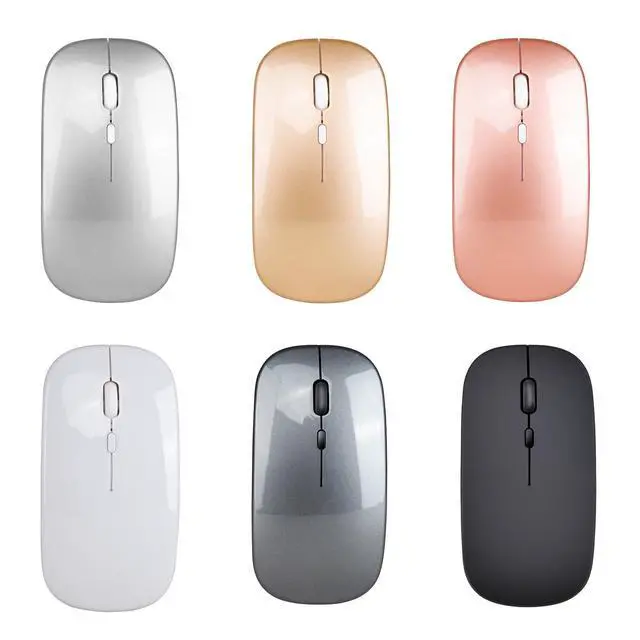
2:Color: Black
3:Material: ABS
4:Key life: 5 million times
5:Wireless distance: 10m
6:Work: Photoelectricity
7:Battery capacity:600mAh(Chargeable)
8:Charging cable length: 25cm
9:Project Type: Ergonomics Optical Mouse
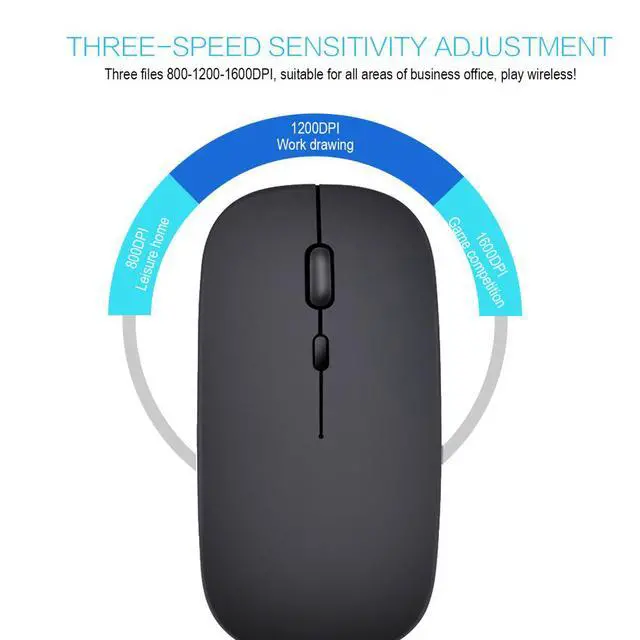
10: Resolution: 800,1200,1600.(1200dpi Default)
11: Operation Mode:Opto-electronic
12: Rated voltage / current: 3.7V / 18mA
13: Power Type:Rechargeable
14: Type:2.4Ghz Wireless mouse
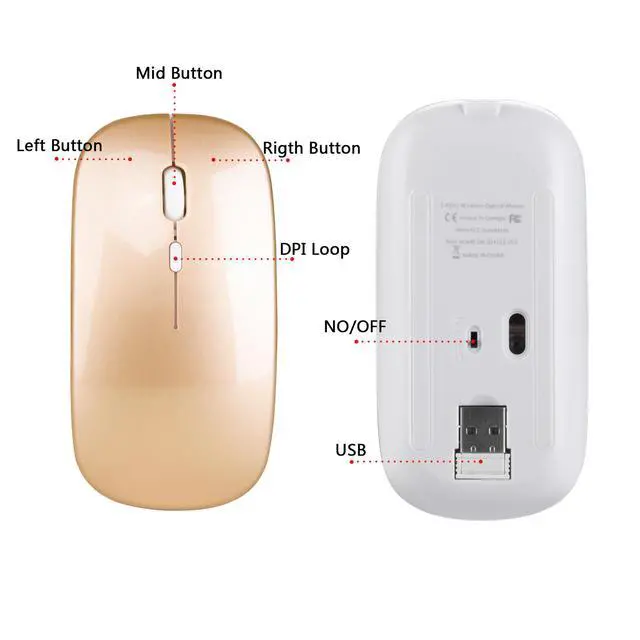
15:Buttons: 2 Buttons and 1 Round (Middle Mutton) and Dpi key
16: System requirements: Windows 98 / Me / 2000 / XP / Vista / Win 7 / Win8 / 10/Vista Mac OS or latest.
17: Product weight:65g
18: Item size: 11.3 *5.8 * 2.6cm
19: Packing weight: 120g
20: Package Size:13.5 * 8.5* 4.7cm
Package List:
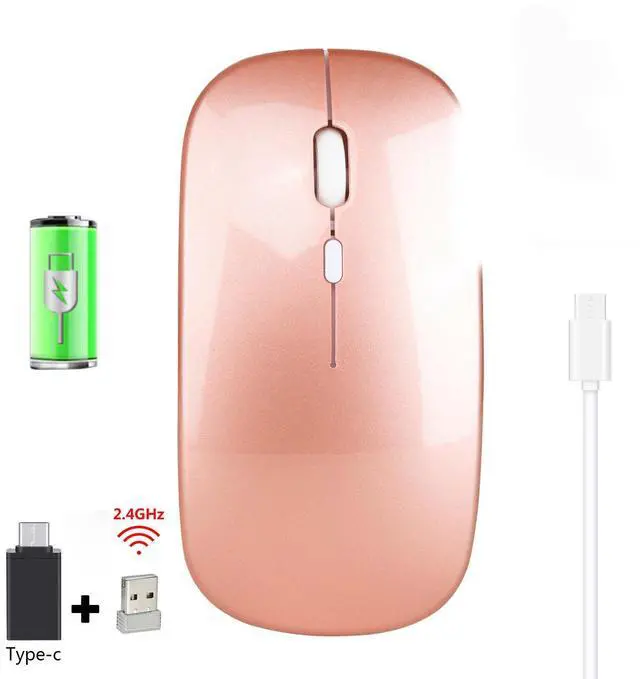
1 * 2.4 G Wireless Mouse
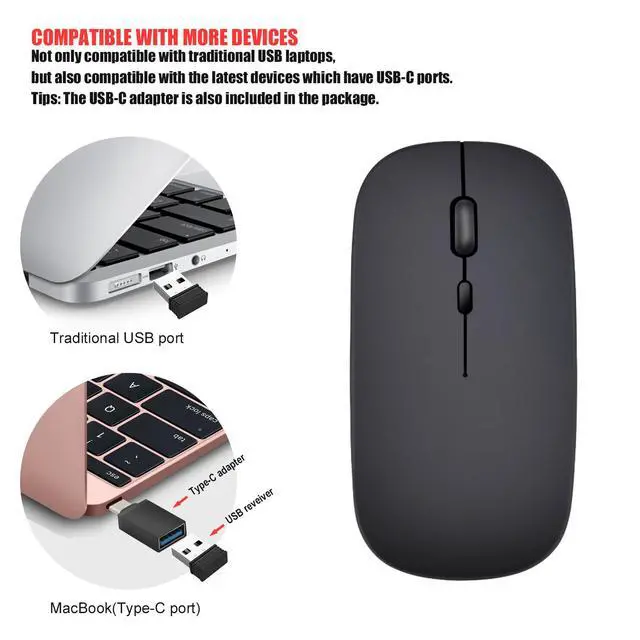
1 * USB Receiver
1 * USB Charging Cable(25cm)
Installation and use steps:
1. Remove the wireless mouse from the box.
2. Remove the mini receiver installed in the bottom of the mouse, insert the computer's USB interface,
Free code, plug and play.
3.This product is a built-in lithium battery. You only need to set the bottom switch to the ON position.
A charging cable is included in the package. When the cursor movement delay occurs, please insert the charging cable into the front end interface of the mouse to charge. Please try not to use it while charging!