• $29.86
  • Ships from China.
    Price alert
    Shop it at NeweggBusiness.

    Meet Your Seller

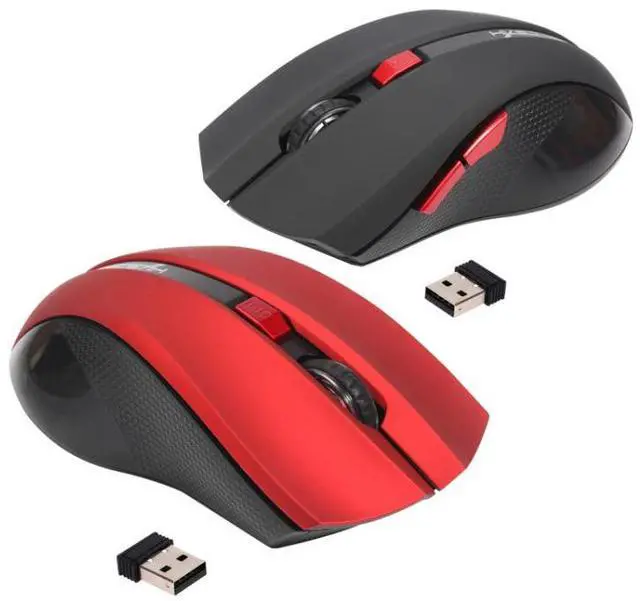
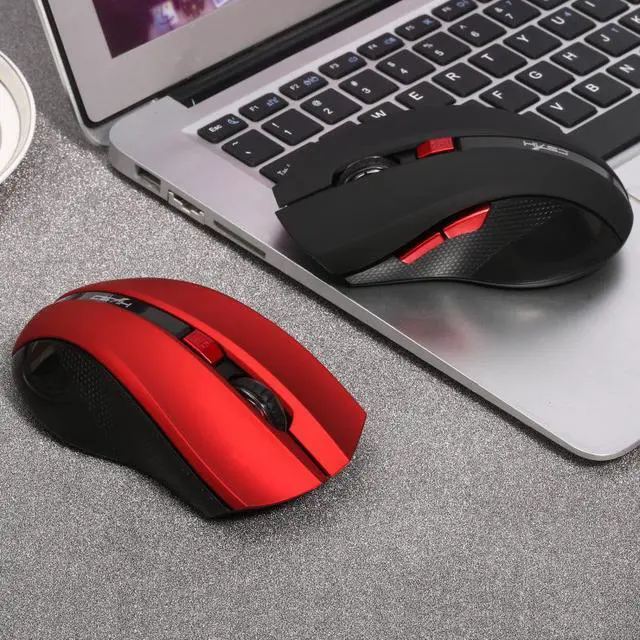
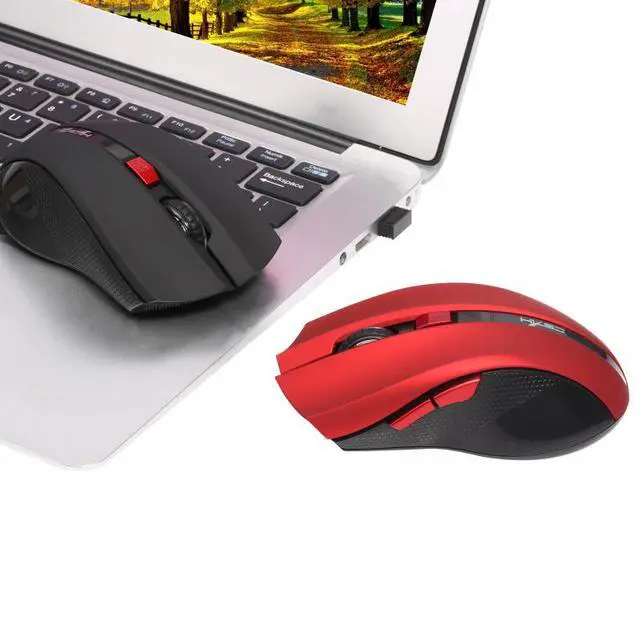
    2.4G Wireless Mouse is suitable for business office use of laptops.

    • red
    • black
    • The 2.4G wireless mouse is suitable for all kinds of laptops, PC or desktops, portable and user-friendly. The operating range up to 10 meter. Besides, it comes with 6 buttons, including advance button and retreat button, for more convenient operations. And 4-level adjustable DPI makes it meet your various need. Furthermore, ergonomic shape give you very comfortable mouse experience.
    • Features:
    • 2.4G wireless mouse, operating range up to 10 meter.
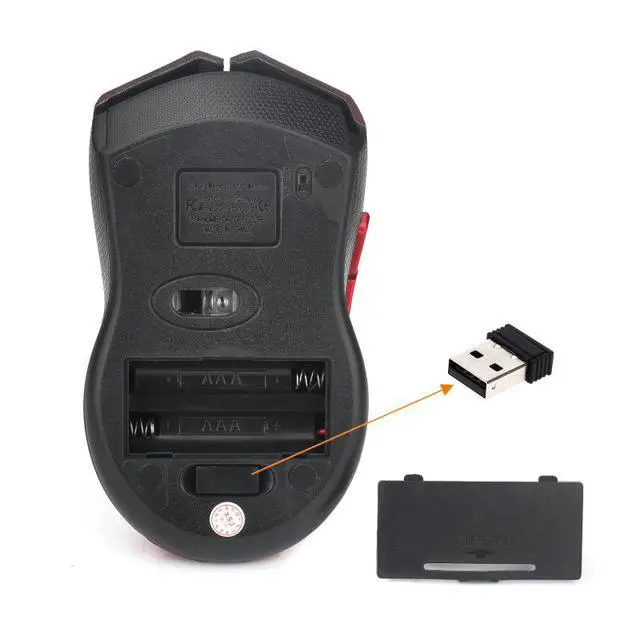
    • Mini USB adapter, plug and play, can be stored at the bottom.
    • Come with a power switch for power-saving.
    • 6 buttons, for more convenient operations, including left/right button, scroll wheel, DPI button, advance/retreat button.
    • Quick thumb function: with advance button and retreat button, fast forward or backward when browsing the web, forward or backward at the same folder window.
    • Maximum resolution: 1600DPI, and 4-level adjustable DPI: 1000/1200/1600DPI, meet your various need.
    • Ergonomic shape, fit snugly under your palm, effectively reducing the fatigue during the intense working.
    • Powered by 2 * AAA batteries (not included).
    +
    +
    Overview
    Specs
    Reviews
    avatar

    Any questions? Our AI beta will help you find out quickly.

    Specifications:

    Brand: HXSJ

    Model: X50

    IC model: MX8650

    Rate of return: 250 HZ

    Movement speed: 28 IPS

    Refresh rate: 3000 FPS

    Acceleration: 10 G

    Resolution: 800/1000/1600DPI (adjustable)

    Interface: 2.4G USB

    Operation range: 10m

    Button number: 6

    Material: ABS

    Tracking system: optical

    Power supply: 2 * AAA battery (not included)

    Color: Black or Red (Optional)

    Item weight: 65g

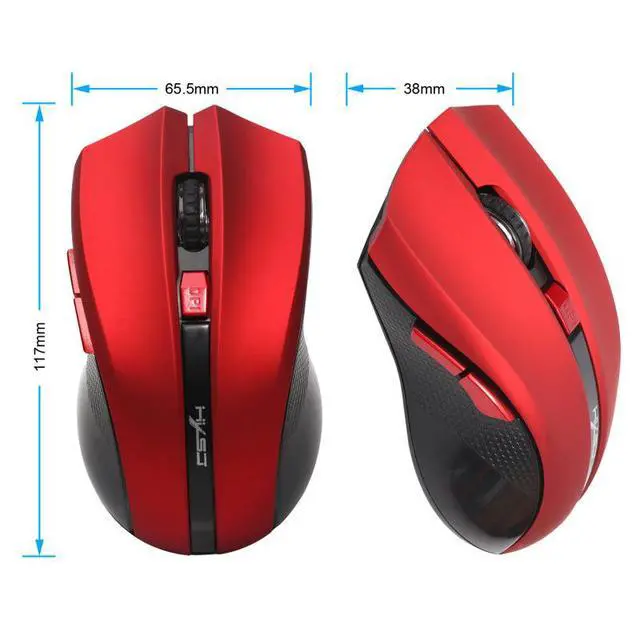
    Item size: 11.7 * 6.6 * 3.8cm


    Package list:

    1 * Wireless mouse

    1 * USB receiver

    Note: Package list without user manual

    Note:

    To use the wireless mouse, please turn on the switch (at the bottom) when you have inserted the USB adapter.


    Warranty & Returns

    Warranty, Returns, And Additional Information

    Warranty

    • Please contact the Seller directly for warranty information. Warranty information may also be found on the Manufacturer's website.
    • CONTACT

    Return Policies

    Manufacturer Contact Info

    LOADING...