• $51.62
  • Ships from China.
    Price alert
    Shop it at NeweggBusiness.

    Meet Your Seller

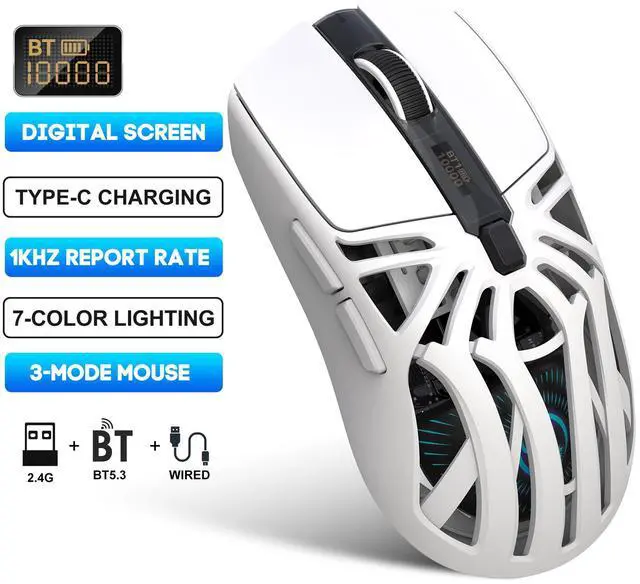
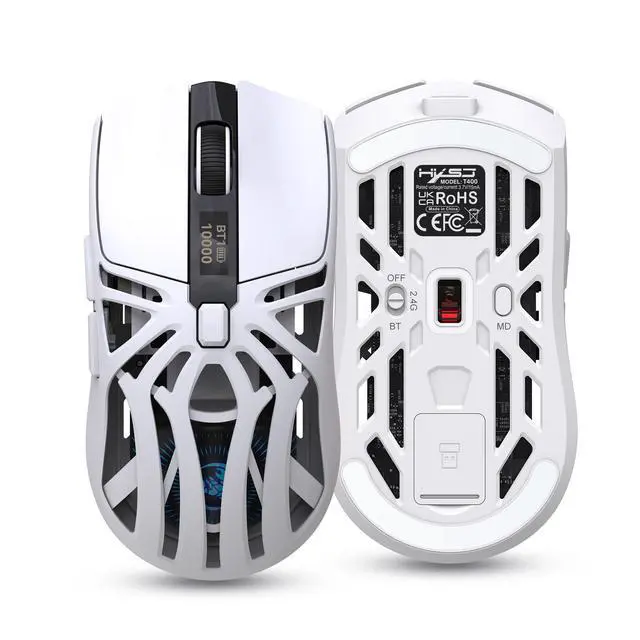
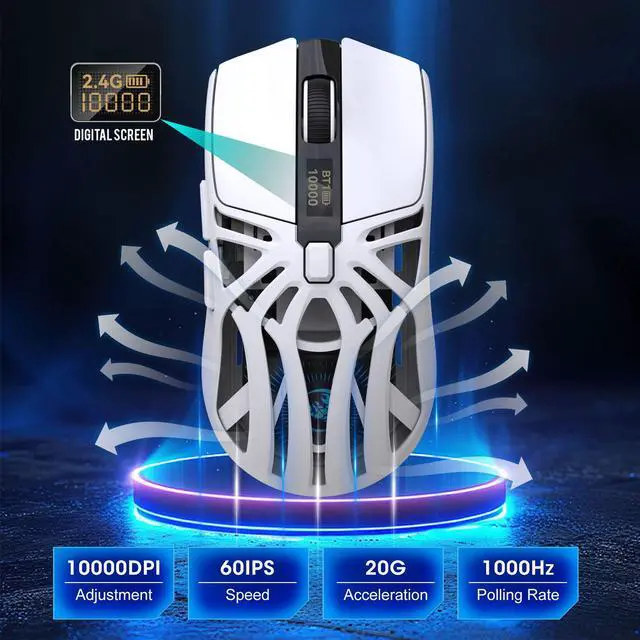
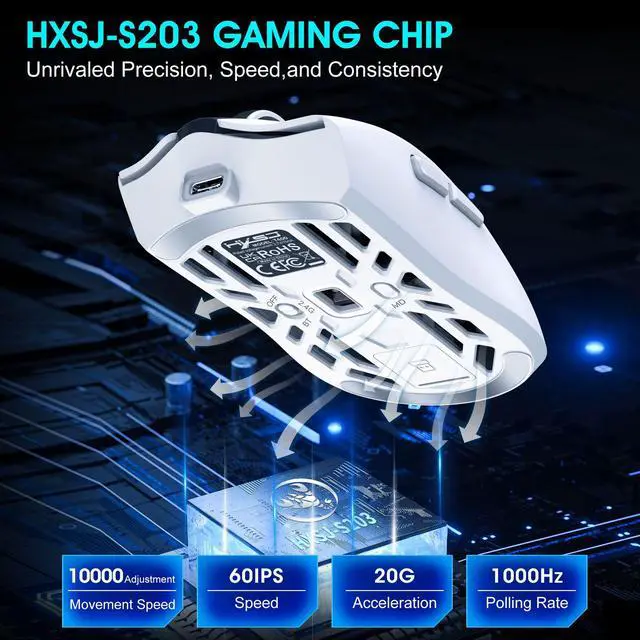
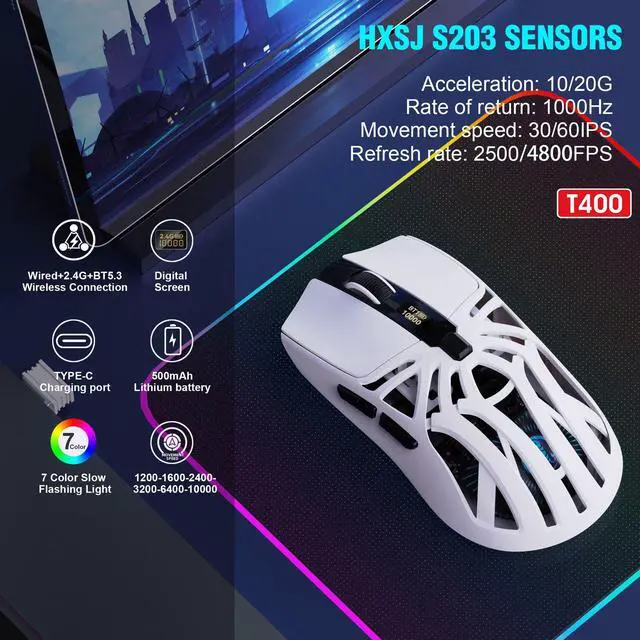
    Third-Generation Wireless Gaming Mouse with Bluetooth (BT 5.3), featuring colorful lighting and macro programming support. Compatible with MAC systems.

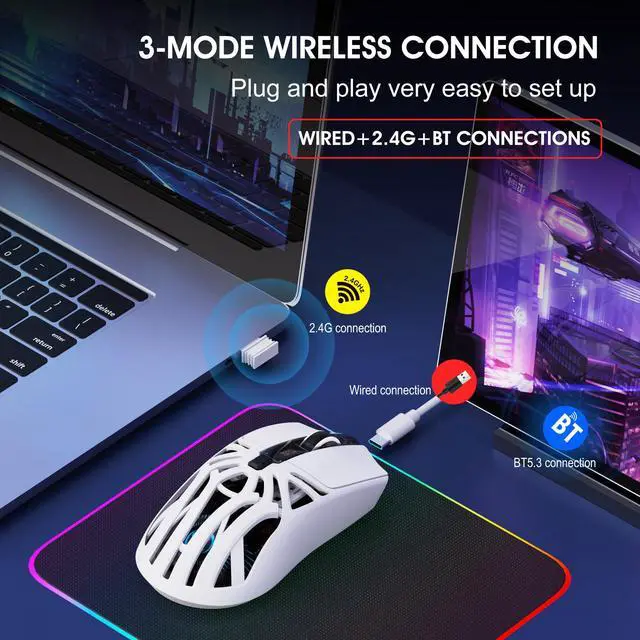
    • Installation and use steps: (lower schematic):
    • Wired connection:
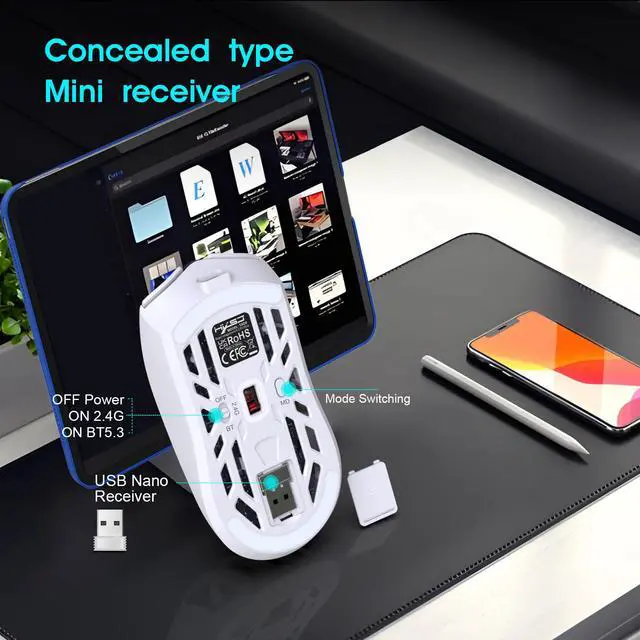
    • Insert the mouse USB cable into the USB port of the
    • computer. The data cable Type-C interface can be directly used when the mouse is inserted. Wired is preferred in Bluetooth, 2.4G, Off 3 segments.
    • 2.4G connection:
    • If no pairing is performed, red the indicator blinks slowly.
    • Hold down the Mode button key for 3S, and red the indicator blinks quickly to enter the pairing state. Plug in the receiver, and after the connection is successful, the mode indicator will keep on for 3 seconds indicating that the connection is successful.
    • BT5.3 connection:
    • If no pairing occurs, blue the indicator blinks slowly. Hold
    • down the Mode button key for 3S, and blue the indicator blinks quickly to enter the pairing state. The device searches for the corresponding Bluetooth name T400 BT5.3" and connects to the device.
    • Gaming Mouse Macro Programming Software Instructions:
    • 1. Download the macro programming software from the link provided by the seller.
    • 2. Open the downloaded software to start using it. There are a total of 7 buttons available for macro programming.
    +
    +
    Overview
    Specs
    Reviews
    avatar

    Any questions? Our AI beta will help you find out quickly.

    Operating systems:

    Windows Vista, Win7/8/10/11, Mac IOS X10.5 or Linux Later.

    Installation and use steps: (lower schematic):

    Wired connection:

    Insert the mouse USB cable into the USB port of the

    computer. The data cable Type-C interface can be directly used when the mouse is inserted. Wired is preferred in Bluetooth, 2.4G, Off 3 segments.

    2.4G connection:

    If no pairing is performed, red the indicator blinks slowly.

    Hold down the Mode button key for 3S, and red the indicator blinks quickly to enter the pairing state. Plug in the receiver, and after the connection is successful, the mode indicator will keep on for 3 seconds indicating that the connection is successful.

    BT5.3 connection:

    If no pairing occurs, blue the indicator blinks slowly. Hold

    down the Mode button key for 3S, and blue the indicator blinks quickly to enter the pairing state. The device searches for the corresponding Bluetooth name T400 BT5.3" and connects to the device.

    Gaming Mouse Macro Programming Software Instructions:

    1. Download the macro programming software from the link provided by the seller.

    2. Open the downloaded software to start using it. There are a total of 7 buttons available for macro programming.

    Remarks:

    The macro programming software for the T400 mouse only supports 2.4G mode and wired mode, not Bluetooth mode. Mac OS support macro.


    Warranty & Returns

    Warranty, Returns, And Additional Information

    Warranty

    • Please contact the Seller directly for warranty information. Warranty information may also be found on the Manufacturer's website.
    • CONTACT

    Return Policies

    Manufacturer Contact Info

    LOADING...