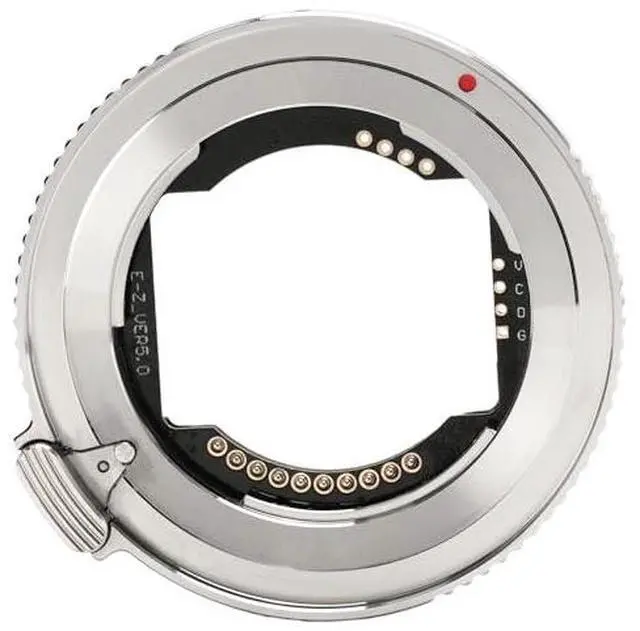
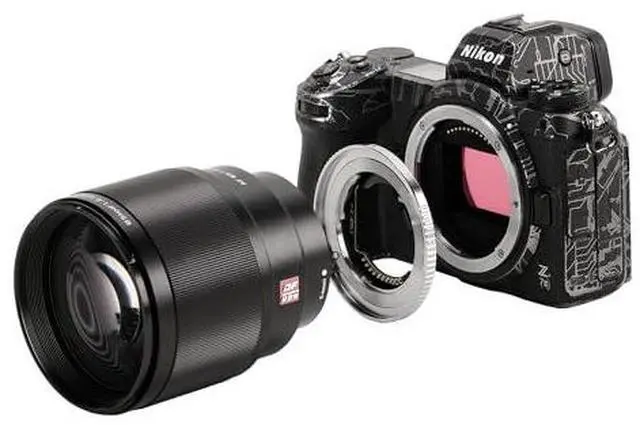
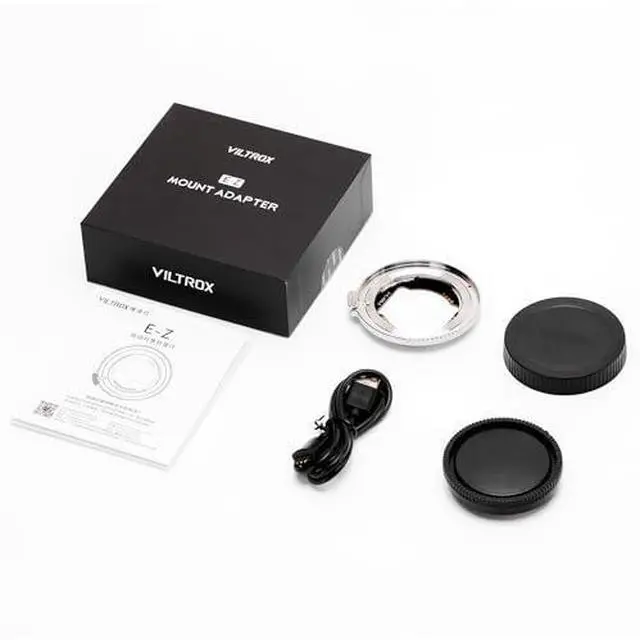
Descripción del producto VILTROX Official Viltrox E-Z AF Lens Mount Adapter Recognize the Viltrox official 3-year waranty Full-time professional support This is a modal window. The media could not be loaded, either because the server or network failed or because the format is not supported.
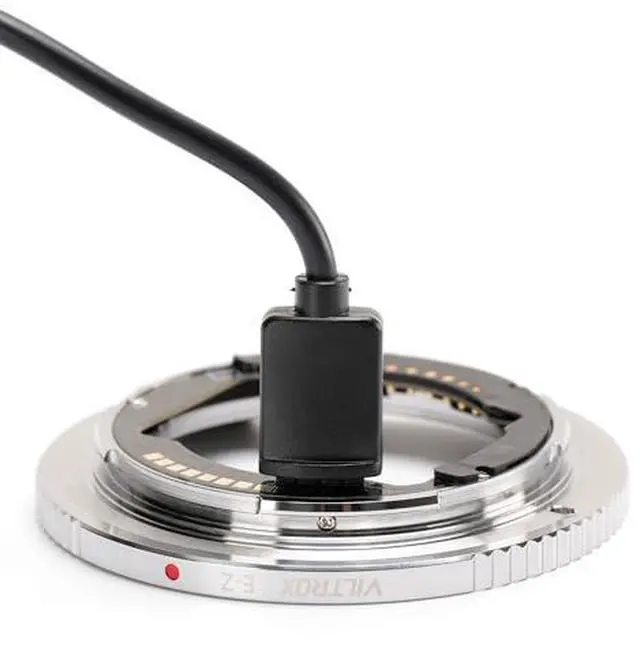
Firmware Update Steps: -Visit the official website and go to the file download to find the corresponding firmware -After download, connect the adapter to your computer using the supplied cable; -drag the firmware file ending in bin into the removable drive of the E-Z adapter ring. Supports Autofocus Adapter allows users to adjust autofocus speed and sensitivity according to their preferences. It is compatible with multiple focus modes, including AF-S, AF-C, AF-A, AF-F, and MF, ensuring versatile performance for various shooting scenarios.
*Note: When using the camera's pinpoint focus mode, switching to a different focus area setting is recommended for optimal performance, as focus efficiency may decrease in pinpoint mode. Auto Aperture Sync Easily adjust the aperture directly on the camera body or via lenses with an aperture ring, enhancing operational convenience and efficiency. *Note for
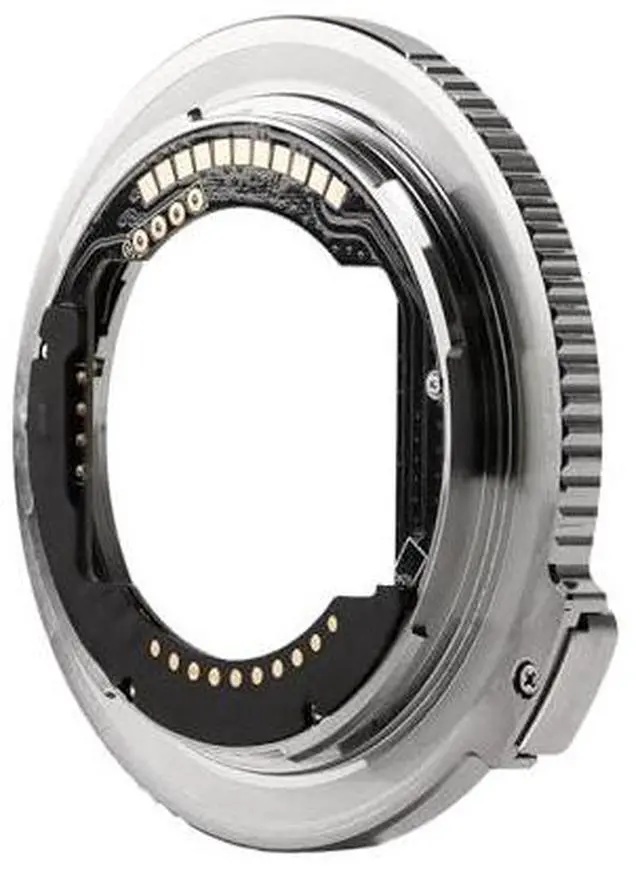
Manual Aperture Lenses: For lenses with a manual aperture ring, it is recommended to set the aperture ring to "A" mode when in shooting mode, allowing the camera body to control aperture. High-Precision Craftsmanship The adapter is designed with extreme precision to ensure accurate alignment of the optical axis and precise flange distance. The zero-error design ensures a seamless fit between the lens and the camera body, providing stable and reliable image quality. Supports EXIF Transmission Equipped with built-in software, the adapter seamlessly records photo metadata and shooting info. It allows you to view key settings directly on the camera, such as aperture, shutter speed, and exposure compensation Lens Stabilization & Custom Buttons Adapter retains the lens's built-in stabilization features, ensuring enhanced shooting stability even when adapted. All lens buttons and switches, including the focus lock button, remain fully functional. Additionally, the adapter supports multiple customizable button functions, giving you greater flexibility and control. Supports Firmware Upgrade Ensuring ongoing performance enhancements and improved compatibility