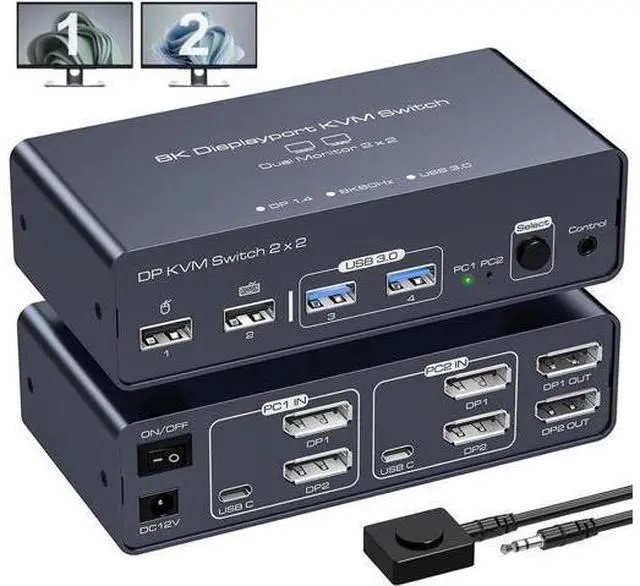
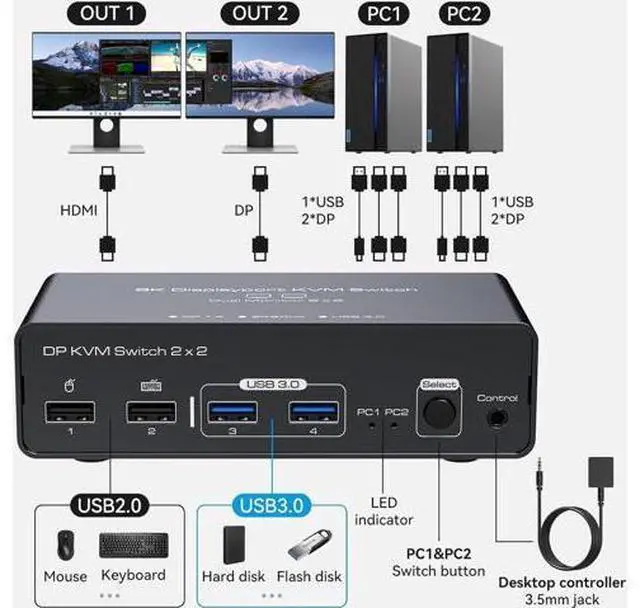
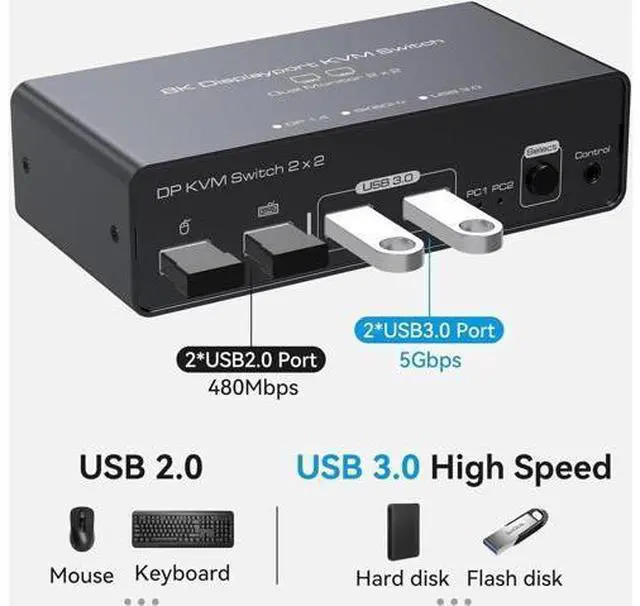
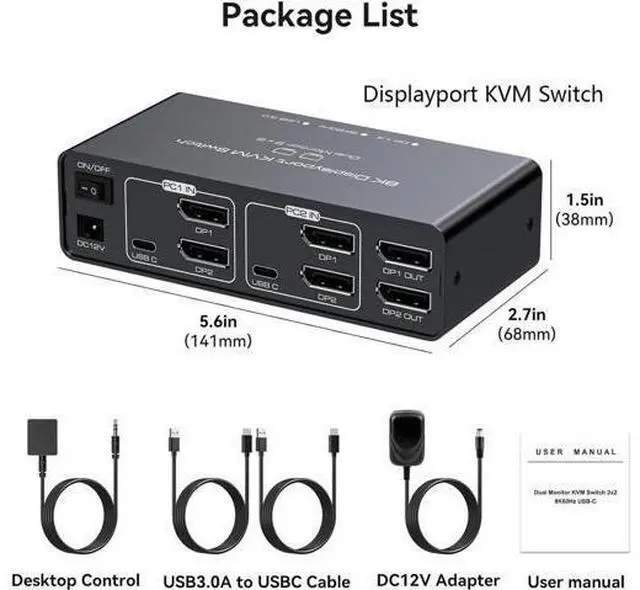
The 2 port displayport kvm switch dual monitor allow you to control 2 computers with one set of keyboard and mouse and share 2 monitors and 4 USB devices. Extended mode outputs two different screens, while mirrored mode outputs two identical screens. Whether you're at home or in the office, displayport kvm switch is a great way to increase your productivity.
Attention: You can only use Extended Mode or Copy Mode if your computer supports dual or multiple monitors. If you need to output to two monitors and share the USB device, each computer's USB port and two DP output ports need to be connected to the USB C port and two DP input ports of the device at the same time. If the USB C input port of the product is not connected or is connected incorrectly, the USB device connected to the output port of the product will not be recognised. The displayport switch supports 2 modes
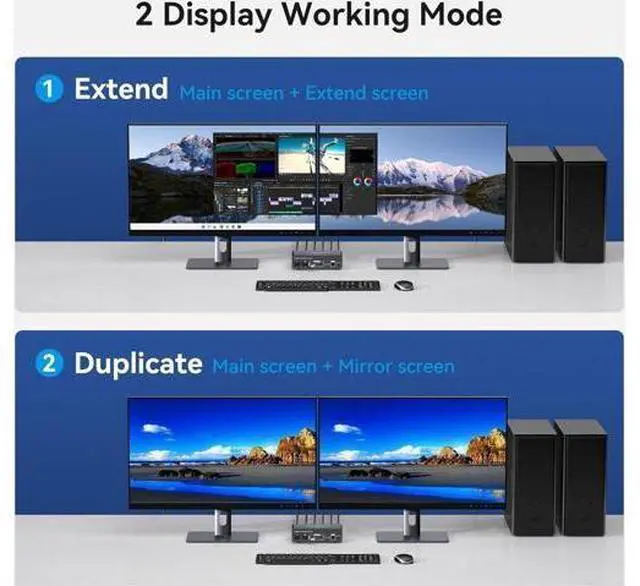
Duplicate Mode: The host computer outputs 2 identical screens on 2 monitors.
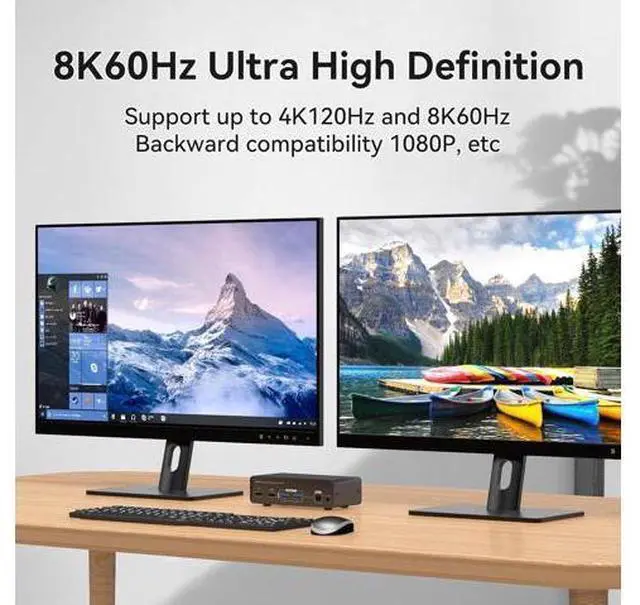
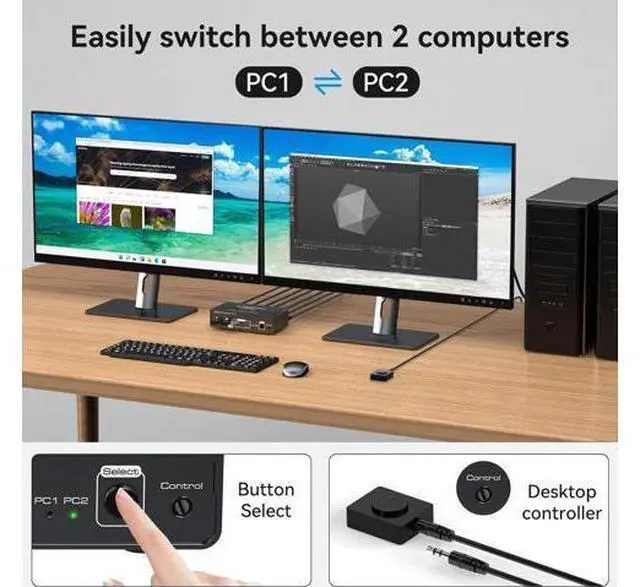
Extended Mode: The computer host outputs 2 different screens on 2 monitors. Push Button Switching The kvm switch displayport saves space and time by allowing one-button switching, eliminating the need to frequently plug and unplug cables. Wired External Controller Use the wired external controller included in the kvm switches package to easily switch without getting up. LED Indicators The LED indicators on the kvm switch 2 monitors 2 computers provide clear visibility of active sources. 12V DC Power Supply When using the kvm switcher, you need to connect the included DV 12V power adapter to supply power to the product to ensure that it works properly. Non-slip feet There are four non-slip feet on the bottom of the displayport switch to keep the product stable and not easy to slide when it is standing. Aluminium casing Aluminium housing ensures heat dissipation and electromagnetic compatibility, which is durable and prolongs the service life of the product. The kvm switch dual monitor supports resolutions up to 8K@60Hz, 4K@120Hz, and is backward compatible with 4K@60Hz, 1080p@60Hz, and more. [KVM Switch Dual Monitor] This kvm switch allow 2 PCs to share 2 monitors and 4 USB devices such as a mouse, keyboard, printer etc.
Supports Extended Mode and Duplicate Mode.
Note: Using kvm switches requires that each computer supports more than 2 monitors. [Ultra HD 8K@60Hz Support] Supports resolutions up to 8K@60Hz, 4K@120Hz, and is backward compatible with 4K@60Hz, 1080p@60Hz, and more. Support DP 1.4, data transfer rate up to 32.4G bps data, signal transmission without delay. [Support for Screen Expansion and Duplication] Supports duplicate mode and expansion mode.
Duplicate mode: 2 monitors output the same screen, Extended
mode: 2 monitors output different screens. [One-Touch
Switching] 2 switching methods:
1. Simply press the select button on the machine to switch the signal source (PC1 or PC2)
2. Using the wired expansion button. [Wide Compatibility] Support Windows/Vista/XP and Mac OS, Linux and Unix, and can be used in offices, conference rooms, multimedia teaching etc..