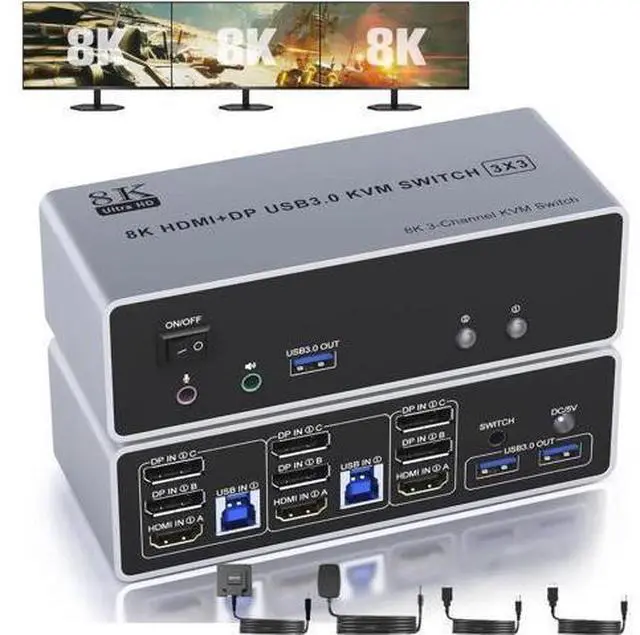
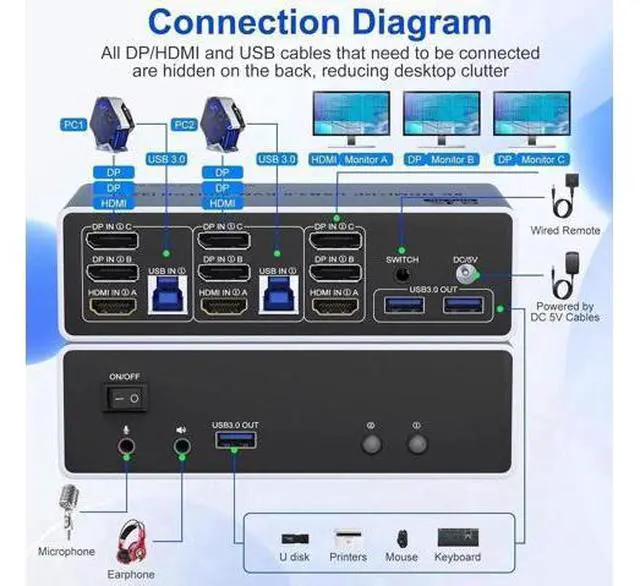
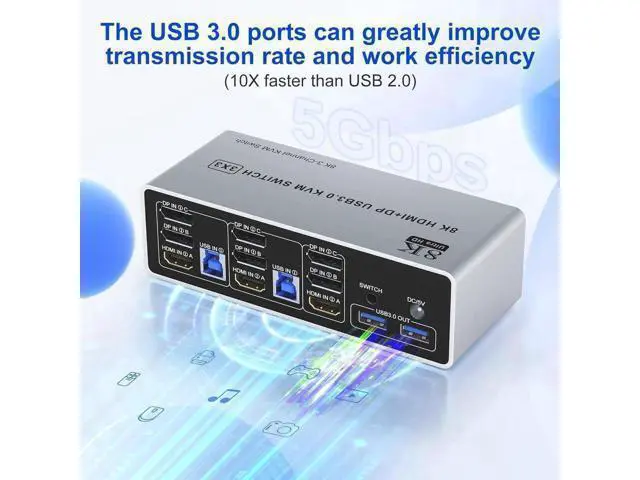
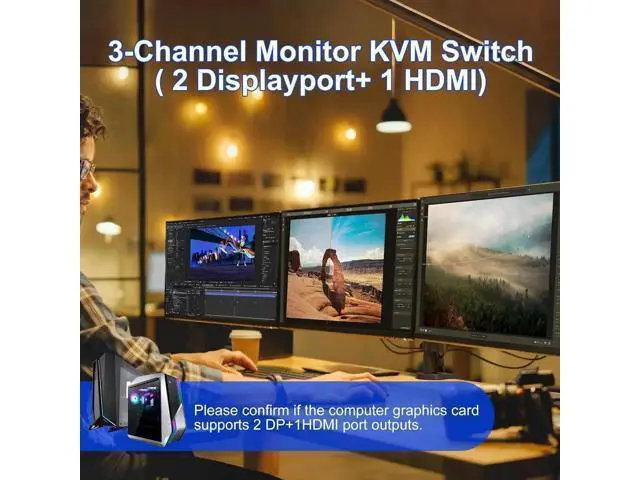
Connection Steps & Notes 1. Insert the adapter into the KVM; 2. Plug the DP/HDMI cable into the KVM and monitor; (Output) 3. 1). Connect PC1 Firstly (Input) Use 1 HDMI cable to connect the "HDMI IN 1 A" input interface and PC1 HDMI A output interface, Use 1 DP cable to connect the "DP IN1 B" input interface and PC1 DP B output interface. Use 1 DP cable to connect the "DP IN1 C" input interface and PC1 DP C output interface. Use 1 "USB-a to USB-b" USB 3.0 cable to connect the "USB IN 1" input interface and PC1 USB 3.0 interface.
2)Then, Connect PC2 according to the connection steps of PC1. 4. Insert the mouse and keyboard into the KVM switch 5. If needed, you can connect a microphone and audio port
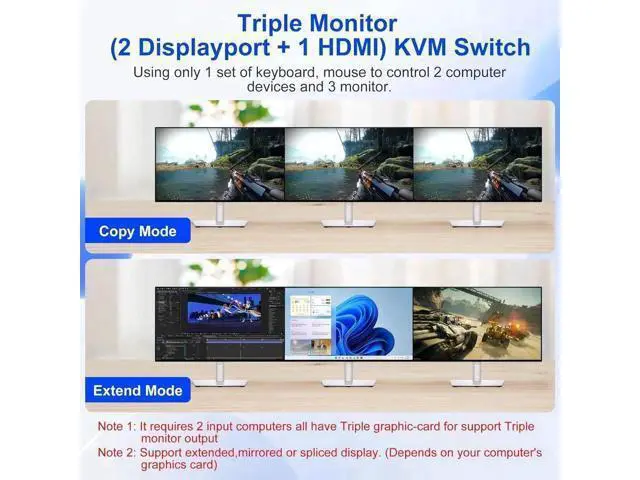
Note: 1. Most of the reasons why only one video output works is because of incorrect connection. Please make sure each PC has(HDMI+2 DP+USB cable) connect to the KVM. 2. If the input USB 3.0 ports are not connected or connected incorrectly, the output USB device will not be recognized. 3.
Note: DP/HDMI cables are not included