• $112.28
  • Free 30-day Returns
  • Ships from China.
    Price alert
    Shop it at NeweggBusiness.

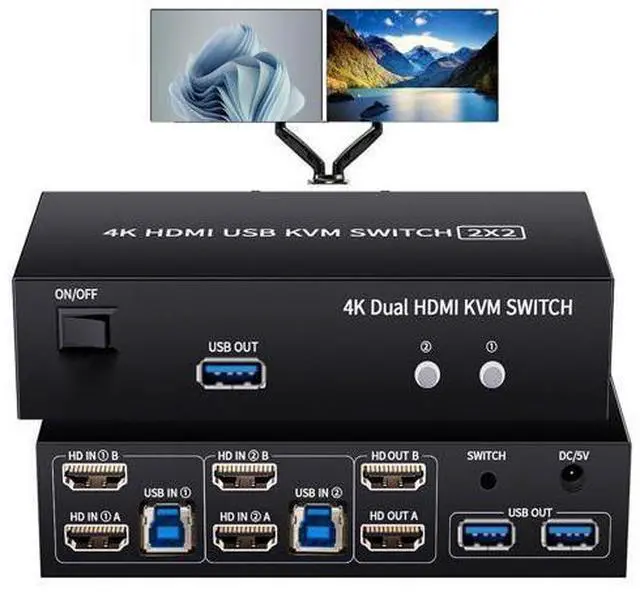
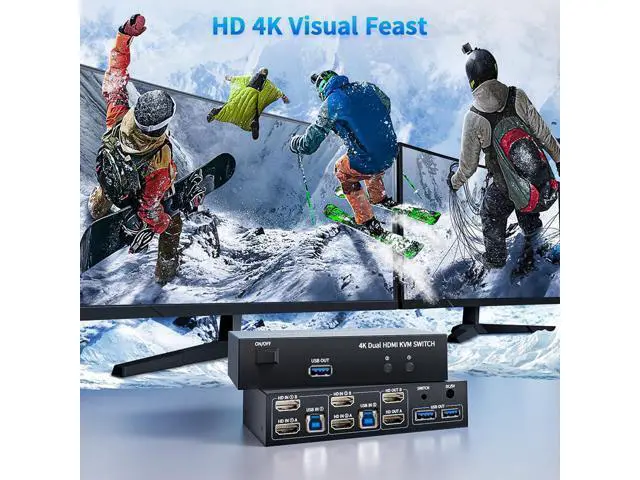
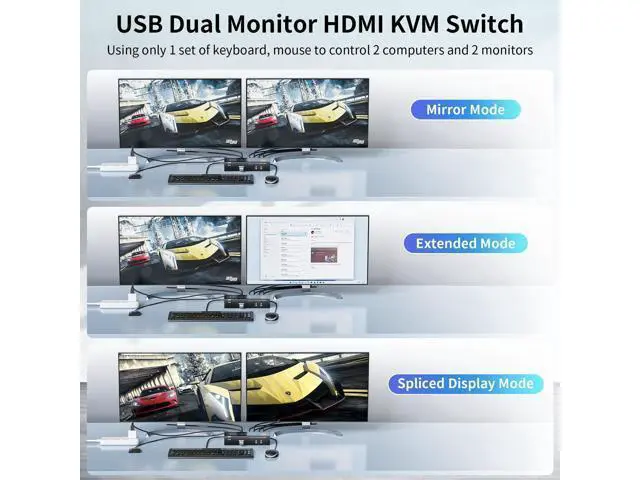
    Vszerda 2 HDMI Port KVM Switch Dual Monitor with 3 USB 3.0 Ports, HDMI KVM Switch for 2 Monitors 2 Computers, Support 4K@60Hz Copy Extended Splicing Display, Button Controller & 2 USB Cables Included

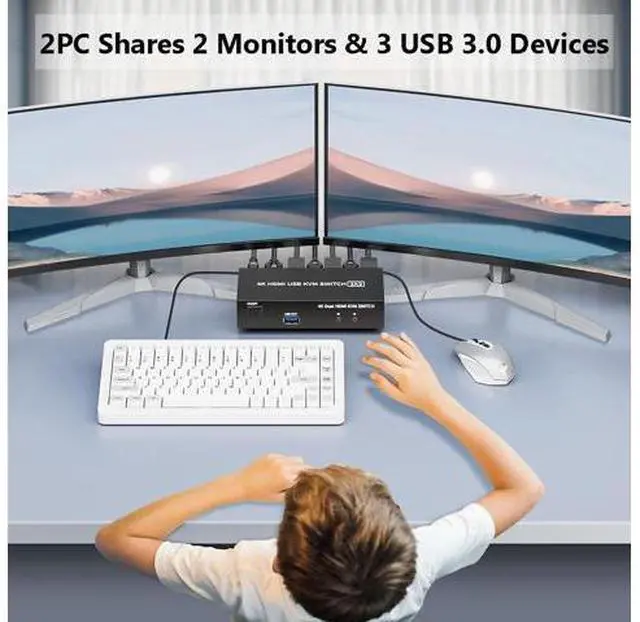
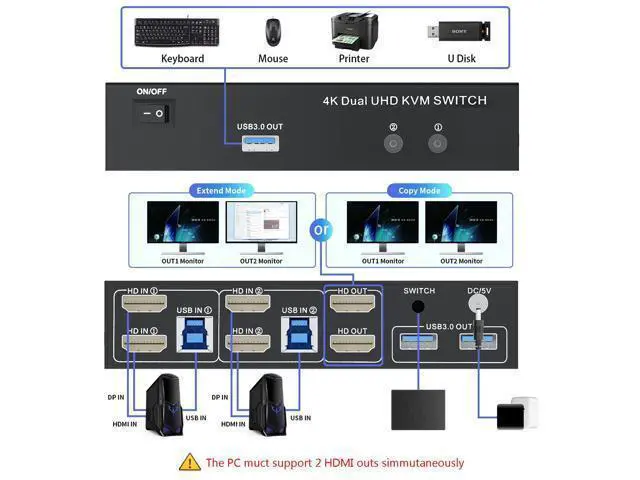
    • HDMI KVM Switch 2 Monitors 2 Computers: With the USB 3.0 KVM switch 2 computers 2 monitors, you can control 2 computers onto 2 monitors with 1 set of keyboard and mouse. Easily switching between 2 computers without repeatedly plugging and unplugging devices
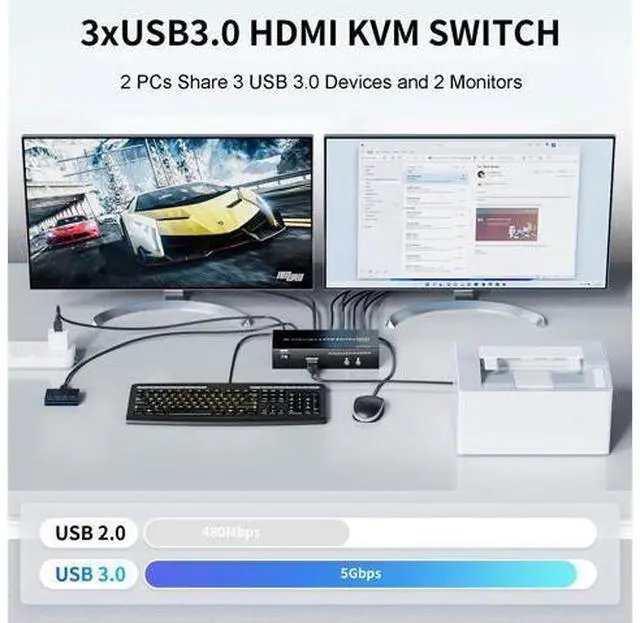
    • 3 USB 3.0 Ports: The Dual monitors HDMI KVM switch with 3x USB 3.0 ports that allows 2 PCs sharing one set of keyboard, mouse, printer, scaner, hub and other USB devices. Providing ultra-fast transfer speed of up to 5Gbps, which is 10x the speed of USB2.0. backward compatible with USB 2.0/1.1 devices
    • 4K High Resolution: Support high resolution up to 4K@60Hz and downward compatible, also supports 3D, UHD, HDMI 2.0, HDCP 2.3 Standard, EDID adaptive (if you need 4K resolution, please use version 2.0 HDMI cable and make sure your computers and monitors support 4K)
    +
    +
    Overview
    Specs
    Reviews
    avatar

    Any questions? Our AI beta will help you find out quickly.

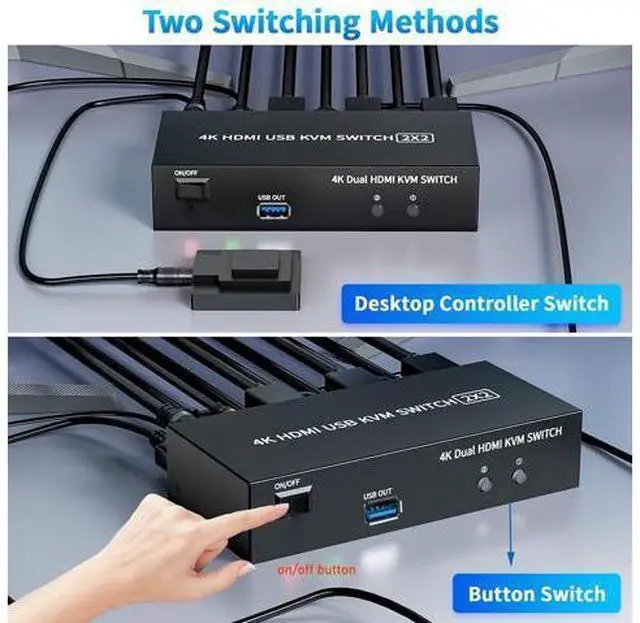
    Product information Operation Mode manual Contact Type Normally Closed Connector Type Plug In Brand Vszerda Circuit Type 2-way Actuator Type Push Button Contact Material Plastic Number of Positions 2 Control Method Touch Color Black Package Dimensions 6.8 x 5 x 2.4 inches; 1.32 Pounds Item model number 4K USB 3.0 KVM Switch 2 PC 2 Monitors Date First Available April 12, 2024 Manufacturer Vszerda Country of Origin China Additional Features Flexible Switching Mode: Easy to switch between 2 PCs, convenient and fast. The KVM switch supports 2 switching mode: Pandel button switching and Wired controller. The LED light on the panel showing the working status of computer (not support hotkey switching)
    Important Note: 1. Pls make sure if your pc or laptop comes with 2 HDMI ports and working simultaneously; 2. Pls make sure you have connected the USB IN of the KVM switch and the native usb port of your pc with the included USB data cable accordingly; 3. Pls make sure your pc and laptop support Extended mode

    Warranty & Returns

    Warranty, Returns, And Additional Information

    Warranty

    • Please contact the Seller directly for warranty information. Warranty information may also be found on the Manufacturer's website.
    • CONTACT

    Return Policies

    Manufacturer Contact Info

    LOADING...