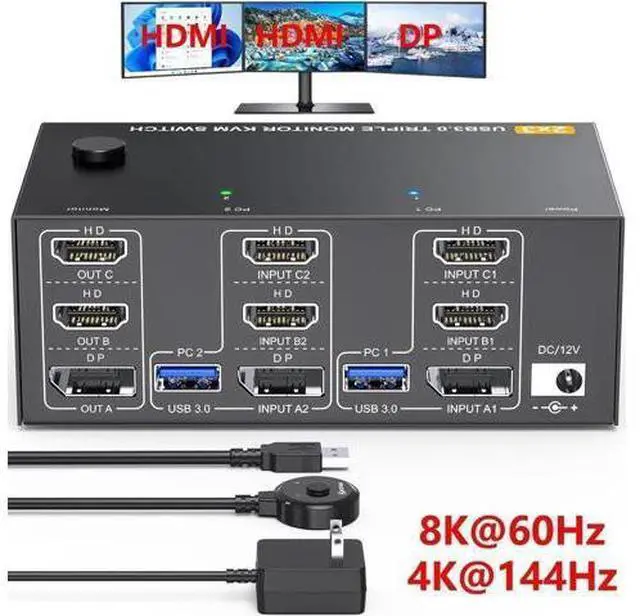
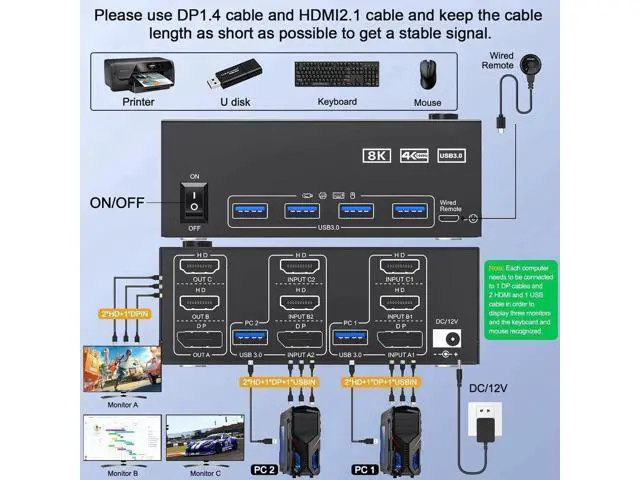
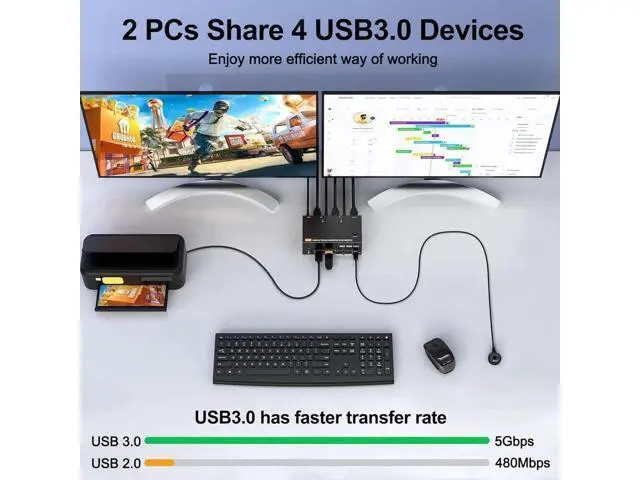
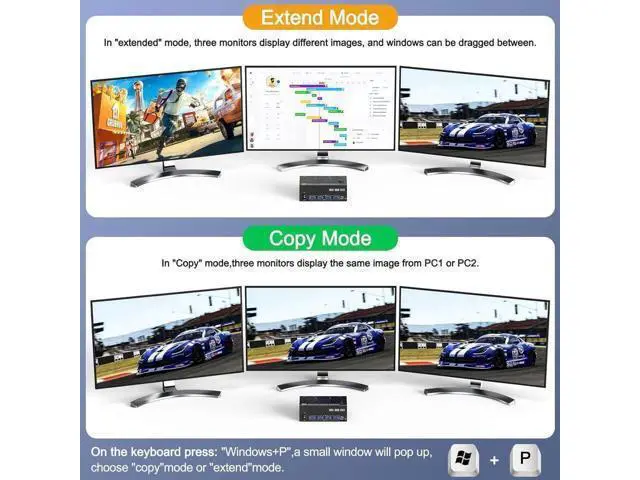
2 PC share 3 Monitor and 4 USB 3.0 Devices Connection diagram of 3 monitors KVM switch The input and output of this machine are one-to-one. Input A is connected to the KVM, so output A can receive the signal. And you need to connect the USB port of the input end to the KVM and the computer so that the keyboard and mouse can be recognized. If you need all three monitors to work, you need to use two DP cables and one HD-MI cable to connect the computer and KVM.