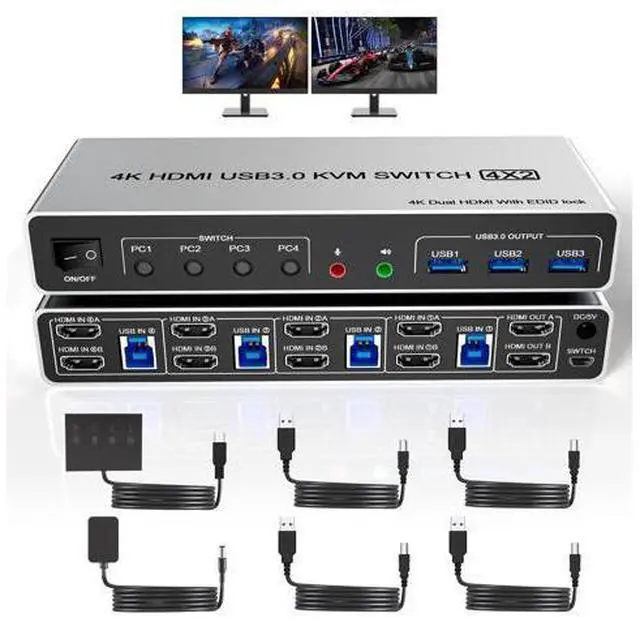
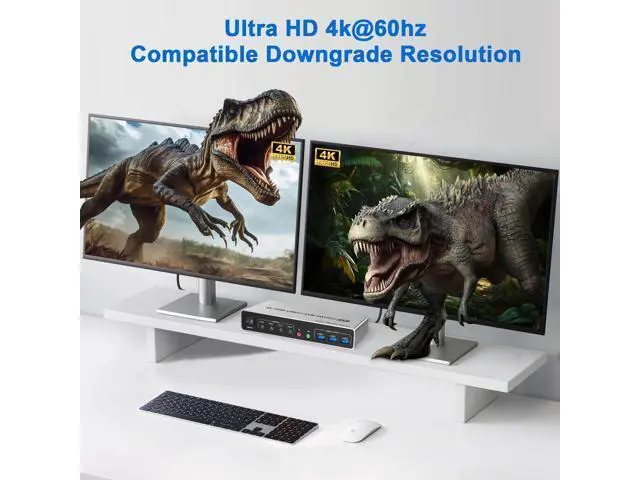
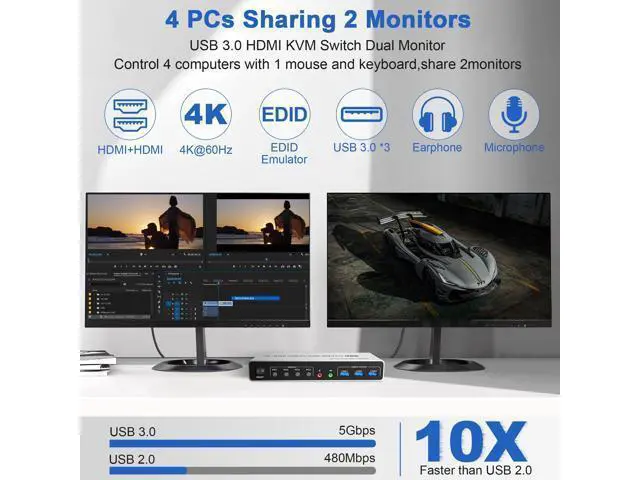
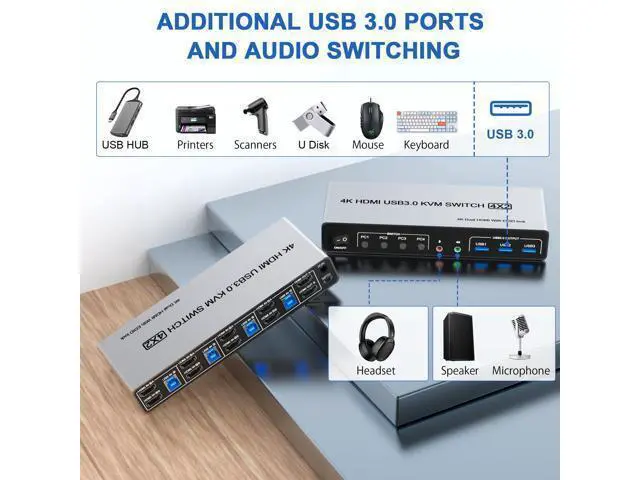
USB 3.0 4 Ports 2 Monitor KVM Switch 4K@60Hz for 4 Computer 4 port USB 3.0 dual-monitor HDMI KVM Switch (HDMI + HDMI). Product Features 4 computers/laptops share one set of keyboard, mouse and dual monitors, and more USB 3.0 peripherals; With extra 3 USB 3.0 and Audio Microphone output; Support maximum resolution up to 4K 60Hz
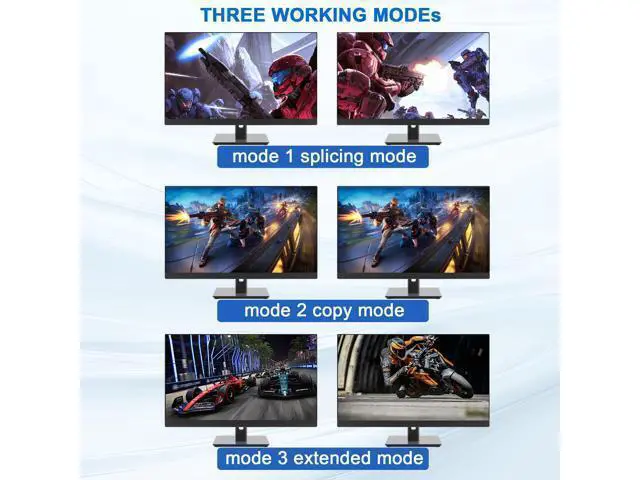
YUV 4:4: 4, HDCP 1.4, HDR 2.2; With EDID Emulator; Dual monitors output support up to 4K@60Hz for extended, mirrored or spliced displayDepends on your computer's graphics card.;
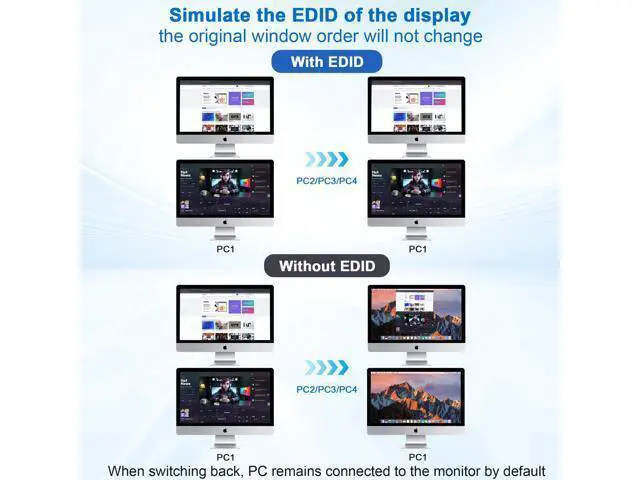
Advanced switching modes: push button and wired remote; USB 3.0 dual monitor KVM switch can simulate the EDID of the display, when the monitor is switched between 4 computers, the original window order will not change.
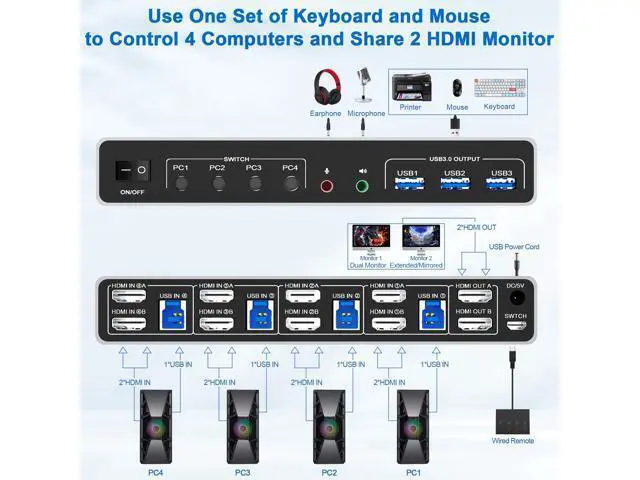
installation steps: 1. Insert the DC/5V adapter into the KVM; 2. Plug the HDMI cable into the KVM and monitor; (Output) 3. Plug the HDMI cable and USB cable into the KVM and your computer/laptop (HDMI cables are not included) (Input) HDM1 IN1 A + HDM1IN1 B + USB IN1=PC1 HDM1 IN2 A + HDM1IN2 B + USB IN2=PC2 HDM1 IN3 A + HDM1IN3 B + USB IN2=PC3 HDM1 IN4 A + HDM1IN4 B + USB IN2=PC4 4. Insert the mouse and keyboard into the KVM switch 5. If needed, you can connect a microphone and audio port Note 1. Most of the reasons why only onevideo output works is because of incorrect connection. Please make sure eachcomputer have 2 HDMI cables connect to the KVM. 2. If the KVM switch does not work, you can turn off the switch on the panel and turn it on again after 2-3 seconds, and it will return to normal. 3. Please check the HDMI IN A1 & A2 & A3 & A4, HDMI IN B1 & B2 & B3 & B4 and USB IN1 & IN2 & IN3 & IN4 is corresponding, HDMI OUT A, HDMI OUT B is corresponding, NOT support mixed insertion.
4.
Note: HDMI cables are not included USB 3.0 Dual Monitor KVM Support 4K@60HZ