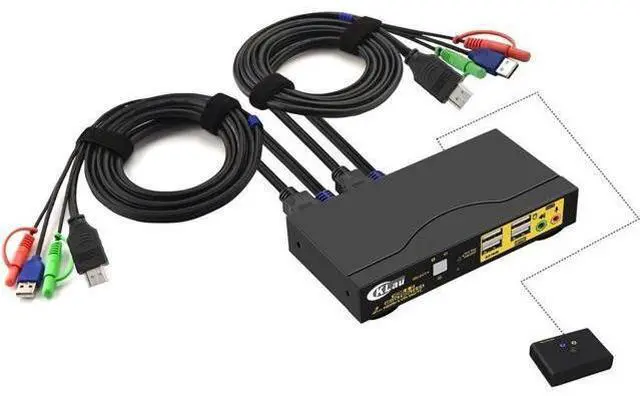
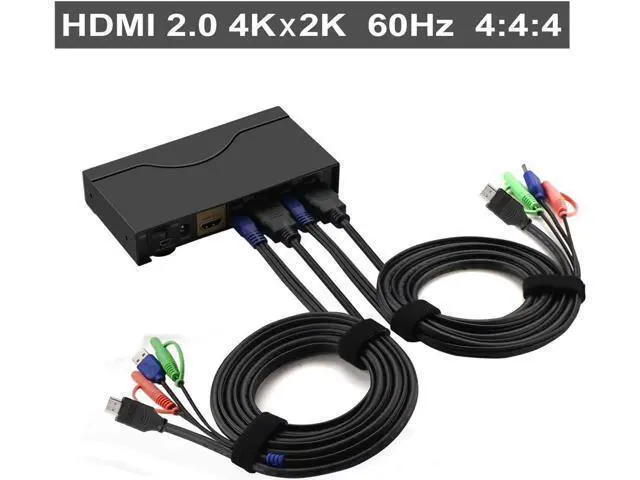
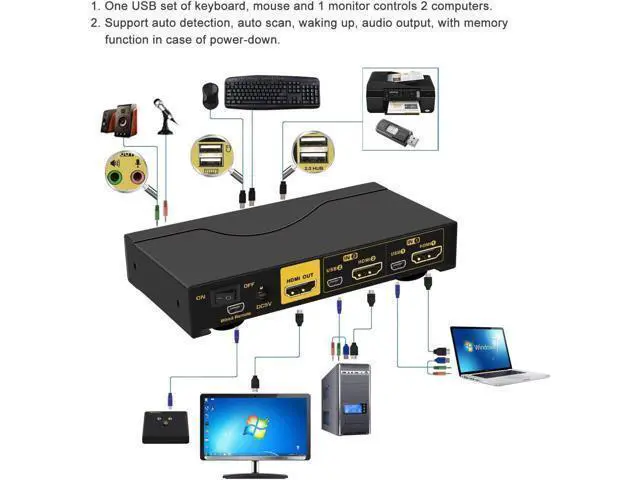
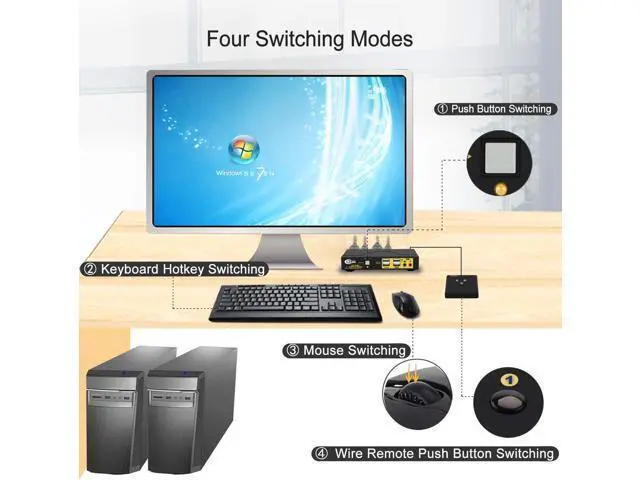
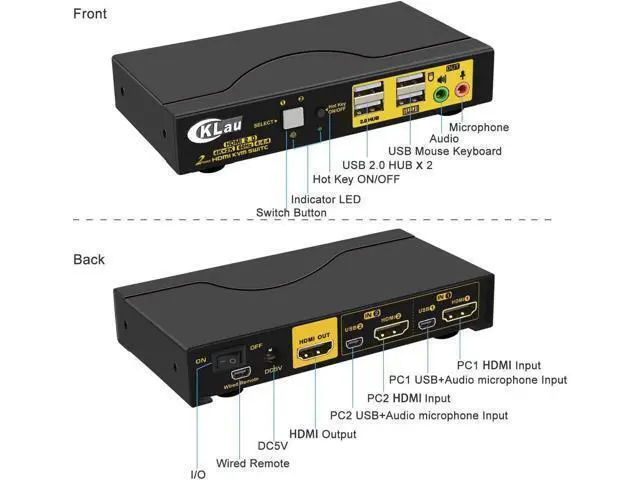
USB KVM Switch 2 Port KVM Switch 2 Port HDMI USB Switch 2 Port KVM Switch How to set up: 1. Power off all devices; 2. Connect your computers to the switch by USB and HDMI cables; 3. Plug your mouse and keyboard to correspondent USB mouse and keyboard port on front panel; 4. Connect your Monitors to output port of the KVM switch; 5. Plug in your speaker or microphone if needed; 6. Power on the switch and boot all devices. 7. Finished.
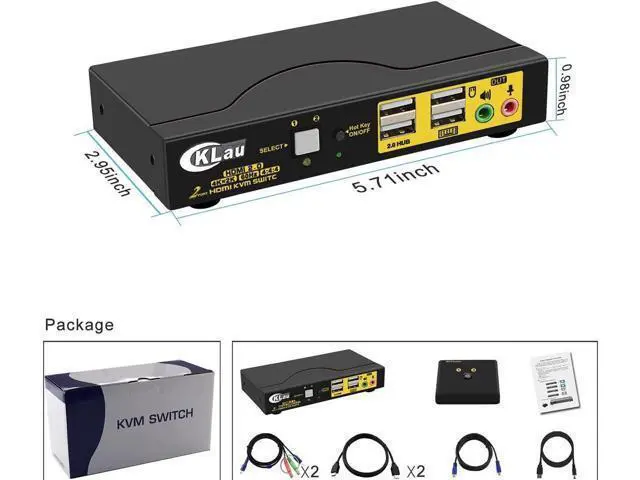
Package: 1 x 2 Port KVM switch 1 x DC5V 2A power dapter 2 x KVM Cable 2 x HDMI cable 1 x wire remote push button with cable 1 x User manual