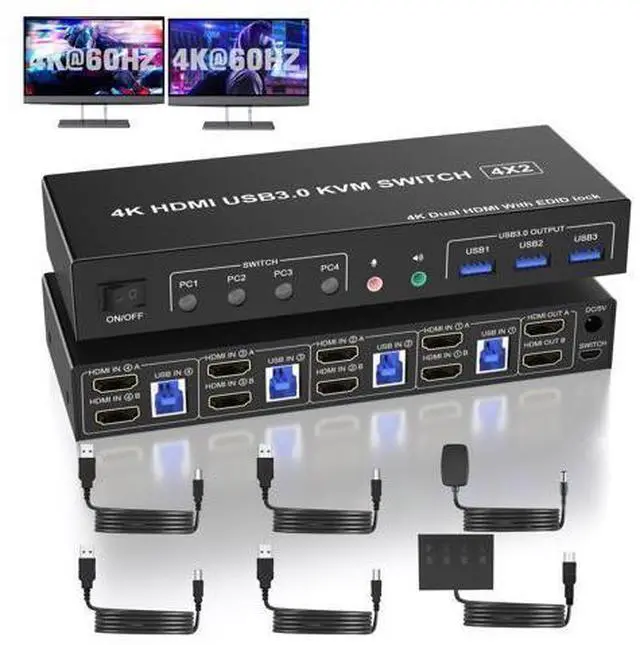
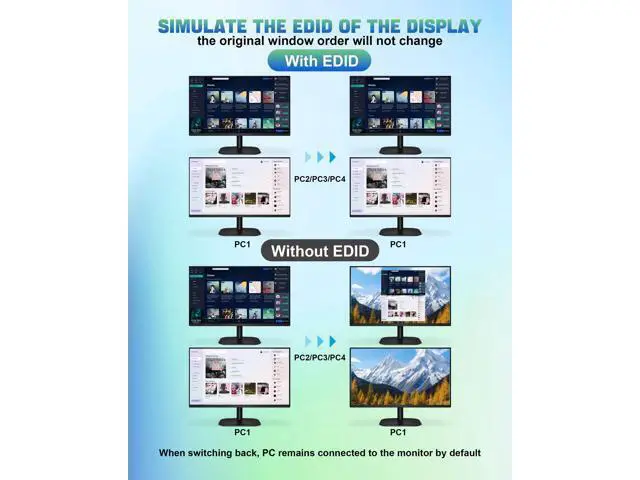
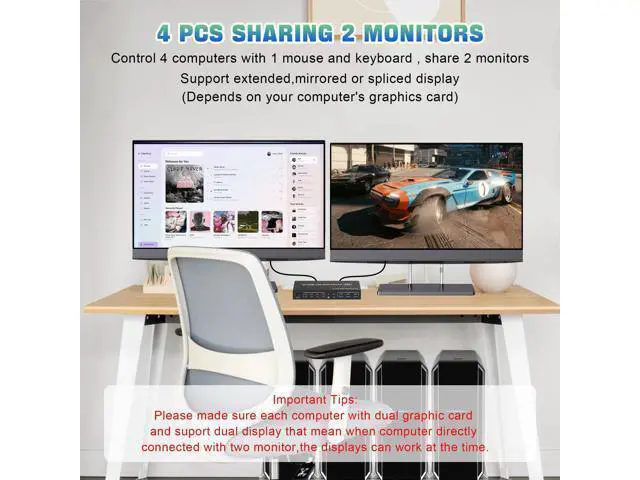
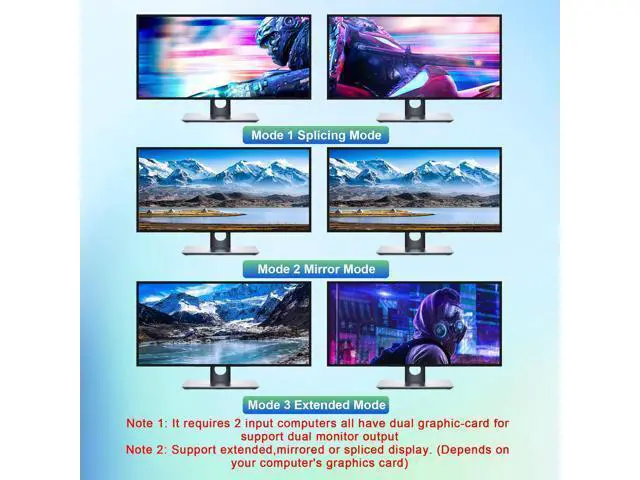
4 Port USB 3.0 Dual Monitor (HDMI+HDMI ) KVM Switch 4K@60Hz With this 4 port USB 3.0 dual-monitor HDMI KVM Switch (HDMI+HDMI), you can easily control 4 signal sources at the same time, share the keyboard, mouse, and 2 monitors. Product Features Independent Audio Microphone output. Support EDID Lock Screen USB 3.0 dual monitor KVM switch can simulate the EDID of the display, when the monitor is switched between 4 computers, the original window order will not change.
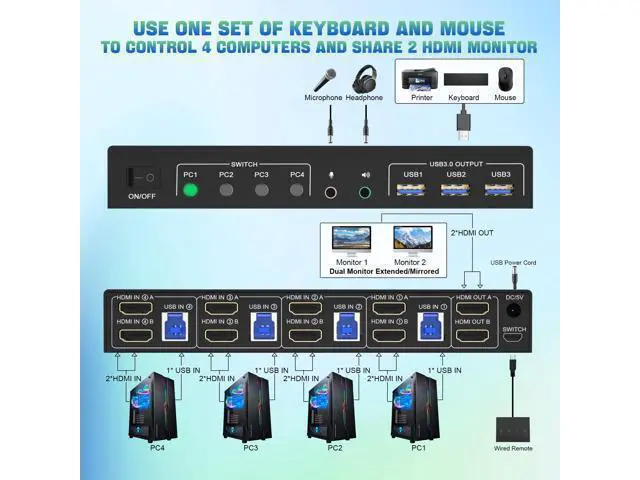
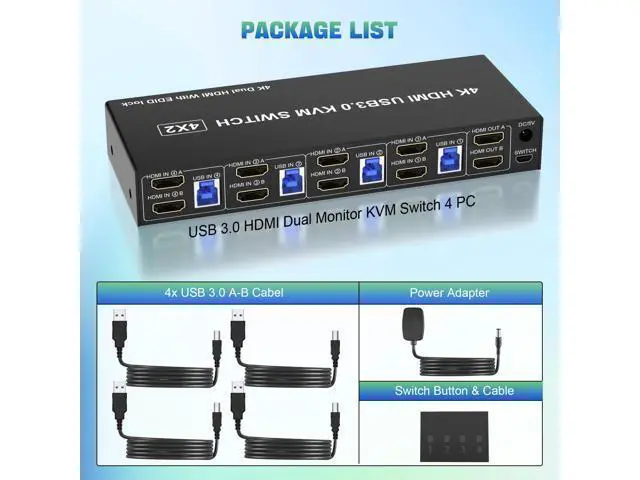
Installation steps: 1. Insert the DC/5V adapter into the KVM; 2. Plug the HDMI cable into the KVM and monitor; (Output) 3. Plug the HDMI cable and USB cable into the KVM and your computer/laptop (HDMI cables are not included) (Input) HDMI IN1 A + HDMI IN1 B + USB IN1=PC1 HDMI IN2 A + HDMI IN2 B + USB IN2=PC2 HDMI IN3 A + HDMI IN3 B + USB IN3=PC3 HDMI IN4 A + HDMI IN4 B + USB IN4=PC4 4. Insert the mouse and keyboard into the KVM switch 5. If needed, you can connect a microphone and audio port 4.
Note: HDMI cables are not included USB 3.0 Dual Monitor KVM
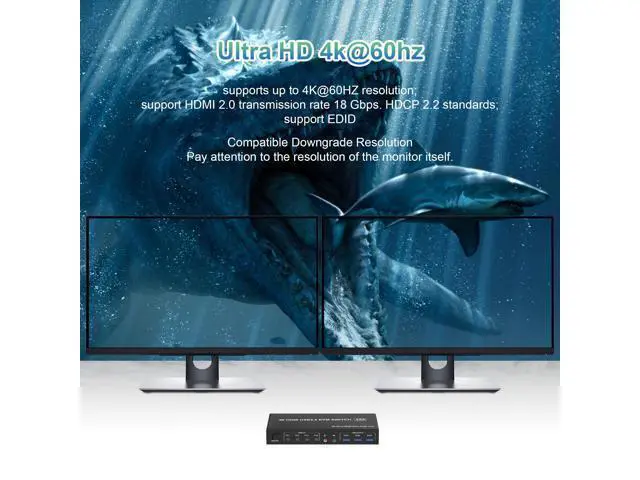
Support 4K@60HZ Note: Only when both your computer Graphics card and monitor support 4K@60Hz you can get the 4K@60Hz effect, so if you want the maximum resolution you have to check your devices first. 4 PCS Share 3 USB 3.0 Devices This KVM switch 2 monitors 4 computers with 3 USB 3.0 Ports for keyboard, mouse or printers. Supports Separate Audio and Microphone Output Comes with a 3.5 mm Audio Jack port with a DAC chip inside, which can be inserted into a 3-segment 3.5 mm earpiece device, and a 3.5 mm microphone interface, which can be inserted into a 3-segment microphone.
Switching modes: Button switch and wired remote. Quickly switch between the 4 computers with just one click of the switch button on the panel or use the wired remote controller (included in the package).